Quick answer
Most cameras made after 2010 take full-size SD cards, not MicroSD or Memory Stick. MicroSD fits only with an adapter or in action cams and drones; Memory Stick is largely Sony-only and older. Check your camera's card slot label or manual before buying, then match the speed class to your shooting needs.
Physical size and slot fit: the first compatibility check
SD cards measure 32 x 24 x 2.1 mm; MicroSD cards are 15 x 11 x 1 mm — roughly the size of a fingernail. Memory Stick Duo and PRO Duo cards are 31 x 20 x 1.6 mm, close to SD but with a different pin layout and notch pattern. No card will physically fit a slot designed for another format without an adapter, and adapters add a failure point. If your camera has a spring-loaded slot that swallows a full-size SD card, a MicroSD in a passive adapter will work but may sit loosely or eject unevenly over time.
Speed class and real-world performance
Speed class ratings tell you the minimum sustained write speed: Class 10 and UHS Speed Class 1 (U1) guarantee 10 MB/s, UHS Speed Class 3 (U3) guarantees 30 MB/s, and Video Speed Class V30 means 30 MB/s sustained — enough for 4K video in most cameras. MicroSD cards often carry the same UHS and V ratings as full-size SD, but their smaller size can lead to higher heat buildup during long 8K or high-bitrate recording, which may trigger thermal throttling. Memory Stick PRO-HG Duo cards top out at lower speeds than modern UHS-II SD cards, so they are a poor choice for burst shooting or high-resolution video.
Format compatibility across camera brands
Canon, Nikon, Fujifilm, Panasonic, and most Sony mirrorless cameras use SD slots. Some newer Sony models add a second slot for CFexpress Type A, but SD remains the primary format. Memory Stick was Sony's proprietary format; it appears in older Cyber-shot and Alpha DSLR models but has been phased out of current production. MicroSD is standard in drones, action cameras, and some compact cameras, but full-size SD is still the default for interchangeable-lens cameras. Always confirm the exact card format in your camera manual or the slot door label — guessing leads to returns.
How to choose the right card for your camera
Start by identifying your camera's slot: if it accepts a full-size SD card, buy SD. If it only takes MicroSD, buy MicroSD — do not force a full-size card. For Memory Stick cameras, you are limited to that format unless you use a third-party adapter, which may not support all features. Next, match the speed class to your shooting: V30 or U3 for 4K video and continuous burst, V60 or V90 for 8K or high-frame-rate RAW. Capacity matters too: 64GB is a practical minimum for a day of stills, while 128GB or 256GB suits video-heavy workflows. Finally, buy from a reputable brand to avoid counterfeit cards that fail mid-shoot.
Trade-offs between MicroSD, SD, and Memory Stick
- MicroSD: tiny but adapter-dependent: MicroSD cards are the smallest option and often cheaper per gigabyte, but they require an adapter for full-size SD slots. Adapters can be lost or cause intermittent contact, and MicroSD cards are easier to misplace. They also heat up faster in sustained writes. Choose MicroSD only if your device has a native MicroSD slot, or if you accept adapter risks for occasional use.
- Full-size SD: the universal standard: SD cards fit the widest range of cameras, from entry-level to pro mirrorless. They offer robust speed classes (UHS-II, V90) and are easy to handle. They are larger than MicroSD but still pocketable. If your camera takes SD, buy SD — it is the safest, most future-proof choice.
- Memory Stick: legacy Sony format: Memory Stick cards are proprietary, slower, and limited to older Sony devices. They are increasingly hard to find and offer no speed advantage over SD. Using them in non-Sony cameras requires adapters that may not support all functions. Avoid Memory Stick unless you own a legacy Sony camera that requires it; otherwise, upgrade to a camera that uses SD.
Cameras and lenses that define card needs
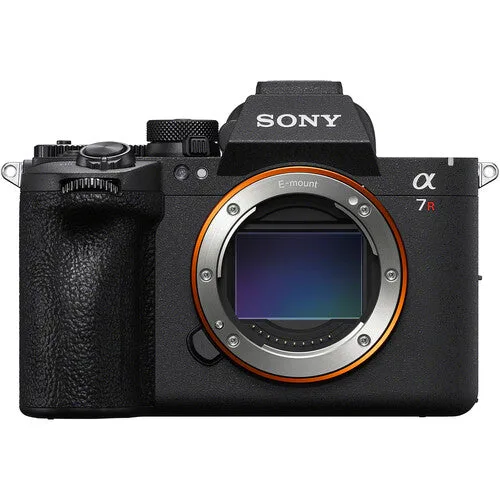
- Sony a7R VI Mirrorless Camera: Sony a7R VI Mirrorless Camera has dual CFexpress Type A/SD card slots. This camera accepts full-size SD cards in both slots, so you can use SD for stills or video without an adapter. It also supports CFexpress Type A for faster write speeds if you shoot 8K or high-speed bursts.
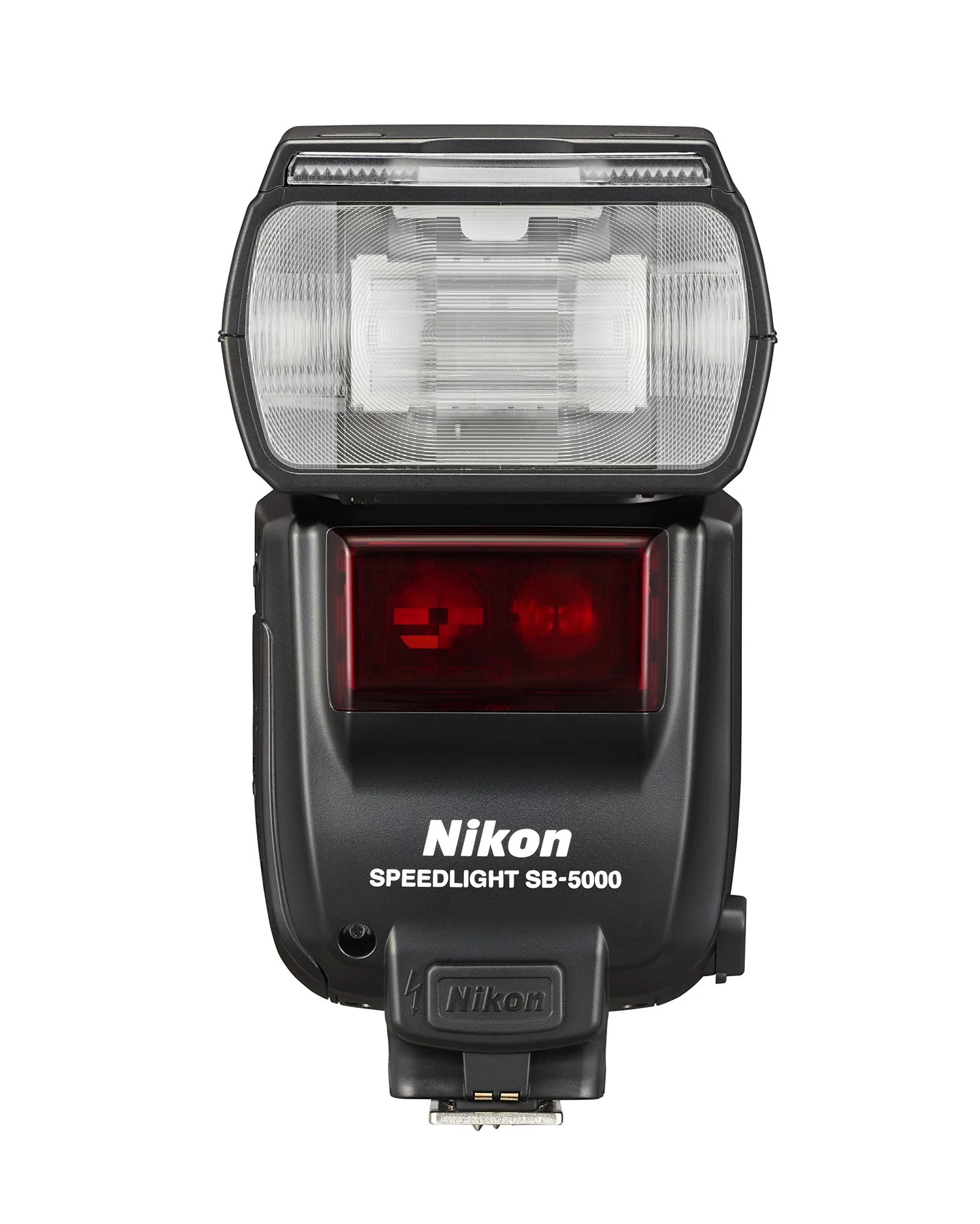
- Nikon SB-5000 AF Speedlight: Nikon SB-5000 AF Speedlight has a cooling system for 100 consecutive shots and radio control. While not a card slot, this flash illustrates that camera accessories have their own power and data needs. If you shoot events with a flash, you will want a memory card that keeps up with rapid bursts — a slow card can bottleneck your camera's buffer.
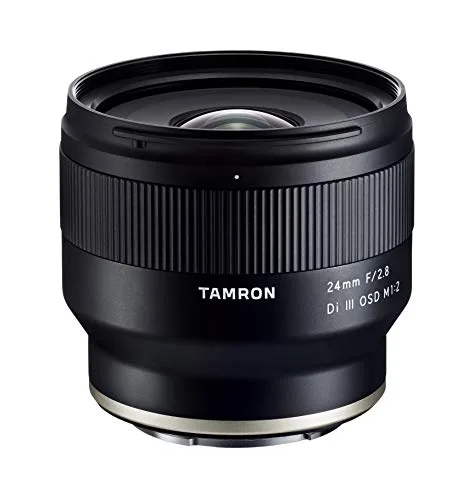
- Tamron f/2.8 Di III OSD Wide-Angle Prime Lens for Sony E-Mount: Tamron f/2.8 Di III OSD Wide-Angle Prime Lens for Sony E-Mount is compact and lightweight with moisture-resistant construction. This lens is designed for Sony E-mount mirrorless cameras, which use SD cards. If you pair it with a Sony body, you will need SD cards, not MicroSD or Memory Stick, unless you use an adapter.
Which card format fits your situation?
Best for
- Photographers with modern Canon, Nikon, Fujifilm, Panasonic, or Sony mirrorless cameras — choose full-size SD (UHS-II, V30 or faster for video).
- Drone, action cam, or compact camera users with native MicroSD slots — choose MicroSD with U3 or V30 rating.
- Legacy Sony camera owners who need Memory Stick — buy only if your manual specifies it, and consider upgrading gear if possible.
Not for
- Anyone with a camera that takes full-size SD — do not buy MicroSD with an adapter as your primary card; it adds risk.
- High-speed burst or 8K shooters — Memory Stick and older SD cards lack the sustained write speeds needed; choose CFexpress or UHS-II SD instead.
- Users who want a single card type for multiple devices — MicroSD with adapters can work, but full-size SD is more reliable across cameras.