Quick answer
Before assuming your mini pulsator is broken, check the charging cable, clean the contacts, and reset the device. Most power issues are simple to fix.
Why mini pulsators sometimes stop responding
Mini pulsators like the STRONIC PETITE use a small rechargeable battery and sensitive electronics. A dead battery, dirty charging contacts, or a temporary software glitch are the most common causes of a device that won't turn on. These are rarely permanent failures.
Diagnosis guide
- Symptom: No response when pressing power button: Likely cause: The battery is deeply discharged or the device is in storage mode. Corrective action: Connect the USB-C cable to a standard 5V charger (not a fast charger). Leave it for 30 minutes. The LED may flash slowly while charging. Try turning it on after this time. If the LED never lights up, try a different cable and charger.
- Symptom: LED flashes but device won't start: Likely cause: The charging contacts or port have residue or moisture blocking the connection. Corrective action: Wipe the USB-C port and the base of the pulsator with a dry, lint-free cloth. Use a toothpick to gently remove debris. Ensure the port is completely dry before charging again. If cleaning doesn't help, moisture inside the port may have caused a short—let it dry for 24 hours.
- Symptom: Device powers on but stops after a few seconds: Likely cause: The battery is worn or the device is overheating from prolonged use. Corrective action: Charge fully (2 hours) and test again. If it still stops, the battery may need professional service. Most mini pulsators have non-replaceable batteries. If the problem persists after a full charge, contact the manufacturer for warranty support.
Product facts
-
STRONIC PETITE: STRONIC PETITE is waterproof (IPX7) and rechargeable via USB-C. Water resistance means you can safely clean the charging port area, but moisture there can still block charging.
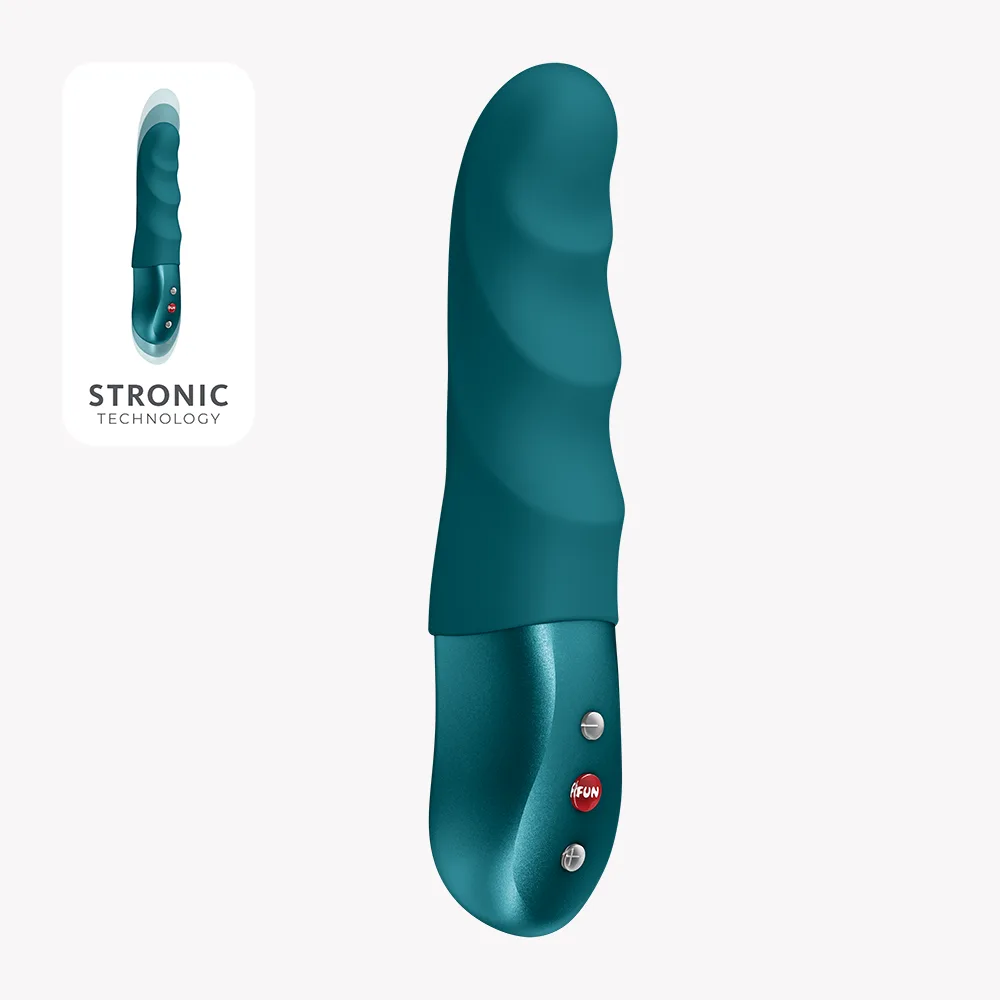
STRONIC PETITE