Quick answer
Match the symptom to the cause before you touch anything: dark spots that stay in the same place are usually sensor dust, fog that appears after a temperature change is condensation, and haze or spidering inside a lens is fungus. Blow off loose dust first, wet-clean the sensor only when a blower fails, store gear with fresh desiccant in a ventilated case, and put a sacrificial front filter on any lens that shoots in sand, salt or crowds.
Dust spots that survive a blower: sensor dust removal
Shoot a plain white wall or sky at f/16, then look at the frame. Spots that stay in the same position across different lenses are on the sensor or the protective filter stack; spots that move or disappear are on the lens. Start with a rocket blower and the camera held mount-down so gravity carries dust out, then use a dedicated sensor swab with the correct-width head and one pass per swab. If spots remain after two attempts, stop. Repeated wet cleaning risks the coating and is the point to book a professional service.
- Change lenses indoors or with your back to the wind, and keep the body switched off so the sensor is not charged and attracting dust.
- Never use canned air inside the mount; propellant can spit onto the sensor.
- After cleaning, re-shoot the f/16 test frame before trusting the result on a paid job.
Fog, condensation and fungus: drying and camera storage tips
Fog that clears within minutes after moving from cold air to a warm room is condensation, not a fault. Let the camera equalize inside its bag before opening it, and use silica gel packs in the case rather than sealing damp gear in plastic. Haze, branching threads or a musty smell inside a lens is fungus, which needs professional cleaning because it etches coatings. For everyday camera storage tips, keep gear in a ventilated cabinet or case at room temperature, leave lens caps off during storage so air can move, and refresh desiccant every few months.
- Store batteries at roughly half charge and remove them from the body for long gaps.
- Avoid leaving a camera in a hot car; heat accelerates lubricant creep and battery aging.
- If you shoot in rain or at the coast, wipe the body with a dry microfiber before it goes back in the case.
Impact, sand and salt: camera bag protection and front-element care
Most mirrorless damage is mechanical, not optical: a dropped bag, a swinging lens, or grit ground into a front element. Use a bag with a padded divider that actually fits your longest lens attached, and carry the camera with the strap over your shoulder rather than dangling from the tripod socket. For lens cap and hood care, fit the hood before the cap and remove the cap before the hood, so you never fumble a bare front element in a crowd. On beaches or in dusty venues, a protective front filter is cheaper to replace than a lens element.
- Check that the hood locks; a loose hood is the first thing to fly off in wind.
- Rinse and dry a salt-sprayed filter with fresh water and a microfiber, not a shirt.
- Replace a cracked or deeply scratched protective filter immediately; it is doing its job.
Symptom, cause, fix, stop point
- Dark spots in the same place at small apertures: Dust on the sensor or protective filter stack. Blow off with a rocket blower, mount-down, then wet-clean with a correctly sized swab if it persists. Stop after two wet-cleaning attempts and send the body to service.
- Fog inside the lens or viewfinder: Condensation from a rapid temperature change. Leave the camera sealed in its bag until it reaches room temperature; do not wipe internal glass. If fog does not clear within an hour at room temperature, treat it as moisture ingress and get it checked.
- Haze, threads or a musty smell in a lens: Fungus, which needs professional disassembly and cleaning because it etches coatings. Do not store that lens with your other gear; isolate it until it is serviced.
- Gritty focus ring or a scratched front element: Sand or salt has entered the barrel, or the front element took an impact. A protective filter prevents the second problem, not the first. For a gritty ring, stop using the lens and get it serviced; for a scratched filter, replace it and keep shooting.
Gear notes for protection and exposure control
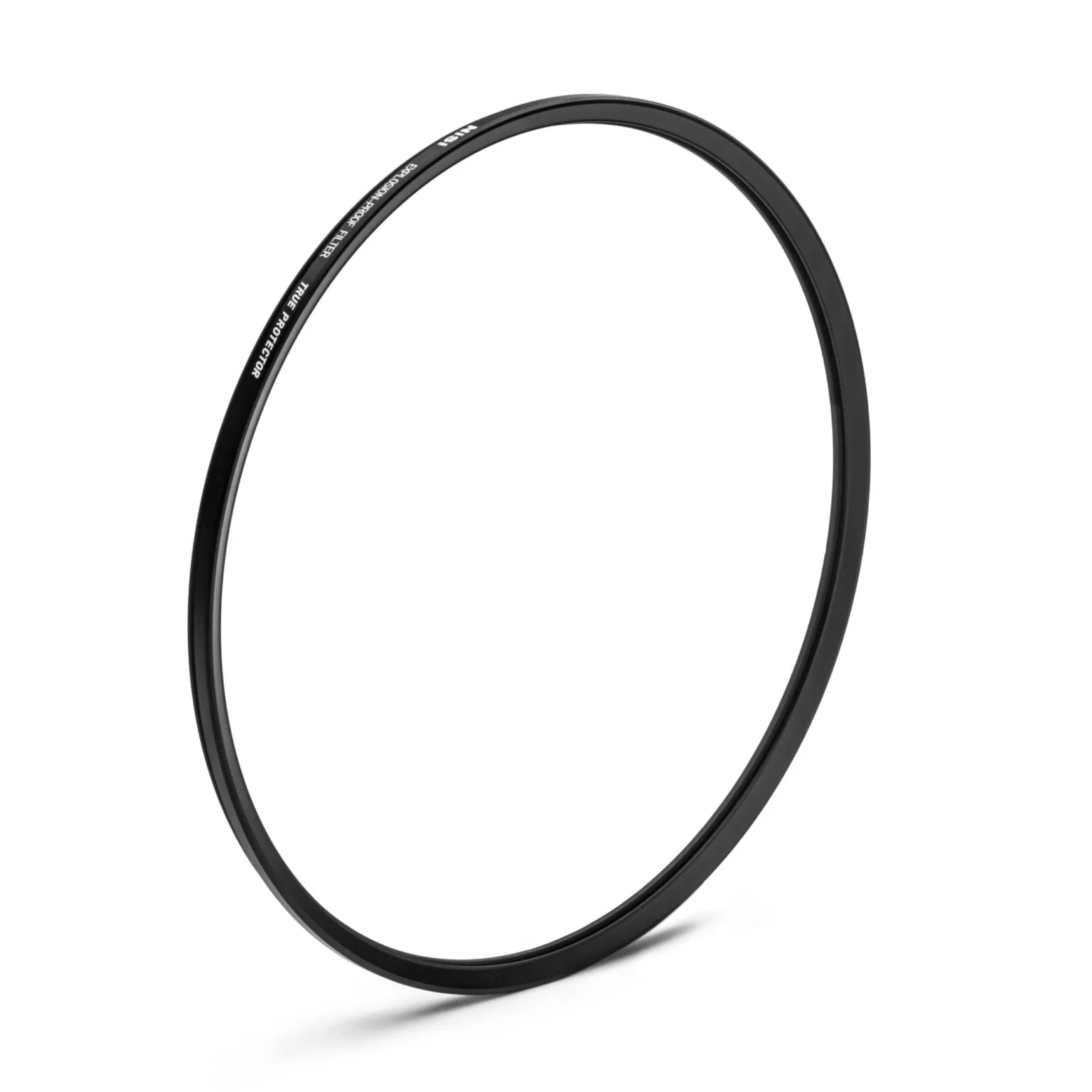
- NiSi Cinema True Protector Explosion-Proof Filter for Leitz (LP-9210): NiSi Cinema True Protector Explosion-Proof Filter for Leitz (LP-9210) is a premium protective solution designed to shield your Leitz lens during high-risk shoots or challenging environments. A sacrificial front filter absorbs impacts and grit so the lens element does not, which is the cheapest insurance for location work.
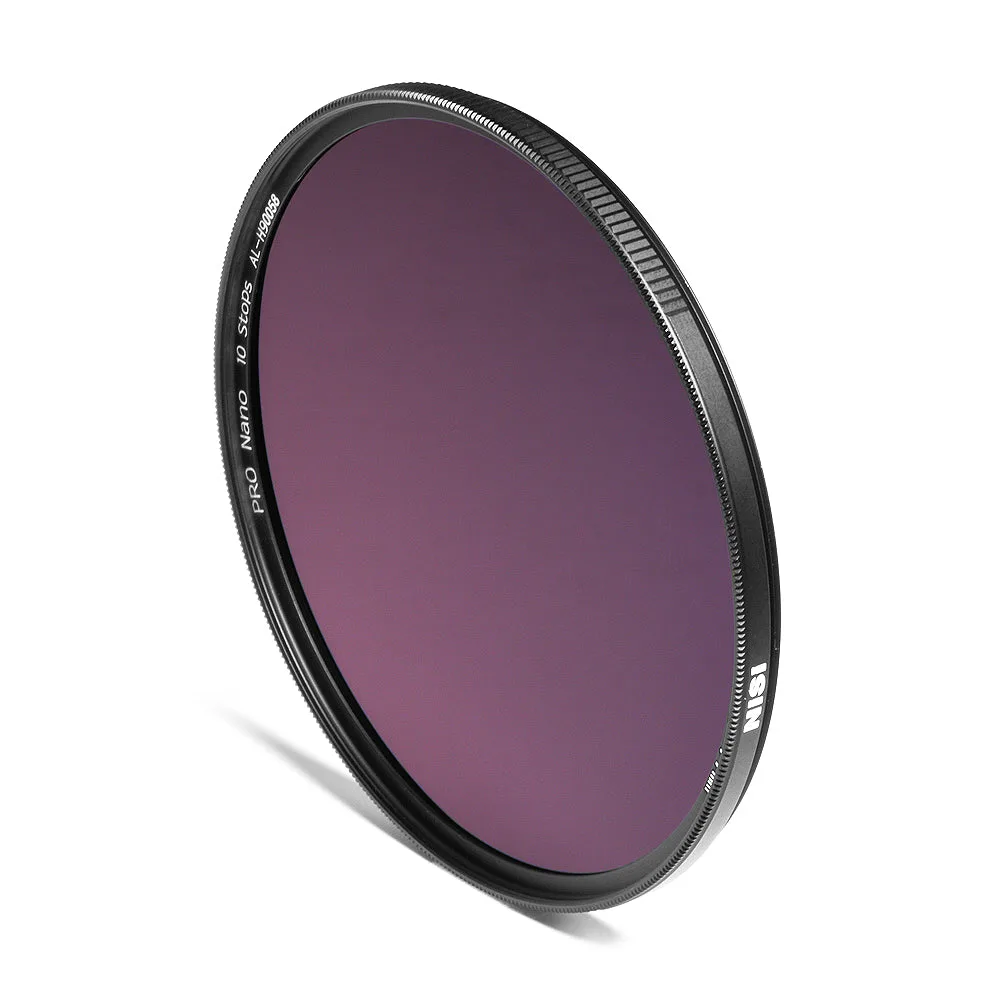
- NiSi 82mm Nano IR Neutral Density Filter ND1000 (3.0) 10 Stop: NiSi 82mm Nano IR Neutral Density Filter ND1000 (3.0) 10 Stop offers a 10-stop light reduction with a nano coating, and its slim aluminum frame has double-sided threading and knurled edges for stacking with UV, CPL or ND filters. Long exposures in bright light are easier to control, and the threaded frame lets you stack a protective filter without buying a second holder.
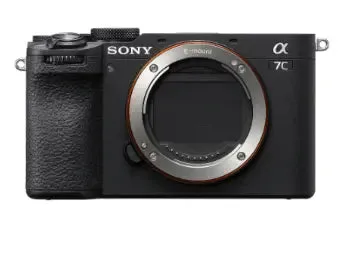
- Sony Alpha A7C Mark II Black Compact System Camera (Body Only): Sony Alpha A7C Mark II Black Compact System Camera (Body Only) uses a 33-megapixel full-frame Exmor R CMOS sensor with advanced 5-axis stabilization, 4K movie recording, real-time subject tracking autofocus and 10 fps continuous shooting. In-body stabilization and a compact body make it a good travel companion, but the exposed sensor during lens changes is exactly where dust spots appear, so a blower and correct-width swabs belong in the bag.