Quick answer
First confirm the spot is sensor dust, not lens or mirror dirt. Use a rocket blower for loose particles; if spots persist, wet-clean with a sensor swab and solution. Stop if you see scratches or the spot remains after two attempts—send it to a professional.
Confirm the spot is on the sensor
Set your lens to the smallest aperture (f/16 or f/22), point at a plain bright surface, and take a defocused shot. Dark, soft-edged spots that appear in the same place on every image are sensor dust. If the spot moves when you change lenses, it’s on the lens; if it’s sharp and only visible in the viewfinder, it’s on the focusing screen or eyepiece.
Dry clean first: blower only
Lock the shutter for sensor cleaning in your camera menu, remove the lens, and hold the camera face-down. Use a rocket blower to puff air across the sensor—never touch the sensor with the blower tip. Do not use canned air; propellant can spit and leave residue. Recheck with the same test shot.
Wet clean when dry cleaning fails
If spots remain, use a sensor swab sized for your sensor and a dedicated sensor cleaning solution. Apply two to three drops to the swab, not the sensor. Swipe once in one direction with light pressure, then use a fresh swab for a second pass in the opposite direction if needed. Wait for the sensor to dry completely before remounting the lens.
Prevent dust between cleanings
Change lenses quickly in a sheltered spot, keep the camera power off to reduce static, and store the body with a body cap. Never leave the sensor exposed longer than necessary. For mirrorless cameras, the sensor is always exposed during lens changes, so a little planning goes a long way.
Diagnosis and action guide
- Small dark spots in every photo: Likely sensor dust. Start with a rocket blower; if spots remain, wet clean. If spots persist after two wet cleanings, stop and seek professional service.
- Spot moves when you change lenses: Dust is on the rear lens element or inside the lens, not the sensor. Clean the lens rear element with a microfiber cloth and blower.
- Sharp spot only in viewfinder: Dust is on the focusing screen or eyepiece, not the sensor. Use a blower on the viewfinder area; do not touch the sensor.
Products that help
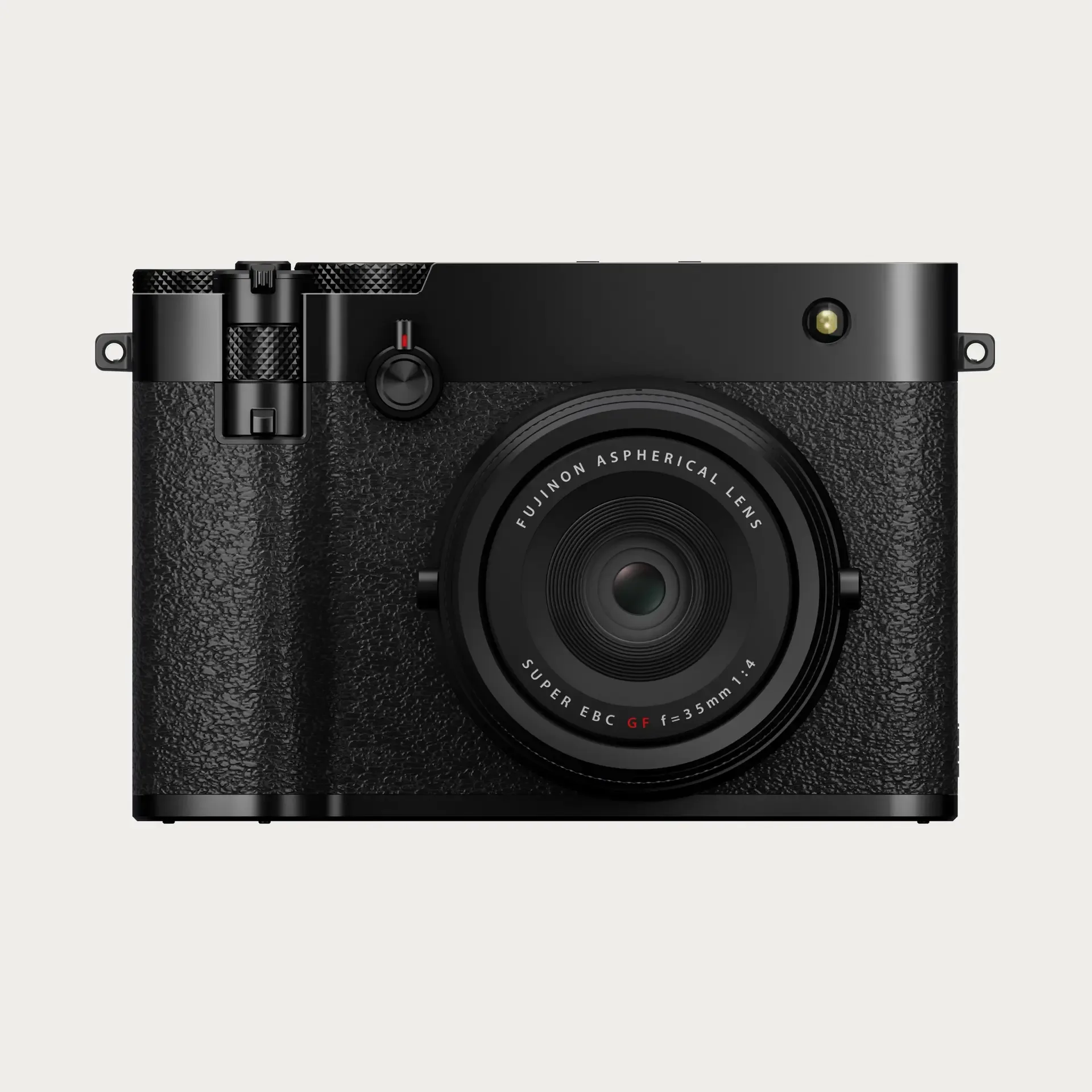
- Fujifilm GFX100RF Medium-Format Camera: The Fujifilm GFX100RF is a revolutionary medium-format camera, blending a 102MP sensor with a fixed 35mm lens in a compact, rangefinder-style body. A fixed-lens design means no lens changes, so you avoid the main way dust enters a mirrorless sensor.
- Hudson Hi-Fi Vinyl Record Inner Sleeves x100: The Hudson Hi-Fi 3 Layers HDPE Anti-Static Vinyl Record Inner Sleeves offer superior protection for your LPs with a durable 100-pack of clear, anti-static sleeves. While not for cameras, anti-static sleeves show how static control matters for delicate media—keep your sensor cleaning area free of static-generating materials.