Start with the barebone, not the switches
A barebone is a foundation, not a finished keyboard. The Vortex Model M 65 Barebone gives you the case, PCB, and wireless hardware in one package, but it does not include the switches or keycaps that make it usable. Planning your first custom build means deciding those parts before you order, not after the box arrives.
The Model M 65 Barebone is aimed at builders who want the industrial look of the 1980s without the desk footprint of an original Model M. That framing matters for planning: you are buying a retro-styled chassis with modern build features, and you supply the rest.
A practical order of decisions before you buy
- 1. Choose ANSI or ISO layout: The Model M 65 Barebone is offered in ANSI and ISO variants. Pick the layout that matches the keycaps you intend to use and the keyboard layout you type on. The listing confirms both options exist; it does not confirm that a single keycap set will cover both, so match your keycap purchase to the variant you order.
- 2. Confirm what the barebone includes: The supplied listing describes a wireless barebone with a hot-swappable PCB and VIA support for macro programming. It does not list switches, keycaps, or a battery in the supplied facts. Treat those as parts to plan for separately rather than assuming they are in the box.
- 3. Plan switches around hot-swap: The hot-swappable PCB is the main reason a first build is approachable here: you can install switches without soldering. The supplied information does not specify which switch types or pin counts are supported, so check the switch you plan to buy against the PCB before ordering a full set.
- 4. Plan keycaps for the layout you chose: Keycaps are not listed as included. Choose a set that covers your ANSI or ISO variant. Because the listing does not confirm keycap compatibility details, verify coverage with the keycap seller rather than assuming a standard set will fit every position.
- 5. Decide how you will program it: VIA support is confirmed for macro programming. Plan to set up VIA on your computer after the build, and confirm the current VIA instructions from Vortex or VIA documentation, since the supplied listing does not include a step-by-step firmware or pairing procedure.
What the Model M 65 Barebone listing confirms
-
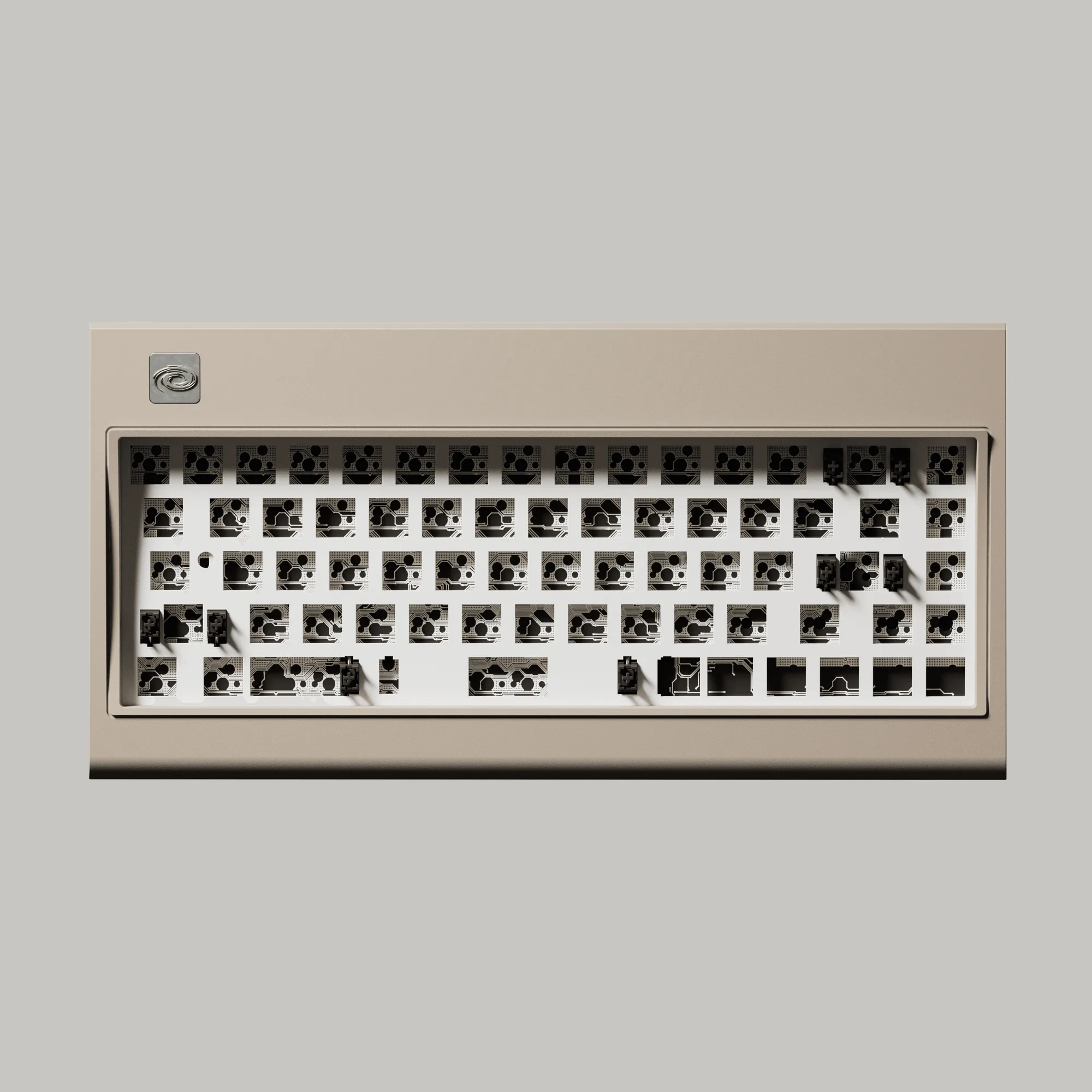
Model M 65 Barebone: Wireless barebone with a hot-swappable PCB for easy switch customization and VIA support for macro programming. These are the build features that shape your parts list: hot-swap removes soldering from the switch step, and VIA support means you can plan macros after assembly.
Model M 65 Barebone
-
Model M 65 Barebone: Available in ANSI and ISO layout variants. Layout is the first decision because it determines which keycaps you need to source.
-
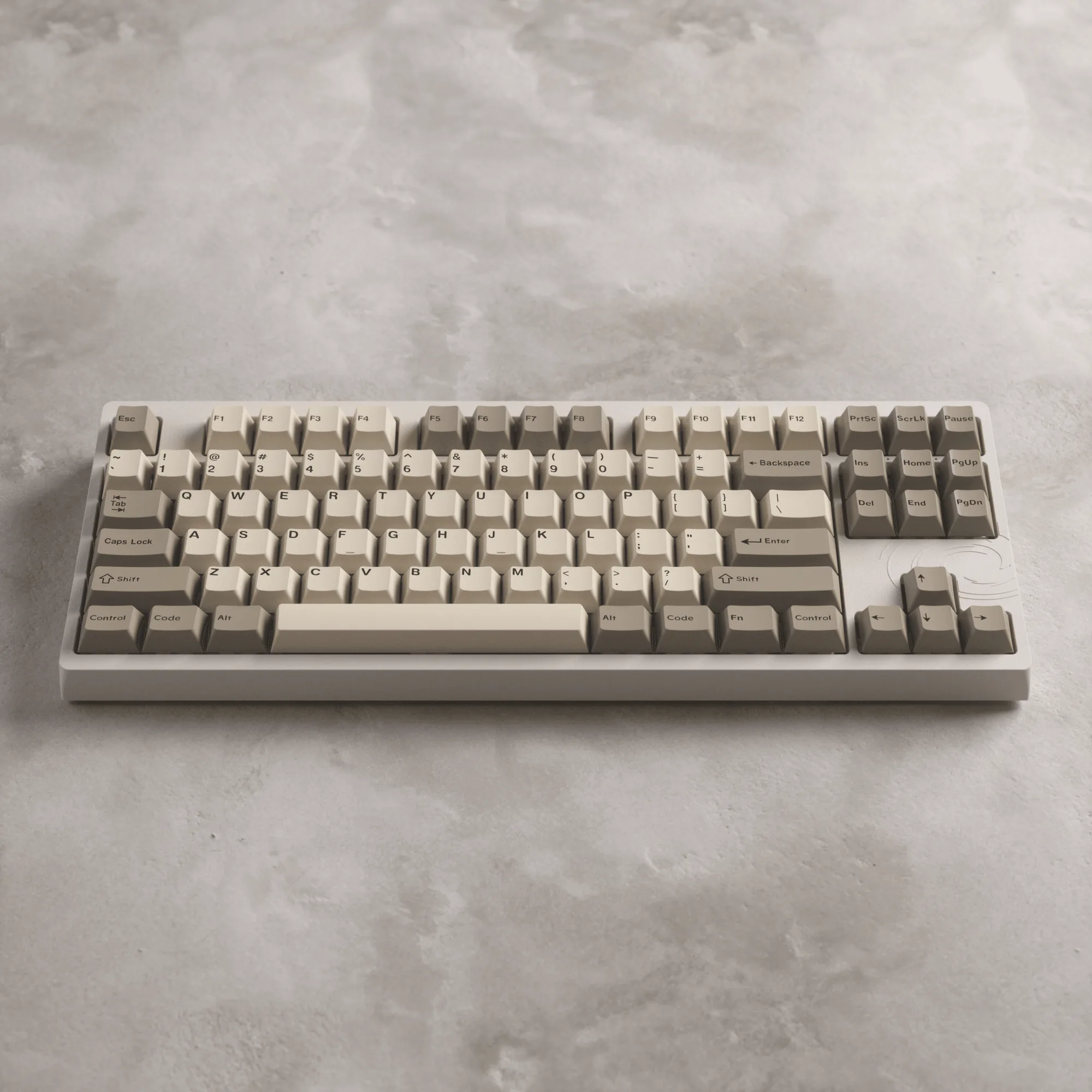
Model M 65 Barebone: Described as bringing the iconic industrial aesthetic of the 80s into the modern era, without the 1980s desk space requirements. This sets expectations for the look and footprint of the finished build, which helps you plan desk space and keycap style.
Parts to source beyond the barebone
The supplied listing does not confirm that switches, keycaps, or a battery are included. Plan these as separate purchases unless the product page states otherwise at the time you order.
- Switches: You need a full set for your chosen layout. Because the PCB is hot-swappable, you can install them without soldering, but the listing does not confirm which switch pin types are supported.
- Keycaps: Choose a set that matches your ANSI or ISO variant. Keycap compatibility is not detailed in the supplied facts, so confirm coverage before buying.
- Battery or power source: The barebone is described as wireless, but the supplied information does not state whether a battery is included or what power source it uses. Check the product page or ask the seller before assuming.
- Cable or receiver: Wireless connectivity is mentioned, but the supplied facts do not confirm whether a receiver or cable is included. Verify the connection method before you plan your desk setup.
What the listing does not settle for a first build
Several details a first-time builder might want are not confirmed in the supplied information: switch pin compatibility, keycap coverage, battery inclusion, and the exact wireless pairing procedure. These are not reasons to avoid the barebone, but they are questions to resolve with the seller or the current product page before you commit to a parts order.
The listing also notes that renders are for reference only and the actual product may differ slightly. If color or finish is critical to your build, treat the images as a guide rather than a guarantee.
A realistic first-build checklist
Before ordering, write down your layout choice, your switch choice, and your keycap choice. Confirm with the seller that your switches fit the hot-swap PCB and that your keycaps cover your chosen layout. Confirm what power and connection hardware is included. Then order the barebone and parts together so you are not waiting on a missing piece.
After the parts arrive, install switches into the hot-swap PCB, fit keycaps, and set up VIA for macros. The supplied information does not include a step-by-step assembly or firmware guide, so follow Vortex's current documentation for those steps rather than improvising.