Start with the version: assembled or barebone
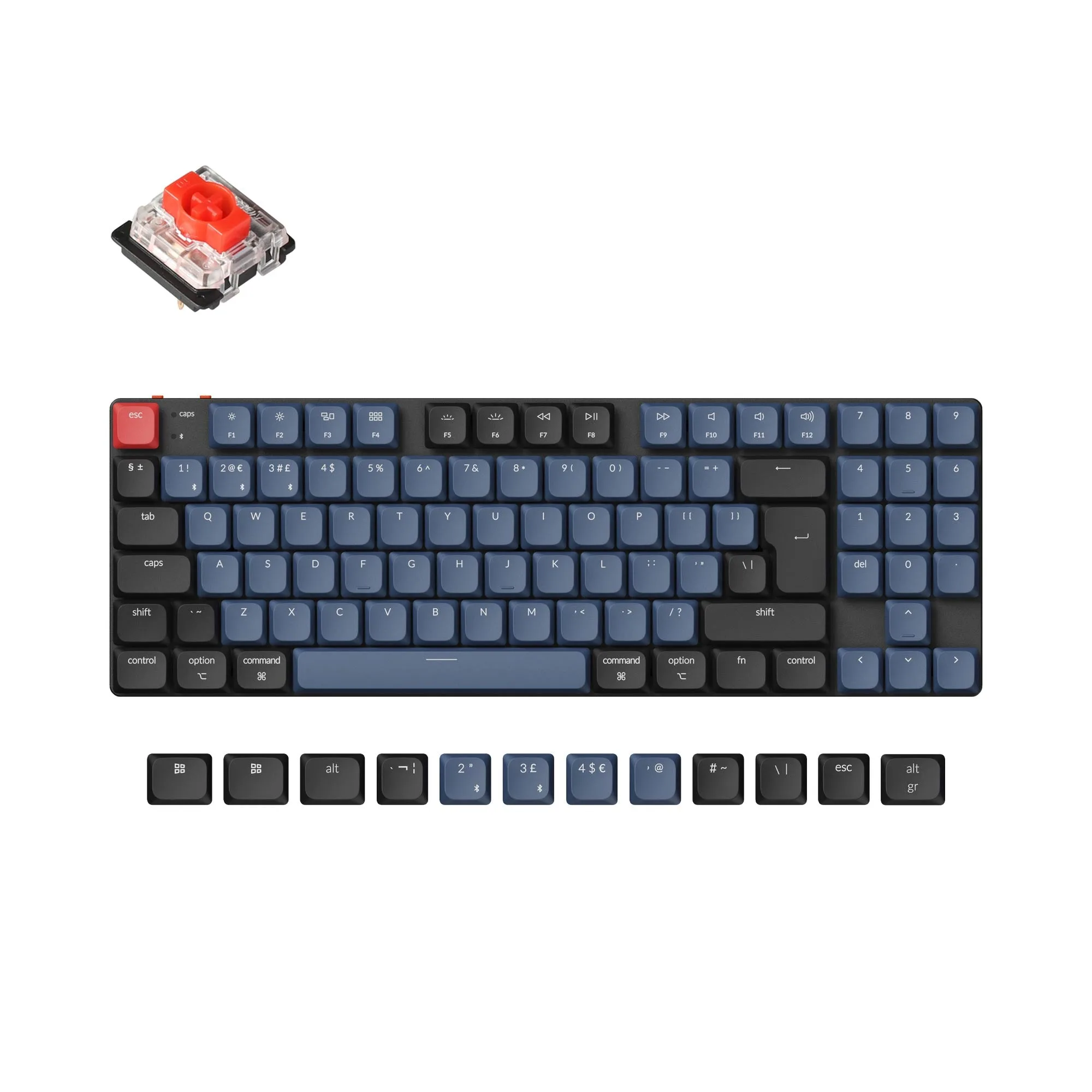
The Keychron Q9 QMK comes in two main forms, and the choice shapes everything that follows. The fully assembled version includes the keyboard PCB, the case, the steel plate, double-shot OSA PBT keycaps (with both Mac and Windows keycaps), and your choice of Gateron G Pro switches. The barebone version does not include keycaps or switches, so you will need to supply those yourself.
If you want a compact mechanical keyboard build without sourcing parts, the fully assembled version is the straightforward path. If you already have a favorite switch and keycap set, the barebone version lets you use them. Just note that the barebone version is not a complete keyboard out of the box.
What the Q9 listing confirms
-
Keychron Q9 QMK Custom Mechanical Keyboard: The fully assembled version includes the keyboard PCB, the case, and the steel plate. These are the core components you get pre-built, so you know the foundation is ready.
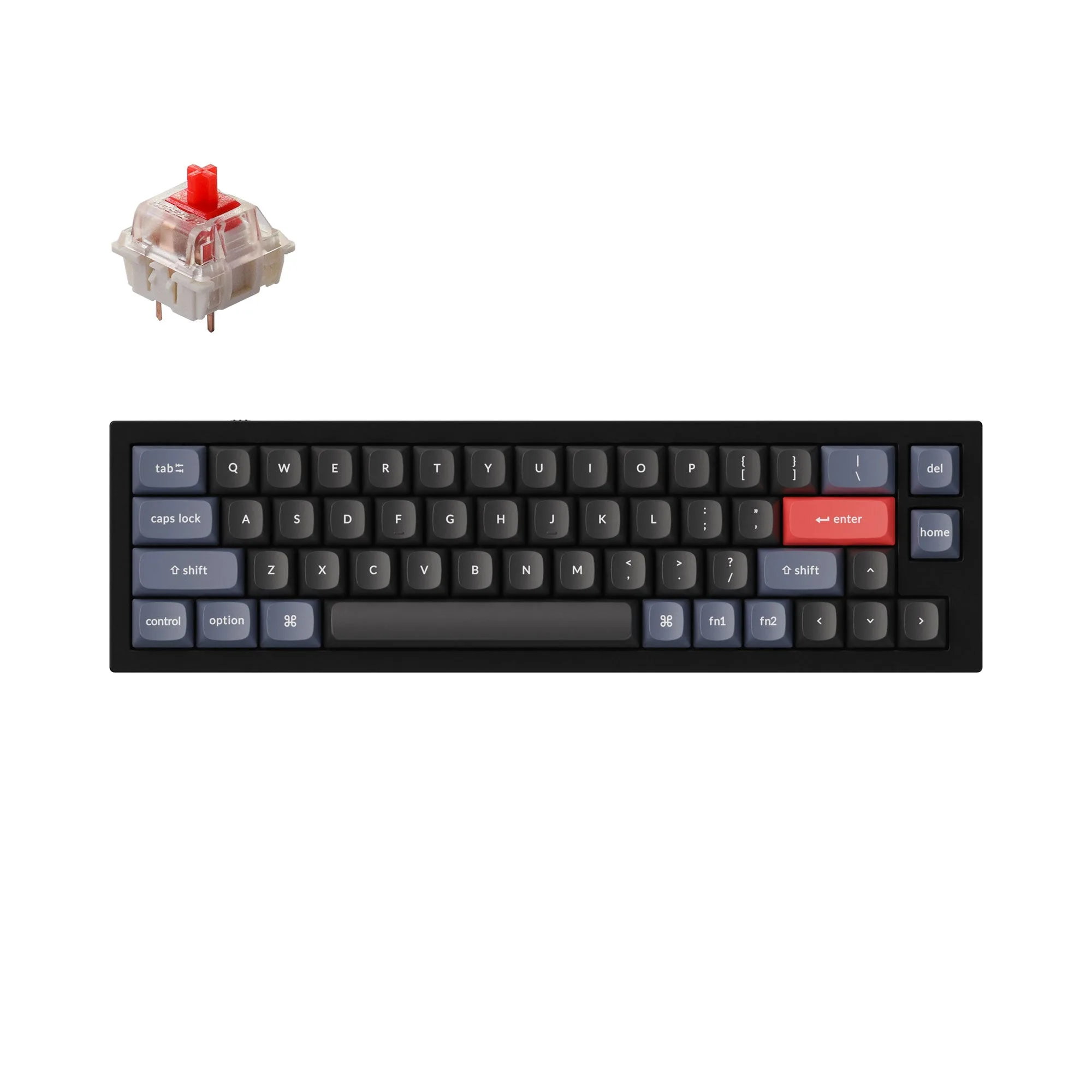
Keychron Q9 QMK Custom Mechanical Keyboard
-
Keychron Q9 QMK Custom Mechanical Keyboard: Double-shot OSA PBT keycaps (including Mac & Windows keycaps) are included with the fully assembled version. You get keycaps for both operating systems, which is useful if you switch between Mac and Windows.
-
Keychron Q9 QMK Custom Mechanical Keyboard: The barebone version does not include the keycaps and switches. Plan to buy compatible keycaps and switches separately if you choose barebone.
-
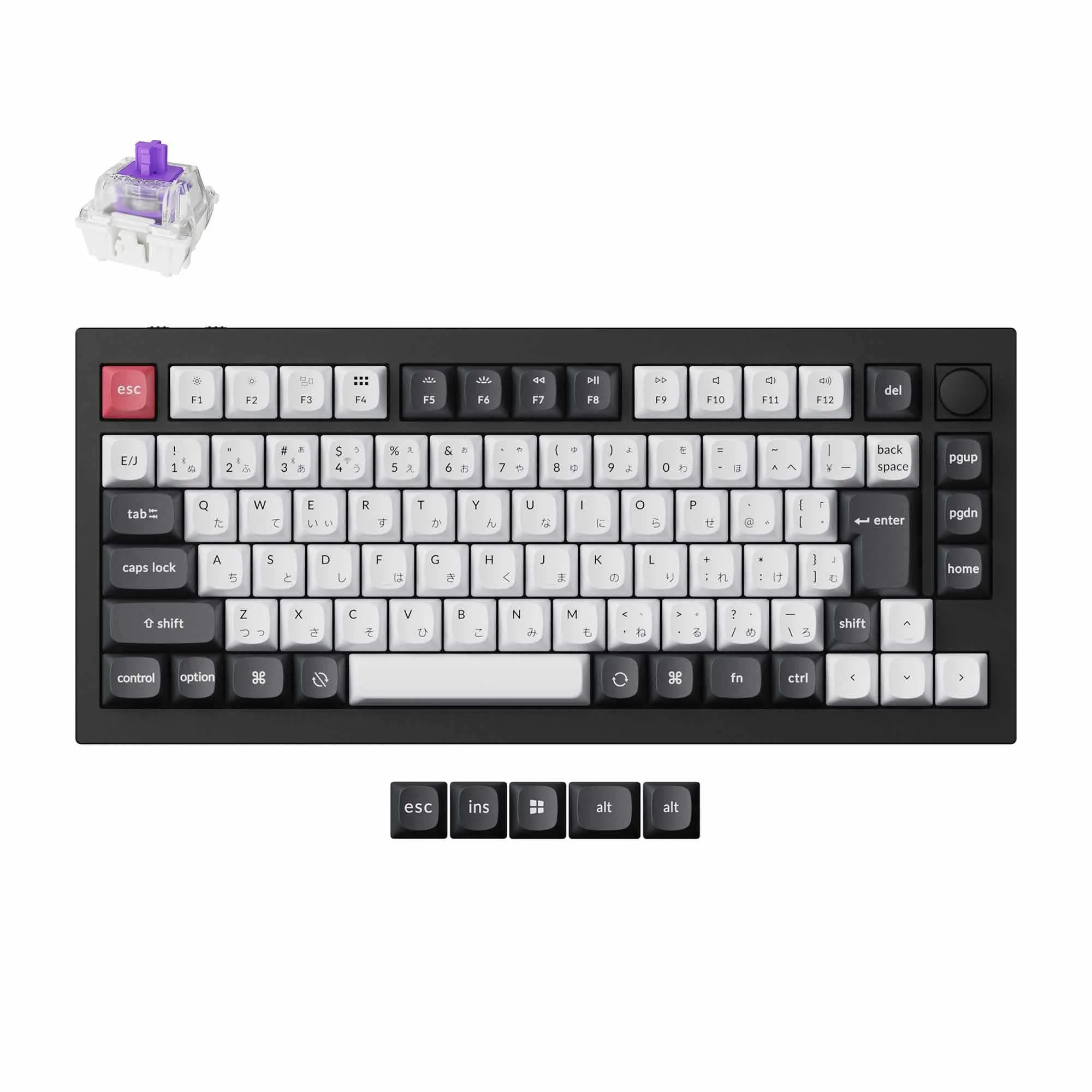
Keychron Q9 QMK Custom Mechanical Keyboard: Gateron G Pro (Q9) or Keychron K Pro switches (Q9 Plus Version) are used in the assembled versions. Switch feel differs between these lines; the listing ties the switch type to the specific model.
Plan your 40 percent layout before you configure QMK
- List the keys you use most: On a 40 percent keyboard, number row and function keys typically move to layers. Write down the shortcuts and symbols you need daily so you can assign them deliberately.
- Decide on a layer strategy: A common approach is a base layer for letters and a second layer for numbers and symbols. QMK lets you define layers, but the exact keymap is yours to design.
- Check your switch choice against your typing style: The Q9 assembled version offers Gateron G Pro Red, Blue, or Brown switches. Red is linear, Blue is clicky, and Brown is tactile. Pick the one that matches the feel you want, since changing switches later requires desoldering on many boards.
- Leave room for Mac and Windows differences: The included keycaps cover both platforms, and QMK can handle layer changes. Plan whether you need separate layers or can use a single layout with modifiers.
QMK keymap configuration: what to prepare
QMK is a firmware that lets you customize key assignments, layers, and macros. Before you start, confirm you have a compatible computer and a USB connection. The Q9 listing does not specify a particular QMK toolchain or flashing procedure, so rely on the official QMK documentation for the exact steps for your board revision.
A practical first step is to map out your desired layout on paper or in a text file. Then use QMK's online configurator or local build environment to create the keymap. Since the Q9 is a compact keyboard, you will likely rely on layers for numbers and navigation. Test your keymap thoroughly before relying on it for work.
Switch options for the assembled Q9
- Keychron Q9 QMK Custom Mechanical Keyboard: The fully assembled Q9 is available with Gateron G Pro Red, Blue, or Brown switches. These three cover linear, clicky, and tactile preferences, so you can choose based on feel.
- Keychron Q9 QMK Custom Mechanical Keyboard: The Q9 Plus Version uses Keychron K Pro switches. If you are considering the Plus, note the switch line is different from the standard Q9.
Build considerations for the barebone version
- Keycaps: The barebone version does not include keycaps. You will need a set that fits the Q9 layout. Check that the keycap set includes the sizes and profiles you need for a 40 percent board.
- Switches: The barebone version does not include switches. You can choose any compatible MX-style switch, but confirm the plate and PCB support your choice.
- Assembly: The barebone version includes the PCB, case, and steel plate, but you will need to install switches and keycaps yourself. Basic tools like a keycap puller and switch puller are helpful.
A note on discounts and availability
The Q9 and Q9 Plus Versions are not eligible for discount codes, so plan your purchase accordingly. If the model you want is out of stock, the listing suggests dropping your email on the Notify Me When Available list. That way you will know when it returns.