Quick answer
Mount the Sennheiser HM 4 articulated arm using a compatible desk clamp or through-hole mount, ensuring the base is tight and the arm is balanced before attaching the Headmic 4.
Choosing the right mounting method
The Sennheiser HM 4 articulated arm is designed to be mounted on a desk edge or through a cable hole. If your desk has a thick edge or glass top, a through-hole mount may be more stable than a clamp. For standard desks (up to 2 inches thick), the included clamp works well. Avoid mounting on uneven or slippery surfaces without a non-slip pad.
Common mistakes to avoid
A loose clamp can cause the arm to sag or tilt, misaligning the microphone. Over-tightening can damage the desk or the clamp. Also, routing cables before tightening can lead to pinched wires. Always secure the mount first, then route cables.
Step-by-step mounting guide
- Prepare the desk surface: Clean the area where you'll place the mount. Ensure the desk edge or hole is free of debris and has enough clearance for the clamp or mount base. A clean surface prevents slipping and ensures a tight grip.
- Attach the clamp or mount base: Position the clamp on the desk edge or insert the mount through the hole. Tighten the screw or lever until the base is firm. Do not overtighten—stop when the base no longer moves. Check that the clamp is level and the base does not wobble. If it does, adjust the position or use a different mounting method.
- Install the articulated arm: Slide the arm's mounting bracket onto the base until it clicks or locks into place. Tighten any locking screws to secure the arm. Ensure the arm can pivot freely without resistance. A common mistake is not fully seating the bracket—if the arm feels loose, double-check the connection.
- Balance and adjust the arm: With the arm attached, adjust the tension knobs (if available) so the arm stays in position when you let go. Test by moving the arm to different angles and releasing it—it should hold steady. If the arm drifts, increase tension. If it's hard to move, reduce tension.
- Attach the microphone and route cables: Mount the Sennheiser Headmic 4 onto the arm's clip or holder. Route the cable along the arm's channels or clips to keep it tidy. Leave some slack near the mic to avoid strain. Avoid pinching the cable under the clamp—this can damage the cable and cause audio issues.
Product facts
-
Sennheiser Bras Articulé HM 4 (Noir): The Sennheiser Bras Articulé HM 4 in black is specifically engineered for the Sennheiser Headmic 4, ensuring a perfect fit. This means you get a secure attachment and precise positioning without needing adapters or modifications.
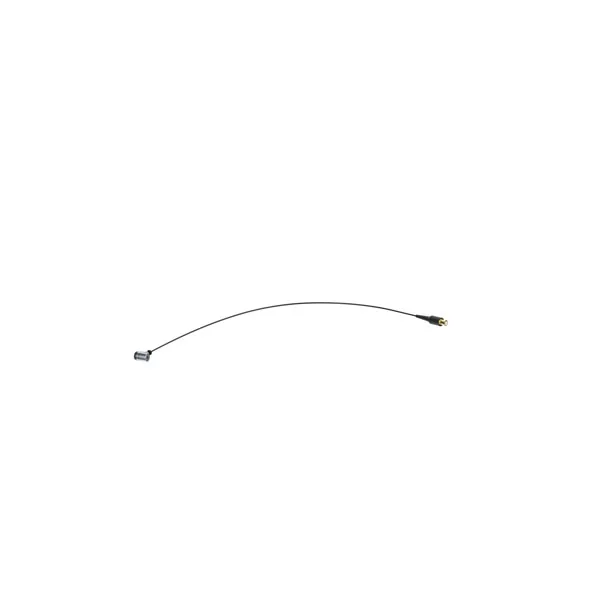
Sennheiser Bras Articulé HM 4 (Noir)


