Two compact keyboards, one desk-space decision
The MX Keys Mini and Wave Keys both use an English US (QWERTY) layout and come in Graphite, but they solve desk-space problems differently. The MX Keys Mini is a tenkeyless design that removes the number pad to save width while keeping the essential keys for daily tasks. The Wave Keys uses a wave-shaped design that aims to promote a natural hand position during long typing sessions. Neither is a full-size keyboard, so the real choice is between maximum compactness and a more sculpted typing surface.
This guide sticks to what the catalog confirms: layout, footprint, color options and the comfort intent of each design. It does not assume Bluetooth pairing steps, battery life, device compatibility or operating instructions, because those details are not confirmed in the supplied information. Use the comparison below to match each keyboard to how you actually work.
MX Keys Mini vs Wave Keys at a glance
- Desk footprint: MX Keys Mini: compact tenkeyless design that saves desk space while keeping essential keys. Wave Keys: standard compact layout with a wave-shaped profile; exact dimensions are not confirmed in the supplied information.
- Typing surface: MX Keys Mini: minimalist, low-profile look built for efficient typing in a smaller footprint. Wave Keys: wave-shaped design intended to promote a natural hand position and reduce strain during extended sessions.
- Layout: Both use an English US (QWERTY) layout, so the key arrangement is familiar on either model.
- Color options: MX Keys Mini comes in Graphite, Pale Gray, Black and Rose. Wave Keys comes in Graphite, Off-white and Rose.
- Price position: Catalog price for MX Keys Mini is USD 64.99 (comparison price USD 99.99). Wave Keys is USD 47.59 (comparison price USD 69.99).
What the catalog confirms about MX Keys Mini
-
MX Keys Mini - Graphite - English US (QWERTY): Compact tenkeyless design saves desk space while maintaining essential keys for daily tasks. If your main problem is a narrow desk or a keyboard tray that cannot fit a number pad, this is the defining feature.
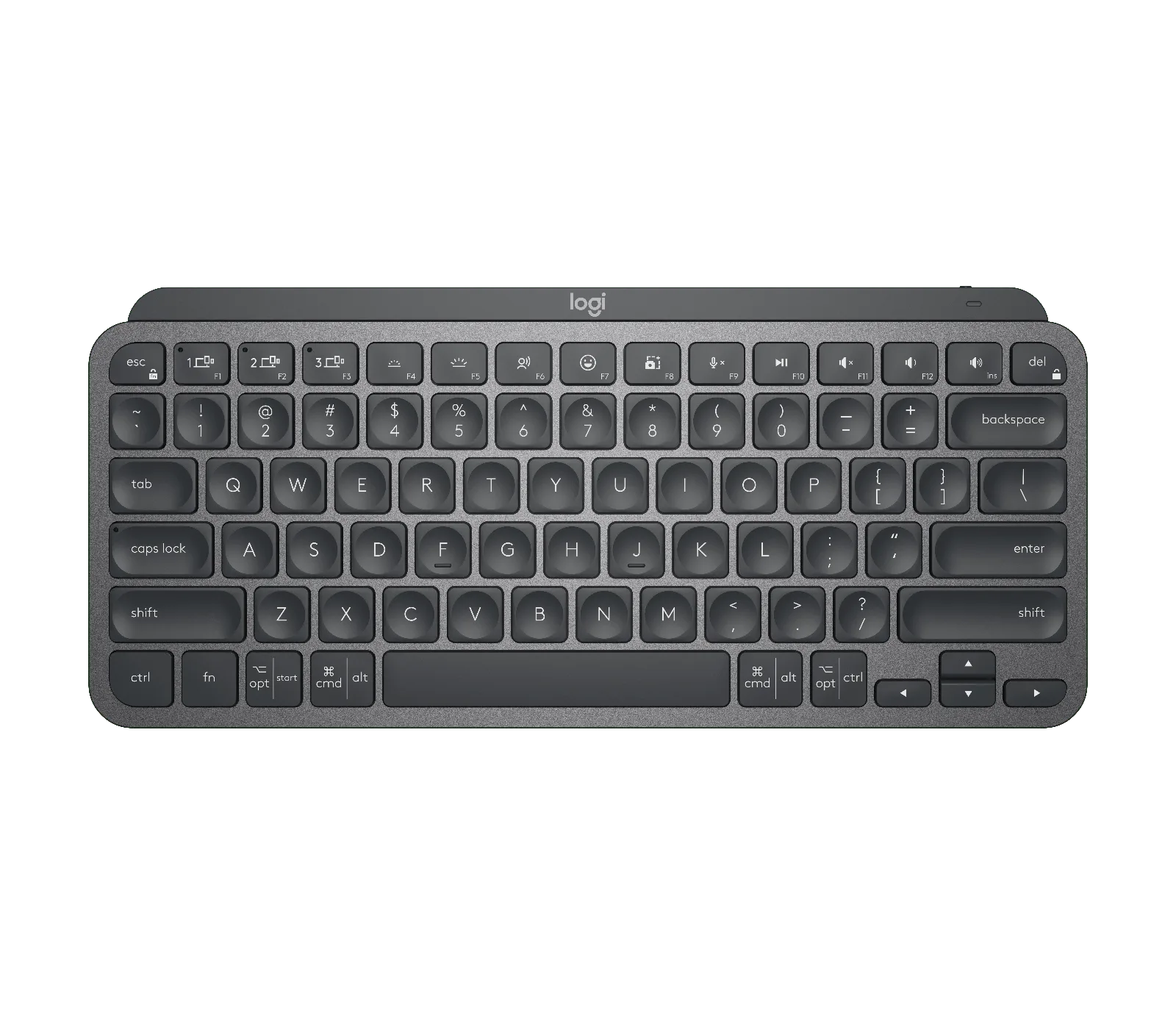
MX Keys Mini - Graphite - English US (QWERTY)
-
MX Keys Mini - Graphite - English US (QWERTY): English US (QWERTY) layout ensures a familiar key arrangement for seamless typing. Confirms the layout so you can compare it directly with the Wave Keys on equal terms.
-
MX Keys Mini - Graphite - English US (QWERTY): Available in Graphite, Pale Gray, Black and Rose. Four color choices give more flexibility if the keyboard sits in a shared or visible workspace.
What the catalog confirms about Wave Keys
-
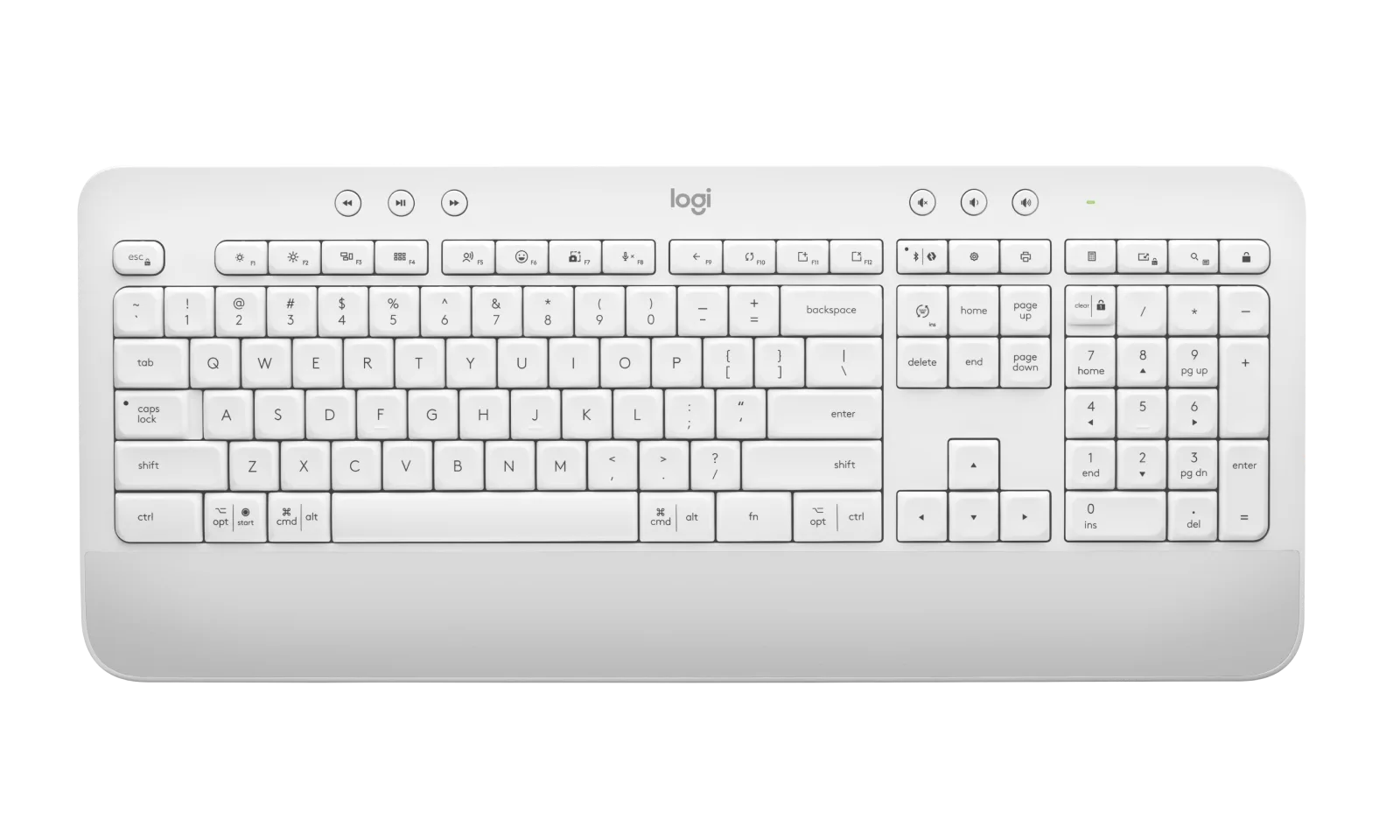
Wave Keys - Graphite - English US (QWERTY): Wave-shaped design promotes a natural hand position for reduced strain during extended typing sessions. This is the main reason to choose Wave Keys over a flat compact keyboard if comfort during long sessions matters more than the smallest possible footprint.
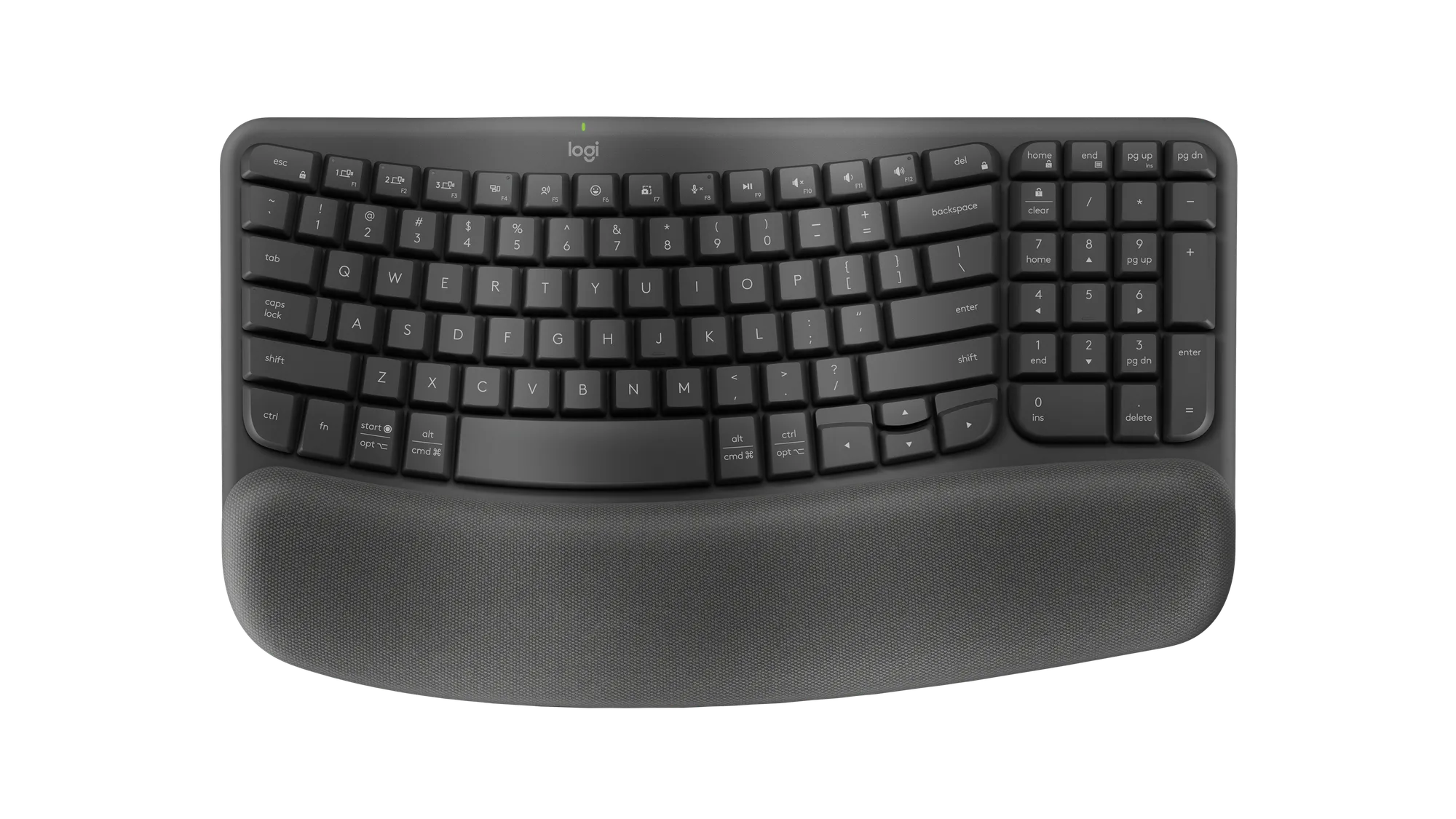
Wave Keys - Graphite - English US (QWERTY)
-
Wave Keys - Graphite - English US (QWERTY): English US QWERTY key layout ensures familiar and accurate typing for standard use. You get the same familiar layout as the MX Keys Mini, so the decision comes down to shape and footprint rather than relearning keys.
-
Wave Keys - Graphite - English US (QWERTY): Available in Graphite, Off-white and Rose. Three color options cover a neutral or softer look, though there is no black variant listed.
Where the two keyboards actually diverge
The MX Keys Mini wins on pure space saving. Its tenkeyless build removes the number pad, which is the single biggest width saving you can make on a desk. If you use a compact keyboard tray, share a narrow desk, or simply want more room for a mouse, that design choice matters more than any other difference here.
The Wave Keys wins on typing posture intent. Its wave-shaped design is explicitly aimed at a natural hand position and reduced strain over long sessions. If you type for hours and have enough depth on your desk for a slightly more sculpted keyboard, that comfort goal may outweigh the compactness of the MX Keys Mini.
Color is a smaller but real tiebreaker. The MX Keys Mini offers Graphite, Pale Gray, Black and Rose, while the Wave Keys offers Graphite, Off-white and Rose. Both share Graphite and Rose, so if you want a black keyboard, only the MX Keys Mini lists that option in the supplied records.
What the catalog does not confirm
The supplied records do not include Bluetooth pairing steps, battery life, charging method, multi-device switching, operating system support or exact dimensions for either keyboard. That means you should not treat this comparison as a compatibility or setup guide. If you need to confirm whether a keyboard works with a specific Mac, Windows or other device, check the product page or the manufacturer's documentation for that model before buying.
The catalog also does not list a numeric desk width or depth for either keyboard. Use the design descriptions as directional guidance: tenkeyless for width savings, wave-shaped for hand-position intent. Measure your own desk or tray against the published dimensions on the product page once you have them.
How to decide based on your desk and typing day
- Choose MX Keys Mini if space is the constraint: A tenkeyless design removes the number pad and keeps essential keys, which suits narrow desks, compact trays and setups where the mouse needs more room.
- Choose Wave Keys if long typing sessions drive the decision: The wave-shaped design is intended to support a natural hand position and reduce strain, which is the clearer comfort-focused choice between the two.
- Use color as a final tiebreaker: MX Keys Mini offers Graphite, Pale Gray, Black and Rose; Wave Keys offers Graphite, Off-white and Rose. If you want black, the MX Keys Mini is the only one of the two with that option in the supplied records.
- Check compatibility before you commit: Neither record confirms specific device compatibility or pairing steps, so verify the model you choose against your computer or tablet before purchase.