What the Nebula Flare filter does for abstract shots
The REFLECTLENS® Nebula Flare is a hybrid effect filter that blends two looks in one piece of glass: the soft, dreamy diffusion of a Mist 1/4 filter and the crisp sparkle of a Stars 4X starburst filter. When you attach it to your lens, highlights bloom with a gentle glow while bright points — like streetlights, reflections, or the sun catching a surface — produce clean four-point flares. This combination lets you create abstract, painterly images directly in-camera without post-processing.
Nebula Flare at a glance
-
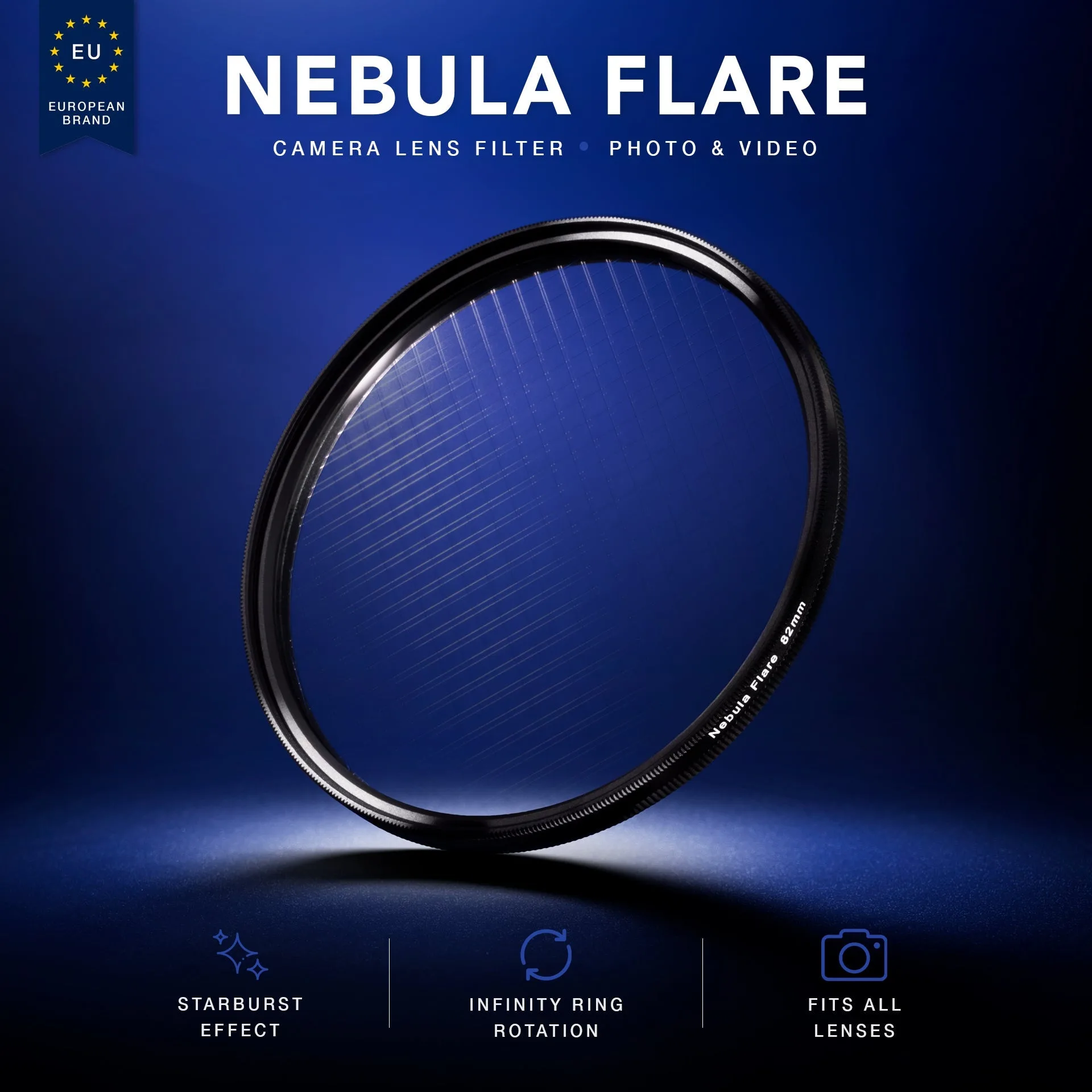
Nebula Flare: NEBULA FLARE is a hybrid filter that merges the dreamy diffusion of a Mist 1/4 with the brilliant sparkle of a Stars 4X starburst filter. You get two distinct effects — soft bloom and star flares — from one filter, making it easier to experiment with abstract looks without swapping glass.
Nebula Flare
-
Nebula Flare: This unique combination creates cinematic blooms around highlights while generating crisp, four-point flares — all directly in-camera. The flares are built into the optical design, so you don't need to add them later in editing. This saves time and keeps the effect consistent across frames.
-
Nebula Flare: ✓ Compatible with all camera brands The filter fits any camera system as long as you choose the correct filter thread size. No brand-specific adapters are needed.
Choosing your filter size
The Nebula Flare is available in 67mm, 77mm, 82mm, and 95mm sizes. Match the size to the filter thread diameter printed on your lens barrel or lens cap. If you plan to use the same filter on multiple lenses, pick the size that fits your largest lens and use step-up rings for smaller lenses. That way you only buy one filter for your whole kit.
Setting up for abstract effect photography
- Mount the filter: Screw the Nebula Flare onto your lens until it is snug but not over-tightened. The RFL Infinity Ring™ lets you spin the filter endlessly after mounting, which is useful for fine-tuning the flare angle.
- Find a light source: Look for bright points in your frame: streetlamps, car headlights, window reflections, or specular highlights on metal or water. These will produce the soft glow and the four-point flares.
- Adjust the flare angle: Rotate the filter using the Infinity Ring while looking through the viewfinder. The star flares will rotate with the filter. Stop when the flares point in a direction that complements your composition.
- Experiment with aperture: The starburst effect is visible across a range of apertures, but stopping down (e.g., f/8 to f/11) can make the flares more pronounced. Try different apertures to see how the bloom and sparkle balance changes.
- Shoot in manual or aperture priority: The filter reduces light slightly due to the diffusion layer. Use manual or aperture priority mode to maintain consistent exposure. Check your histogram if the scene is very bright.
Creative ideas for abstract compositions
The Nebula Flare works well for cityscapes at night, where point lights become glowing orbs with star spikes. Try shooting through rain-streaked glass or against reflective puddles to multiply the light sources. For daytime abstract work, aim for backlit foliage, metallic surfaces, or sun glints off water. The soft diffusion also flatters skin tones in environmental portraits, adding a cinematic feel without losing detail.
What comes in the box
Your purchase includes the REFLECTLENS® Nebula Flare Filter, a protective soft pouch, and a premium REFLECTLENS® box. The pouch is fine for storage between shoots; for travel, consider a padded filter case.