Quick Answer
Screw the Lucid Dream FX Filter onto your lens, set your aperture wide open, and adjust your exposure for a soft, dreamy look—avoid harsh backlight to prevent flare washout.
Why the Filter Works for Dreamy Video
The Lucid Dream FX Filter by Prism Lens FX uses a subtle diffusion coating that scatters light entering the lens. This reduces sharpness on skin textures and highlights, giving your footage a soft, cinematic quality without post-production work. It's especially effective for portrait shots or scenes where you want a romantic, ethereal mood.
When to Skip the Filter
If you're shooting high-contrast scenes with bright light sources directly in frame, the filter can introduce excessive flare or a washed-out look. For gritty, high-detail documentary work, the softening effect may reduce the intended sharpness. In those cases, remove the filter or use a lower-strength diffusion option.
Step-by-Step Guide to Using the Filter
- 1. Mount the Filter: Screw the Lucid Dream FX Filter onto the front threads of your lens. Ensure it's snug but not overtightened to avoid cross-threading. Check that the filter ring is clean before mounting to prevent dust spots in your footage.
- 2. Set Your Aperture Wide Open: Open your aperture to f/1.8 or f/2.8. The filter's diffusion effect is most pronounced with a shallow depth of field, enhancing the dreamy look. Watch for focus shift—autofocus may hunt more with a wide aperture and diffusion; consider manual focus.
- 3. Adjust Exposure for the Filter: The filter reduces light transmission slightly. Bump up your ISO or open the shutter angle to maintain proper exposure. Use your camera's histogram to avoid clipping highlights. Don't rely solely on the in-camera meter; the diffusion can trick it into underexposing. Check zebras or waveform.
- 4. Position Your Subject in Soft Light: Place your subject in diffused natural light, like near a window or under an overcast sky. The filter enhances soft shadows and reduces harsh skin highlights. Avoid direct sunlight on the face—it can create uneven flare spots that the filter amplifies.
- 5. Review and Adjust: Play back a short clip on your monitor. If the image looks too hazy, stop down the aperture slightly or move the subject farther from the background to reduce flare. If the effect is too subtle, try adding a second diffusion filter or moving closer to your subject.
Product Spotlight
-
Lucid Dream FX Filter by Prism Lens FX: The Lucid Dream FX Filter softens images with a dreamy, cinematic feel, reducing blemishes in skin tones and creating smooth photos and videos. This means you can achieve a flattering, film-like look straight out of camera, cutting down on retouching time for portraits or beauty shots.
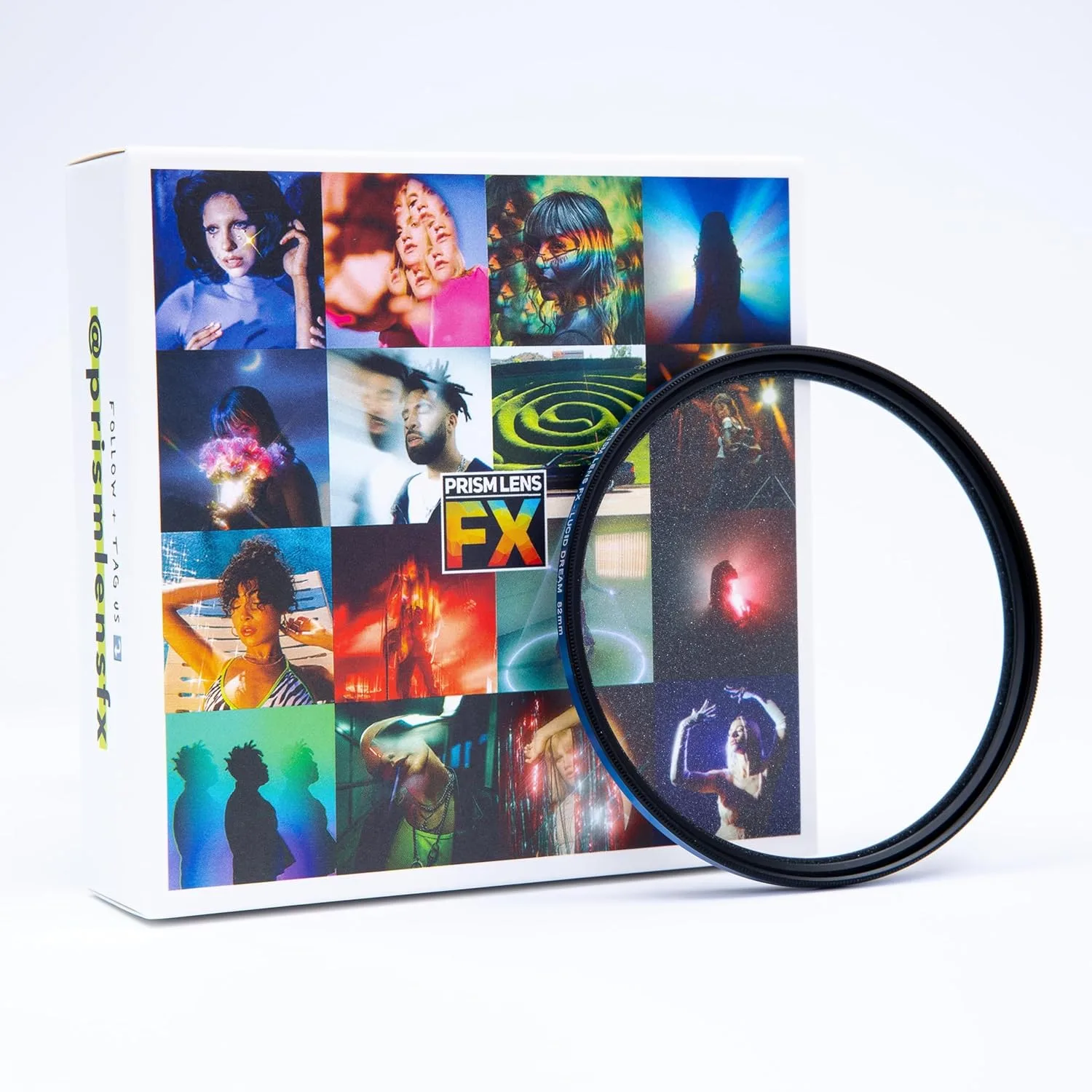
Lucid Dream FX Filter by Prism Lens FX


