Before You Start: What’s in the Box
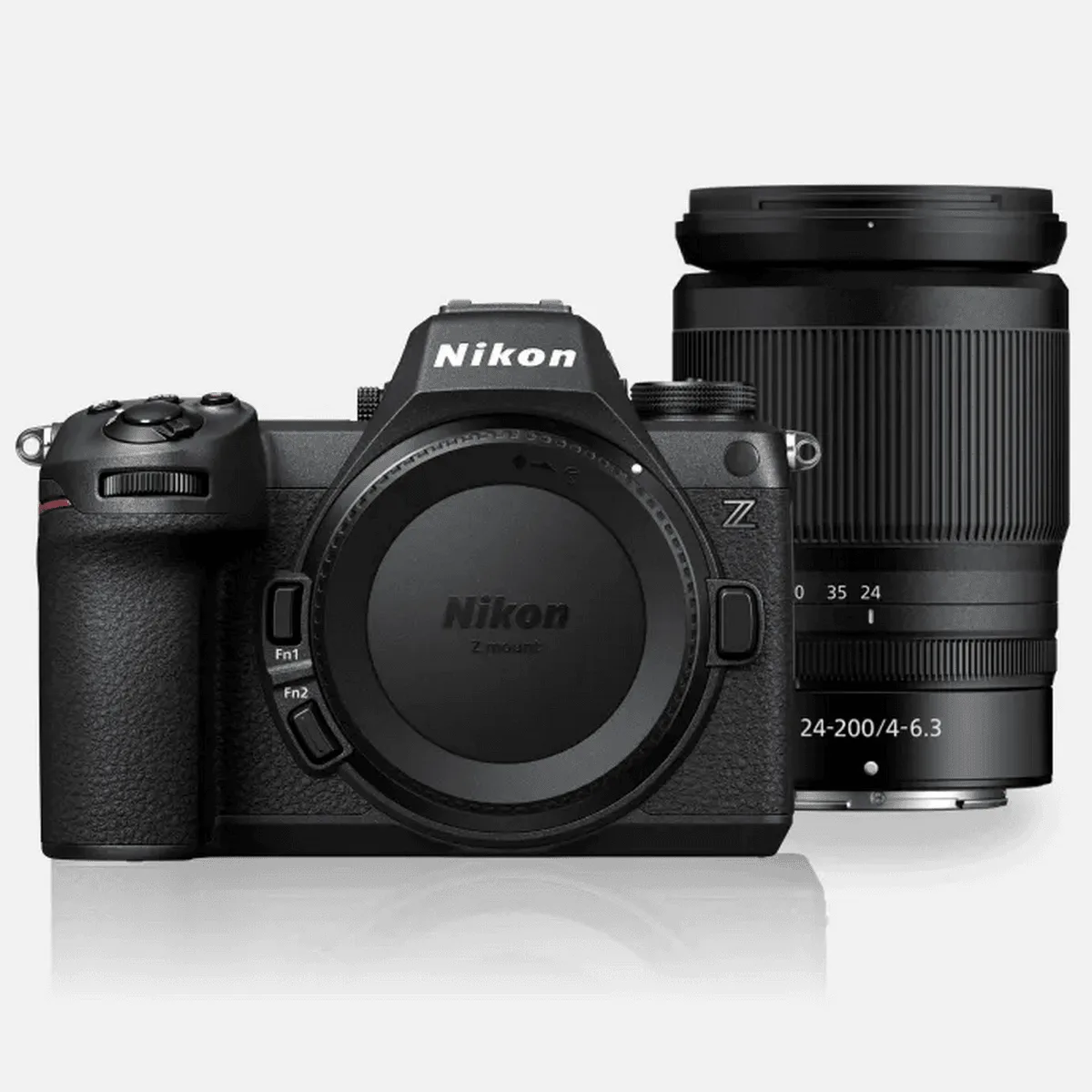
The Nikon Z6 Mark II body with Z 24-120mm f/4 S lens is a complete hybrid kit. The bundle does not include the FTZ adapter, so you can only use native Z-mount lenses (like the included 24-120mm) right out of the box. Confirm you have a charged EN-EL15c battery, a memory card (CFexpress/XQD or SD UHS-II), and the USB-C cable for power delivery or tethering.
Attaching the Z 24-120mm f/4 S Lens
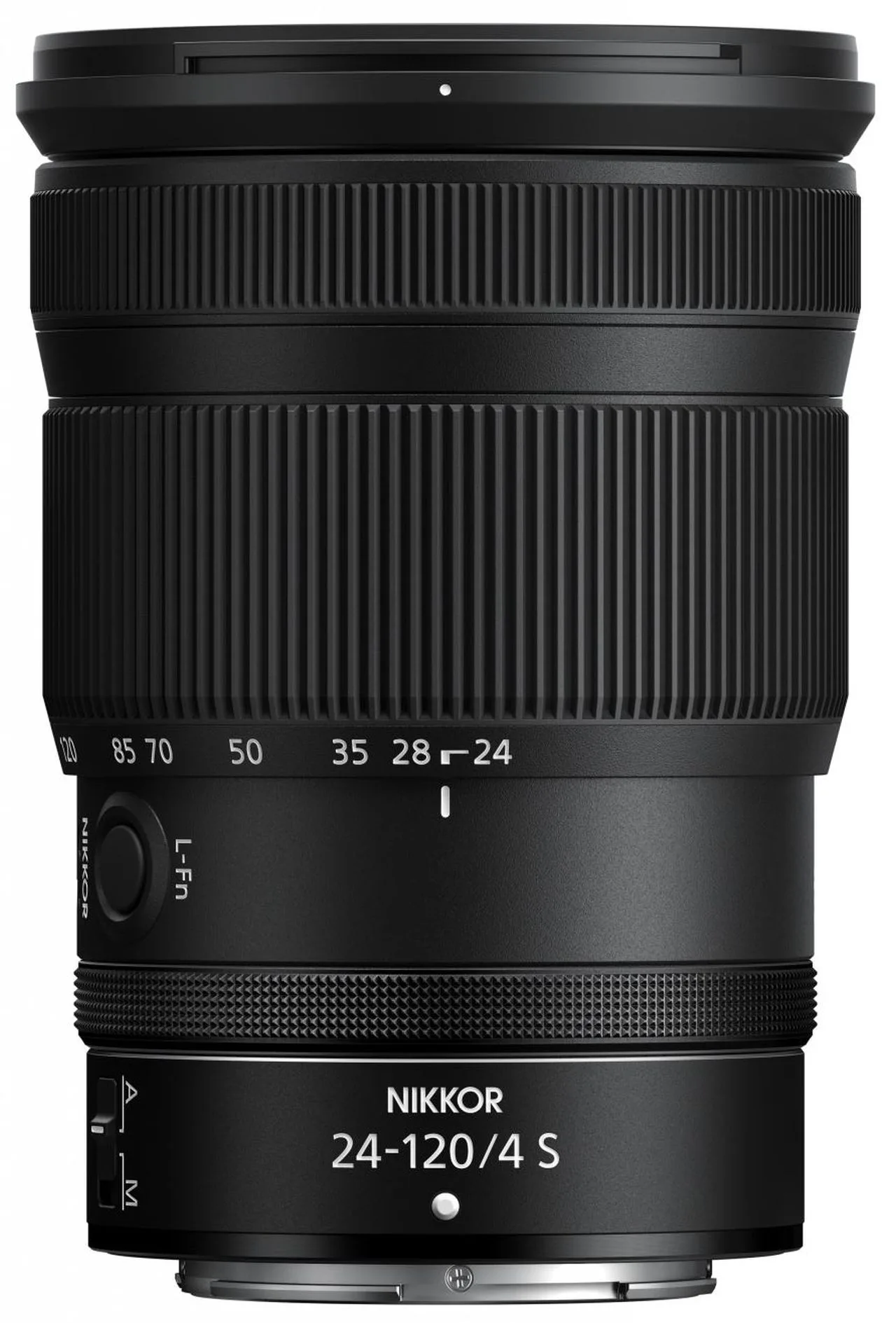
The Z 24-120mm f/4 S is a constant-aperture zoom covering wide to telephoto. Attaching it is straightforward.
- Align and mount: Remove the rear lens cap and the camera body cap. Align the white dot on the lens with the white dot on the Z6 II body mount, then rotate the lens clockwise until it clicks.
- Secure and power on: Ensure the lens is fully locked. Power on the camera; if the lens does not extend or the camera prompts you, rotate the lens barrel slightly until it seats properly.
Initial Camera Configuration
The Z6 II runs on dual EXPEED 6 processors. For first-time setup, navigate to the setup menu and set the date, time zone, and language. Choose your preferred file format: JPEG, Raw, or both. The 24.5MP full-frame sensor (35.9 x 23.9 mm) gives you 6000 x 4000 pixels for plenty of cropping flexibility.
Essential Settings for Hybrid Shooting
The Z6 II excels in both stills and video. For stills, set the shutter to continuous high (up to 14 fps) for action. The 273-point hybrid AF system includes eye-detection for people and animals. In video mode, select 4K UHD at up to 60p using the full sensor width. The camera supports 10-bit N-Log and HDR (HLG) output via HDMI for advanced grading. Remember to set the white balance manually or use one of the presets (Auto, Cloudy, Color Temperature, Direct Sunlight, Flash, Fluorescent, Incandescent, Preset Manual, Shade) for consistent color.
Key Specs for Setup
-
Nikon Z6 Mark II Body With Z 24-120mm f/4 S (No FTZ Adapter): The Z6 Mark II has dual card slots: CFexpress/XQD + SD UHS-II. You can assign one card for Raw and the other for JPEG, or use the second slot for overflow backup.

Nikon Z6 Mark II Body With Z 24-120mm f/4 S (No FTZ Adapter)
-
Nikon Z6 Mark II Body With Z 24-120mm f/4 S (No FTZ Adapter): The Z 24-120mm f/4 S has a minimum focus distance of 35 cm and a 77mm filter thread. Use a 77mm UV or polarizing filter for protection and creative control. The close focus is useful for tabletop or detail shots.
Power and Connectivity Tips
The camera supports USB-C power delivery, so you can charge or power the camera during extended sessions. For external recording or monitoring, use the HDMI C (Mini) port. The 3.5mm headphone and microphone jacks let you monitor and capture audio separately. The operating temperature range is 32 to 104°F (0 to 40°C) with 0 to 85% humidity—avoid extreme conditions.
Final Checks
Before heading out, format your memory card in the camera, confirm the lens is secure, and set your preferred AF mode (single-point, dynamic, or auto-area). The weather-sealed magnesium alloy body and the lens’s dust- and moisture-resistant build make this kit reliable in light rain or dusty environments.