Quick answer
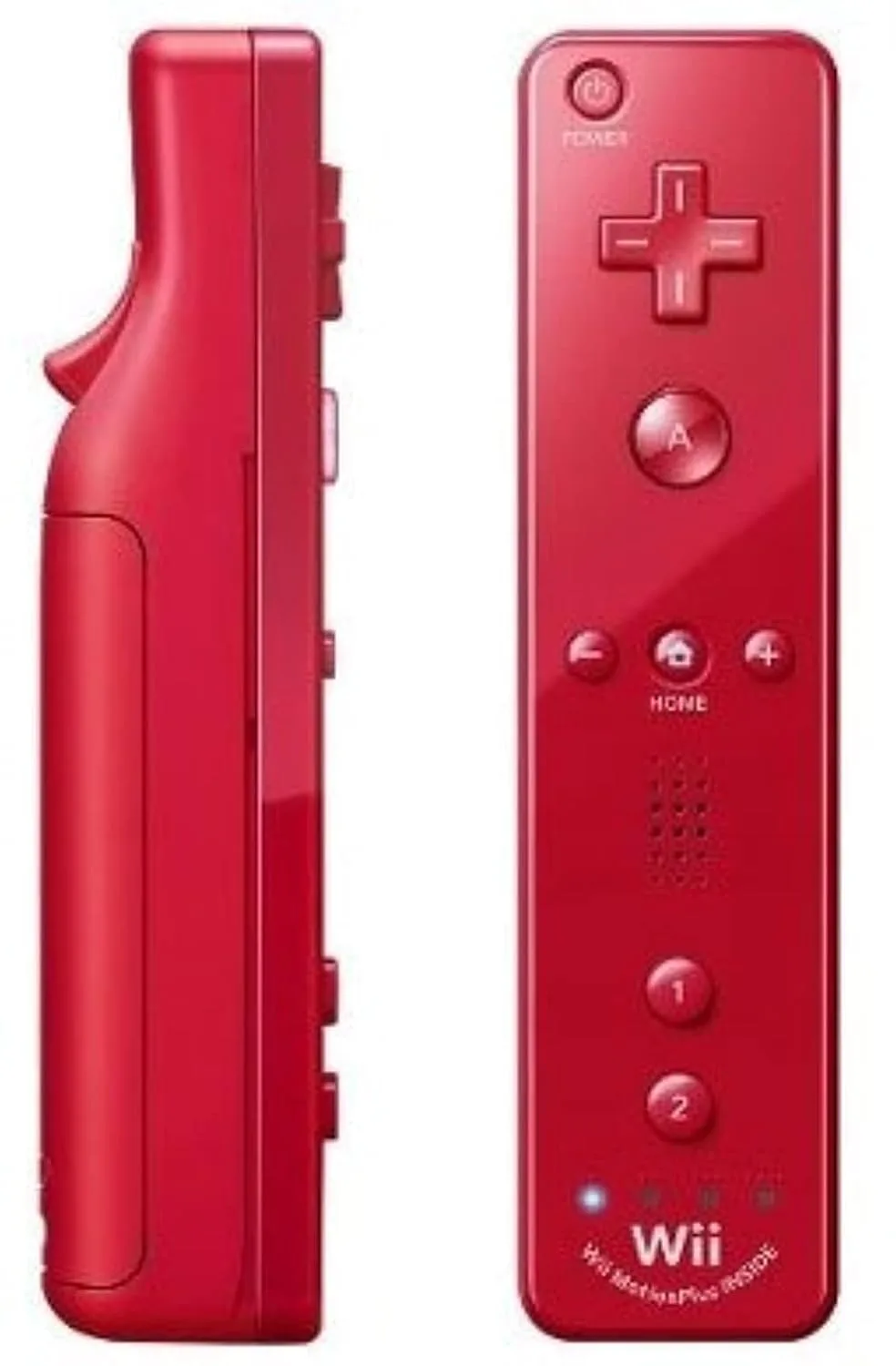
If your Wii remote won't connect, first press the red SYNC button on the console, then immediately press the red SYNC button under the battery cover on the remote. If that fails, replace the batteries and clean the battery contacts with a cotton swab and rubbing alcohol. When the remote still won't respond after these steps, a replacement like the Red Remote Wii is the practical fix.
Why Wii Remotes Lose Their Connection
Wii remotes connect over Bluetooth, but the pairing is stored in the console's temporary memory. If the console loses power or the remote's batteries die, that pairing can disappear. The remote then needs to be resynced using the red SYNC buttons. A less common cause is worn or dirty battery contacts, which interrupt power even with fresh batteries. Understanding which of these applies to your situation determines the right fix and prevents unnecessary replacements.
Step-by-Step Sync Button Fix
Turn on your Wii console and make sure it's at the main menu. Open the SD card slot cover on the front of the console and press the red SYNC button. The console's power LED will begin blinking. Within 10 seconds, open the battery cover on your Wii remote and press the small red SYNC button next to the batteries. The remote's player LED will blink and then stay lit on the player number assigned. If it doesn't, repeat the sequence once more, pressing the console button first and the remote button second. This is the standard how to resync Wii remote procedure and resolves most connection drops.
Clean the Battery Contacts
If syncing fails, remove the batteries and inspect the metal contacts inside the battery compartment. Look for white or green corrosion, which is common in controllers that sat unused for years. Dampen a cotton swab with isopropyl alcohol and gently scrub each contact. Let it dry completely before inserting fresh batteries. Also check the battery springs for bending or looseness. Dirty or corroded wii controller battery contacts prevent the remote from powering on reliably, even if the sync sequence is correct.
When to Replace Your Wii Remote
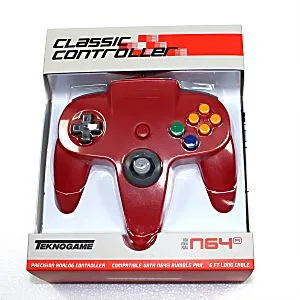
If you've synced correctly and cleaned the contacts but the remote still won't connect, the internal Bluetooth board or power circuit is likely faulty. At that point, further troubleshooting rarely helps. A replacement remote is the practical solution. The Red Remote Wii is a direct-fit option with the same motion-sensing and button layout as the original. If you also play games that require a classic controller, the NEW Nintendo 64 N64 Red Controller is a third-party option for N64 games, though it won't pair with the Wii console itself.
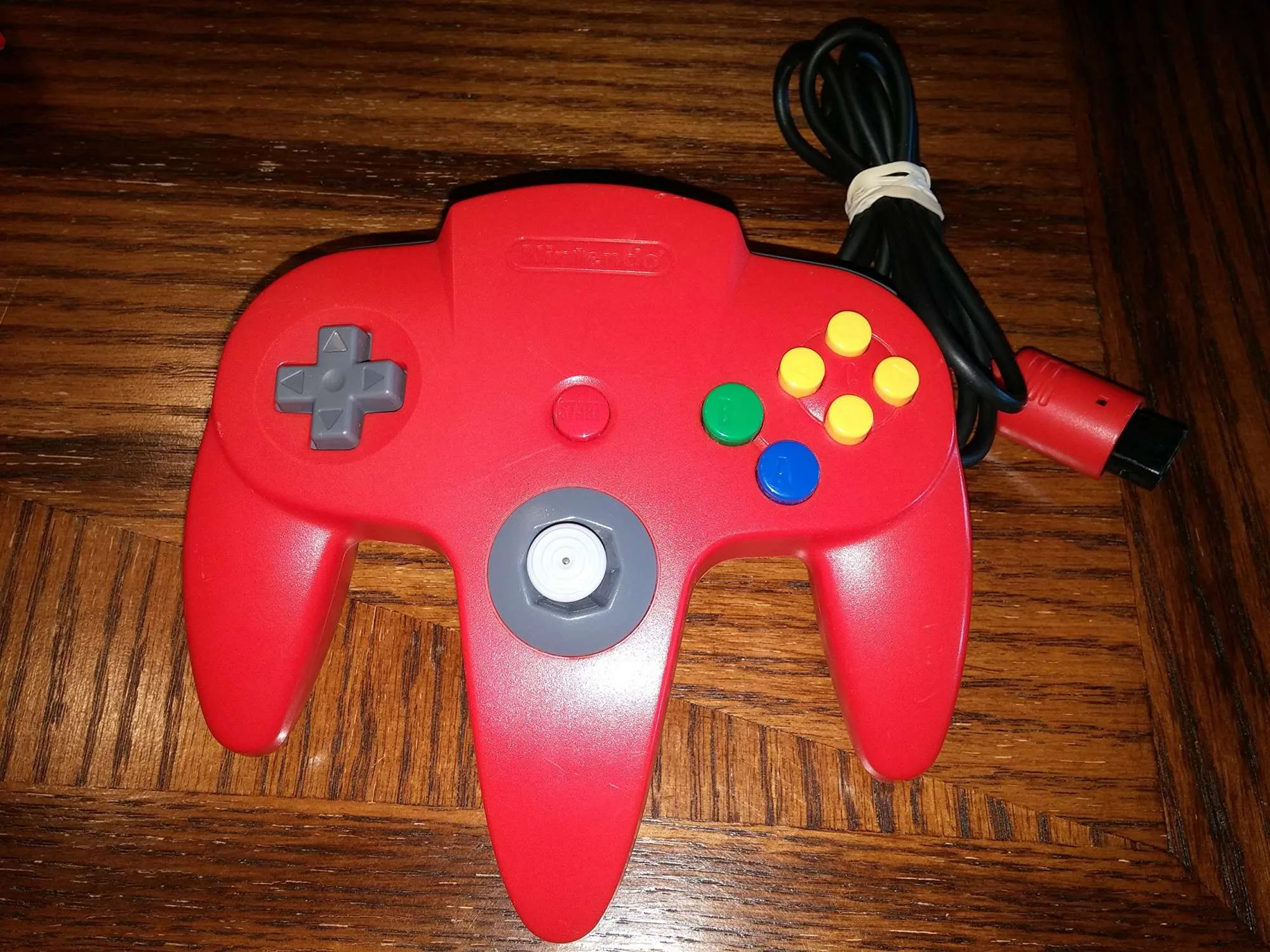
Nintendo 64 N64 Red Controller
Diagnosis: Match Your Symptom to the Fix
- Remote won't turn on at all: No lights blink when you press any button. This usually means dead batteries or dirty battery contacts. Replace batteries with fresh ones and clean the metal contacts inside the compartment. If the remote still won't power on after cleaning, the internal board is likely dead and a replacement is needed.
- Remote blinks but won't stay connected: The player LED blinks continuously or connects then drops. This points to a failed sync pairing. Press the console SYNC button, then the remote SYNC button, and wait for the LED to stay lit. If syncing works but the connection drops again within minutes, the remote's Bluetooth chip is failing.
- Remote connects but buttons don't respond: The LED is solid but game inputs don't register. This can be a temporary glitch or a worn button membrane. Try power-cycling the console and re-syncing once. If the problem persists after a power cycle, the remote's internal circuitry is the issue and replacement is the next step.
Replacement and accessory options
- Red Remote Wii: Red Remote Wii is a Wii Remote Controller with motion-sensing technology and the size of a traditional remote control. A direct replacement when your original remote's internal hardware fails after troubleshooting.
- NEW Nintendo 64 N64 Red Controller: NEW Nintendo 64 N64 Red Controller is a new high quality third party controller with a 6-foot cord and N64 compatibility. Useful if you also play N64 games, but it connects to an N64 console, not a Wii, so it won't solve a Wii remote pairing issue.
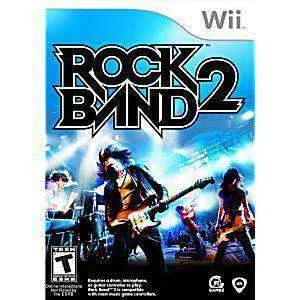
- Rock Band 2 (Game only) - Wii Game: Rock Band 2 (Game only) - Wii Game is a used, fully tested Wii game that comes as disc only unless otherwise specified. If you're replacing a remote to get back into a specific game, this is a tested option to pair with your working controller.