Quick answer
To set up the NiSi JetMag Pro system, first screw the magnetic adaptor ring onto your lens, then snap on the desired JetMag Pro filter. For lenses with a 77mm thread, use the 77mm-95MAG adaptor ring to mount 95MAG filters. Always check that the filter is securely locked before shooting, and remove the adaptor ring when not in use to prevent damage.
Step 1: Attach the magnetic adaptor ring to your lens
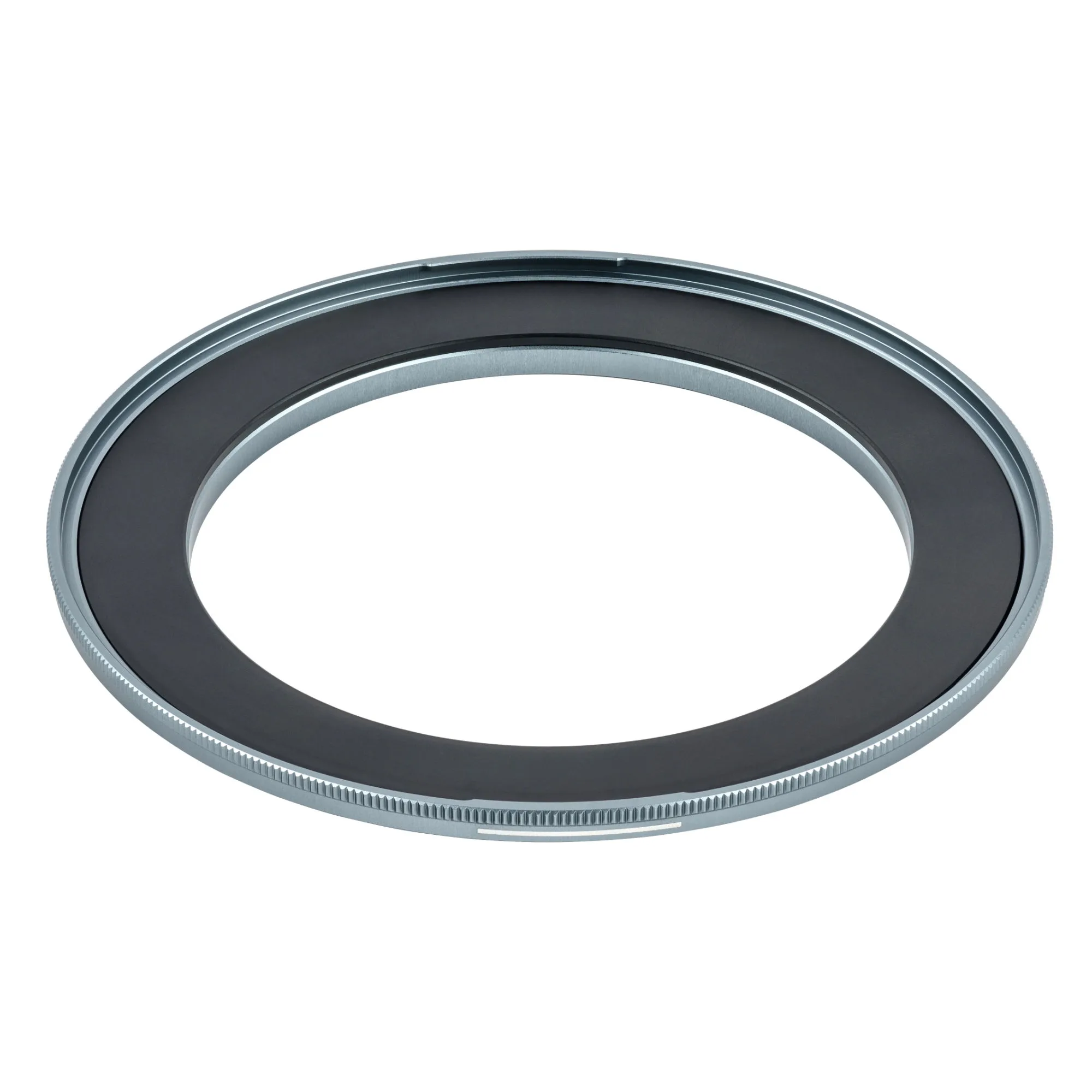
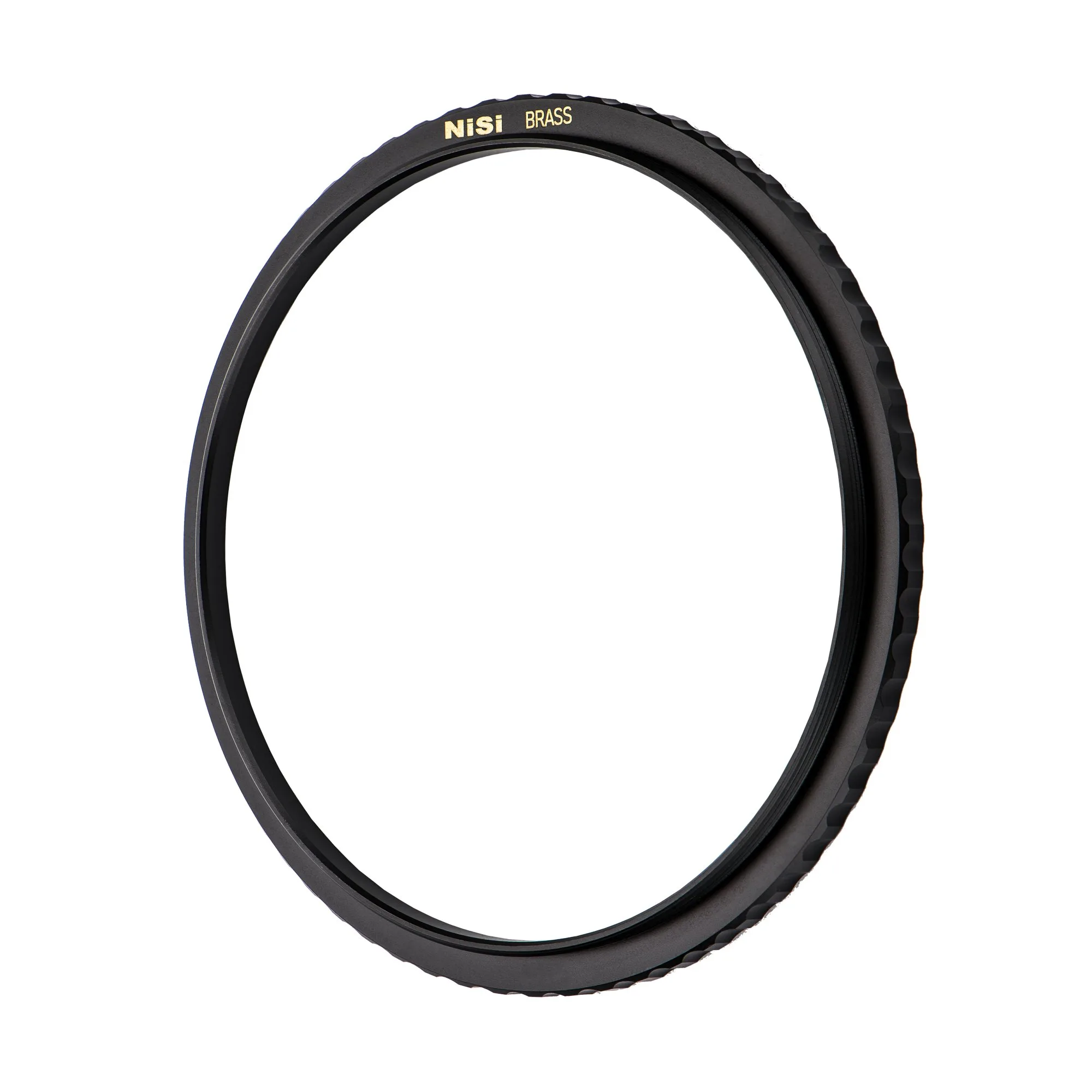
The JetMag Pro system starts with a magnetic adaptor ring that screws onto your lens's filter thread. For example, the NiSi JetMag Pro 77mm-95MAG Magnetic Adaptor Ring lets you use 95MAG filters on lenses with a 77mm thread. Screw it on gently until snug—do not overtighten. The slim profile is designed to prevent vignetting even with wide-angle lenses.
Step 2: Choose and attach your JetMag Pro filter
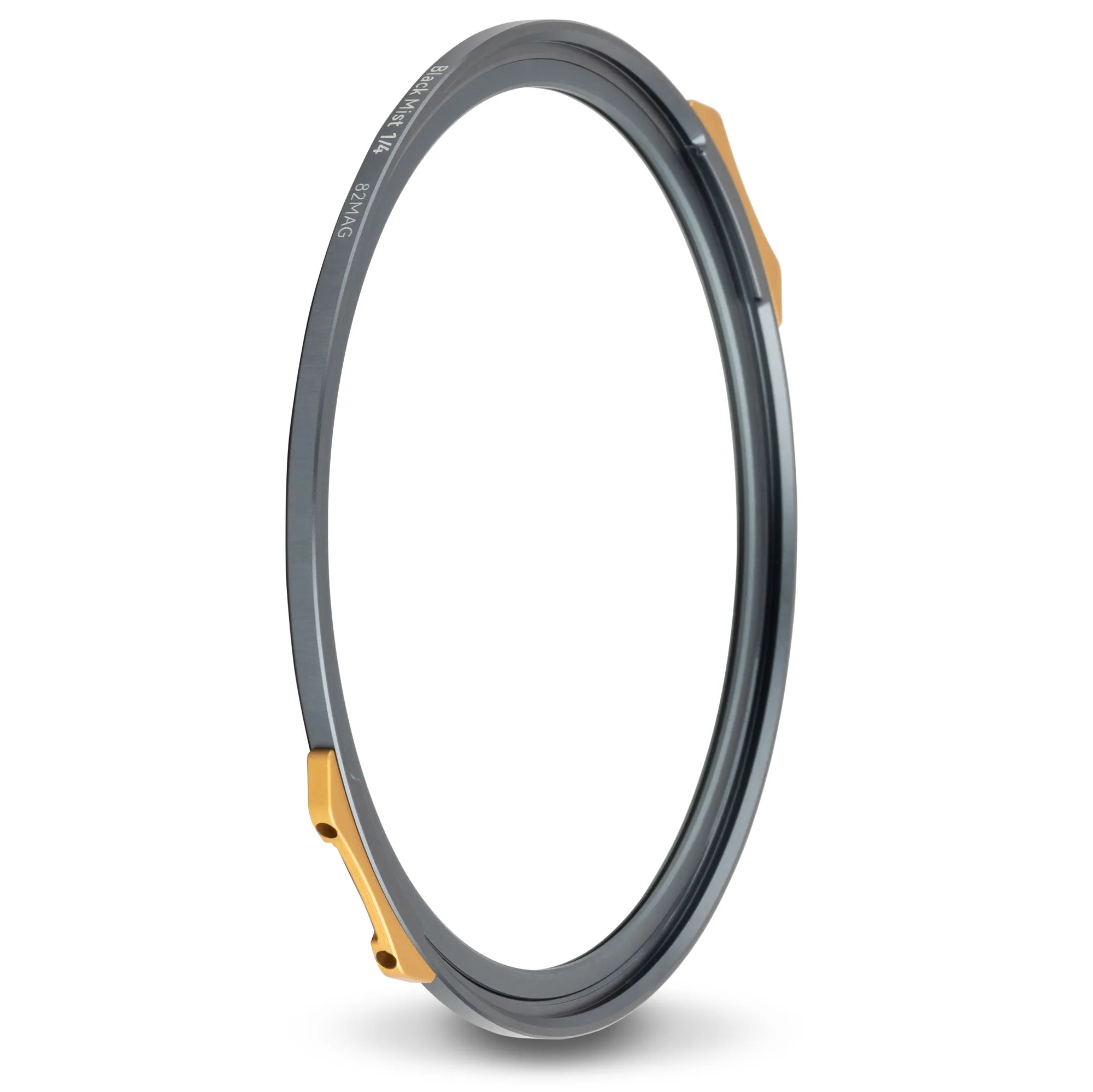
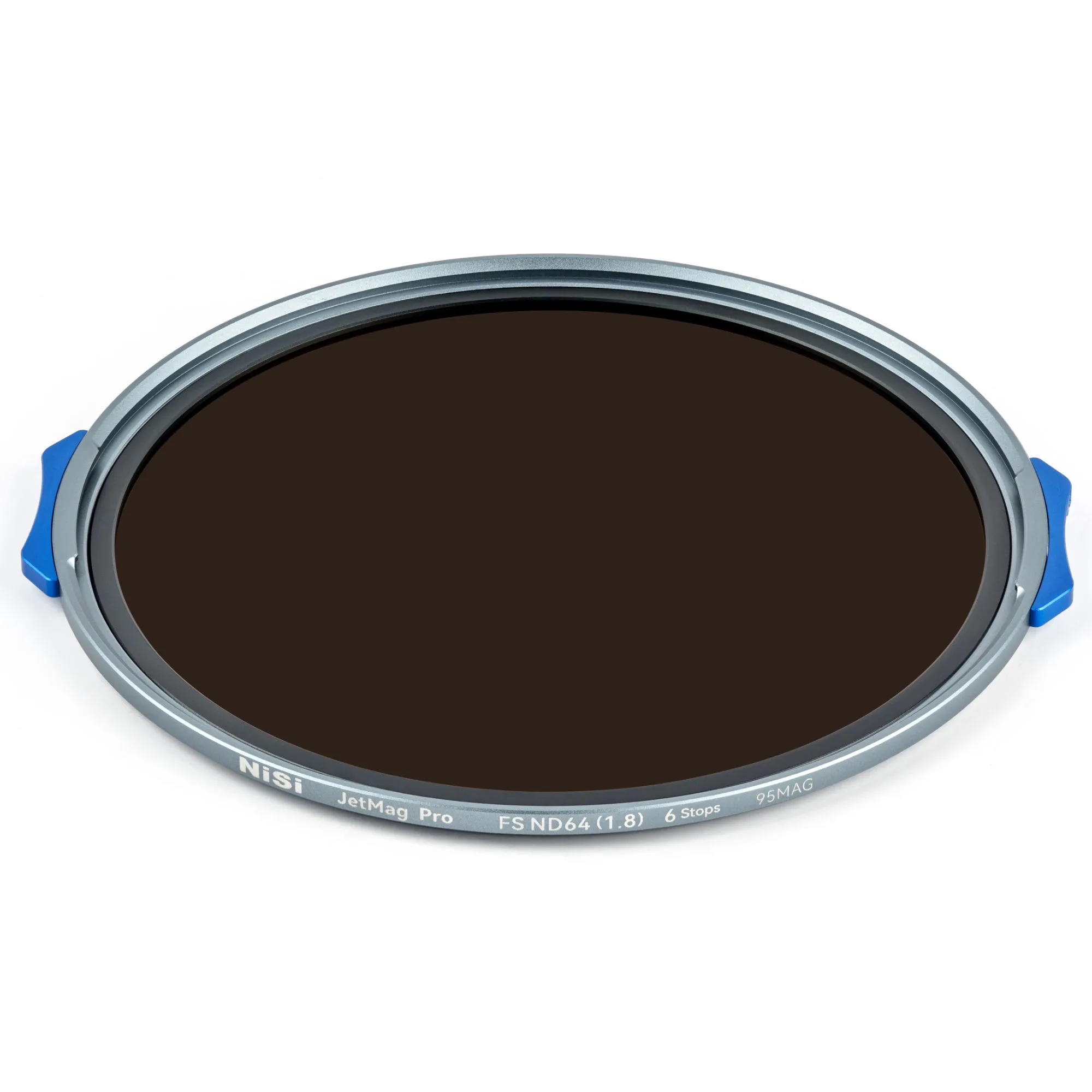
Once the adaptor ring is in place, simply bring the filter close to the ring and let the magnets pull it into position. The patented locking design keeps the filter secure. For bright conditions, the NiSi JetMag Pro FS ND64(1.8) 95MAG Magnetic Filter provides a 6-stop reduction, and its full-spectrum ND technology ensures neutral color without cast. For creative effects, the NiSi JetMag Pro Black Mist 1/4 82MAG Magnetic Filter softens highlights and adds a cinematic look—note that this is an 82MAG filter, so it requires an 82MAG adaptor ring (not included with the 95MAG ring).
Step 3: Check for secure attachment and vignetting
After attaching the filter, give it a gentle tug to confirm it's locked. The ultra-slim frame of JetMag Pro filters helps avoid vignetting, but if you stack multiple filters, vignetting may occur with very wide lenses. Always test at your widest focal length and aperture.
Step 4: Remove and store filters safely
To remove a filter, grip the frame and pull it straight off—no need to unscrew. The magnetic system allows quick changes. When not in use, store filters in a protective case and remove the adaptor ring from the lens to prevent accidental damage. Clean filters with a microfiber cloth and avoid touching the glass.
JetMag Pro setup steps at a glance
- Screw on the adaptor ring: Match the adaptor ring's thread size to your lens (e.g., 77mm). Screw it on until snug—do not force it. Checkpoint: The ring should sit flat against the lens front with no cross-threading.
- Attach the magnetic filter: Bring the filter close to the adaptor ring; the magnets will align and pull it into place. Ensure the locking mechanism engages. Mistake to avoid: Forcing the filter on—if it doesn't snap easily, check alignment.
- Verify security and vignetting: Gently tug the filter to confirm it's locked. Shoot a test frame at your widest focal length to check for vignetting. If vignetting appears, remove stacked filters or use a slimmer filter.
- Remove and store: Pull the filter straight off. Unscrew the adaptor ring when not in use. Store filters in a case. Mistake to avoid: Leaving the adaptor ring on the lens during transport—it can snag or damage the thread.
Key product facts
- NiSi JetMag Pro 77mm-95MAG Magnetic Adaptor Ring: Adapt 95MAG Filters to 77mm Lenses: Use 95MAG JetMag Pro filters on lenses with a 77mm thread size. This adaptor ring is essential if your lens has a 77mm thread and you want to use the 95MAG filter system.
- NiSi JetMag Pro FS ND64(1.8) 95MAG Magnetic Filter (6 Stop): 6-Stop Light Reduction: Perfect for controlling exposure in bright lighting conditions. Ideal for long exposures in daylight, such as smoothing water or clouds, without overexposing.
- NiSi JetMag Pro Black Mist 1/4 82MAG Magnetic Filter: Softens Highlights: Diffuses light to reduce contrast and soften bright areas. Great for portraits and video to create a dreamy, cinematic look with subtle diffusion.