Quick Answer
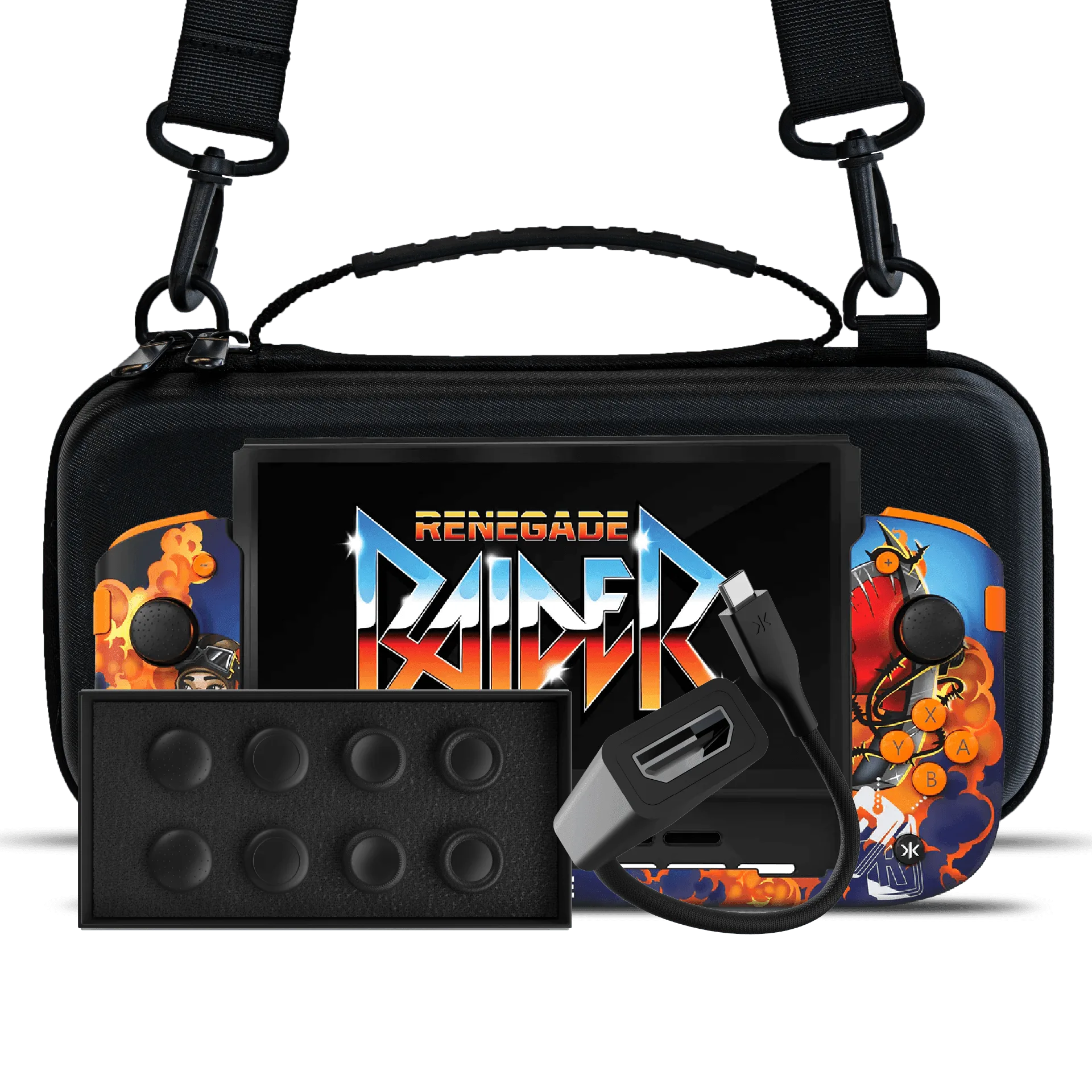
The Nitro Deck+ Retro Grey Edition bundle includes the Nitro Deck+ handheld deck, an HDMI adapter, a gear bag, and a stick top 8 pack. Setup is straightforward: attach the deck to your Switch, connect the HDMI adapter for TV play, and pack your gear in the bag for travel.
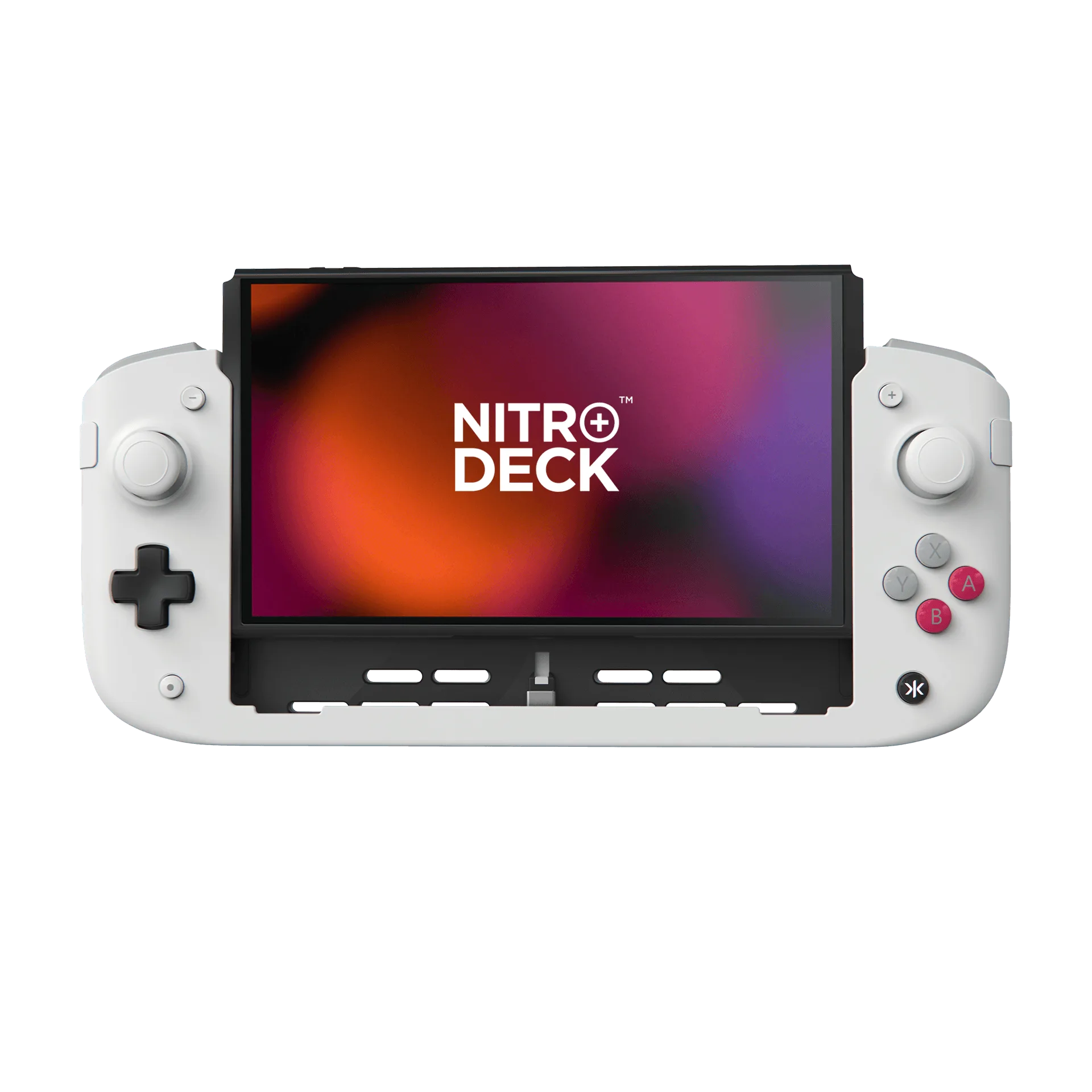
Nitro Deck+ Retro Grey Edition
What's in the Box?
The Nitro Deck+ Retro Grey Edition bundle is designed to give you everything you need for handheld and docked play. Along with the Nitro Deck+ itself, you get an HDMI adapter that lets you connect to a TV or monitor, a Pro Gear Bag for carrying your gear, and a stick top 8 pack to customize your thumbsticks.
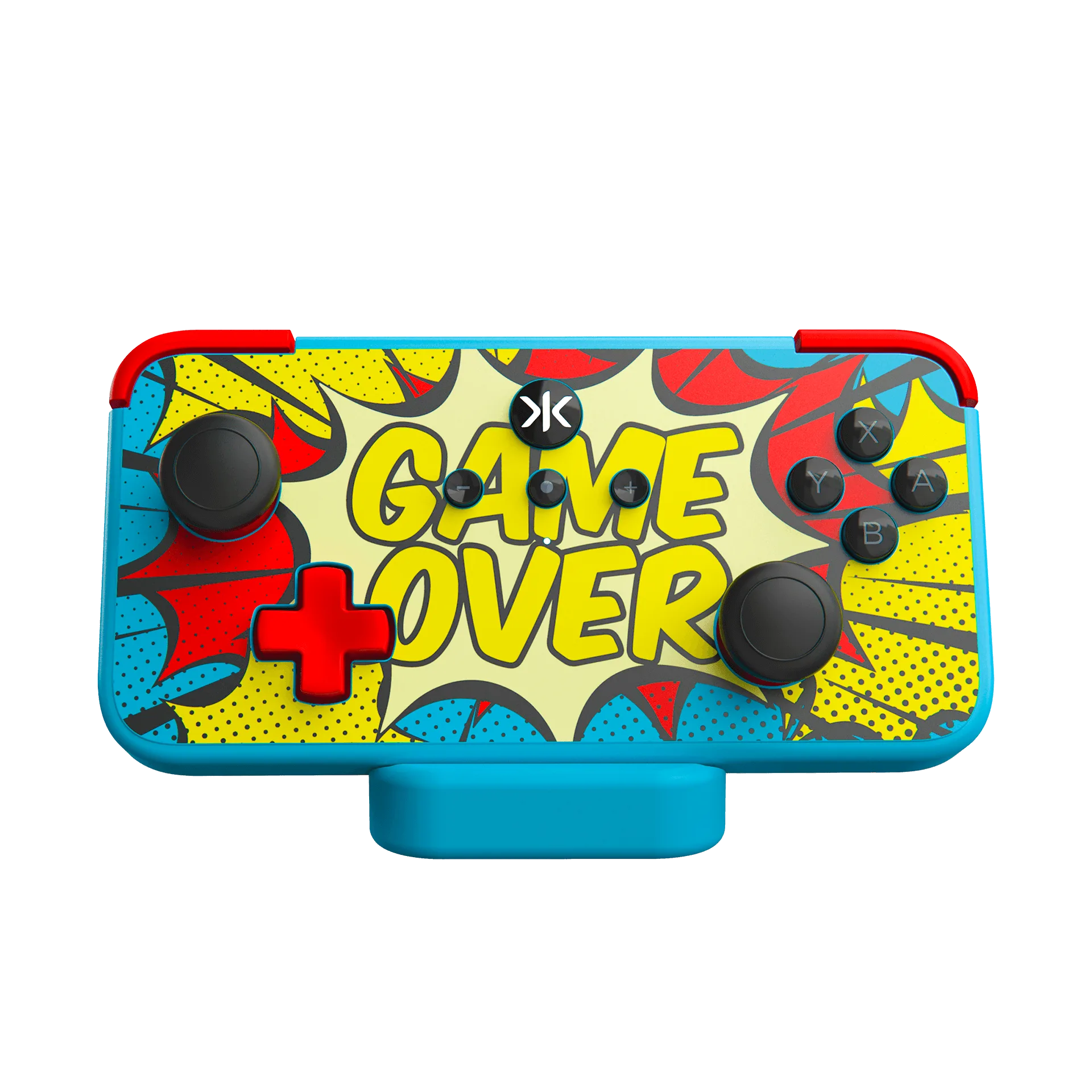
The Nitro Deck+ is built for the Nintendo Switch and Switch OLED Model, featuring hall-effect thumbsticks to eliminate stick drift and programmable side kick buttons. The included HDMI adapter expands your play options beyond handheld mode.
How to Set Up the HDMI Adapter
To use the HDMI adapter, first make sure your Nitro Deck+ is attached to your Switch console. Then connect the HDMI adapter to the deck's USB-C port and plug an HDMI cable from the adapter to your TV or monitor. The deck should automatically detect the connection and switch to TV output.
If you don't see a picture, check that the HDMI cable is firmly connected and that your TV is on the correct input. Also ensure your Switch is docked properly within the Nitro Deck+—it should click into place securely.
Packing Your Gear Bag
The Pro Gear Bag is designed to carry your Nitro Deck, NEO S, Nitro Deck+, Steam Deck OLED, Nintendo Switch, Legion Go, PlayStation Portal, Asus Rog, controllers, 65% keyboards, gaming mice, and accessories. It has a padded, lightweight, water-resistant soft shell and an adjustable strap.
When packing, place the Nitro Deck+ with the screen facing inward to protect it from bumps. Use the internal compartments for smaller items like the stick tops and HDMI adapter. The water-resistant material helps keep your gear dry in light rain, but it's not fully waterproof—avoid submerging it.
FAQ: Nitro Deck+ Bundle Setup
Does the Nitro Deck+ work with the Switch OLED?
Yes, the Nitro Deck+ is compatible with both the Nintendo Switch and Switch OLED Model. You can use it with either console model.
How do I connect the HDMI adapter?
Attach the Nitro Deck+ to your Switch, then plug the HDMI adapter into the deck's USB-C port and connect an HDMI cable to your TV. The deck should automatically switch to TV output.
What can I store in the gear bag?
The Pro Gear Bag fits the Nitro Deck+, NEO S, Steam Deck OLED, Nintendo Switch, Legion Go, PlayStation Portal, Asus Rog, controllers, 65% keyboards, mice, and accessories. It's a versatile carry solution for multiple devices.
Product Facts
- Nitro Deck+ Retro Grey Edition + HDMI Adapter + Gear Bag + Stick Top 8 Pack Bundle: The Nitro Deck+ is the next-generation Professional Handheld Deck designed for the Nintendo Switch and Switch OLED Model. It features hall-effect thumbsticks to eliminate stick drift, programmable side kick buttons, docked mode compatibility, and more. Hall-effect thumbsticks mean you won't have to deal with stick drift, and the programmable buttons let you customize controls to your play style.
- Pro Gaming Gear Carry Bag - Ash Grey: The CRKD Protective Carry Bag is a padded, lightweight, water-resistant soft shell bag with an adjustable strap, compatible with Nitro Deck, NEO S, Nitro Deck+, Steam Deck OLED, Nintendo Switch, Legion Go, PlayStation Portal, Asus Rog, controllers, 65% keyboards, gaming mice, and accessories. This bag is versatile enough to carry not just your Nitro Deck+ but also other devices and accessories, making it a great travel companion.