Quick answer
Set up your Nitro Deck+ Clear White Edition quickly by sliding your Switch or OLED into the deck, then connect via USB-C for instant handheld play.
Why choose the Clear White Edition?
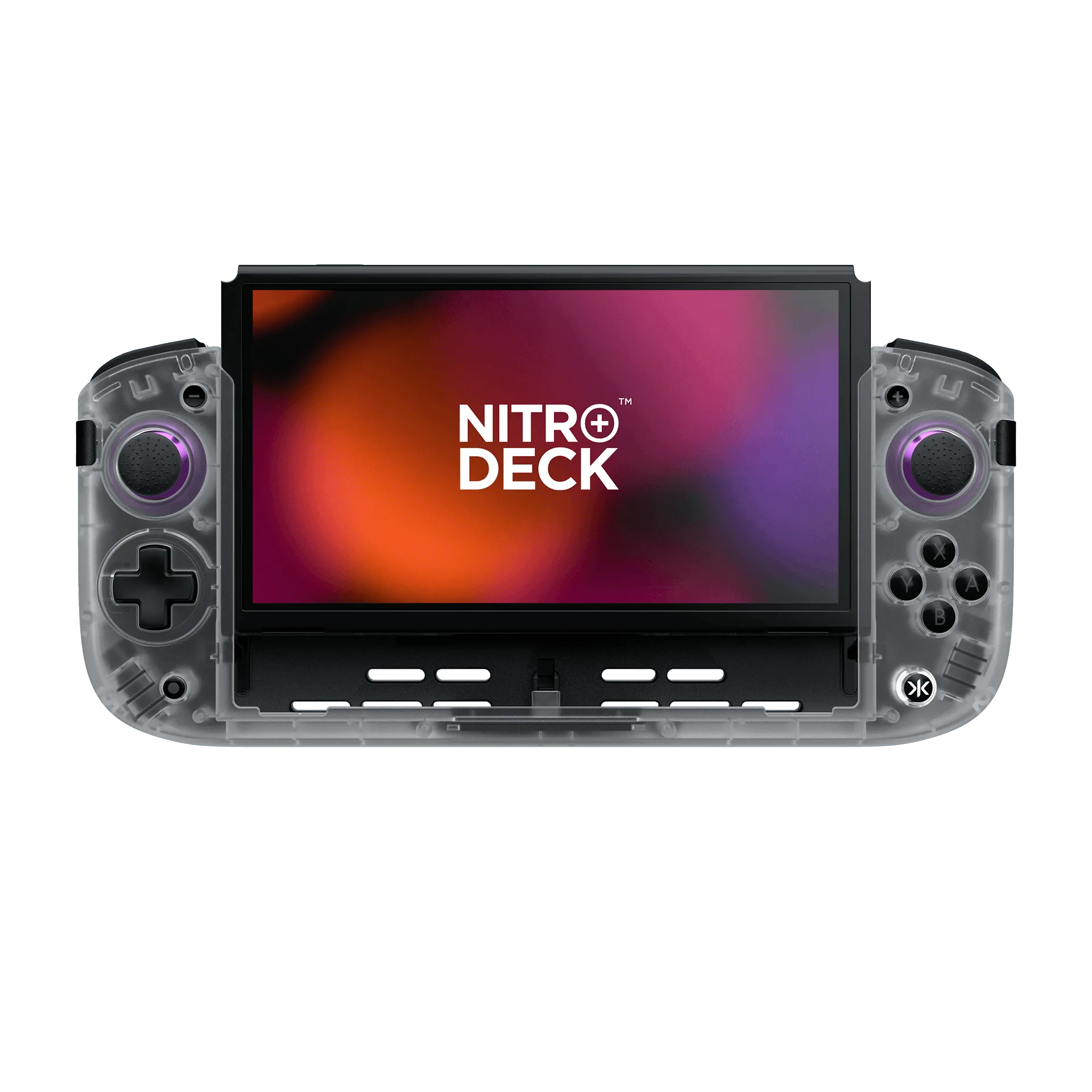
The Clear White Edition offers a translucent white shell that shows off internal components while matching a clean aesthetic. It's a design choice that stands out from standard black or colored controllers.
Ergonomic benefits for long sessions
The Nitro Deck+ improves on the original with a more contoured grip and textured back, reducing hand fatigue during extended play. This is especially useful for action games or RPGs that demand hours of handheld use.
Setup steps
- Slide your Switch into the deck: Remove any Joy‑Cons or protective case from your Nintendo Switch or OLED model. Align the USB‑C connector on the Nitro Deck+ with the port on your console, then slide the console into the deck until it clicks into place. Check that the connector is fully seated before applying pressure. Forcing it can damage the port.
- Connect to power or dock: Plug the included USB‑C cable into the deck’s port and connect it to a USB‑C charger or a compatible dock. The deck will charge your console while you play. Use a USB‑C cable that supports at least 15W charging. A low‑power cable may charge slowly or not at all.
- Adjust the grip and controls: The Nitro Deck+ features programmable back buttons and adjustable triggers. Use the companion app (available for iOS and Android) to remap buttons or adjust stick sensitivity to your preference. Don’t skip the app calibration—default settings may feel too sensitive for some games. Fine‑tune before your first session.
Product facts
-
Nitro Deck+ Clear White Edition: The Nitro Deck+ builds upon the foundation of its predecessor, incorporating a host of new & improved features based upon community feedback. You get a more refined handheld experience with better ergonomics and responsiveness right out of the box.
Nitro Deck+ Clear White Edition