Quick answer
Clean your NZXT liquid cooler every 3–6 months by gently dusting the radiator fins, wiping fan blades, and checking for pump noise. Use compressed air and a soft brush; avoid water or solvents near the pump. Regular care prevents performance drops and extends the cooler's life.
Why regular cooler maintenance matters
Dust buildup on the radiator and fans reduces airflow, forcing the pump and fans to work harder. Over time, this can raise CPU temperatures and shorten component life. A quick clean every few months keeps your NZXT cooler running at peak efficiency and noise levels low.
Step-by-step NZXT cooler cleaning routine
- 1. Power down and disconnect: Shut down your PC, unplug the power cable, and press the power button to discharge residual electricity. Wait 10 minutes for the cooler to cool to room temperature. Common mistake: Cleaning a warm radiator can cause thermal shock or burn your fingers.
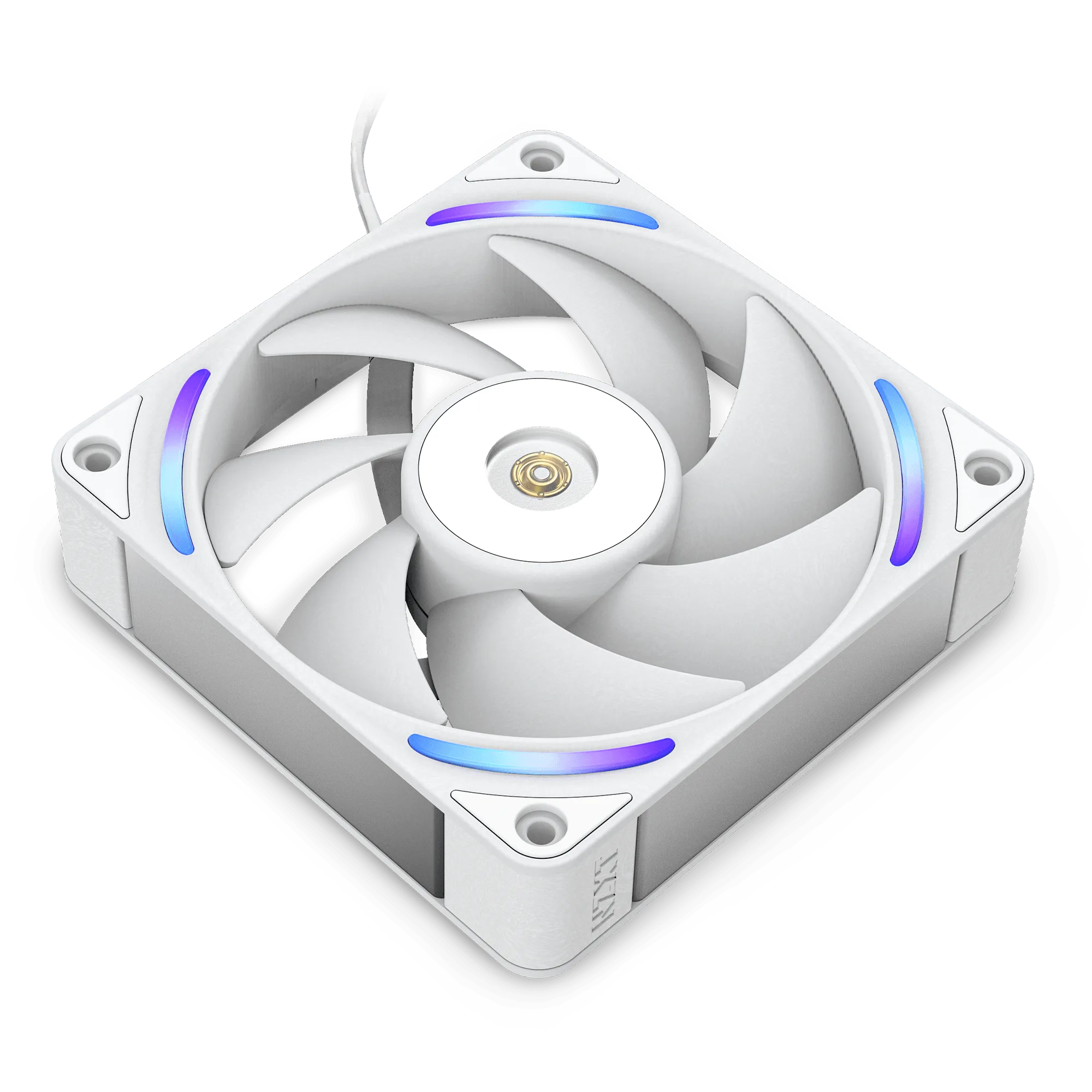
- 2. Dust the radiator fins: Use compressed air in short bursts, blowing from the fan side outward. Hold the fans still with a finger to prevent them from spinning (spinning fans can generate voltage and damage the controller). Checkpoint: If dust is caked on, use a soft paintbrush or a microfiber cloth to gently dislodge it.
- 3. Clean the fan blades: Wipe each fan blade with a slightly damp microfiber cloth (water only). For stubborn grime, use a drop of isopropyl alcohol on the cloth. Avoid getting liquid into the motor hub. Common mistake: Using paper towels can leave lint on the blades, unbalancing the fan and causing noise.
- 4. Inspect the pump and tubing: Check the pump block for dust around the mounting screws and the tubing for kinks or leaks. Gently wipe the pump housing with a dry cloth. Do not disassemble the pump. Checkpoint: If you hear gurgling or grinding, the pump may need replacement—cleaning won't fix internal wear.
- 5. Reassemble and test: Reconnect all cables, close the case, and power on. Monitor CPU temperatures and fan/pump speeds in NZXT CAM for 10 minutes to confirm normal operation. Common mistake: Forgetting to reconnect the pump header or fan cables can cause an immediate overheat.
NZXT cooler products mentioned
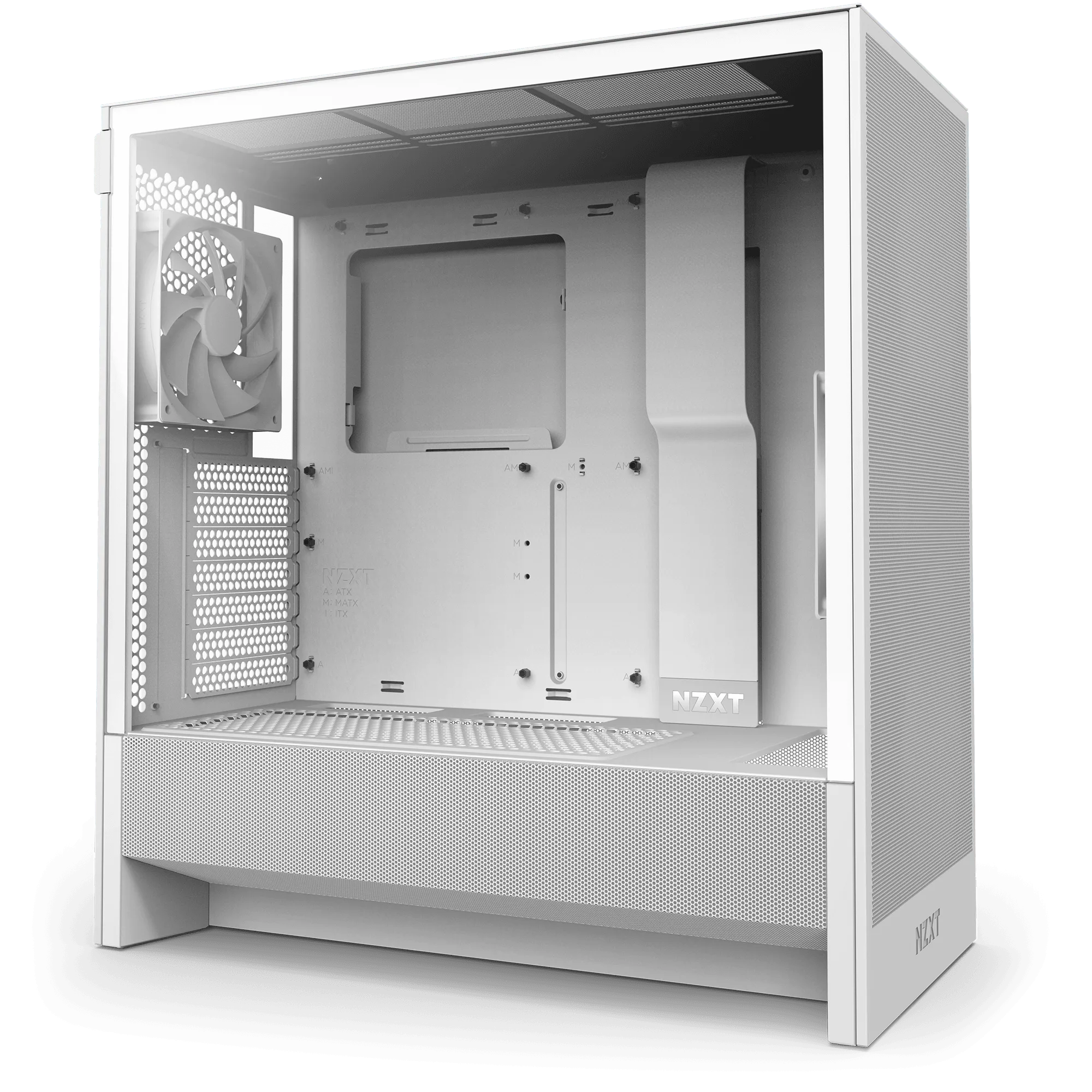
- H5 Flow + Kraken Elite 240: The H5 Flow boosts airflow and GPU cooling with its perforated PSU shroud, mesh panels, and large radiator support—all in a compact mid-tower form factor. Supports up to a 360mm radiator in front and a 240mm radiator up top for powerful liquid cooling potential. When paired with the Kraken Elite 240, this case gives you easy access to the radiator and fans for cleaning, and its mesh panels help reduce dust ingress.
- H5 Flow + Kraken Elite 280 RGB: The H5 Flow boosts airflow and GPU cooling with its perforated PSU shroud, mesh panels, and large radiator support—all in a compact mid-tower form factor. Supports up to a 360mm radiator in front and a 240mm radiator up top for powerful liquid cooling potential. The Kraken Elite 280 RGB fits the top mount, and the case design makes it simple to reach the radiator for dust removal without removing the whole cooler.