Quick Answer
NZXT F120X fan noise usually comes from loose mounting, cable interference, dust buildup, or a failing bearing. Start by checking the screws and cable routing, then clean the blades. If the noise persists after these steps, the fan may need replacement.
Symptom: What Does F120X Fan Noise Sound Like?
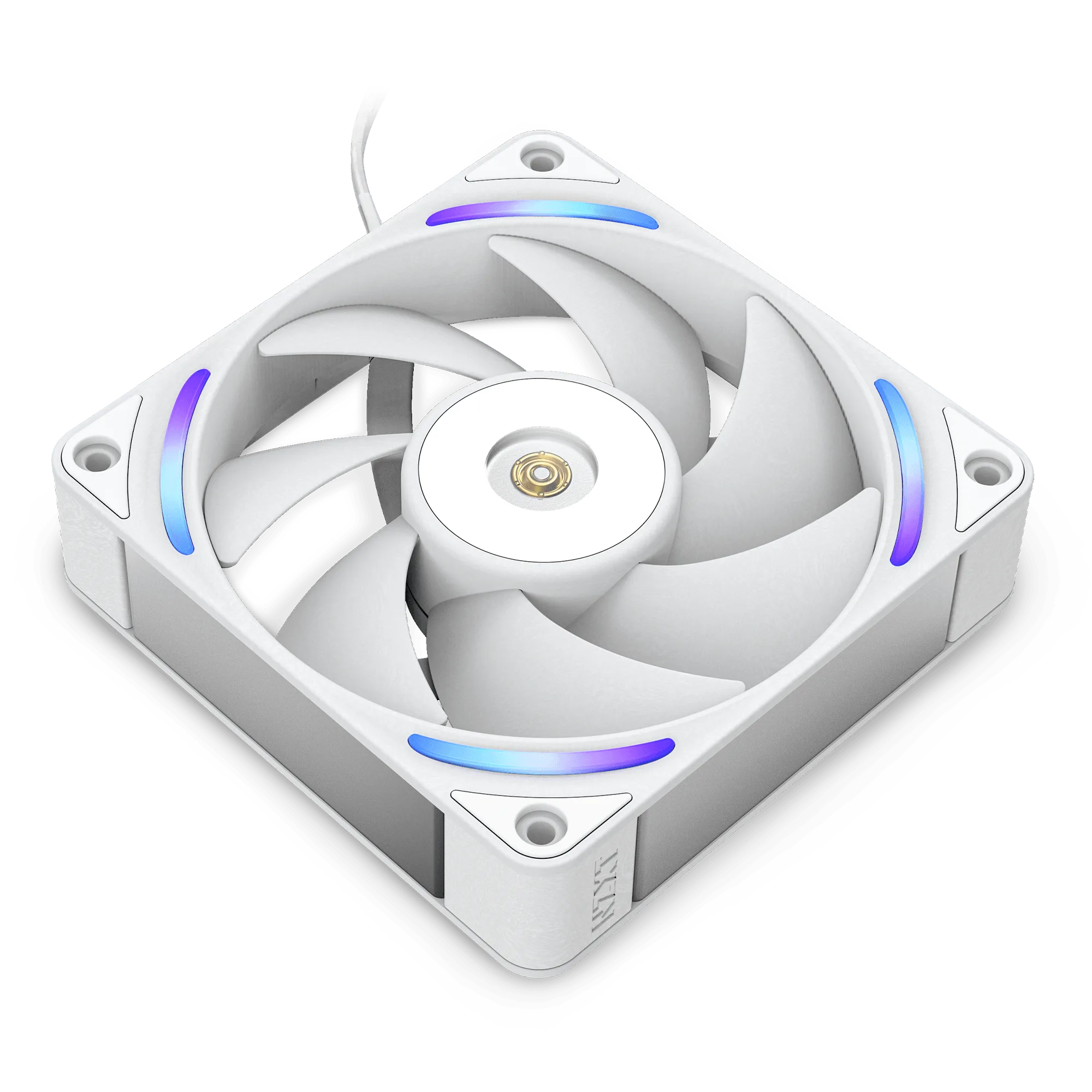
A noisy NZXT F120X fan can sound like a low hum, a rattling vibration, or a high-pitched whir. The F120X uses liquid-crystal polymer (LCP) blades and a hybrid bearing system designed for quiet operation, so any new or persistent noise is a sign something is off. Identify the sound type: a consistent hum often points to airflow resistance, while a rattle suggests physical contact or loose mounting.
Likely Cause 1: Loose Mounting or Vibration
The most common cause of fan noise is loose screws or improper mounting. If the fan is not firmly attached to the case or radiator, it can vibrate against the frame, creating a rattling sound. Check each screw and tighten them evenly—but don't overtighten, as that can warp the LCP frame. Rubber grommets or anti-vibration pads can also help isolate the fan.
Likely Cause 2: Cable Interference
A cable touching the fan blades produces a distinct ticking or scraping noise. The F120X's slim profile leaves little clearance inside the case. Inspect the area around the fan and tuck any loose cables away using zip ties or cable management channels. If the noise stops when you gently push cables aside, this is your fix.
Likely Cause 3: Dust Buildup on Blades or Frame
Dust on the fan blades or inside the frame can unbalance the fan, causing vibration and noise. Over time, dust can also clog the intake, forcing the fan to work harder. Power down the PC and use compressed air to clean the blades and frame. For stubborn buildup, a soft brush or lint-free cloth works well. Avoid spinning the fan with compressed air—hold the blades still.
Likely Cause 4: Bearing Wear or Defect
If the noise is a grinding, clicking, or loud whir that doesn't change with cleaning or cable management, the hybrid bearing may be wearing out or defective. The F120X uses a hybrid bearing system for durability, but no bearing lasts forever. A failing bearing cannot be repaired—the fan needs replacement. If the fan is still under warranty, contact NZXT support for a possible replacement.
Noise Diagnosis Guide
- 1. Listen and Locate: Power on the PC and identify which fan is making noise. Use a rolled paper tube to your ear to isolate the sound. Note whether the noise is constant, intermittent, or changes with fan speed. Checkpoint: If you can't locate the source, the noise may come from another component (e.g., pump, PSU).
- 2. Check Mounting and Cables: Power down, open the case, and tighten all fan screws. Inspect for cables touching the blades. Reroute or secure any loose cables. Checkpoint: If noise stops, the fix was successful. If not, proceed to step 3.
- 3. Clean the Fan: Use compressed air or a soft brush to remove dust from blades and frame. Hold the fan still while cleaning to prevent bearing damage. Checkpoint: If noise persists after cleaning, the issue is likely mechanical.
- 4. Test at Different Speeds: Use NZXT CAM or your BIOS to manually set the fan to different RPMs. If noise appears only at certain speeds, it may be a resonance issue. Try adjusting the fan curve to skip that RPM range. Checkpoint: If noise is present at all speeds, the bearing is likely failing.
- 5. Replace the Fan: If the noise continues after all previous steps, the fan needs replacement. The NZXT F120X is a direct match for your existing setup, with the same LCP construction and hybrid bearing for quiet, reliable cooling. Verdict: Replace the fan. Contact NZXT support if under warranty.
Related Product: NZXT F120X
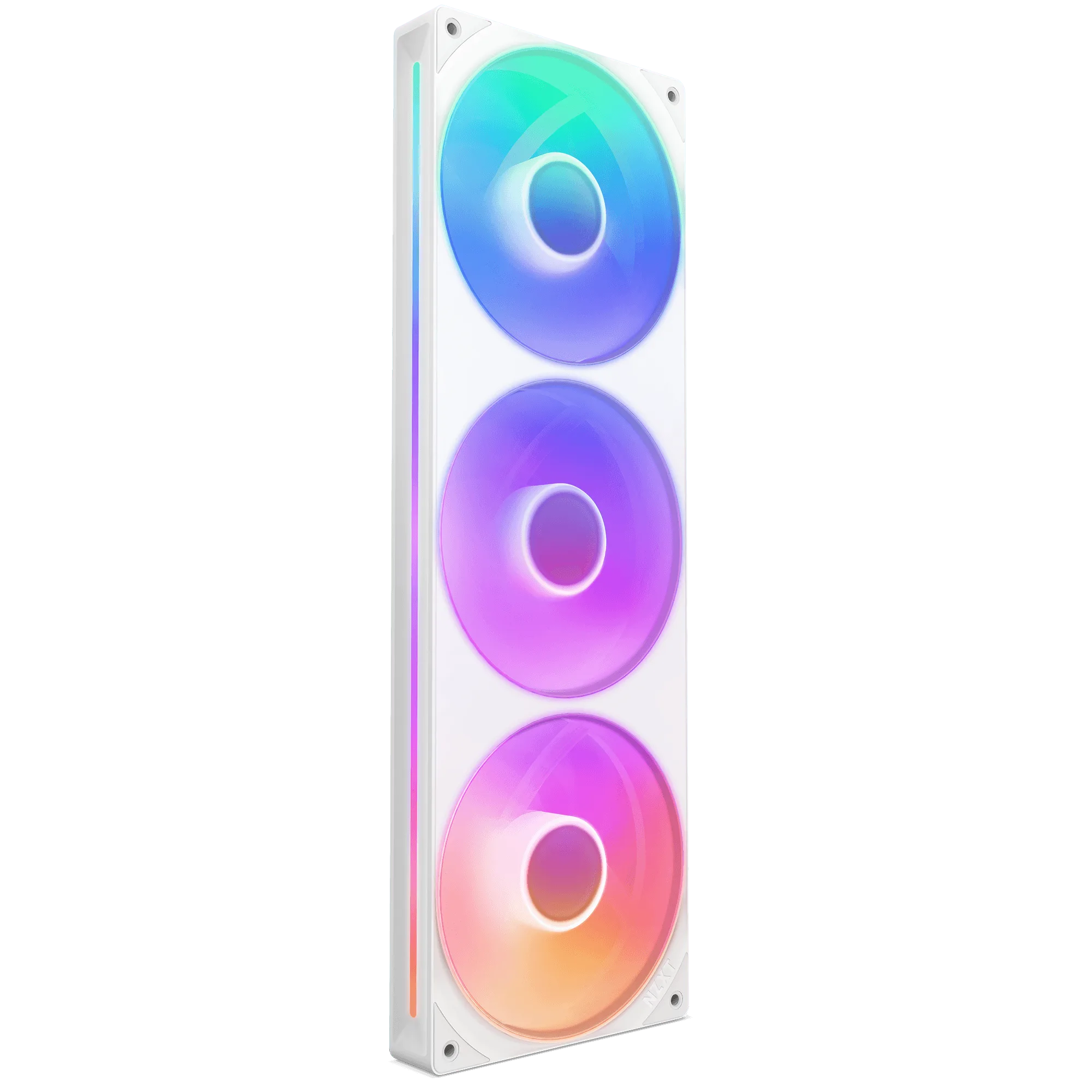
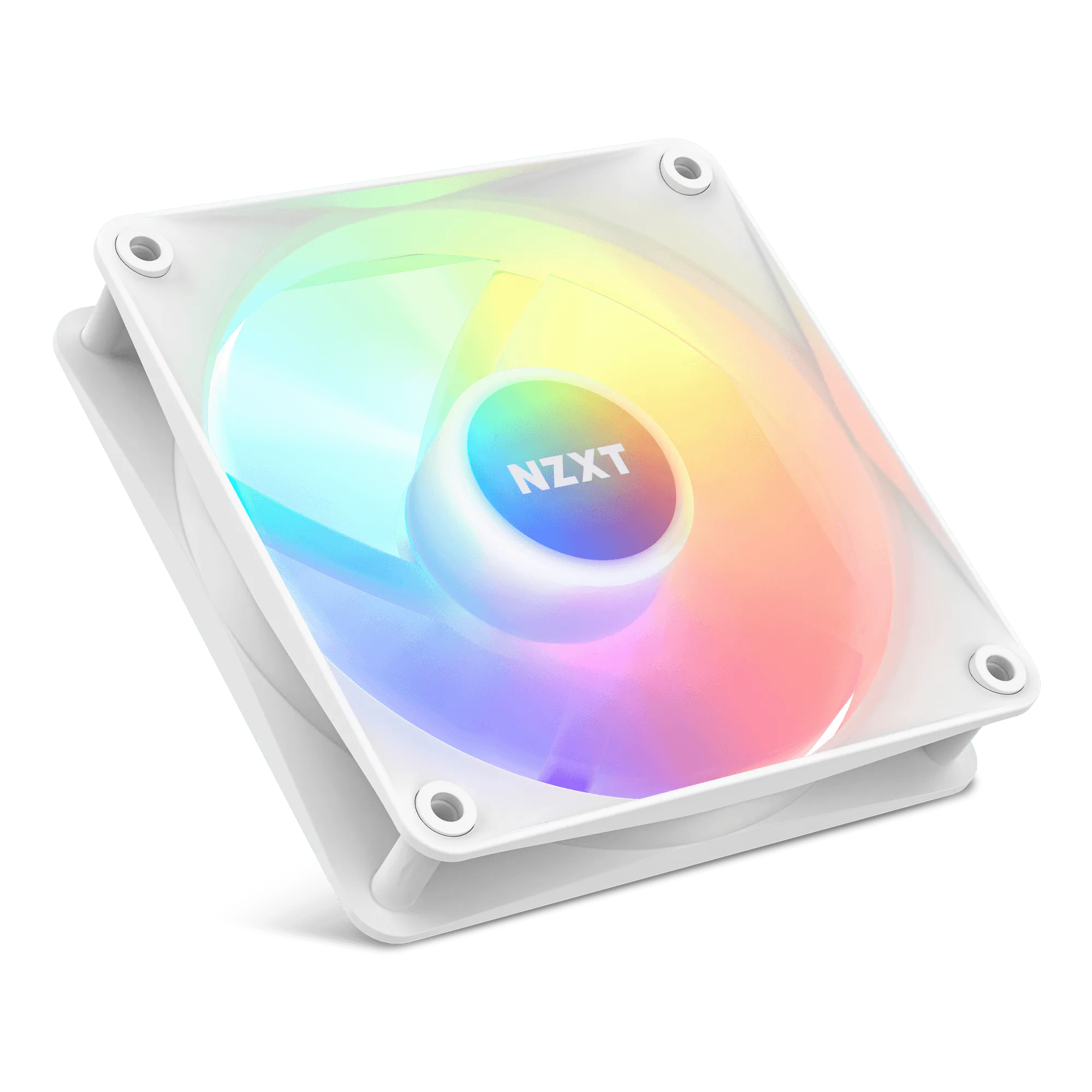
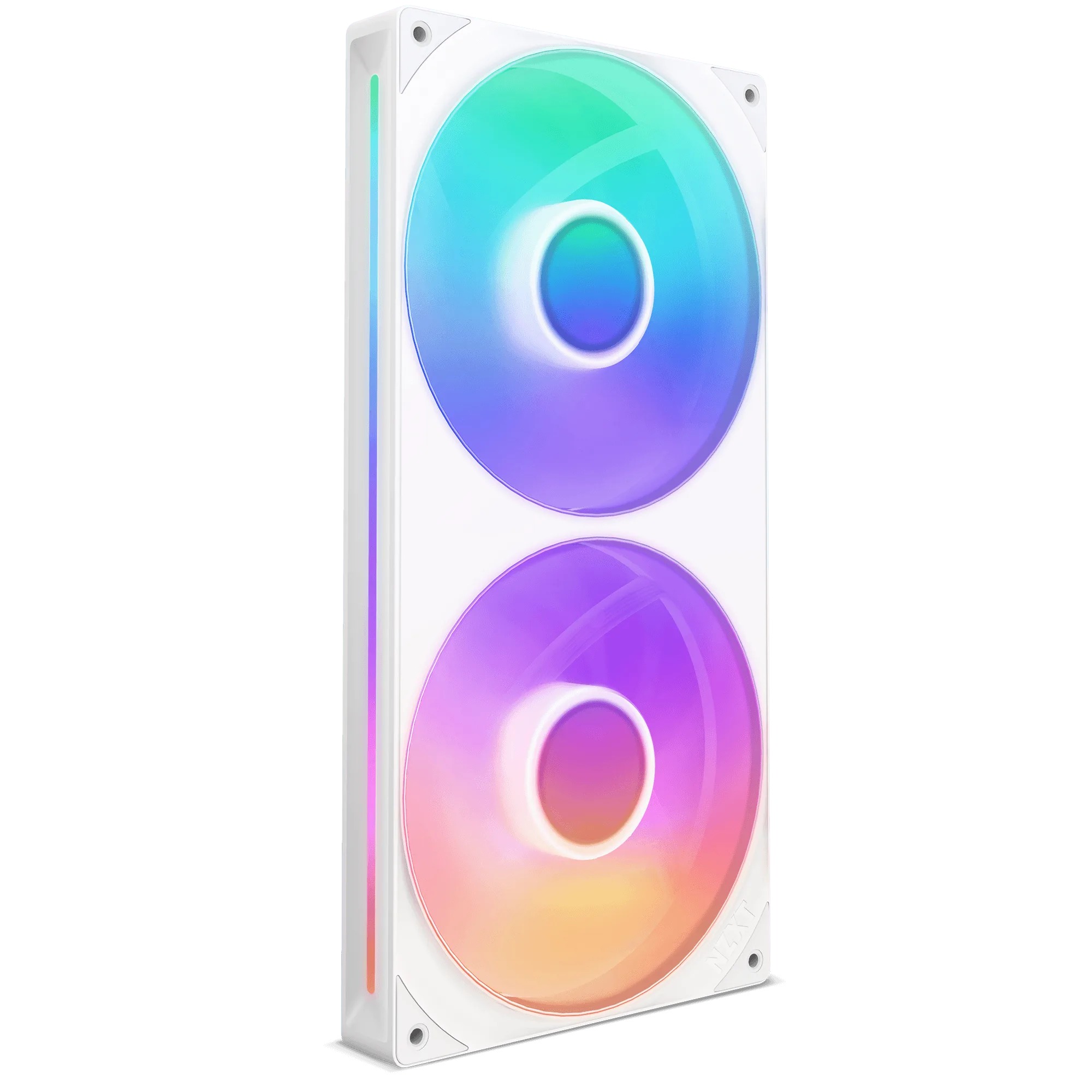
- F120X: The NZXT Performance Fans deliver powerful, quiet cooling with LCP construction, optimized blades, and a hybrid bearing system for superior airflow and durability. The LCP construction resists flex at high speeds, reducing vibration noise, while the hybrid bearing system is designed for long-term quiet operation. If you need a replacement, the F120X offers the same quiet performance as your original.