Quick answer
Choose the H5 Flow + Kraken Elite 240 bundle if you want a compact mid-tower with a factory-paired 240mm liquid cooler and a lower total cost. Choose the H7 Flow RGB if you need more internal room, a dual-chamber layout, and support for larger radiators or future upgrades. Both are airflow-focused NZXT cases; the real decision is space and cooling headroom versus size and price.
H7 Flow RGB
Two NZXT options come up often when builders want strong cooling without a huge tower: the H5 Flow + Kraken Elite 240 bundle and the H7 Flow RGB. They look similar on a spec sheet, but they serve different builds. One pairs a compact airflow case with a 240mm AIO; the other gives you a roomier dual-chamber chassis you can cool your own way.
This comparison sticks to the supplied catalog facts so you can see where each option actually differs. You will get a clear recommendation, the trade-offs that matter, and fit guidance for GPU, radiator, and fan clearance before you buy.
Airflow design and what it means for temperatures
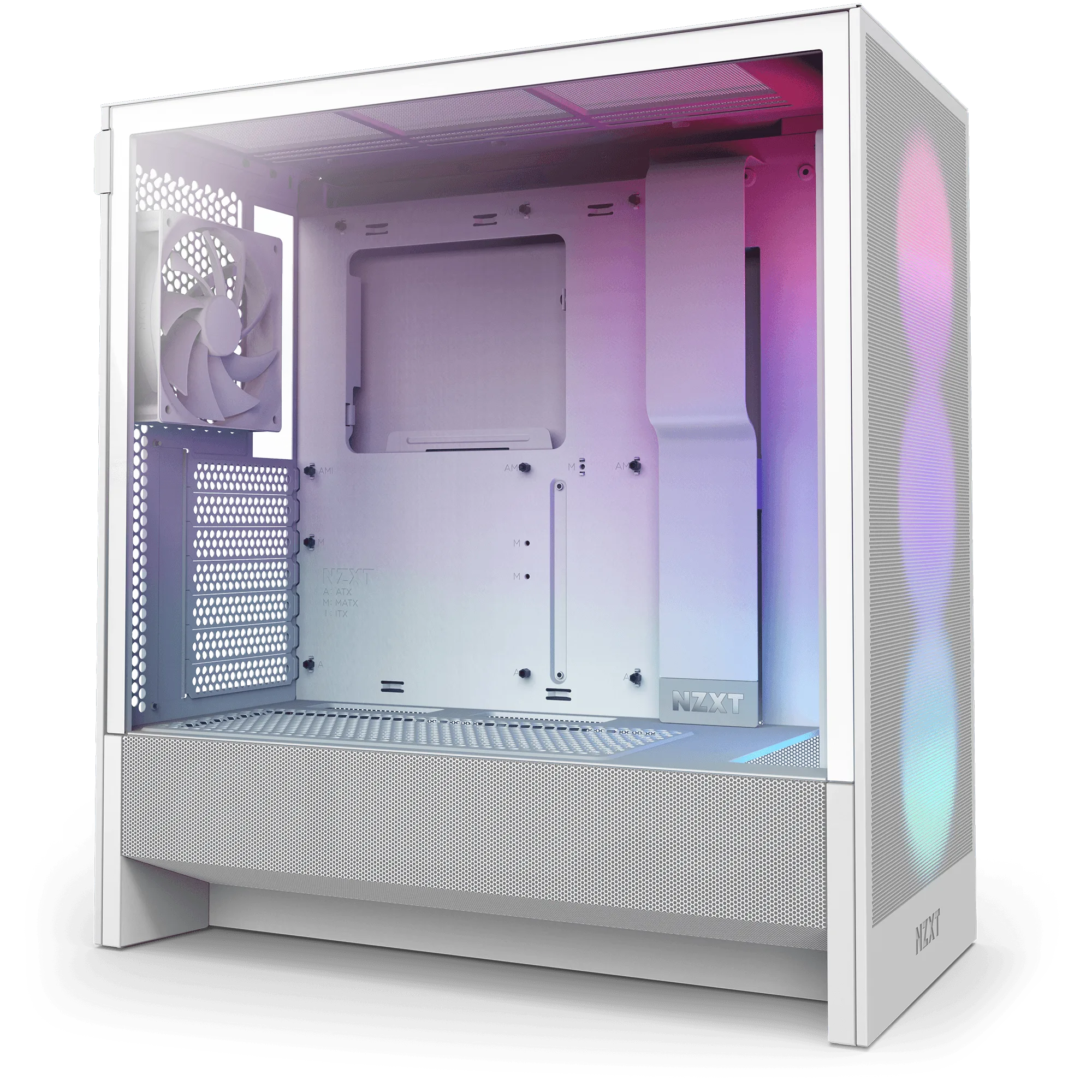
The H5 Flow boosts airflow and GPU cooling with a perforated PSU shroud, mesh panels, and large radiator support in a compact mid-tower. Its shroud is perforated on the side and bottom, which lets two 120mm fans (not included) pull air directly toward the GPU. That is a deliberate design choice for graphics cards that dump heat into the lower chamber.
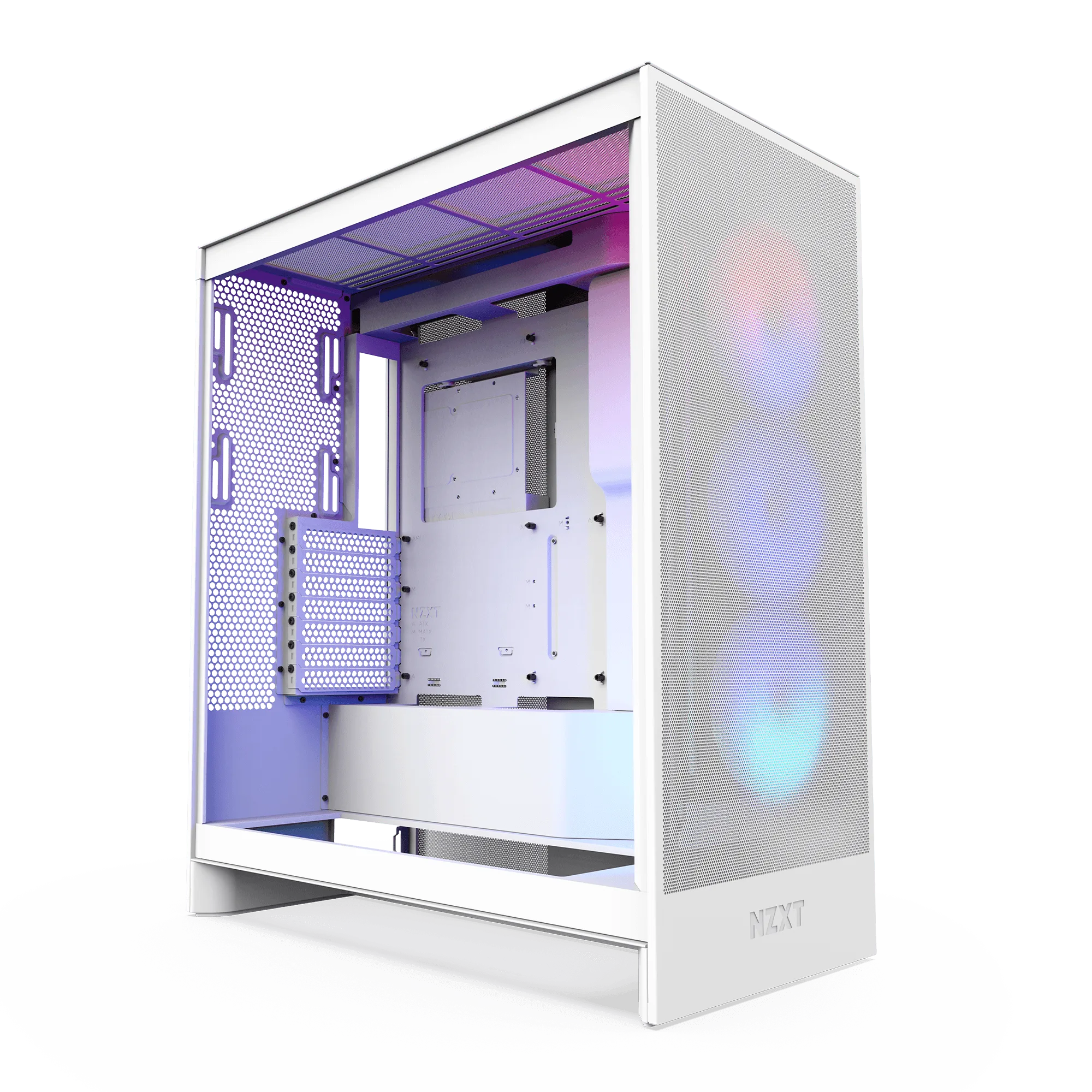
The H7 Flow RGB takes a different route. It is a spacious mid-tower ATX case with a dual-chamber design that separates main components from the PSU and drives. Perforated panels and angled fans support thermal performance, and the extra width gives hot air more room to move before it exits. If you run a high-wattage GPU for long sessions, that separation can make cable management and airflow paths easier to plan.
- H5 Flow: perforated shroud feeds GPU intake from the bottom and side.
- H7 Flow RGB: dual-chamber layout isolates PSU and drives from main heat sources.
- Both rely on mesh and perforated panels rather than solid front panels.
Radiator and fan support: 240mm vs 360mm
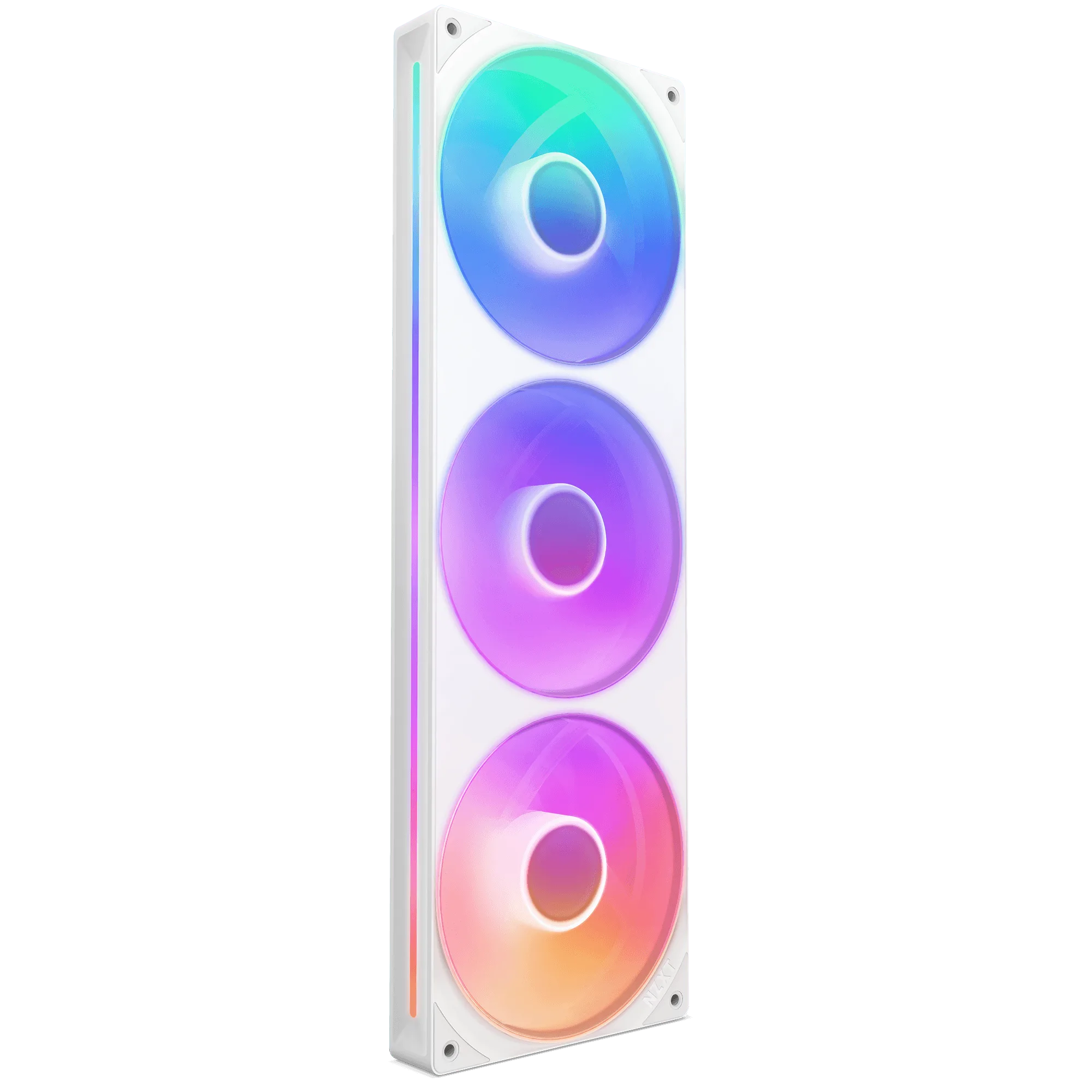
The H5 Flow supports up to a 360mm radiator in front and a 240mm radiator up top. That means the included Kraken Elite 240 can mount up top or in front, depending on your GPU length and memory height. A 360mm front radiator is possible, but it eats into the space you might want for a long graphics card.
The H7 Flow RGB is built for high-performance builds and offers ample fan and radiator support, though the supplied facts do not list exact radiator sizes. What we do know is the dual-chamber design and larger mid-tower frame give you more mounting flexibility than the compact H5 Flow. If you already own a 360mm AIO or plan to add one later, the H7 Flow RGB is the safer chassis to start with.
- H5 Flow: up to 360mm front radiator, up to 240mm top radiator.
- H7 Flow RGB: ample fan and radiator support, exact sizes not supplied.
- Match radiator choice to GPU length before you commit.
The included cooler: Kraken Elite 240 in the bundle
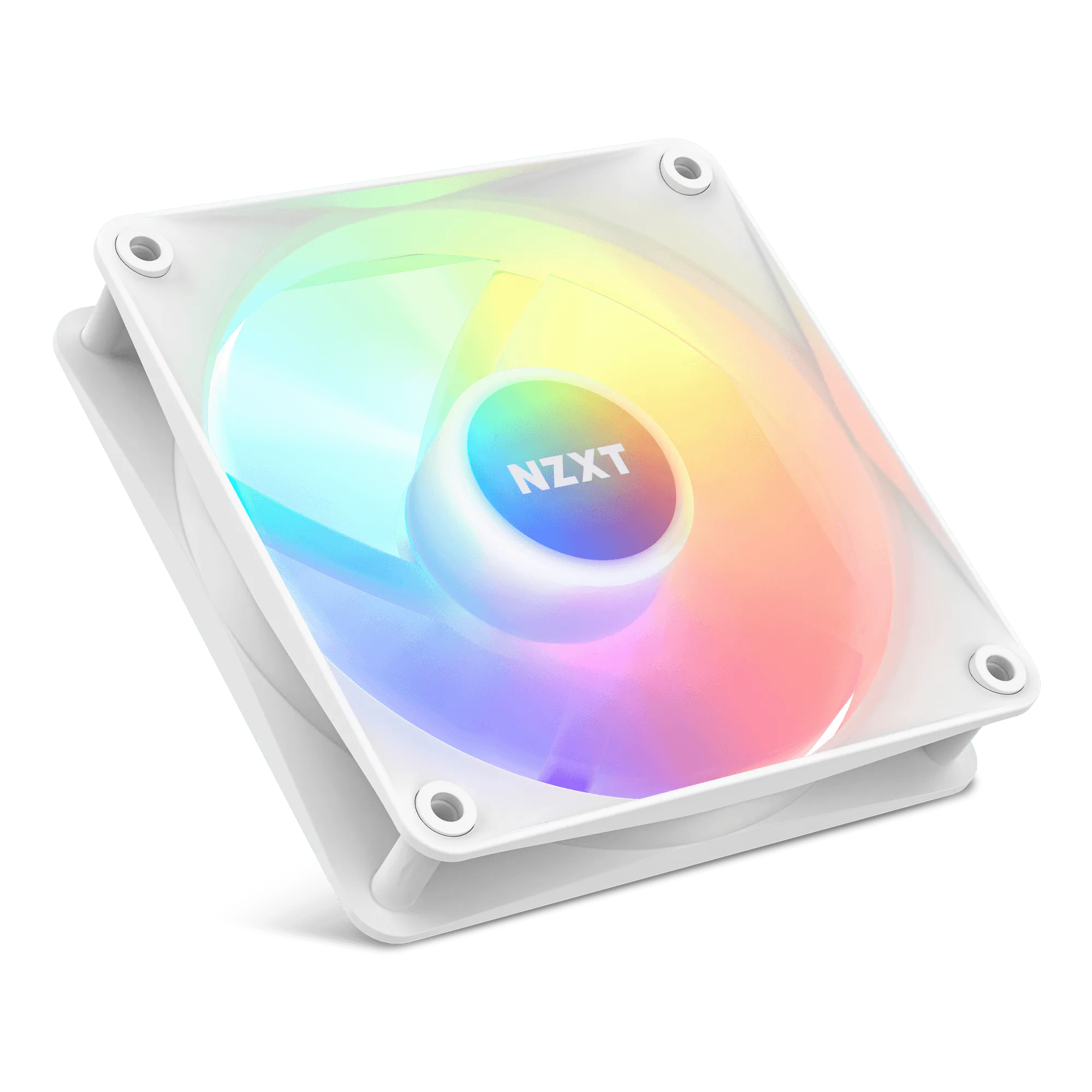
The H5 Flow + Kraken Elite 240 bundle pairs the compact case with a 240mm liquid cooler, so you get case and CPU cooling in one purchase. The bundle catalog price is USD 194.98 against a comparison price of USD 389.97, which makes it the lower-cost path if you were already shopping for both parts.
The H7 Flow RGB does not include a cooler in the supplied catalog record. You would add your own, such as a Kraken Core 360 RGB or Kraken Plus 240, which changes both total cost and installation planning. Neither approach is wrong, but the bundle removes one compatibility question while the standalone case gives you free choice of cooler.
- Bundle: case plus 240mm AIO in one purchase.
- H7 Flow RGB: choose your own cooler separately.
- Check socket compatibility for any AIO you add.
Size, price, and upgrade room
The H5 Flow is a compact mid-tower, which keeps desk footprint small and makes cable routing more deliberate. The H7 Flow RGB is a spacious mid-tower ATX case, so it takes up more room but gives you more space for drives, cable slack, and future component swaps. If you upgrade often, the larger chassis usually saves time.
On price, the H5 Flow + Kraken Elite 240 bundle lists at USD 194.98, while the H7 Flow RGB lists at USD 105.00. The case-only option is cheaper up front, but you still need a cooler. Add a Kraken Core 360 RGB at USD 65.00 and the gap narrows quickly, which is why the bundle often wins on total build cost.
- Small desk or frequent moves: H5 Flow bundle.
- Frequent upgrades or large radiators: H7 Flow RGB.
- Compare total build cost, not just case price.
Trade-offs to weigh before you buy
- Footprint vs expansion room: The H5 Flow is a compact mid-tower that saves desk space but limits how much you can add later. The H7 Flow RGB is a spacious mid-tower ATX case with a dual-chamber design that gives you more room for drives, cables, and large radiators. Small desk or portable build: H5 Flow. Frequent upgrades or big radiators: H7 Flow RGB.
- Included cooling vs cooler freedom: The H5 Flow + Kraken Elite 240 bundle includes a 240mm AIO, so you do not shop for a cooler separately. The H7 Flow RGB ships as a case only in the supplied catalog, so you pick your own AIO, such as a Kraken Core 360 RGB or Kraken Plus 240. Want one purchase and a known fit: bundle. Want to choose your own cooler size and look: H7 Flow RGB.
- Upfront price vs total build cost: The H5 Flow + Kraken Elite 240 bundle lists at USD 194.98. The H7 Flow RGB lists at USD 105.00, but you still need a cooler. Adding a Kraken Core 360 RGB at USD 65.00 brings the case-plus-cooler total close to the bundle. Compare the full cooling cost, not just the case price, before deciding.
Product facts at a glance
- H5 Flow + Kraken Elite 280 RGB: The H5 Flow boosts airflow and GPU cooling with its perforated PSU shroud, mesh panels, and large radiator support in a compact mid-tower form factor. The PSU shroud is perforated on the side and bottom, enabling optimal air intake from two 120mm fans (not included). It supports up to a 360mm radiator in front and a 240mm radiator up top. The bottom-fed shroud is a real advantage for GPU thermals, and the 360mm front support gives you a future upgrade path without changing cases.
- H9 Flow RGB: The H9 Flow is a spacious mid-tower ATX case built for high-performance builds, balancing airflow and aesthetics. Its dual-chamber design improves cooling and cable management, while perforated panels, angled fans, and ample fan and radiator support deliver optimal thermal performance. The dual-chamber design separates main components from the PSU and drives. The dual-chamber layout keeps PSU and drive heat away from the CPU and GPU zone, and the extra space makes cable management and large radiator installs easier.
- Kraken Core 360 RGB: The NZXT Kraken Core 360 RGB delivers powerful, quiet liquid cooling with a high-performance pump, PWM fans, and vibrant RGB lighting. A powerful 3,100 RPM pump keeps your CPU cool during heavy gaming and multitasking, while minimizing noise. It is compatible with the latest Intel and AMD sockets. If you choose the H7 Flow RGB and want a 360mm AIO, this is a direct fit for the case's ample radiator support and current CPU sockets.
- Kraken Plus 240: The Kraken RGB AIO liquid cooler features the custom-designed NZXT Turbine pump, LCD display, and RGB fans for customizable cooling. The NZXT Turbine pump is engineered for high flow and head pressure, delivering efficient, low-noise cooling. The custom LCD screen can display real-time system temps, animated GIFs, custom images, or web content. A 240mm AIO like this pairs naturally with the H5 Flow's top radiator mount if you prefer a display and want to keep the front free for GPU airflow.
Which one fits your build?
Best for
- Builders who want a compact mid-tower with a 240mm AIO included and a lower total cooling cost.
- Gaming or streaming setups where GPU airflow from a perforated PSU shroud matters.
- First-time builders who prefer one purchase instead of matching a case and cooler separately.
Not for
- Builders who already own a 360mm AIO or plan to add one and want maximum radiator room.
- Anyone who needs a spacious dual-chamber layout for heavy cable management or multiple drives.
- Shoppers who want to choose their own cooler brand, size, or display without buying a bundle.
Pick the H5 Flow + Kraken Elite 240 bundle for a compact, cost-effective build with cooling included. Pick the H7 Flow RGB if space, dual-chamber cable management, and larger radiator support matter more than saving desk space. Both are NZXT airflow cases, so the deciding factor is how much room your GPU and future upgrades need.