Quick answer
Choose the H7 Flow RGB if you want the strongest out-of-the-box airflow for a hot GPU, thanks to its vertical PSU layout and support for three bottom-mounted 120 mm fans. Choose the H5 Flow if you want a smaller, lower-cost mid-tower that still supports up to a 360 mm front radiator and a 240 mm top radiator. Both use mesh panels, so the real decision is footprint and cooling headroom, not mesh versus glass.
H7 Flow RGB
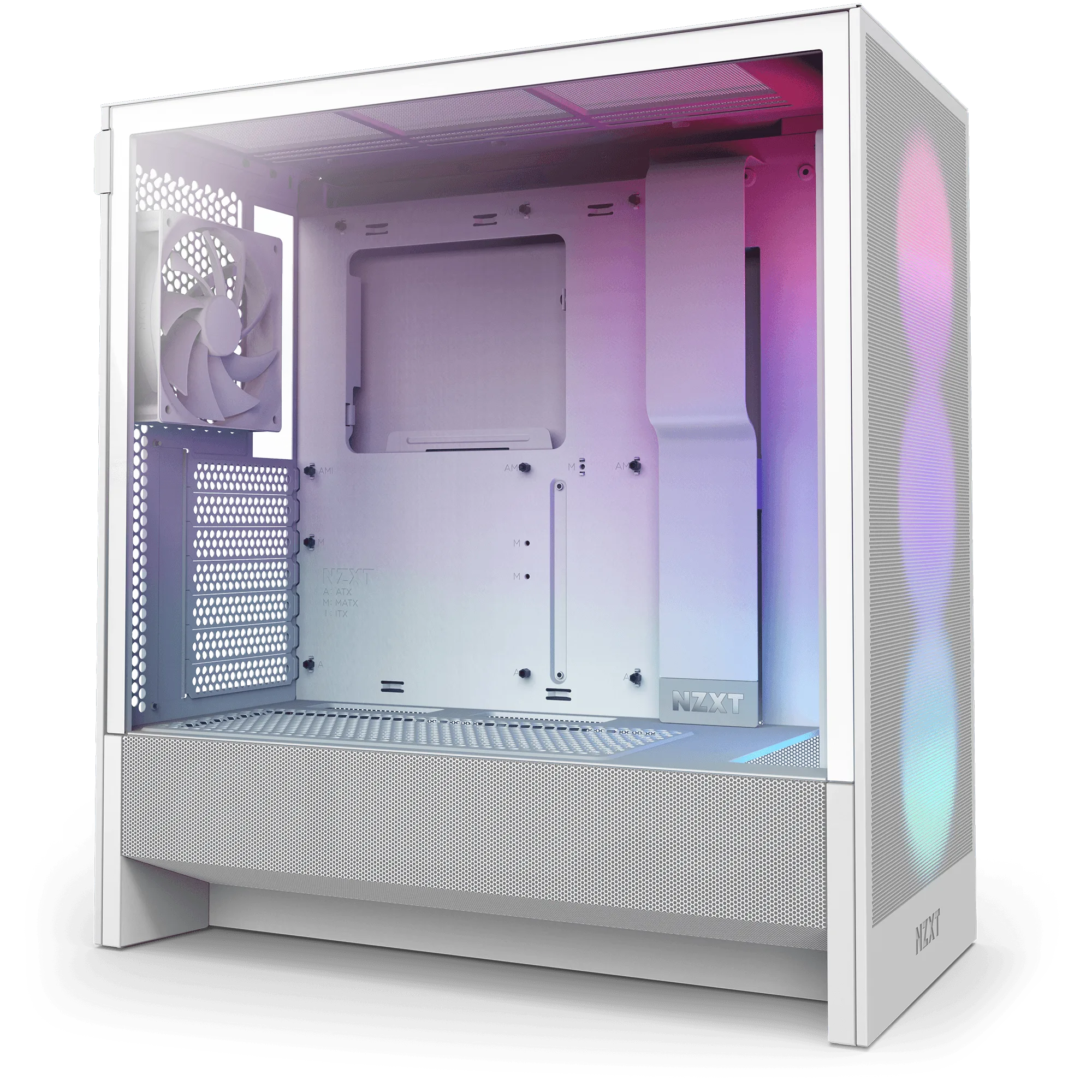
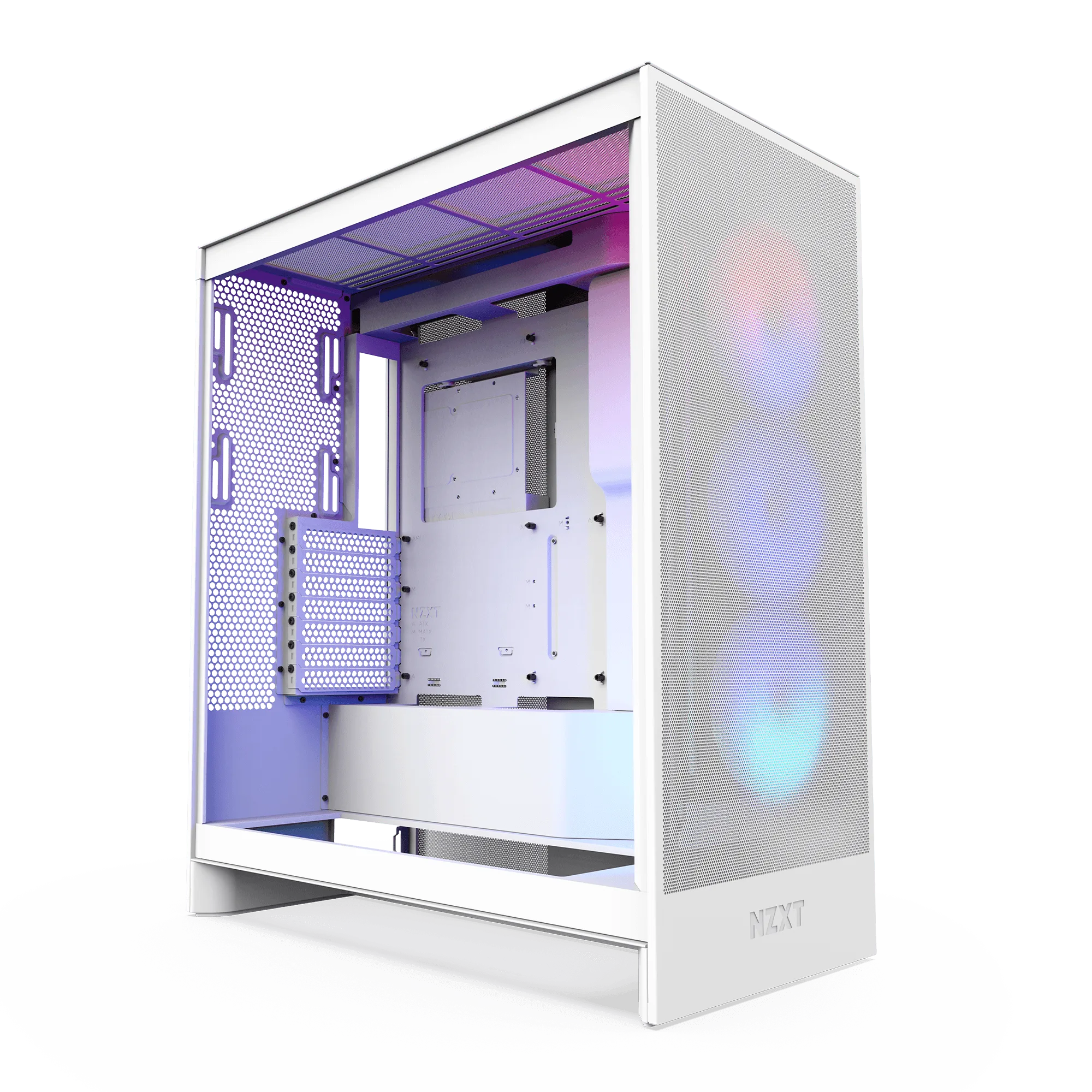
The H5 Flow and H7 Flow look similar in photos, but they solve different build problems. The H5 Flow keeps a compact mid-tower footprint while supporting up to a 360 mm front radiator and a 240 mm top radiator. The H7 Flow RGB keeps a narrow mid-tower footprint too, but its vertical PSU layout opens space for three bottom-mounted 120 mm fans aimed straight at the GPU.
That single layout difference changes how you plan a build. If your graphics card runs hot and you want direct airflow from below, the H7 Flow RGB gives you a place to put it. If you want a smaller case that still fits full-sized components and a front radiator, the H5 Flow covers that without the extra bottom-fan planning.
Airflow design: how each case moves air
The H5 Flow boosts airflow and GPU cooling with a perforated PSU shroud, mesh panels, and large radiator support. The shroud is perforated on the side and bottom, which lets two 120 mm fans (not included) pull air in from underneath. Ultra-fine mesh on the top and front keeps dust out while letting heat escape. It is a straightforward front-to-back and bottom-to-top airflow path.
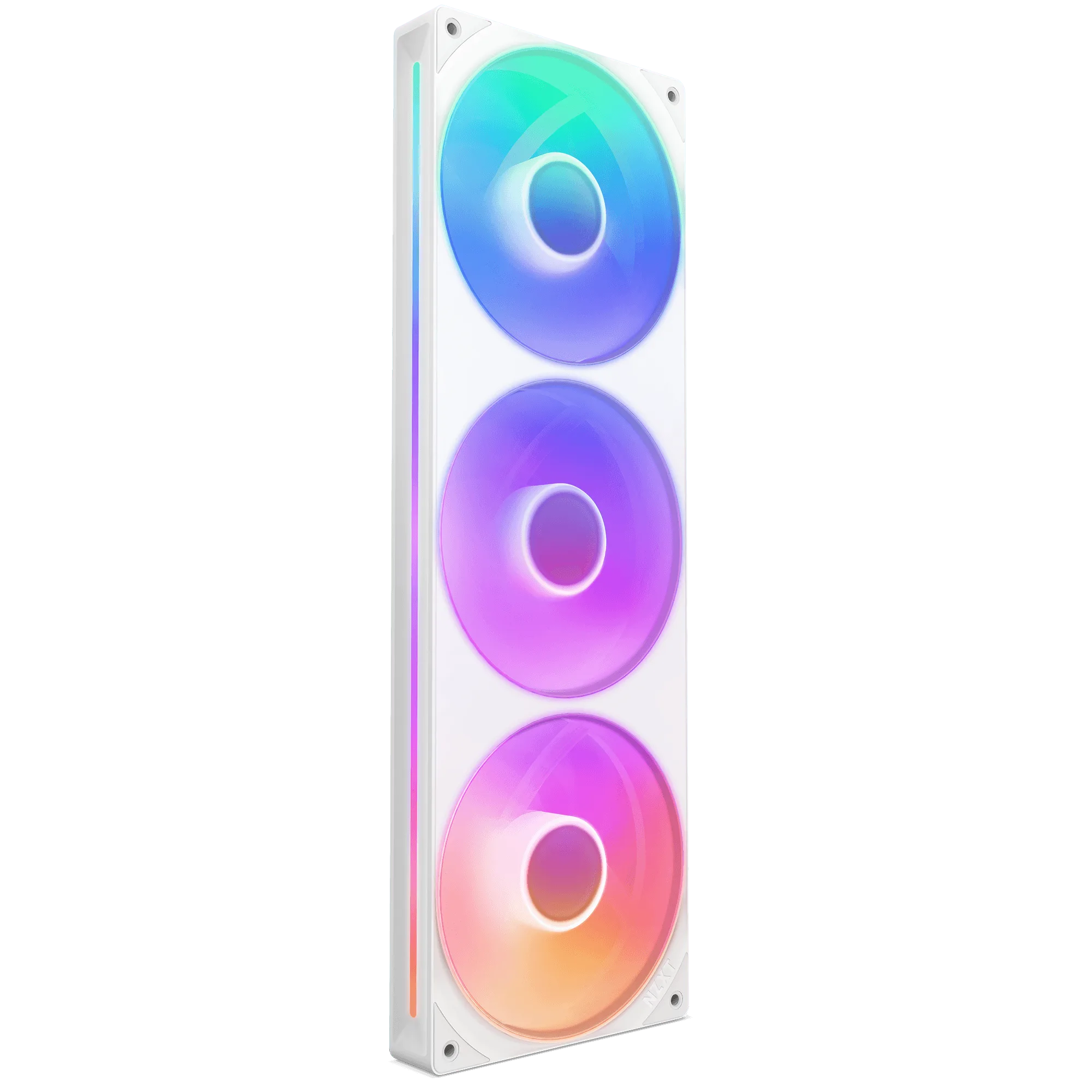
The H7 Flow RGB takes a different approach. Its vertical PSU layout allows space for three 120 mm bottom fans, so you can feed the GPU directly instead of relying on front intake alone. It also comes with an F360 RGB Core single-frame fan for out-of-the-box cooling and RGB. That means the H7 Flow RGB is ready to run on day one, while the H5 Flow expects you to add intake fans for the shroud to matter.
F360 RGB Core
- If you buy the H5 Flow, budget for two 120 mm bottom intake fans to use the perforated shroud.
- If you buy the H7 Flow RGB, the included F360 RGB Core fan covers your front intake immediately.
Size and layout: footprint versus internal space
Both cases are mid-towers, but the H7 Flow RGB uses its vertical PSU position to fit three bottom fans without expanding the case footprint. That is the key trade-off: you get more cooling surface in a narrow case, but you give up the traditional basement area where cables and unused PSU cables normally hide. Cable management becomes more deliberate.
The H5 Flow is the more conventional compact mid-tower. It supports full-sized components and keeps a perforated shroud for bottom intake, but it does not list support for three bottom-mounted 120 mm fans. If you want a smaller desk footprint and a simpler internal layout, the H5 Flow is easier to build in for most people.
- Measure your desk or shelf before choosing; both are mid-towers, but the H7 Flow RGB prioritizes bottom-fan clearance.
- Plan cable routing early if you pick the H7 Flow RGB, since the vertical PSU layout changes where cables run.
Cooling support and component fit
The H5 Flow supports up to a 360 mm radiator in front and a 240 mm radiator up top. That is enough for a high-end CPU on liquid cooling while still leaving room for a long GPU. The perforated shroud means you can add two 120 mm fans below for GPU intake, but those fans are not included, so factor them into your total cost.
The H7 Flow RGB supports three bottom-mounted 120 mm fans for direct GPU cooling, and it ships with the F360 RGB Core single-frame fan. The catalog does not list a top radiator size for the H7 Flow RGB, so if a top-mounted 240 mm radiator is a hard requirement, confirm that detail before buying. The H5 Flow is the safer pick when top radiator support is non-negotiable.
- For a front 360 mm radiator plus a long GPU, the H5 Flow is the clearer fit on paper.
- For a GPU-first airflow build with bottom intake, the H7 Flow RGB is the clearer fit.
Price and value at a glance
The H5 Flow lists at USD 34.99 against a catalog comparison price of USD 69.99. The H7 Flow RGB lists at USD 75.00 against a catalog comparison price of USD 149.99. Both are discounted in the catalog, but the H5 Flow costs less than half as much, which leaves budget for the two 120 mm bottom fans it does not include.
The H7 Flow RGB costs more but includes the F360 RGB Core fan and the three-bottom-fan layout. If you were already planning to buy a front RGB fan set and want direct GPU airflow, the H7 Flow RGB can close that gap. If you want the lowest entry cost and a simpler build, the H5 Flow wins on value.
- Add the cost of two 120 mm fans to the H5 Flow before comparing totals.
- The H7 Flow RGB price already includes a front F360 RGB Core fan.
Which one should you buy?
Pick the H7 Flow RGB if your priority is GPU temperature and you like the idea of three bottom intake fans feeding the card directly. It also suits builders who want RGB and front intake handled out of the box. The trade-off is a higher price and a less conventional PSU layout that asks for more careful cable planning.
Pick the H5 Flow if you want a compact, affordable mid-tower that still supports a 360 mm front radiator and a 240 mm top radiator. It is the easier build for most people and leaves room in the budget for fans. The trade-off is that you give up the three-bottom-fan layout and must add your own intake fans to get the most from the perforated shroud.
- GPU-first airflow and included RGB: H7 Flow RGB.
- Lower cost, top radiator support, and simpler layout: H5 Flow.
Trade-offs to weigh before you buy
- Airflow headroom vs. simplicity: The H7 Flow RGB supports three bottom-mounted 120 mm fans for direct GPU cooling, while the H5 Flow supports two 120 mm shroud fans that are not included. More bottom-fan capacity means more cooling, but also more fans to buy and route.
- Included cooling vs. lower price: The H7 Flow RGB includes an F360 RGB Core fan; the H5 Flow does not include bottom intake fans. Compare total cost after adding fans to the H5 Flow, not just the case price.
- Top radiator support vs. bottom-fan layout: The H5 Flow lists support for a 240 mm top radiator; the H7 Flow RGB catalog facts do not list a top radiator size. If a top-mounted radiator is required, confirm H7 Flow RGB clearance or choose the H5 Flow.
Product facts that decide the comparison
- H7 Flow RGB: Its vertical PSU layout allows space for 3 x 120 mm bottom fans, offering efficient cooling without expanding the case footprint, and it comes equipped with an F360 RGB Core single-frame fan. You get direct GPU airflow and front RGB without buying extra fans, but you need to plan cable routing around the vertical PSU.
- H5 Flow + Kraken Elite 280 RGB: The H5 Flow boosts airflow and GPU cooling with its perforated PSU shroud, mesh panels, and large radiator support, including up to a 360 mm front radiator and a 240 mm top radiator. The shroud enables air intake from two 120 mm fans (not included). This bundle covers case and CPU cooling together, but you still need to add two 120 mm bottom fans to use the shroud intake.
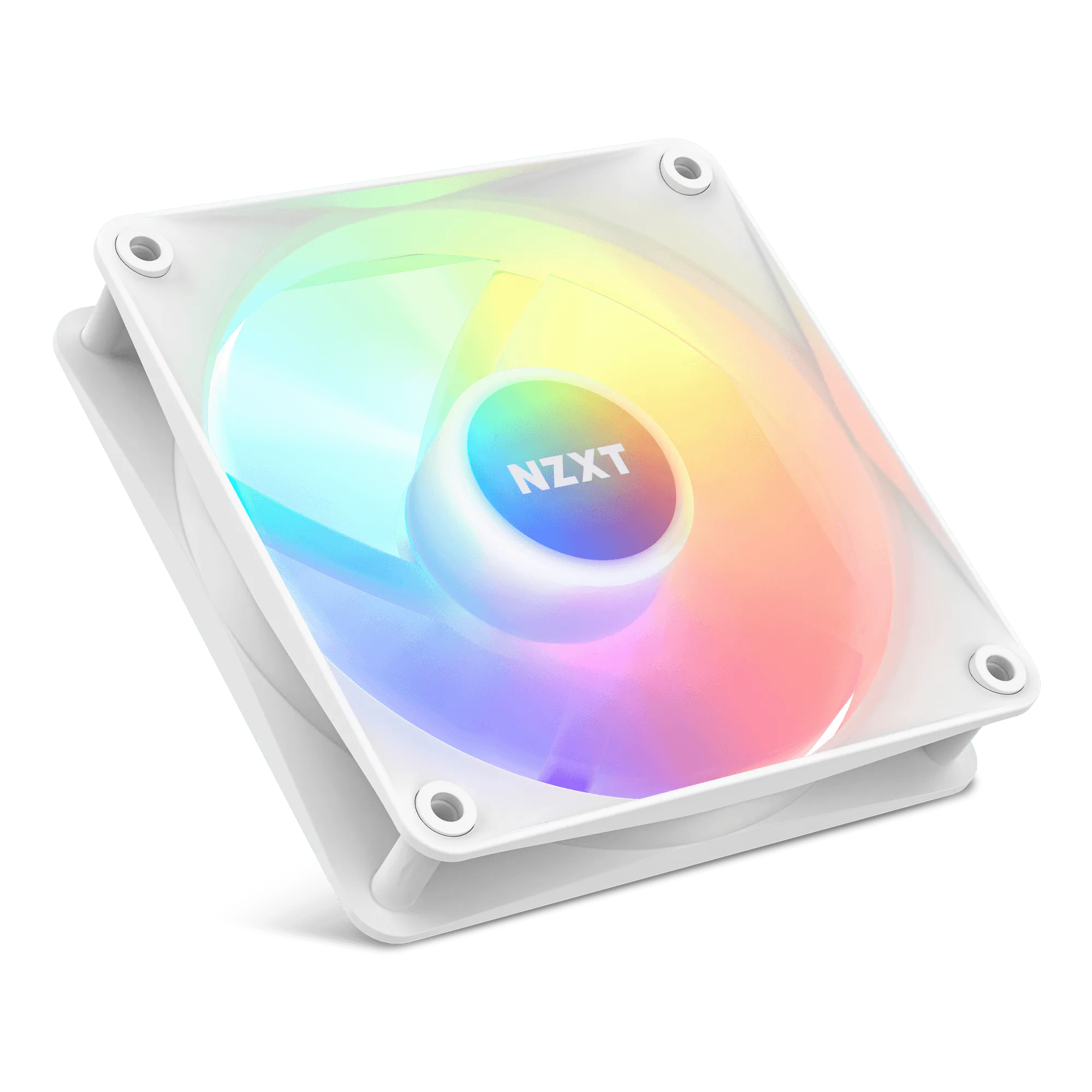
- F120X: The NZXT Performance Fans deliver powerful, quiet cooling with LCP construction, optimized blades, and a hybrid bearing system for superior airflow and durability, plus subtle RGB lighting. These are the fans to add to the H5 Flow's bottom shroud if you want the intake path to actually move air.
Which case fits your build
Best for
- Builders who want direct bottom-to-GPU airflow and included front RGB in a narrow mid-tower
- Gaming PCs with a hot graphics card where three 120 mm bottom fans are part of the plan
- Shoppers who prefer to buy one case that includes its main front fan
Not for
- Builders who need confirmed top-mounted 240 mm radiator support
- Budget-first builds that want the lowest case price and a conventional PSU basement layout
- Anyone who does not want to plan cable routing around a vertical PSU
The H5 Flow and H7 Flow RGB split on one question: do you want to feed the GPU from below, or keep the build compact and simple? Choose the H7 Flow RGB for bottom-fan GPU cooling and included front RGB. Choose the H5 Flow for a lower price, top radiator support, and an easier layout, then add two 120 mm fans to make the perforated shroud work.