Quick Answer
Choose the H9 Flow RGB if you want maximum interior room, a dual-chamber layout, and the easiest path to large radiators and tidy cable management. Choose the H7 Flow RGB if you want a narrower mid-tower footprint but still want strong GPU-focused cooling from three bottom-mounted 120 mm fans. The H9 is the roomier, more flexible chassis; the H7 is the more compact, GPU-airflow-first option.
How the Two Cases Differ in Layout
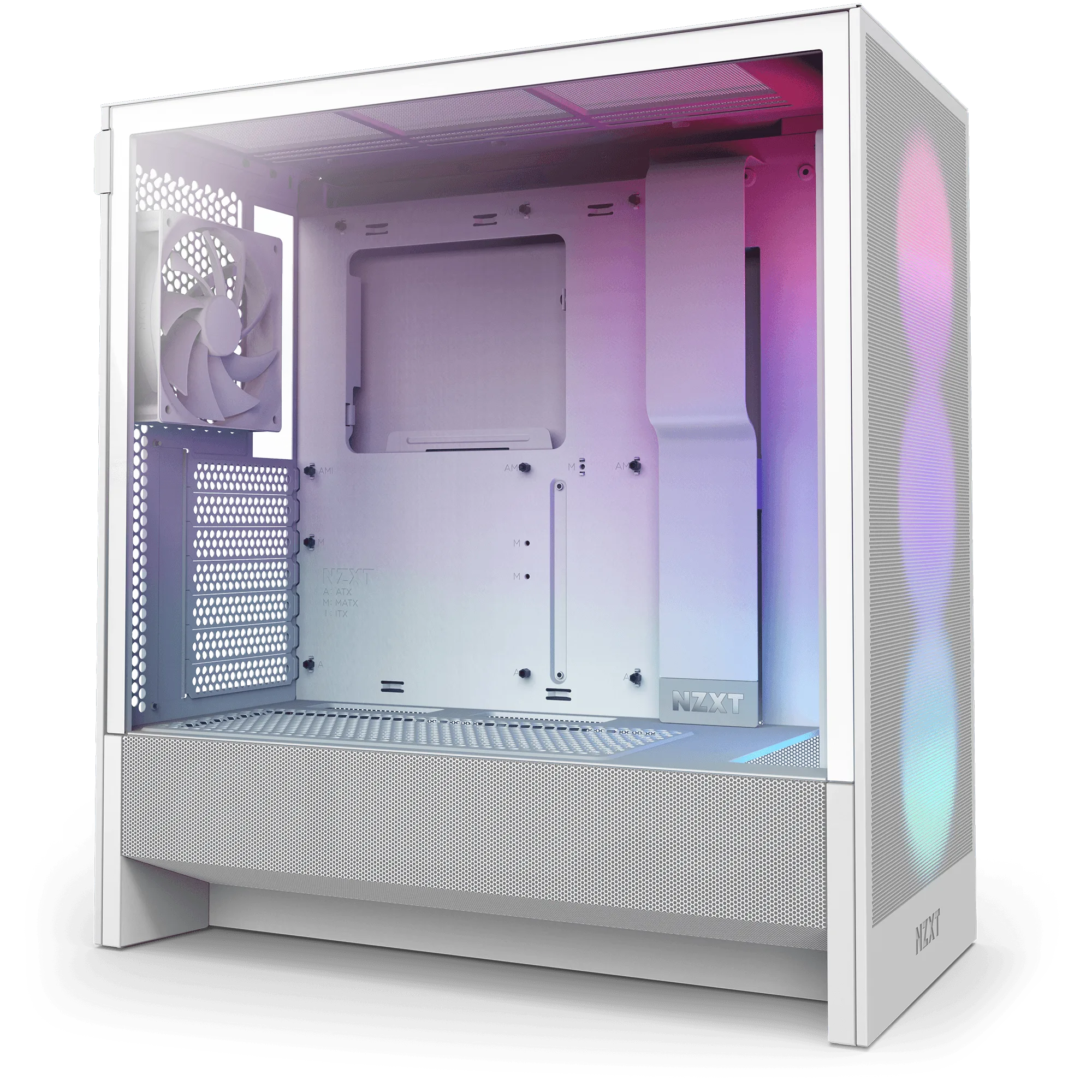
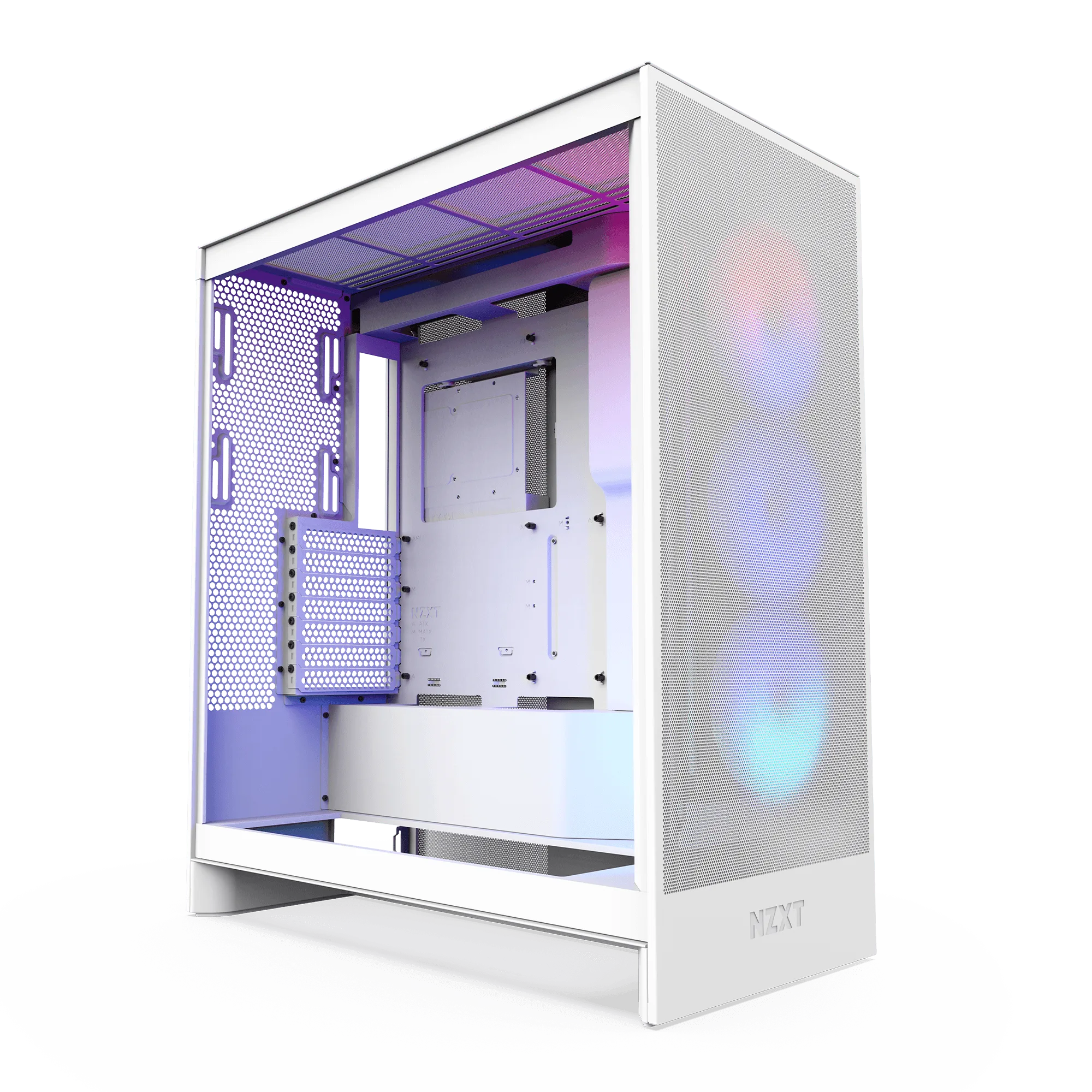
The H9 Flow RGB uses a dual-chamber design that separates the main components from the PSU and drives. That split is the reason it feels roomier inside: cable management has its own zone, and airflow to the motherboard and GPU is not competing with drive and PSU heat. The H7 Flow RGB takes a different route. It keeps a classic mid-tower shape but moves the PSU to a vertical layout, which frees up the bottom of the case for three 120 mm fans aimed directly at the GPU. If your priority is a case that stays narrow while still feeding the graphics card cool air, the H7’s bottom-fan arrangement is the more targeted design.
Size and Build Space: What You Actually Gain
The H9 Flow RGB is described as a spacious mid-tower ATX case, and that spaciousness shows up in how easily parts go in and cables route. The H7 Flow RGB is also a mid-tower, but its vertical PSU layout lets it keep a narrow footprint while still supporting three bottom-mounted 120 mm fans. In practice, the H9 gives you more room to work and more flexibility for thick radiators and long GPUs, while the H7 asks you to plan around a tighter interior in exchange for a smaller desk footprint. Neither case is a full tower, so if you were searching for an NZXT mid tower vs full tower distinction, both of these sit on the mid-tower side of that line.
Radiator Support and Cooling Priorities
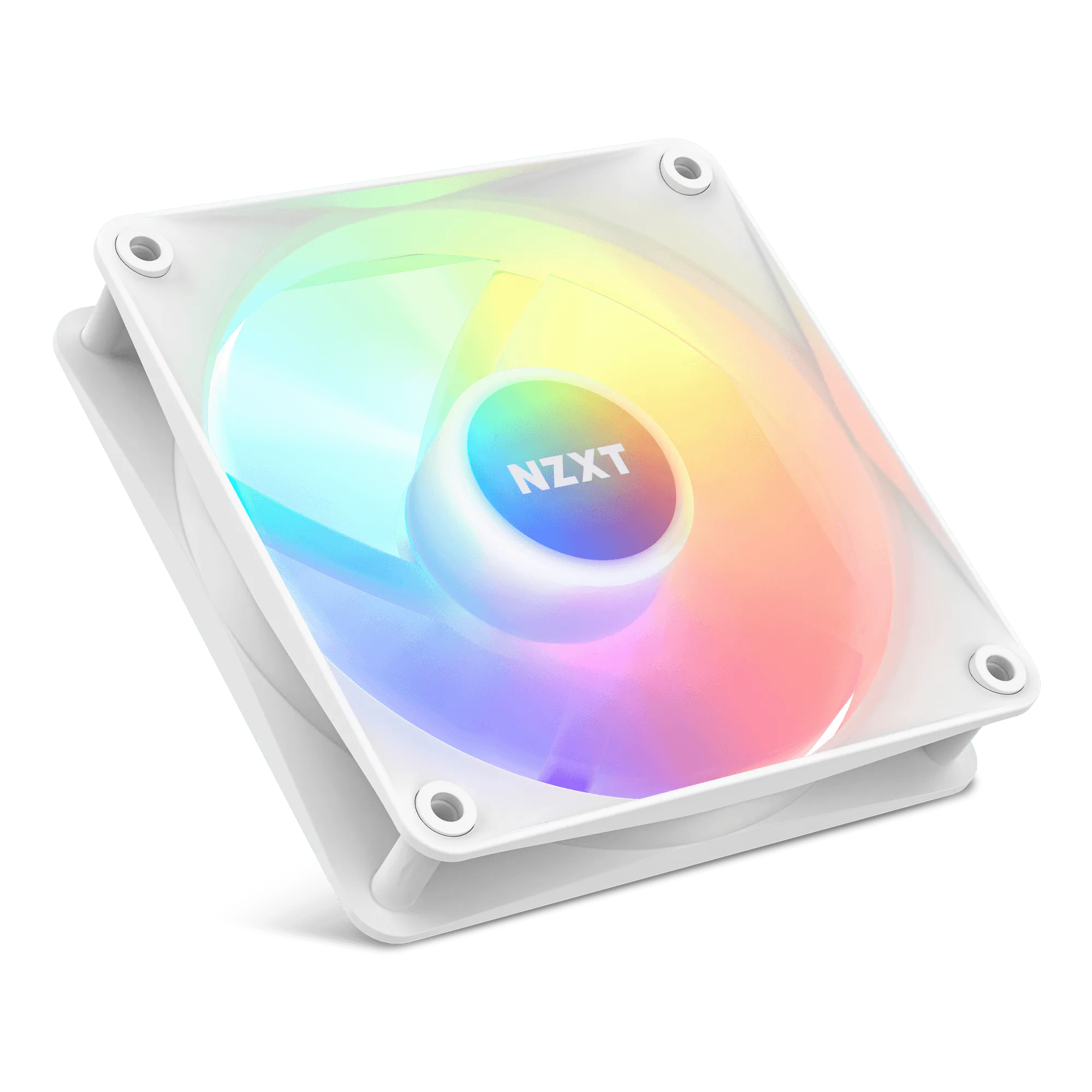
The H9 Flow RGB is built for high-performance builds, with perforated panels, angled fans, and ample fan and radiator support. That makes it the safer choice if you want to run a large liquid-cooling loop or a thick top radiator without measuring every millimeter. The H7 Flow RGB comes with an F360 RGB Core single-frame fan for strong out-of-the-box cooling, and its three bottom 120 mm fan mounts are specifically there to push air at the GPU. If your cooling plan centers on GPU temperatures rather than a big radiator stack, the H7’s layout is more purposeful. If your plan centers on radiator capacity and overall thermal headroom, the H9’s extra room is the better fit.
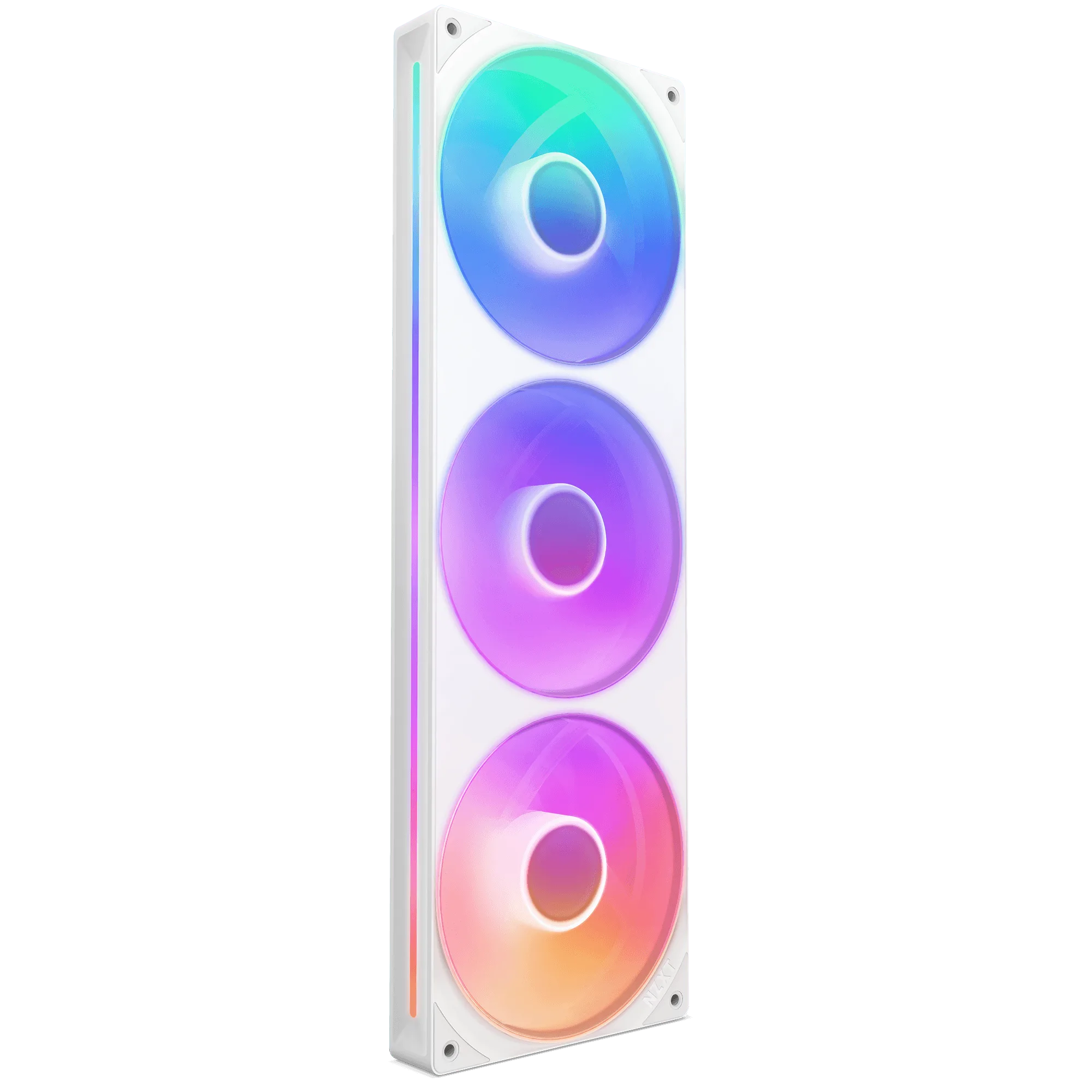
F360 RGB Core
A Third Path: The H5 Flow Bundle
If both cases feel like more chassis than you need, the H5 Flow + Kraken Elite 280 RGB bundle pairs a compact mid-tower with a 280 mm liquid cooler. The H5 Flow uses a perforated PSU shroud and mesh panels to boost airflow and GPU cooling, and it supports up to a 360 mm radiator in front and a 240 mm radiator up top. That bundle is worth considering when you want a smaller case and a matched cooler in one purchase, rather than choosing a case and sourcing cooling separately. It sits below both Flow RGB cases in interior room, so treat it as the compact option rather than a direct substitute.
Trade-Offs to Weigh Before You Buy
- Interior room vs desk footprint: The H9 Flow RGB gives you a dual-chamber layout and more space for components and cables. The H7 Flow RGB keeps a narrow mid-tower footprint but leaves less room to work inside. Pick the H9 if build ease matters more than footprint; pick the H7 if desk space is tight.
- Radiator capacity vs GPU-focused airflow: The H9 is built with ample fan and radiator support for high-performance builds. The H7 dedicates its bottom to three 120 mm fans for direct GPU cooling instead. Large radiator plans point to the H9; GPU temperature priority points to the H7.
- Case-only vs cooling-included: Both Flow RGB cases are sold as cases, while the H5 Flow + Kraken Elite 280 RGB bundle includes a 280 mm cooler and a compact chassis. If you want one purchase that covers case and cooling, the H5 bundle is the simpler path.
Product Facts
- H9 Flow RGB: The H9 Flow RGB is a spacious mid-tower ATX case with a dual-chamber design that separates main components from the PSU and drives, plus perforated panels, angled fans, and ample fan and radiator support. The separated chamber and generous radiator support make the H9 the easier case to build in when you want large cooling hardware and clean cable routing.
- H7 Flow RGB: The H7 Flow RGB uses a vertical PSU layout that allows space for three bottom-mounted 120 mm fans for direct GPU cooling while keeping a narrow mid-tower footprint, and includes an F360 RGB Core single-frame fan. The bottom-fan layout targets GPU temperatures without widening the case, so it suits builders who want strong graphics cooling in a smaller footprint.
- H5 Flow + Kraken Elite 280 RGB: The H5 Flow + Kraken Elite 280 RGB bundle combines a compact mid-tower with a perforated PSU shroud, mesh panels, and support for up to a 360 mm front radiator and a 240 mm top radiator. It is the compact, cooling-included option if you want a smaller case and a matched 280 mm cooler instead of buying a case and cooler separately.
Which Case Fits Your Build?
Best for
- Builders who want maximum interior room, dual-chamber cable management, and the flexibility for large radiators
- Anyone prioritizing GPU-focused airflow in a narrow mid-tower footprint
- Shoppers who want a compact case and a matched 280 mm cooler in a single bundle
Not for
- Builders who need a full tower rather than a mid-tower chassis
- Shoppers who want the smallest possible case and do not need the H9’s extra room or the H7’s bottom-fan layout