Quick Answer
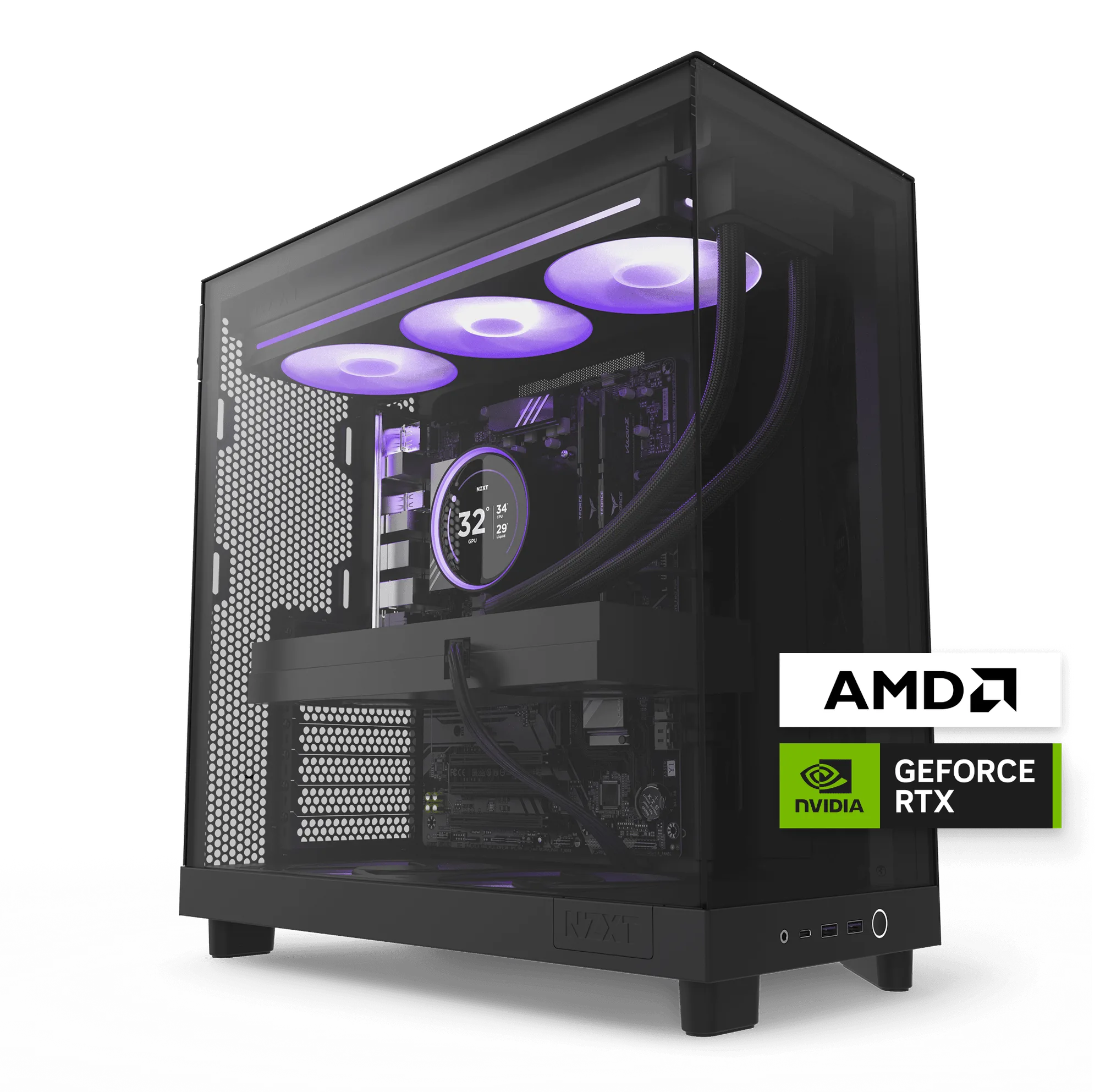
The NZXT Player Two is built for 1440p gaming: an Intel Core Ultra 7 270K Plus, GeForce RTX 5070, and 32GB of DDR5 make it a clear step up in detail without giving up smooth gameplay. Buy it if 1440p is your target and you want a balanced all-arounder. Skip it if you already game at 4K or plan to soon, and look at the Player Three instead.
Player Three
The Player Two sits in the middle of NZXT's prebuilt lineup, and that middle position is exactly why it causes hesitation. It costs more than an entry machine but less than a 4K flagship, so the real question is not whether it is good, but whether it matches your monitor and the games you actually play.
This guide breaks down the Player Two's specs in plain terms, explains who it fits, names the cases where it does not, and gives you a short checklist to run through before you order.
What the Player Two Actually Delivers
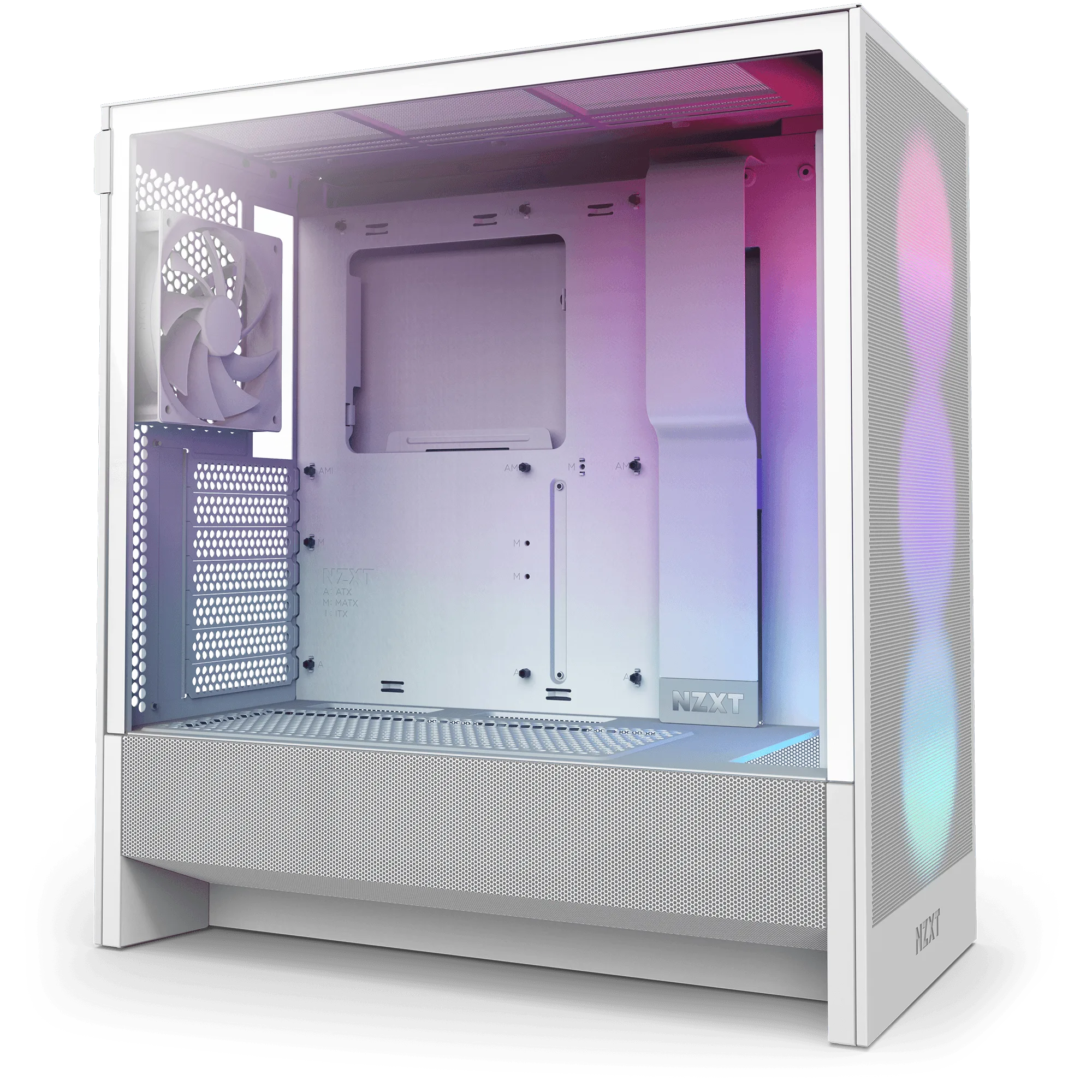
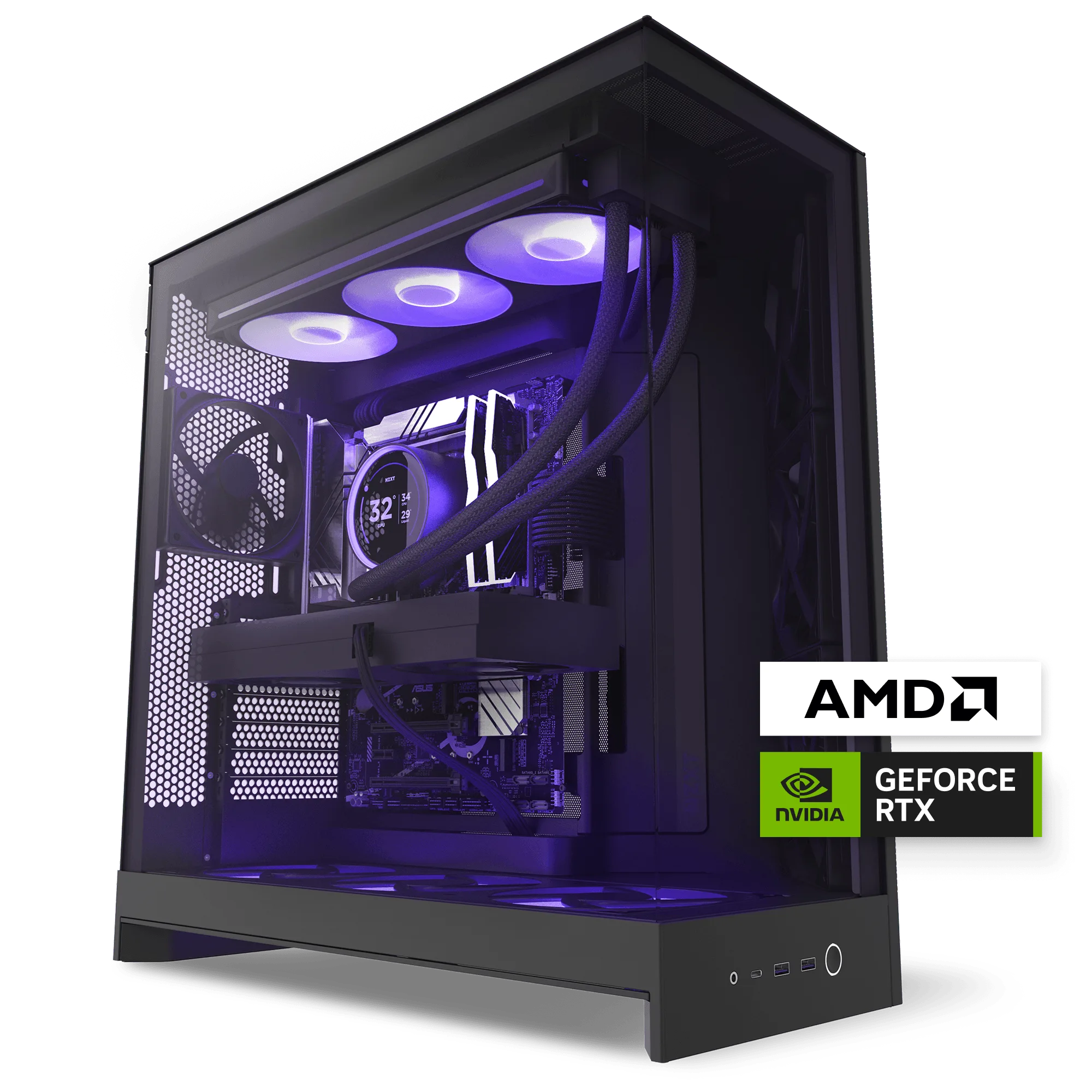
NZXT positions the Player Two as the sweet spot for 1440p gaming, balancing sharp visuals with steady performance. The spec sheet backs that up: an Intel Core Ultra 7 270K Plus with 24 cores (8 P-cores and 16 E-cores) boosting up to 5.5 GHz, an NVIDIA GeForce RTX 5070, and 32GB of DDR5 (2 x 16GB) running at 6000 MHz after enabling XMP or EXPO.
That combination is an all-arounder rather than a specialist. The 24-core CPU has headroom for streaming, recording, and background apps while you game, and 32GB of DDR5 means you are not juggling browser tabs or closing Discord to protect frame rates. Windows 11 Home comes preinstalled.
- 1440p is the target resolution; treat 4K as a stretch goal, not the design point.
- Enable XMP or EXPO in BIOS to get the memory to its rated 6000 MHz.
- The RTX 5070 is the part doing the heavy lifting in games, so match your monitor to it.
Is the Player Two Right for You?
The clearest signal is your monitor. If you own or plan to buy a 1440p display at a high refresh rate, the Player Two is aimed squarely at you. You get a visible jump in texture detail and effects quality over entry-level 1080p machines without the frame-rate compromises that come with pushing a midrange GPU into 4K.
If you already run a 4K panel, or you are shopping for one, the Player Two is the wrong end of the lineup. NZXT builds the Player Three for exactly that: immersive 4K gaming with an AMD Ryzen 7 9800X3D (Zen 5, 8-core, 5.2 GHz) and a GeForce RTX 5080 with 16GB of memory. Paying for 4K-capable hardware you never use is wasted money, and buying the Player Two for a 4K monitor means accepting settings cuts.
- 1440p display: Player Two is the natural fit.
- 4K display: step up to the Player Three.
- Playing mostly esports titles at 1080p: the Player Two is more than you need.
Where the Player Two Fits Against the Player Three
The gap between the two is not just GPU tier. The Player Three pairs an RTX 5080 with 16GB of video memory and a Ryzen 7 9800X3D, a CPU known for gaming performance, alongside the same 32GB of DDR5 at 6000 MHz after XMP or EXPO. The Player Two uses an Intel Core Ultra 7 270K Plus and an RTX 5070. Both run Windows 11 Home.
In practice, the Player Two is the balanced choice and the Player Three is the resolution-driven choice. If your budget is fixed and your monitor is 1440p, the Player Two puts money where you will see it. If you want headroom for 4K now or later, the Player Three is the one that will not leave you wanting.
- Choose on resolution first, budget second.
- Both machines share the same 32GB DDR5 memory configuration.
- Neither is a workstation; these are gaming-first builds.
Checklist Before You Order
Confirm your display resolution and refresh rate before anything else, because that single decision determines whether the Player Two is the right machine. Then check the option types available on the listing, since the Player Two is offered with Color, Specs, and PT options, and the configuration you pick affects what ships.
Finally, think about what happens after delivery. If you ever need warranty service, NZXT requires packaging materials similar to its RMA kit for warrantable RMA procedures, and the kit for the H7 series is available separately. Keeping your original box is the simplest way to avoid buying packaging later.
- Note your monitor's resolution before comparing prebuilds.
- Review the Color, Specs, and PT options on the product page.
- Keep the original packaging for future warranty shipping.
Decision Rules for the Player Two
- If your monitor is 1440p: The Player Two's RTX 5070 and Core Ultra 7 270K Plus are configured for this resolution, and 32GB of DDR5 covers modern games plus background apps. Buy with confidence; enable XMP or EXPO on day one.
- If your monitor is 4K: The Player Two is not built for 4K as its design point. The Player Three's RTX 5080 (16GB) and Ryzen 7 9800X3D target 4K gaming directly. Step up to the Player Three instead of compromising settings.
- If you are unsure about resolution: Decide the monitor first, then the PC. Both machines share 32GB of DDR5 at 6000 MHz after XMP or EXPO, so the display is the deciding variable. Pick the display, then match the prebuild to it.
- If you want to avoid future shipping headaches: Warrantable RMA procedures require packaging materials similar to the H7 series RMA kit. Keep the original box or plan for the kit. Store the packaging rather than discarding it.
Product Facts Worth Knowing
- Player Two: Hits the sweet spot for 1440p gaming with an Intel Core Ultra 7 270K Plus (24 cores, up to 5.5 GHz), NVIDIA GeForce RTX 5070, and 32GB (2 x 16GB) DDR5 at 6000 MHz after enabling XMP/EXPO, running Windows 11 Home. This is a 1440p machine by design. Matching it to a 1440p display gets you the detail upgrade without frame-rate compromises.
- Player Three: Delivers immersive 4K gaming with an AMD Ryzen 7 9800X3D (Zen 5, 8-core, 5.2 GHz), NVIDIA GeForce RTX 5080 (16GB), and 32GB (2 x 16GB) DDR5 at 6000 MHz after enabling XMP/EXPO. If you game at 4K or plan to, this is the step up rather than the Player Two.
- Gaming PC RMA Packaging Materials (H7 Series): The H7 series packaging materials kit provides a safe and secure shipping solution, and packaging materials similar to this kit are required for all warrantable RMA procedures. Keeping proper packaging on hand means you are not scrambling to source it if a warranty claim comes up.
Who Should Buy the Player Two
Best for
- Gamers with a 1440p monitor who want a clear step up in visual detail
- Players who game while running Discord, browsers, and capture software
- Buyers who want a balanced all-arounder rather than a resolution specialist
Not for
- Gamers already playing at 4K or planning a 4K monitor upgrade
- Buyers who mainly play esports titles at 1080p and do not need the extra headroom
- Anyone who needs a workstation-class machine rather than a gaming-first build
The Player Two is an easy recommendation when 1440p is your target and you want a balanced machine that handles games plus everything running alongside them. Match it to your monitor, enable XMP or EXPO, and keep the packaging. If 4K is on your horizon, put the money toward the Player Three instead.