Quick answer
The most common RMA packing mistakes are using the wrong case-series kit, skipping internal bracing so the GPU and cooler move in transit, and reusing flimsy retail boxes. Buy the kit that matches your case series, follow the included packaging instructions, and stop only when the box passes a gentle shake test with no internal movement.
You've done the hard part: you diagnosed the fault and got an RMA approved. The next risk isn't the repair, it's the trip back. A prebuilt PC is heavy and full of leverage points, and carriers handle boxes with machines, not care.
Most damage claims trace back to a few repeat mistakes. This guide separates the symptom you'll see, the cause behind it, and the fix, so you can pack once and send it safely.
Mistake 1: Using a kit for the wrong case series
Symptom: the foam blocks don't sit flush, the outer box bulges, or the lid won't close without force. Cause: you grabbed a kit for a different case family. NZXT sells separate kits by chassis series, and the internal cutouts are shaped for that layout.
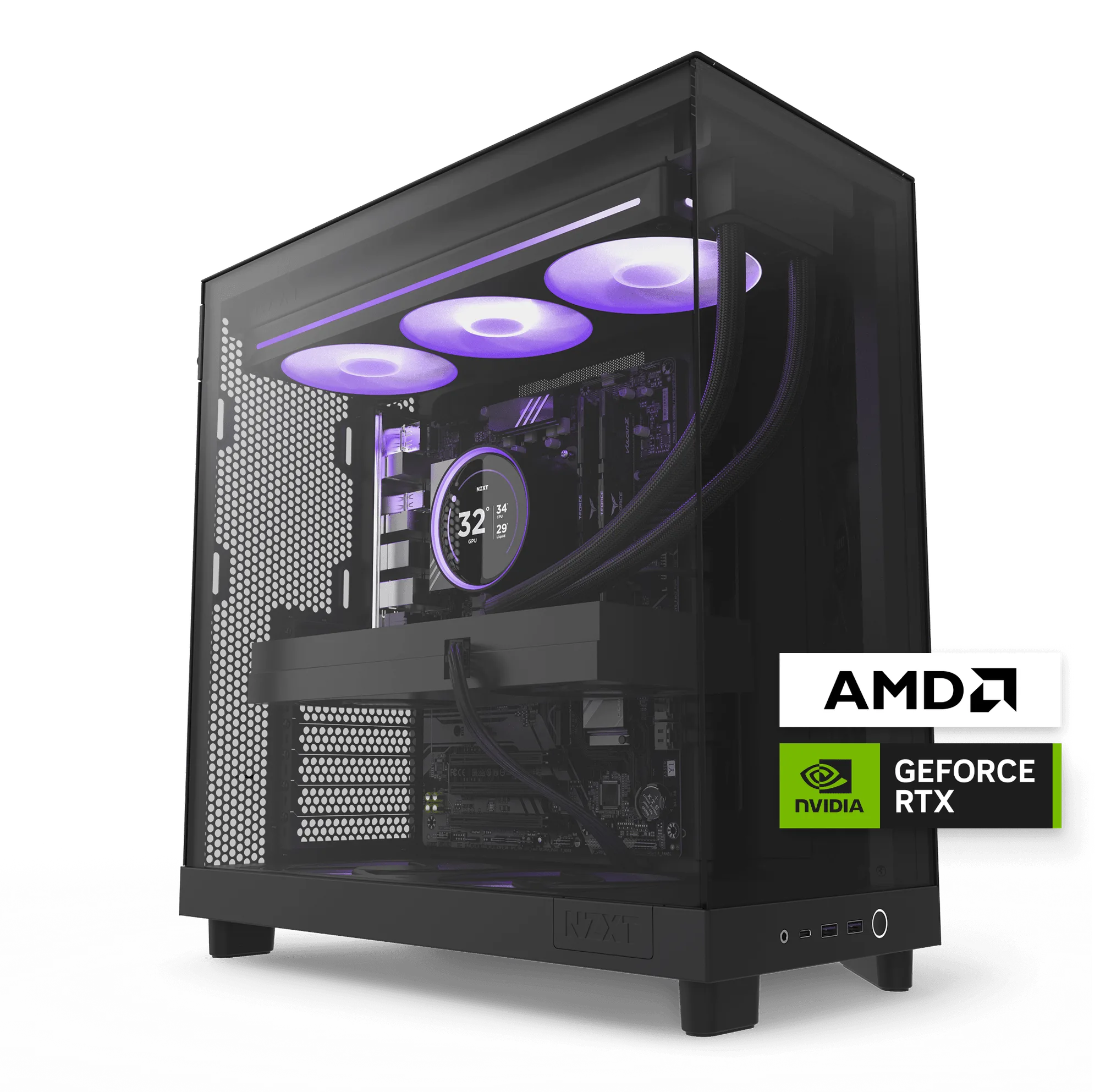
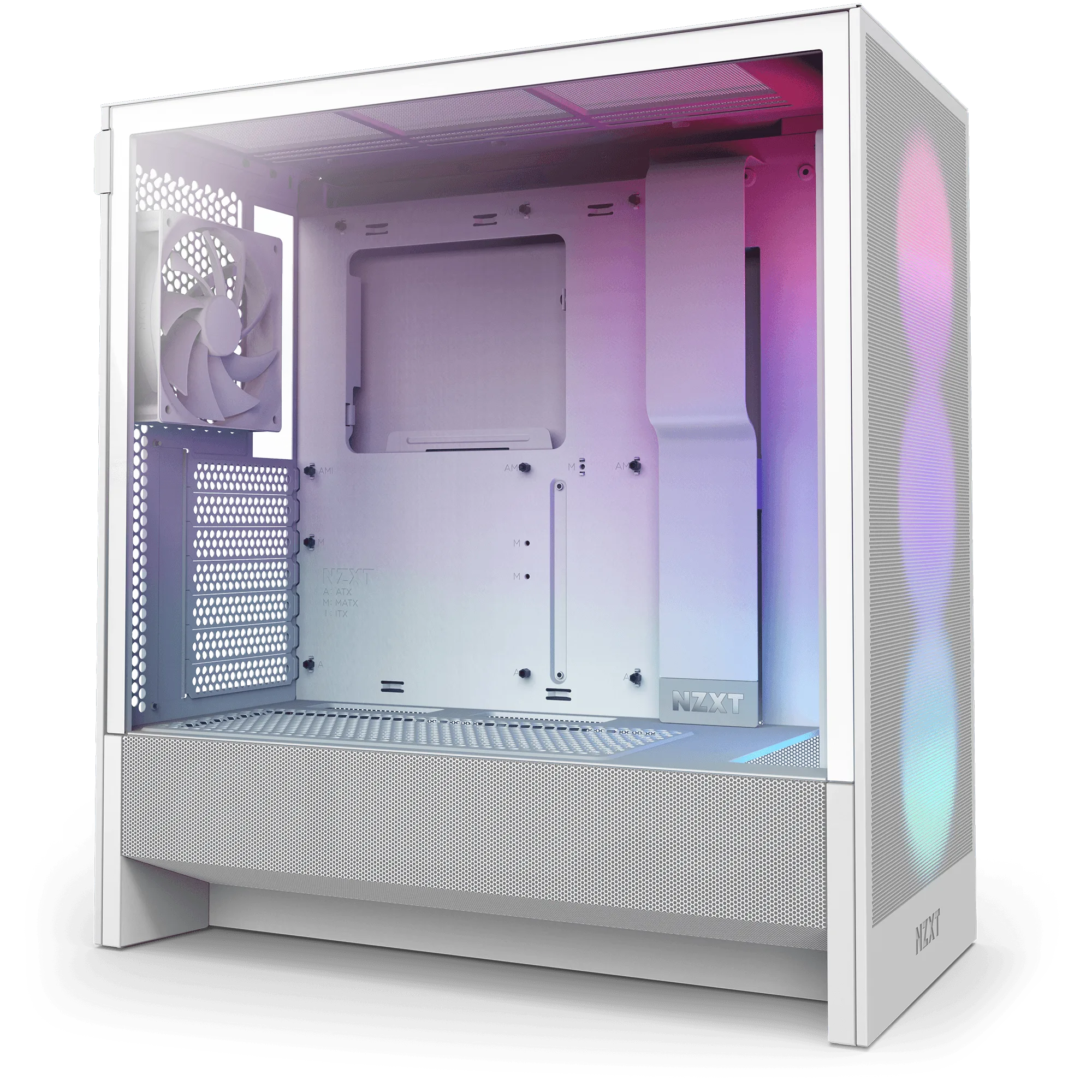
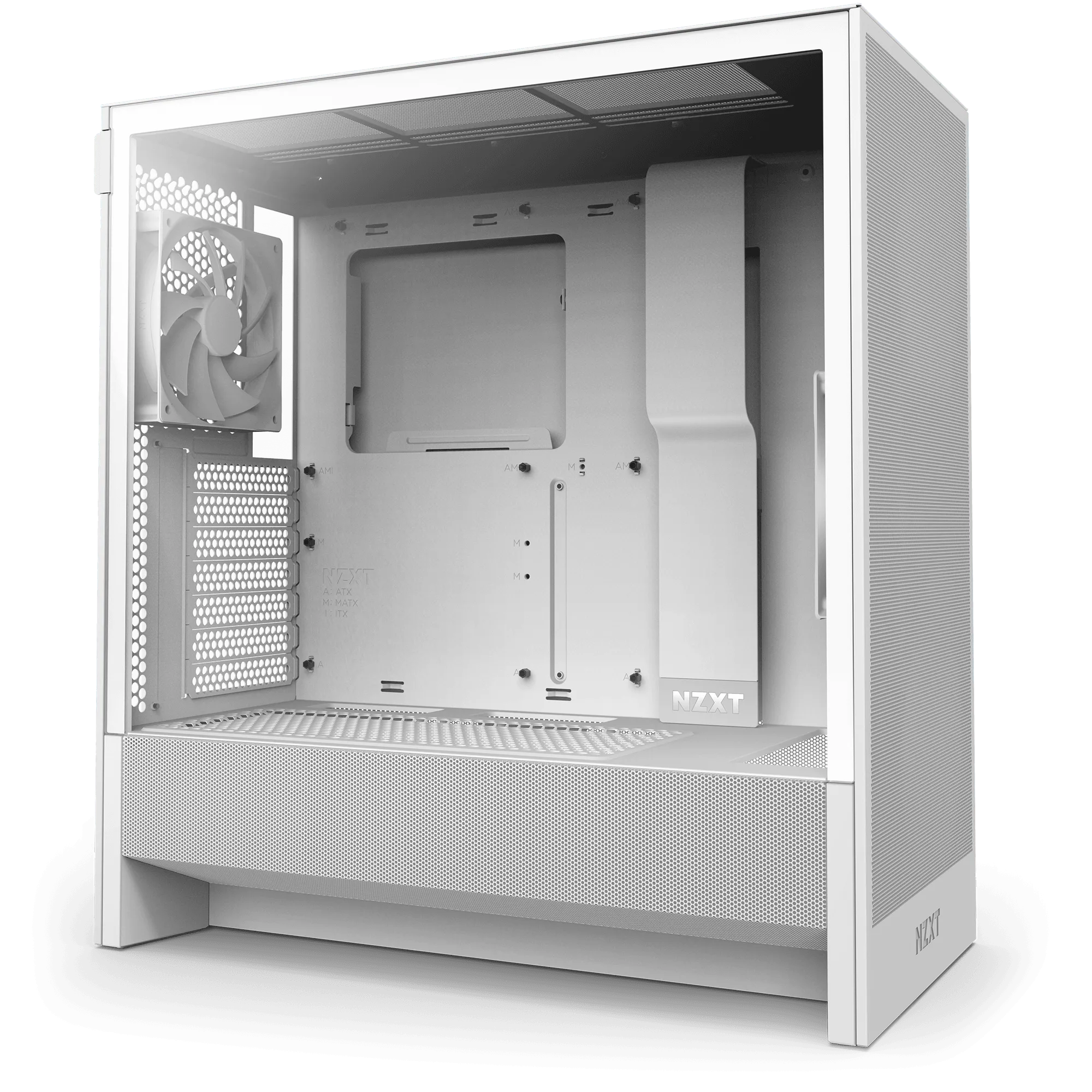
Fix: match the kit to your case. The Gaming PC RMA Packaging Materials (H9 2025 Series) and Gaming PC RMA Packaging Materials (H9 2023 Series) are built for H9 layouts, while the Gaming PC RMA Packaging Materials (H7 Series) and Gaming PC RMA Packaging Materials (H6 Series) fit their respective chassis. If the foam fights you, you have the wrong kit.
- Check the model name on your case or order confirmation before ordering a kit.
- Never cut or shave foam to force a fit; that removes the protection you paid for.
Mistake 2: Shipping with loose internal components
Symptom: a rattle when you tilt the box, or the GPU sags visibly through the side panel. Cause: large components were left unsupported. A graphics card and a tower cooler both act like levers, and a single drop can crack a slot or stress a motherboard.
Fix: follow the packaging instructions that come with your kit. They walk through the internal bracing steps for your specific case series. If you no longer have the original internal support, use the kit's supplied materials rather than improvising with newspaper or towels, which compress and stop protecting within minutes of transit.
- Photograph the packed interior before closing the box for your own records.
- Do a gentle shake test; if anything moves, add or reposition bracing.
Mistake 3: Reusing a retail box or undersized carton
Symptom: crushed corners on arrival, or the carrier rejects the parcel at drop-off. Cause: a box that was never rated for a 30-plus pound prebuilt, or one with too little clearance for cushioning.
Fix: use the outer carton from your RMA kit. NZXT kits are designed to meet shipping carrier requirements and hold up to 50 lbs, which covers most prebuilt configurations. If you're shipping a system you built yourself or a non-NZXT prebuilt, buy a kit matched to your case series rather than guessing at box dimensions.
- Keep the original retail box flat and intact; don't fold it into a makeshift mailer.
- Seal all seams with packing tape, not masking or painter's tape.
Mistake 4: Assuming every kit is returnable
Symptom: you order two kits to compare, then discover you can't send one back. Cause: RMA packaging kits are final sale, because they're consumable shipping materials tied to a warranty process.
Fix: confirm your case series before ordering. Measure or check the label on the chassis if you're unsure. The H7 kit and H9 kits differ in price by about a dollar, so there's no real savings in guessing, and a wrong kit can delay your RMA by a week or more.
- All sales on RMA packaging kits are final, so verify before you buy.
- If your case series isn't listed, contact support before ordering anything.
When to stop and choose another option
Stop and contact support if your prebuilt doesn't match any listed case series, if the kit's foam visibly doesn't fit after correct orientation, or if the system weighs more than 50 lbs. Those are signs the standard RMA route isn't the right path.
For a system over the weight limit, ask about a freight or local service option instead of shipping it yourself. For a build you assembled from parts, a generic double-box method with rigid foam may be more appropriate than an NZXT case-specific kit. Choosing the right option beats forcing a kit that doesn't fit.
- Over 50 lbs: ask support about alternatives before buying a kit.
- Non-NZXT case: a case-specific kit likely won't fit correctly.
RMA packing diagnosis: symptom, cause, fix
- Foam won't seat or box bulges: Wrong case-series kit. Match the kit to your exact chassis: H6, H7, H9 2023, or H9 2025. If it doesn't fit without force, stop and exchange for the correct kit.
- Rattle or sagging GPU when tilted: Internal components left unsupported. Follow the kit's packaging instructions to brace the GPU and cooler. Do a gentle shake test; any movement means add bracing before sealing.
- Carrier rejects the parcel or corners arrive crushed: Box isn't rated for the weight or lacks cushioning. Use the RMA kit's outer carton, rated to 50 lbs and built to carrier requirements. Over 50 lbs, ask support about freight or local service instead.
Product facts that affect your packing
- Gaming PC RMA Packaging Materials (H9 2025 Series): Provides a safe and secure shipping solution for your PC; holds up to 50 lbs and meets shipping carrier requirements. Packaging materials similar to this kit are required for all warrantable RMA procedures. If your prebuilt uses an H9 2025 chassis, this is the kit shaped for it, and the 50 lb rating covers most configurations.
- Gaming PC RMA Packaging Materials (H7 Series): The H7 series kit provides a safe and secure shipping solution and holds up to 50 lbs. NZXT notes the enclosed materials may differ slightly from those shown and reserves the right to substitute equal or higher quality materials. Don't be alarmed if the foam inside looks different from the product photo; what matters is that it fits your H7 chassis and meets carrier requirements.
- Gaming PC RMA Packaging Materials (H6 Series): Provides a safe and secure shipping solution for your PC; holds up to 50 lbs and meets shipping carrier requirements. Packaging materials similar to this kit are required for all warrantable RMA procedures. H6 owners need this specific kit; H7 or H9 foam won't seat correctly in an H6 layout.
Packing an RMA correctly is mostly about matching the kit to your case and bracing what's inside. Do those two things, verify with a shake test, and your prebuilt has the best chance of arriving intact.