Quick answer
Obsidian control skates are a strong fit for Zowie EC1-CW, EC2-CW, and EC3-CW owners who want more stopping power and micro-adjustment confidence than stock feet or pure speed skates provide. If you mainly play tracking-heavy titles or prefer a fast, floaty glide, choose a speed-oriented skate instead. For tactical shooters where controlled flicks and precise stops matter, Obsidian control skates are the better match.
If you own a Zowie EC1-CW, EC2-CW, or EC3-CW wireless mouse, you already have a shape that many players trust for palm and claw grips. The stock feet are usable, but they are a common first upgrade because they wear down and often feel slower or less consistent than aftermarket PTFE. Obsidian control skates are one of the options worth considering, but they are not automatically the right choice for every player.
This guide explains what Obsidian control skates change about glide, how to think about fit on the EC-CW family, and when a different skate material or thickness makes more sense. It also covers installation and the trade-offs you should accept before buying.
What Obsidian control skates change on a Zowie EC-CW
Control skates are designed to add friction compared with speed skates. On a Zowie EC1-CW, EC2-CW, or EC3-CW, that usually means the mouse starts and stops with less travel, which can help when you need to hold an angle or make small corrections. The trade-off is that fast swipes feel heavier and tracking requires slightly more effort. If you already like a slow, deliberate feel, control skates often feel natural.
Obsidian control skates are made from PTFE, the same broad material family as most aftermarket feet, but the formulation and surface finish are tuned for control rather than minimum friction. That does not mean they are muddy; it means the glide is more grounded. The exact feel depends on your mousepad, so pair them with a pad whose speed you already understand.
- Control skates reduce glide distance after a flick, which can improve stopping precision.
- They work best on cloth or hybrid pads where you already have consistent tracking.
- If you use a very slow pad, control skates may feel too draggy for fast-paced games.
Fit guidance for EC1-CW, EC2-CW, and EC3-CW
The EC1-CW, EC2-CW, and EC3-CW share a family shape but differ in size. Obsidian control skates are made for specific models, so always match the skate to your exact mouse. A set cut for the EC2-CW will not fit the EC1-CW or EC3-CW correctly. Check the product listing for compatibility before ordering, and if your model is not listed, contact the seller rather than trimming a set by hand.
Thickness matters too. Thinner skates keep the sensor closer to the pad, which can preserve the stock lift-off distance. Thicker skates raise the mouse slightly and may change how the sensor tracks if you use a very low lift-off setting. If you are unsure, start with a thickness close to your original feet and adjust from there.
- Confirm the skate set explicitly lists your EC1-CW, EC2-CW, or EC3-CW model.
- Measure your stock feet thickness if you want to keep lift-off distance unchanged.
- Keep the original feet as a backup in case you prefer the stock glide.
Obsidian vs speed skates: how to decide
The main decision is whether you want more stopping power or more glide speed. Obsidian control skates favor stopping power. If your aim relies on quick micro-adjustments and you often overshoot targets, control skates can help. If you play tracking-heavy games or prefer a light, floaty feel, a speed skate is usually the better pick. Neither is objectively better; they suit different aiming styles.
Your mousepad also changes the outcome. A fast pad plus control skates can land in a balanced middle. A slow pad plus control skates can feel too heavy for some players. Before buying, think about your current setup: if you already struggle to move the mouse quickly, adding control may not be the upgrade you want.
- Choose control skates if you overshoot flicks or want shorter stopping distance.
- Choose speed skates if you want easier tracking and lighter swipes.
- Match skate material to your pad rather than buying on hype alone.
Installation and break-in notes
Installing Obsidian control skates follows the same basic process as other aftermarket feet. Remove the old feet carefully, clean the base with isopropyl alcohol, and let it dry fully before applying the new skates. Press each skate firmly for several seconds. If the adhesive does not bond well, the skate can catch on the pad and feel inconsistent. A clean surface is the most important step.
After installation, expect a short break-in period. New PTFE often feels slightly different for the first few hours as the surface settles against your pad. If the glide feels uneven, check that each skate is seated flat and that no protective film remains. Do not stack adhesive or trim skates to force a fit, because that usually creates a worse feel than choosing the correct set.
- Clean the mouse base with isopropyl alcohol and let it dry completely.
- Press each skate down firmly for several seconds after positioning.
- Allow a short break-in period before judging the final glide.
When another product is the better buy
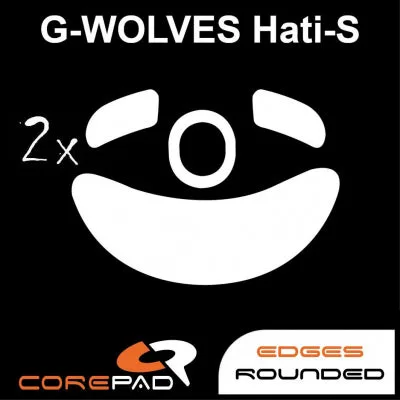
If you want a replacement set for a different mouse, look for Corepad Skatez made for your specific model. For example, Corepad Skatez - G-Wolves Hati-S is a two-set pack of 0.75 mm PTFE feet, and Corepad Skatez - WLmouse STRIDER Magnesium 8K is a two-set pack at 0.85 mm. These are not EC-CW skates, but they show the kind of model-specific fit you should expect from a proper replacement set.
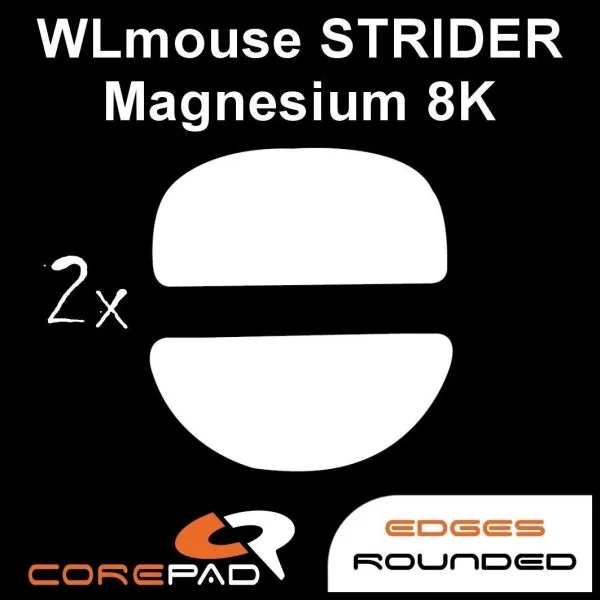
Corepad Skatez - WLmouse STRIDER Magnesium 8K
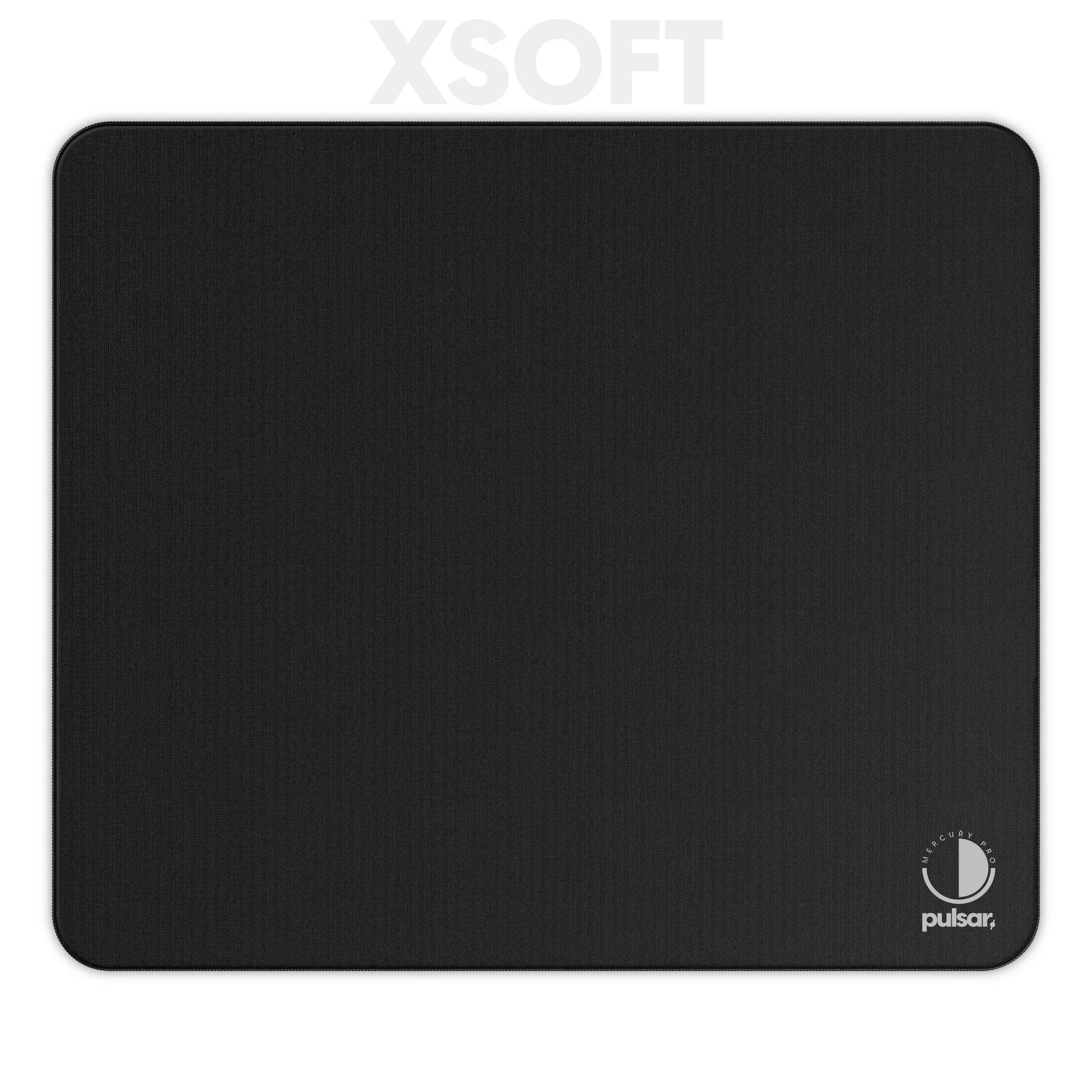
If your EC-CW already glides well and you only want a slightly different feel, changing your mousepad may be a more effective upgrade than changing skates. The eS Mercury Pro Gaming Mousepad XSOFT uses a Jacquard Woven Fabric surface designed for fast glide with stopping power, which can shift your setup without touching the mouse feet.
- Buy skates cut for your exact mouse model rather than a universal set.
- Consider a pad change if you want to adjust glide without removing feet.
- Keep spare sets if you replace skates often.
Decision rules for buying Obsidian control skates
- Match the exact model: Only buy a set that explicitly lists Zowie EC1-CW, EC2-CW, or EC3-CW. The EC family sizes are not interchangeable, and a set cut for one model will not seat correctly on another. Check compatibility before price or color.
- Choose control if you overshoot: If your main problem is stopping precisely after a flick, control skates add friction that shortens glide. If your main problem is moving the mouse fast enough, control skates will make that harder. Pick control for stopping power, speed skates for tracking ease.
- Respect thickness and lift-off: Thicker skates raise the mouse and can affect sensor lift-off distance. If you use a low lift-off setting, stay close to your stock feet thickness or be ready to adjust the setting. Thickness is a functional choice, not just a durability spec.
- Install on a clean, dry base: Remove old feet, clean with isopropyl alcohol, let it dry, and press each skate firmly. A contaminated surface is the most common reason a new skate feels inconsistent. Preparation matters as much as the skate itself.
Product facts that matter for this decision
- Corepad Skatez - G-Wolves Hati-S: 1 pack contains 2 sets of Skatez; 100% pure quality PTFE; 0.75 mm thickness; high-quality 3M adhesive. Shows the standard for a model-specific replacement set: two full sets, consistent PTFE, and a known thickness. Use this as a benchmark when checking whether an Obsidian set for your EC-CW includes the same basics.
- Corepad Skatez - WLmouse STRIDER Magnesium 8K: Thickness 0.85 mm; 2 sets; precision-made replacement mouse feet for high-end and advanced users. Illustrates that thickness varies by model and brand. A thicker skate can change lift-off distance, so confirm the thickness of any EC-CW skate before buying.
- eS Mercury Pro Gaming Mousepad XSOFT: Jacquard Woven Fabric surface designed for fast glide and smooth, sustained tracking with stopping power for micro control. A pad can change glide feel without new skates. If control skates feel too slow on your current pad, a pad with more speed may balance the setup.
Who Obsidian control skates are for
Best for
- Zowie EC1-CW, EC2-CW, or EC3-CW owners who want more stopping power and micro-adjustment control
- Tactical shooter players who value precise flicks and short stopping distance
- Players who already use a fast or balanced mousepad and want to add control without changing the pad
Not for
- Players who prefer a fast, floaty glide for tracking-heavy games
- Owners of a different mouse model that is not explicitly supported by the skate set
- Players who want to keep stock lift-off distance unchanged and are not willing to check skate thickness
Obsidian control skates can be a worthwhile upgrade for Zowie EC1-CW, EC2-CW, and EC3-CW owners who want more stopping power and a more grounded glide. Confirm the exact model fit, check the thickness against your lift-off preference, and install on a clean base. If you want faster swipes instead, choose a speed-oriented skate or adjust your mousepad first.