Quick answer
Buy the aftermarket battery when it lists your exact part number and the capacity you need, because that is what determines fit and runtime. Choose the OEM battery when your device is still under manufacturer warranty or the part number is hard to confirm. For most out-of-warranty devices, a part-number-matched replacement such as the Logitech MX Vertical 810-006368 battery or the Moser ChromStyle 1584-7100 battery restores function at a fraction of OEM cost, provided the listing states a real warranty and the voltage matches.
What OEM and aftermarket batteries actually share
Both are lithium-ion cells with the same job: deliver the voltage your device expects and fit the compartment without stressing the connector. The difference is not chemistry but documentation. An OEM battery is the one the device maker sells under its own part number. An aftermarket battery is built by a third party to match that part number, and its quality depends on whether the seller publishes the capacity, voltage and warranty instead of hiding them.
This is why 'compatible battery vs original' is the wrong question. The useful question is whether the replacement lists the same part number and the same nominal voltage. If it does, it will physically and electrically replace the original. If it does not, no brand name makes it safe.
Where aftermarket batteries differ: capacity, cells and price
Aftermarket batteries often ship in a wider range of capacities than the OEM part. A higher mAh number means longer runtime only if the cell is genuine and the voltage is unchanged; a lower mAh number means shorter runtime but a lighter pack. Neither is automatically better, so match capacity to how you use the device rather than chasing the biggest number.
The other real difference is price and availability. OEM batteries for discontinued tools or older laptops are often out of production, which is why part-number-matched aftermarket options exist at all. The trade-off is that you are relying on the seller's quality control, so buy from a listing that names the part number, the capacity and a warranty period you can actually claim.
How to check a replacement battery before you buy
Start with the part number printed on the old battery, not the device model alone. Device models can accept more than one battery revision, and the part number is the only reliable match. Then confirm three things: nominal voltage identical to the original, capacity equal to or greater than the original if you want the same runtime, and a warranty stated in years rather than vague 'satisfaction' language.
If the listing omits voltage or capacity, treat that as a decision limitation and keep looking. A battery that does not publish its electrical specs cannot be verified against your device, no matter how good the photos look.
- Write down the part number from the old battery before ordering.
- Match voltage exactly; never substitute a different nominal voltage.
- Prefer listings that state capacity in mAh and a warranty length in years.
Safety and warranty: what the labels really tell you
Third-party batteries are as safe as the seller's testing and the buyer's installation. The risk is not 'aftermarket' by itself; it is unbranded cells with no stated capacity, no warranty and no part number. A replacement that names the part number and offers a multi-year guarantee has something to lose if it fails, which is the practical safety signal you can check before buying.
Warranty is where OEM and aftermarket diverge most in practice. OEM coverage is tied to the device warranty and usually expires with it. Aftermarket coverage is tied to the battery listing, so a 3-year guarantee can outlast the device's original warranty. Read what the guarantee covers: capacity loss, dead cells and swelling are the claims that matter.
OEM vs aftermarket: the trade-offs
- Cost vs documentation: Aftermarket replacements cost less, but the saving only holds if the listing publishes the part number, voltage and capacity. Listings that hide specs are cheaper for a reason. Pay for a documented listing, not the lowest price.
- Runtime vs originality: A higher-capacity aftermarket pack can outlast the OEM battery, but only if the voltage matches. A lower-capacity pack is lighter and may be enough for occasional use. Match capacity to your actual usage, not the maximum number.
- Warranty length vs who honors it: OEM warranty follows the device and expires with it. A 3-year aftermarket guarantee follows the battery, but you must keep the order record to claim it. Save the invoice; the guarantee is only as good as your proof of purchase.
Replacement batteries that list their part numbers
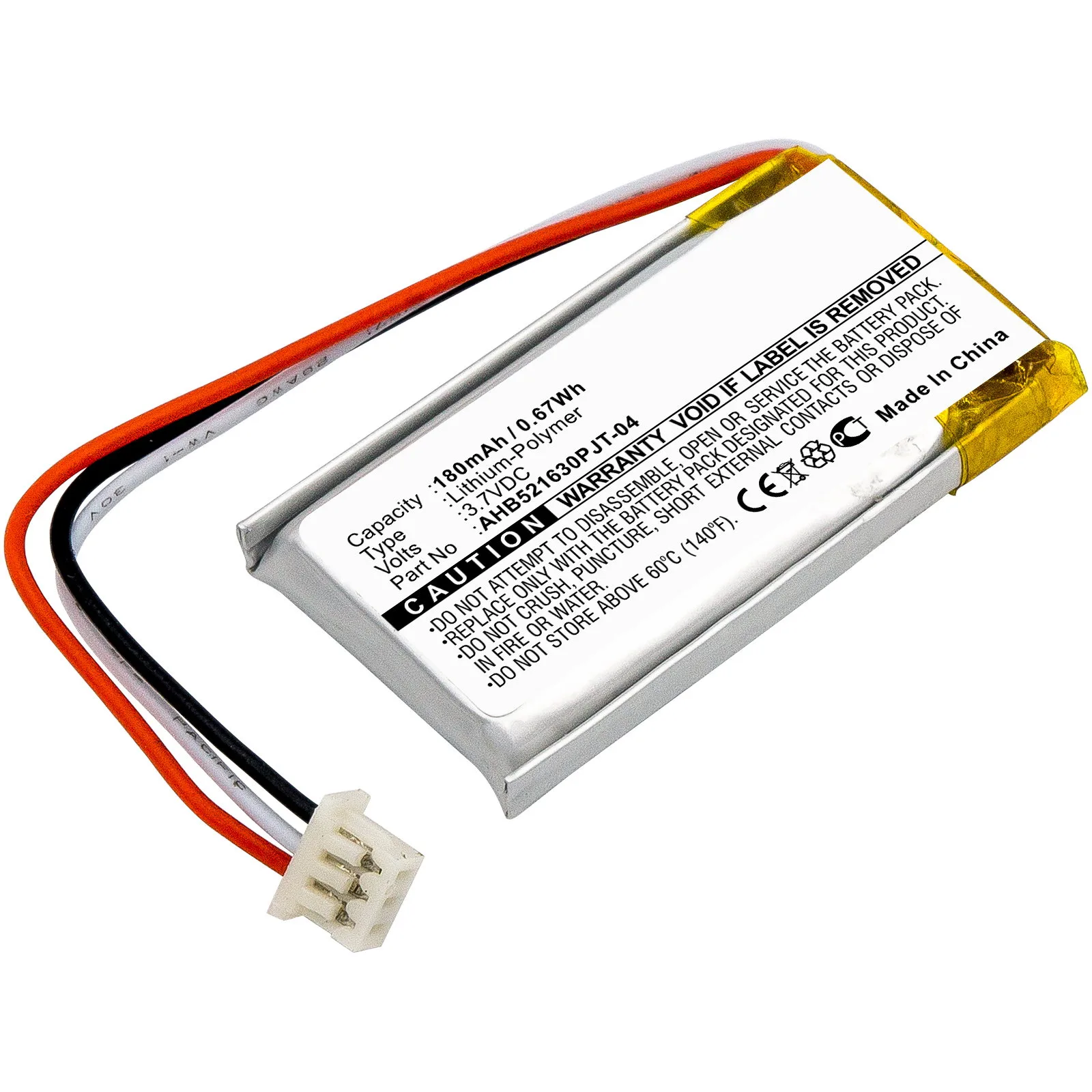
- 810-006368, M-R0074, AHB521630PJT-04 Battery for Logitech MX Vertical 180mAh Battery Replacement 810-006368, M-R0074, AHB521630PJT-04: Replacement Logitech MX Vertical battery, part numbers 810-006368, M-R0074, AHB521630PJT-04, 180mAh, with a 3-year guarantee and fast UK delivery. The listing names three interchangeable part numbers, so you can match the code printed on your old mouse battery instead of guessing by model name.
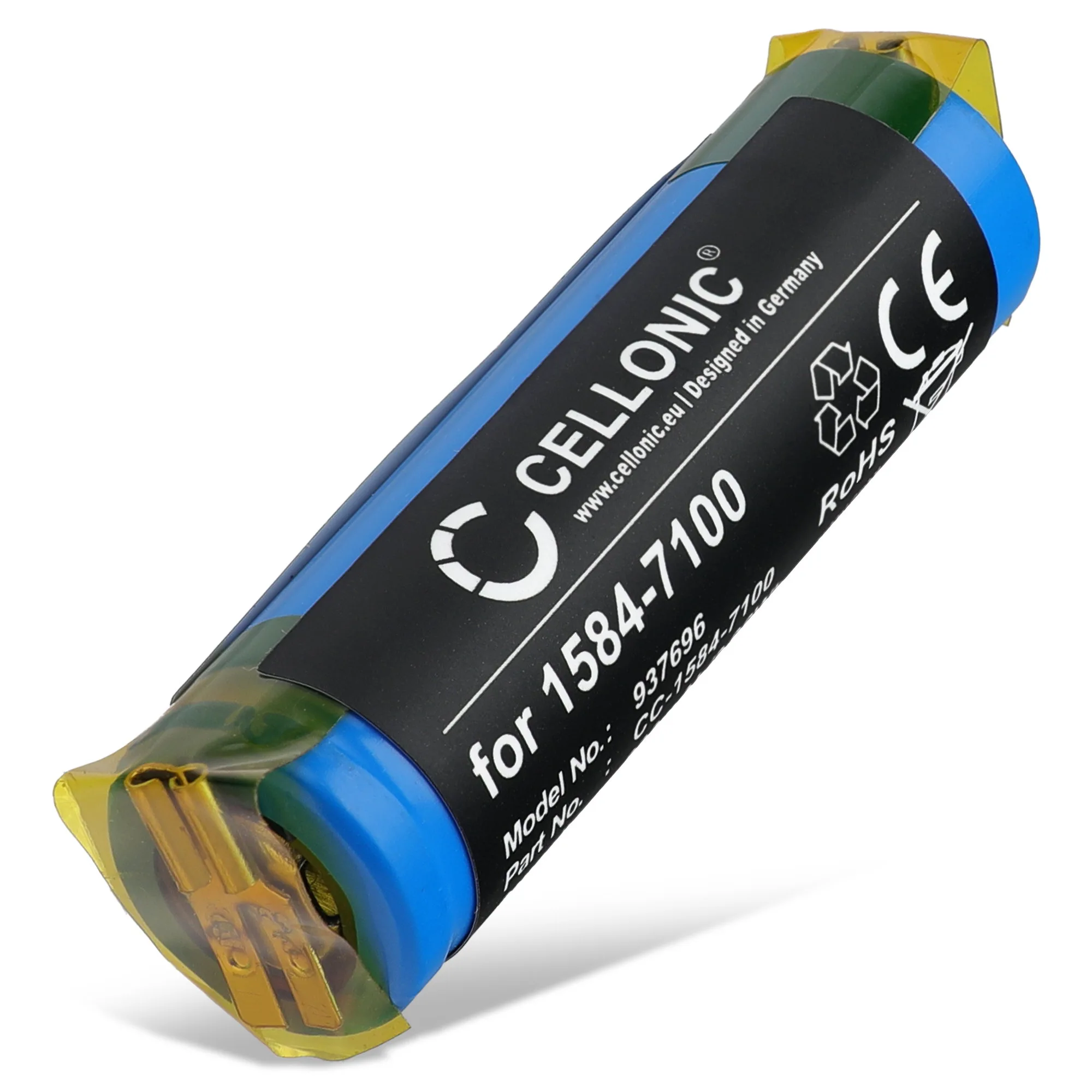
- 1584-7100 Battery for Moser ChromStyle 1584 800mAh Battery Replacement: Replacement Moser ChromStyle 1584 battery, part 1584-7100, 800mAh, with a 3-year guarantee and fast UK delivery. An 800mAh capacity is stated openly, so you can compare runtime against your original pack before ordering rather than after it arrives.
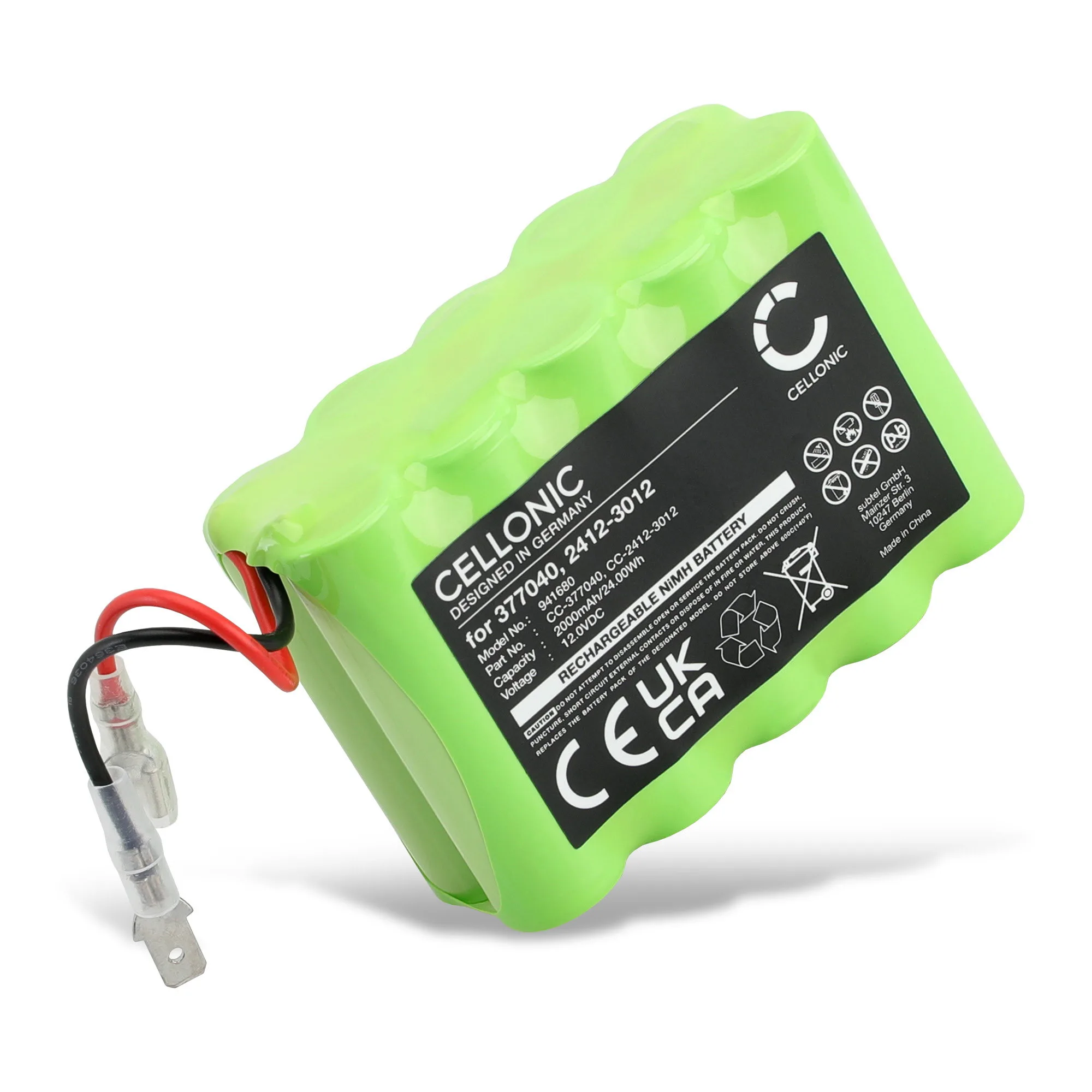
- 2412-3012 Battery for Roto RT2-SF G1 / RT1-SF G1 / DS1000, DS1000S 2000mAh Battery Replacement 2412-3012: Replacement Roto RT2-SF G1 / RT1-SF G1 / DS1000, DS1000S battery, part 2412-3012, 2000mAh, with a 3-year guarantee and fast UK delivery. Multiple compatible device models are listed alongside the part number, which is the cross-check that prevents buying a battery for the wrong tool revision.
Which replacement battery should you choose?
Choose aftermarket when
- Your device is out of manufacturer warranty and the old battery no longer holds a charge.
- You can read the part number on the old battery and the replacement listing names that same number.
- You want a stated capacity and a multi-year guarantee at a lower price than OEM.
Choose OEM when
- The device is still under manufacturer warranty and a third-party battery could affect that coverage.
- You cannot confirm the part number and the seller does not publish voltage or capacity.
- The device is a sealed unit where battery replacement risks damage you are not prepared to accept.