Quick answer
Thin sound from on-wall speakers usually comes from boundary placement, bass management, or calibration—not a defective driver. Start by checking the crossover and speaker size settings in your receiver, then adjust placement and toe-in. If the issue persists, a subwoofer or a different speaker model may be the right solution.
Check receiver settings first
Before moving speakers, verify that your AV receiver or processor is set up correctly. A common mistake is leaving on-wall speakers set to “Large” or “Full Band,” which sends deep bass to drivers that cannot reproduce it cleanly. Set them to “Small” and choose a crossover around 80–100 Hz, then let the subwoofer handle the low end. Also confirm that distance and level calibration have been run for each speaker.
Placement and mounting adjustments
On-wall speakers are designed to work close to the wall, but the exact distance and angle matter. If the speaker is mounted too high or too far into a corner, bass can become boomy while midbass feels hollow. Try lowering the speaker to ear height at the listening position and aim it slightly toward the main seat. For surround channels, avoid pointing the speaker directly at the listener’s head; a little off-axis angle often produces a more natural blend.
When calibration solves the problem
Room correction software can only fix so much, but a proper calibration run with the included microphone will set levels, distances, and basic EQ. Run the calibration with the room quiet and the microphone at ear height in the primary seat. After calibration, double-check that the on-wall speakers are not being equalized to compensate for a missing subwoofer—if you don’t have a sub, adding one is often the most effective bass fix.
Diagnosis: symptom, cause, and action
- Hollow midbass and no low end: Receiver likely set to “Large” or crossover too low. Set speakers to “Small” and raise crossover to 80–100 Hz. If bass improves but still feels weak, add a subwoofer.
- Boomy one-note bass near a corner: Boundary reinforcement is exaggerating certain frequencies. Move the speaker away from the corner or adjust toe-in. If the room is the limit, consider acoustic treatment or a different mounting location.
- Vocals sound distant or thin: Speaker may be aimed too far off-axis or mounted too high. Lower to ear height and aim toward the listening area. If the center image still collapses, check that the speaker is not behind furniture or drapes.
- No improvement after settings and placement: The speaker may be too small for your room or listening levels. Consider a model with a larger woofer or add a subwoofer. Stop adjusting and evaluate a different speaker if the room is large or you listen at high volumes.
Aperion on-wall and in-wall options
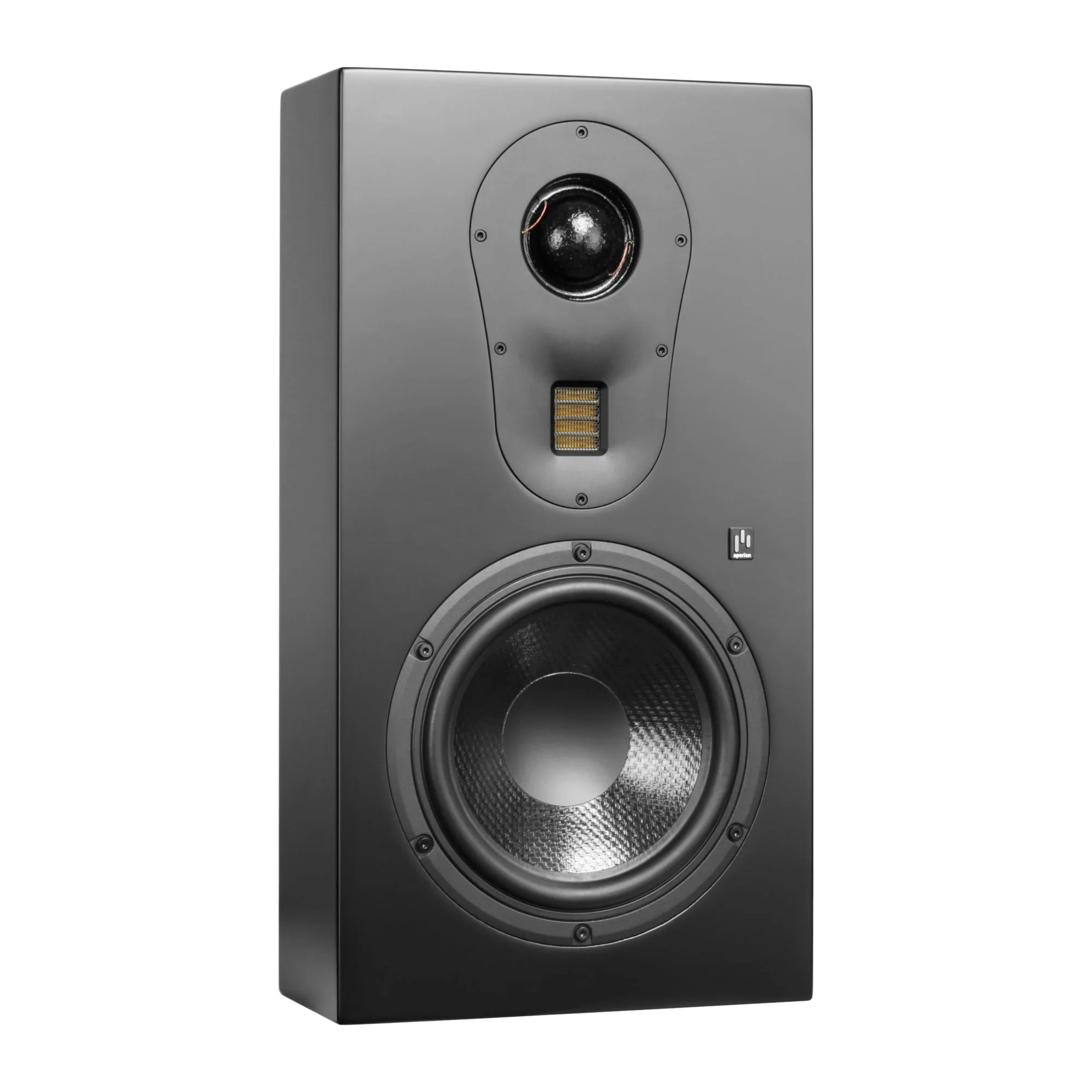
- Theatrus T83S Single 8" Slim On-Wall Speaker: Theatrus T83S is a slim 3-way on-wall speaker with a single 8-inch woofer. The dedicated 8-inch woofer gives this model more low-frequency capability than smaller on-walls, so it can play lower before crossing to a subwoofer.
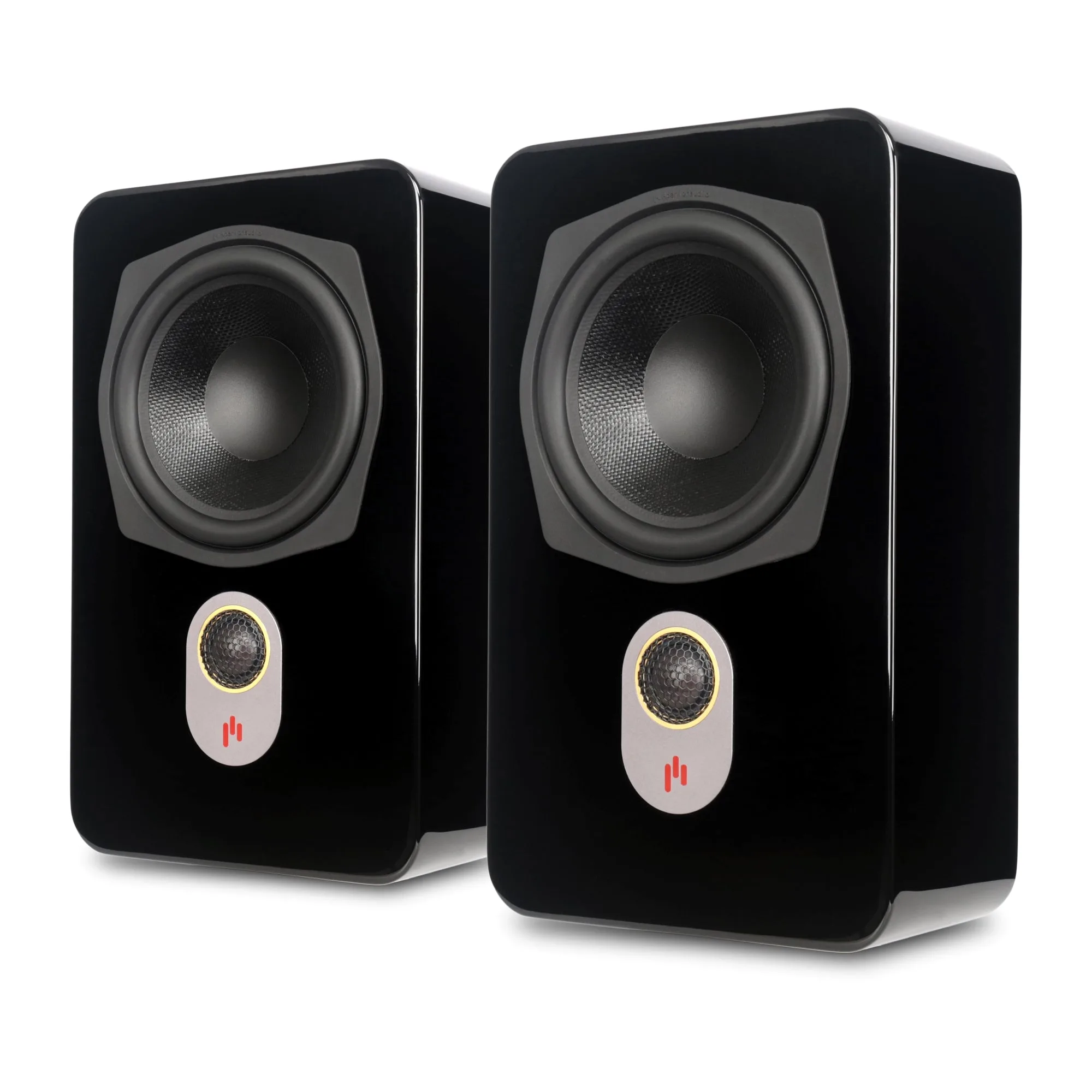
- Novus N6SR Slim Satellite 6.5" On-Wall & Surround Speaker: Novus N6SR is a 2-way 6.5-inch on-wall and surround speaker with a slim profile. Its compact size suits surround duty, but a 6.5-inch woofer will typically need a higher crossover to avoid thin sound.
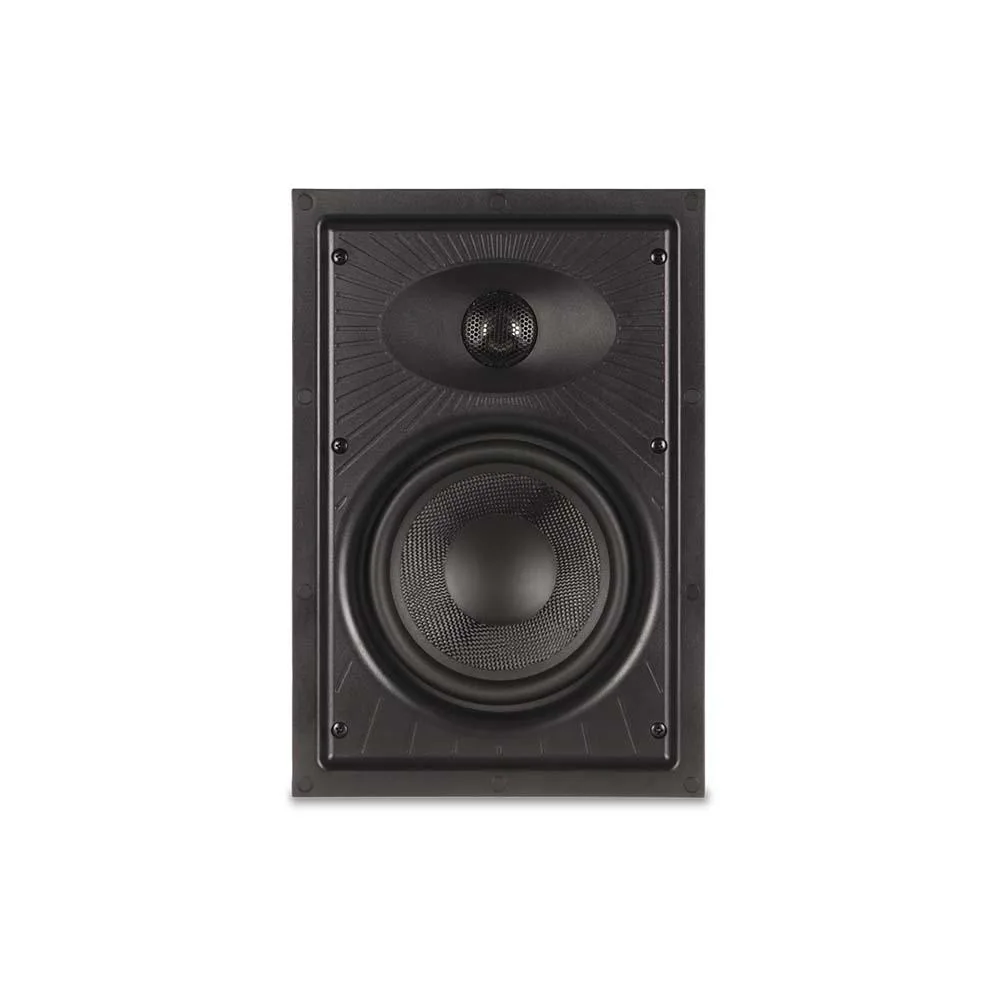
- Clearus C6W 2-Way 6.5" In-Wall Speaker: Clearus C6W is a 2-way 6.5-inch in-wall speaker acoustically aligned with C6C and C8C in-ceiling models. If on-wall placement is causing boundary issues, an in-wall alternative can provide a cleaner installation and similar tonal balance.