Quick answer
Set up your optical profiler workstation table by first leveling the support stand, then placing the table with the storage drawer facing your dominant side, and finally securing all cables before powering on.
Why proper workstation table setup matters
A workstation table is more than a surface for your optical profiler. It holds the joystick, monitor, keyboard, and mouse, and its stability directly affects measurement repeatability. An uneven or poorly positioned table can introduce vibrations or make daily operation awkward.
The Zygo Workstation Table is designed to complement the support stand of NewView 8000, 9000, and Nexview NX2 profilers. It includes a storage drawer and measures 82 x 73 x 61 cm (HWD). Before you begin, confirm that your profiler model is compatible and that you have the required tools: a level, a torque wrench (if bolting to the floor), and cable ties.
Workstation table setup steps
- Level the support stand: Place the support stand on the intended location. Use a bubble level on the top plate and adjust the leveling feet until the stand is level in both axes. Tighten the locking nuts on the feet. Check that the stand does not rock. If the floor is uneven, shim under the feet rather than over-tightening the leveling feet.
- Position the workstation table: Lift the workstation table onto the support stand, aligning the mounting holes. Orient the table so the storage drawer opens toward your dominant hand. Secure the table with the provided bolts and torque to the specification in the manual. Do not fully tighten all bolts at once. Finger-tighten each, then torque in a crisscross pattern to avoid warping the table.
- Route and secure cables: Place the joystick, monitor, keyboard, and mouse on the table. Route cables through the cable management slots or along the underside of the table. Use cable ties to bundle loose cables and prevent them from dangling below the table. Leave a service loop of at least 30 cm at the profiler end so you can slide the table out without disconnecting cables.
- Perform a stability check: Place a glass test plate on the profiler stage. Observe the interferogram on the monitor. If fringes drift or jump, check that all table bolts are tight and that no cables are touching the floor or the profiler base. A stable interferogram should show less than one fringe drift over 30 seconds. If drift persists, consider adding a vibration isolation table under the support stand.
- Organize the storage drawer: Store commonly used accessories such as spare fuses, hex keys, and a lens cleaning kit in the drawer. Avoid overfilling; the drawer should close without forcing. Keep the drawer weight under 5 kg to maintain table balance and prevent sagging.
Product fact
-
Workstation Table: Workstation Table with storage drawer for NewView 8000, 9000, and Nexview NX2. Dimensions: 82 x 73 x 61 cm (HWD). The drawer keeps cables and small accessories organized, and the 73 cm depth ensures the table fits standard lab benches without overhang.
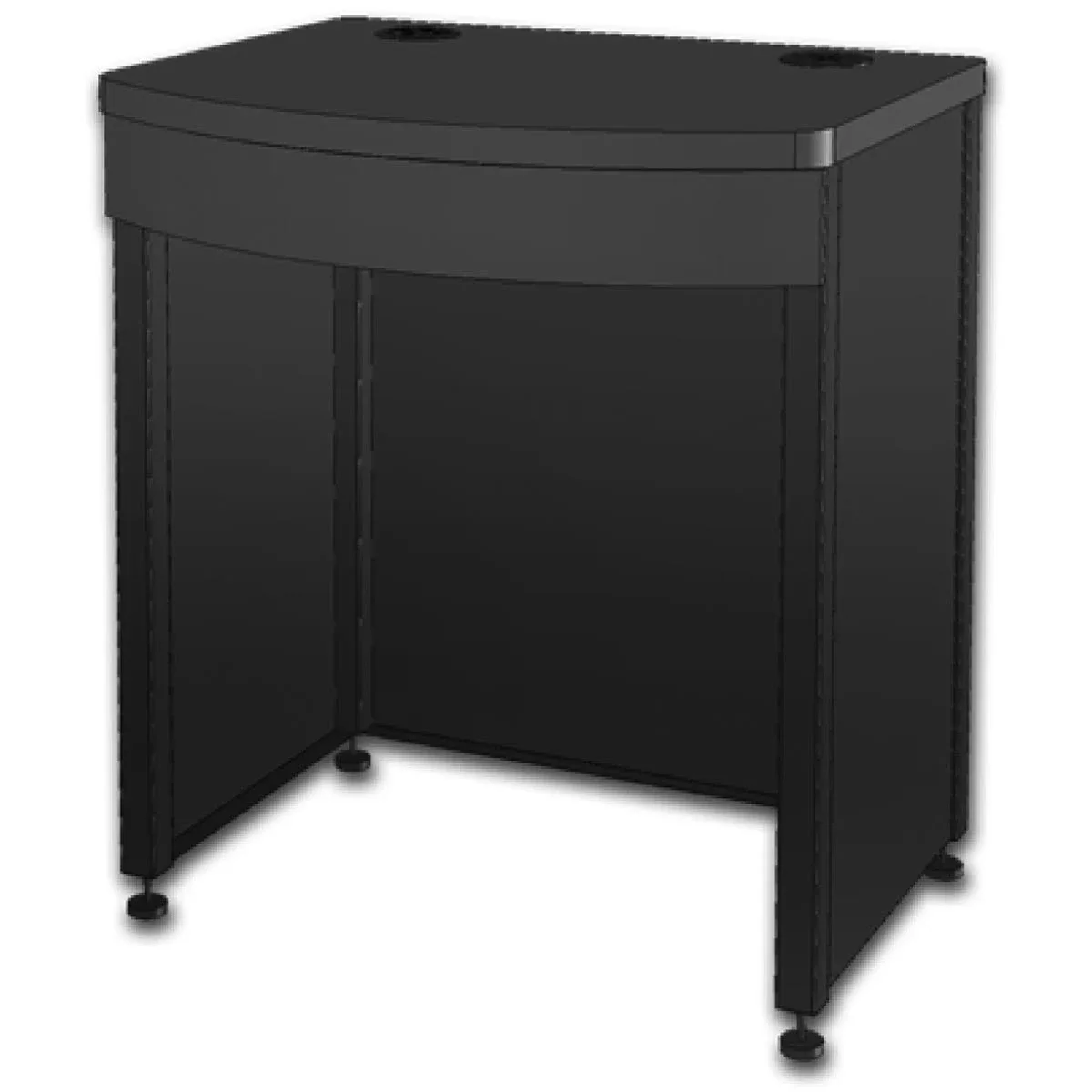
Workstation Table


