Quick answer
Use adjustable card dividers to separate different games or decks inside a single storage box. This keeps your collection organized without needing a separate box for each game.
Why dividers are essential for multi-game storage
When you play multiple trading card games, keeping each collection separate is a common challenge. Dividers let you store several decks or sets in one box while preventing cards from shifting together. This is especially useful if you travel with your collection or have limited shelf space.
Traditional dividers have a fixed width, which can leave gaps or force you to use oversized boxes. Adjustable dividers solve this by expanding or contracting to fill the exact space you need, making them a flexible solution for mixed collections.
Choosing the right divider for your box
Before you start organizing, measure the interior width of your deck box or storage container. Dividers come in different sizes and adjustability ranges. A divider that can change its width between 5 and 30 mm, like the Sizemorph® Divider, fits most standard deck boxes and can adapt as your collection grows.
Consider the material and thickness as well. Rigid dividers offer better protection for cards, while flexible ones can conform to odd-shaped compartments. For multi-game setups, a divider that stays in place without sliding is a must.
Step-by-step guide
- Sort your games into groups: Separate each TCG or deck by game name, format, or play frequency. This makes it easy to grab what you need without shuffling through everything. Common mistake: mixing unsleeved and sleeved cards together. Keep sleeves consistent within each group.
- Measure your storage box interior: Use a ruler to check the width and depth of your box. Note any compartments or inserts that might limit divider placement. Checkpoint: if your box has a curved bottom, choose a divider that can flex slightly to stay upright.
- Adjust the divider to fit snugly: If using an adjustable divider like the Sizemorph® Divider, expand or compress it until it presses gently against both sides of the box. This prevents it from tipping over when you remove cards. Don't over-tighten – the divider should hold its place but still be removable by hand.
- Place dividers between each game group: Insert a divider between every distinct collection. For example, put one divider after your Magic deck and another after your Pokémon deck. This creates clear visual boundaries. Common mistake: using only one divider for multiple games. Each gap needs its own divider to prevent cards from mixing.
- Label the dividers for quick identification: Write the game name on a small sticker or use a marker on the divider tab. This saves time when you're in a hurry or when multiple people share the box. Checkpoint: test that labels are visible without removing the divider. If not, reposition the tab.
Product spotlight
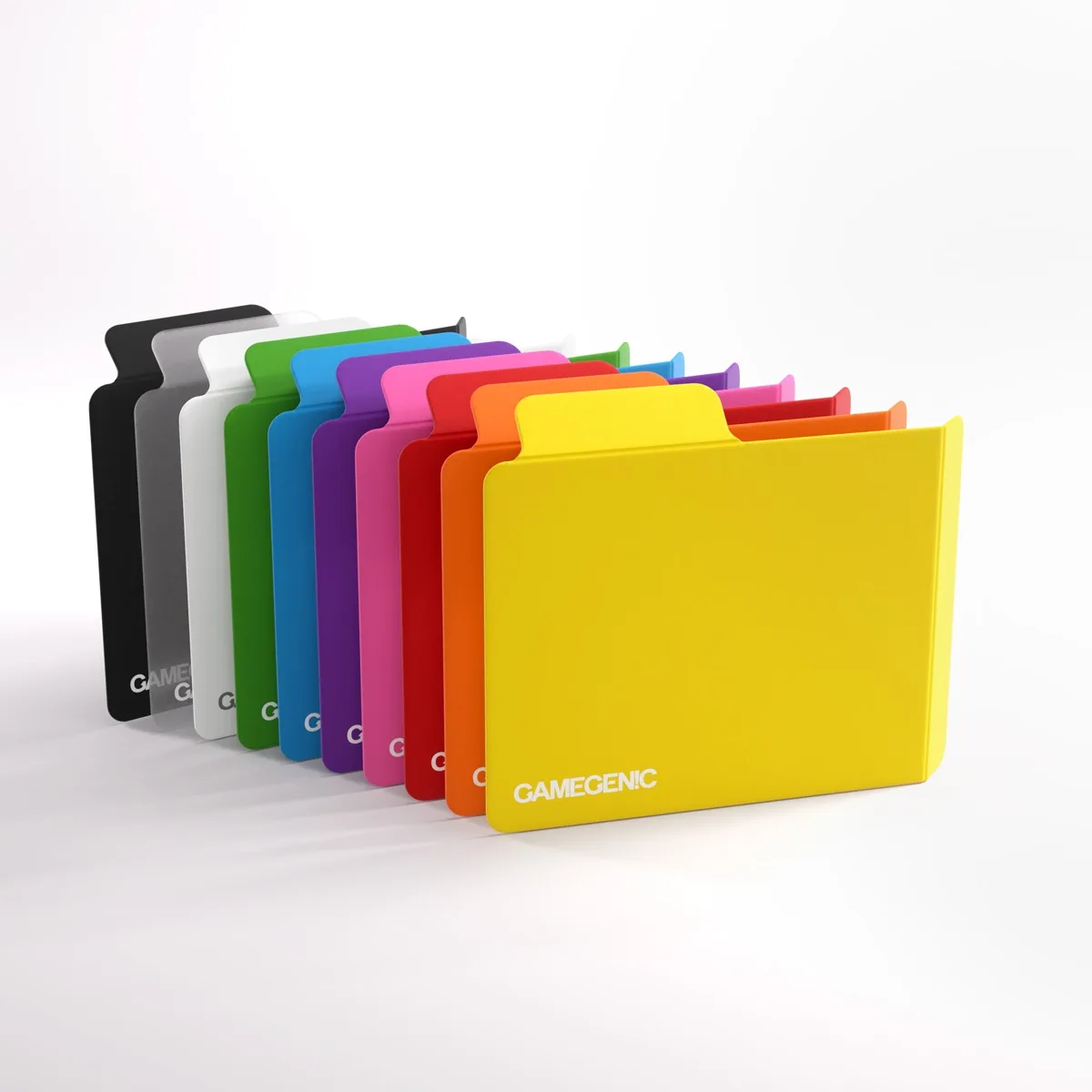
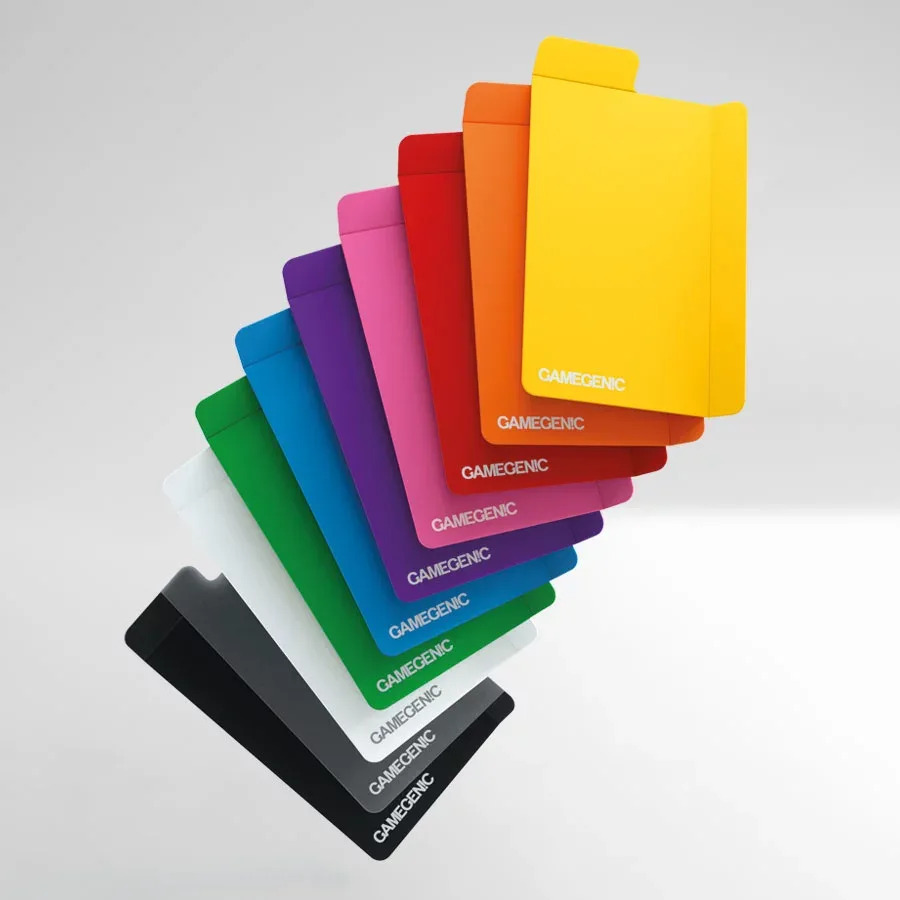
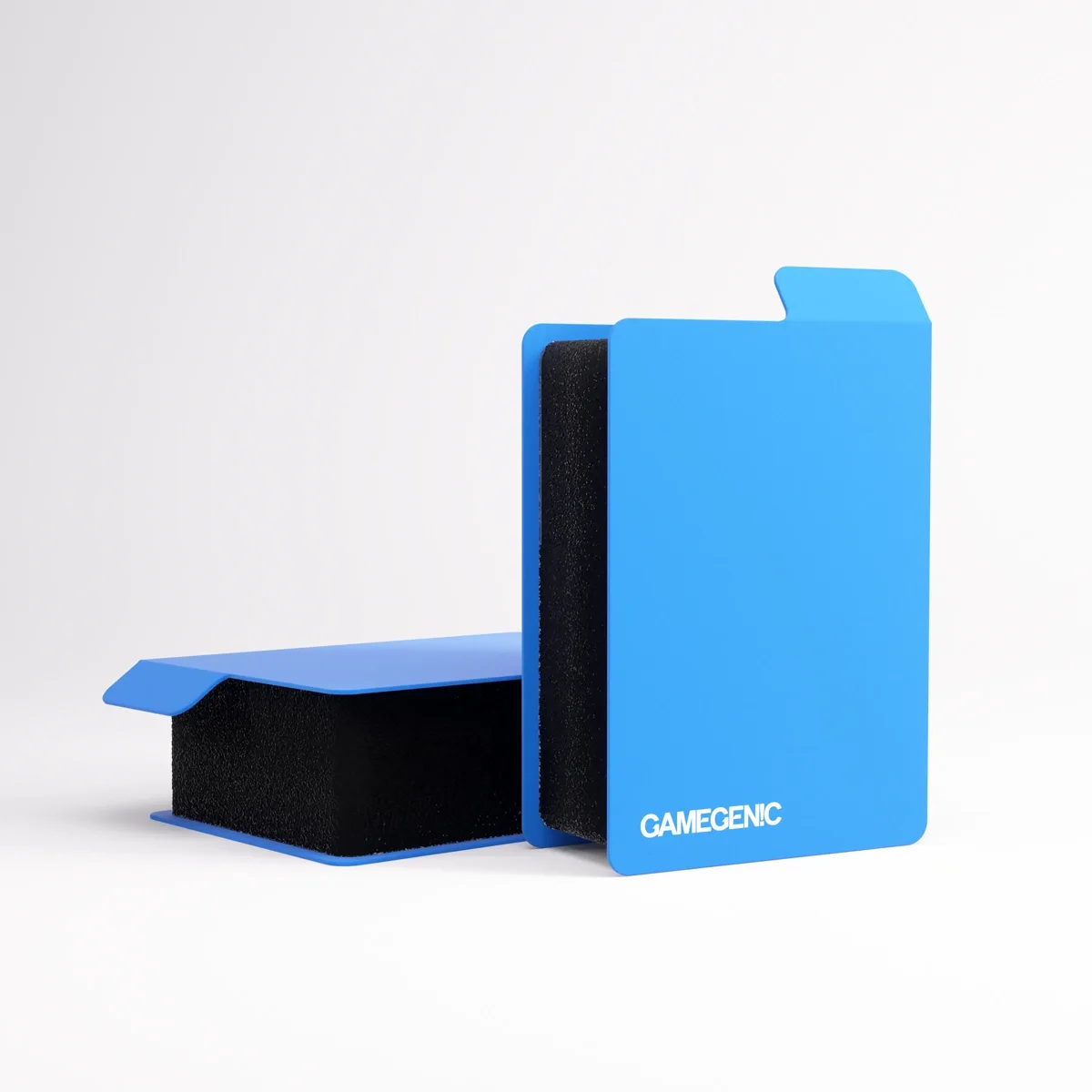
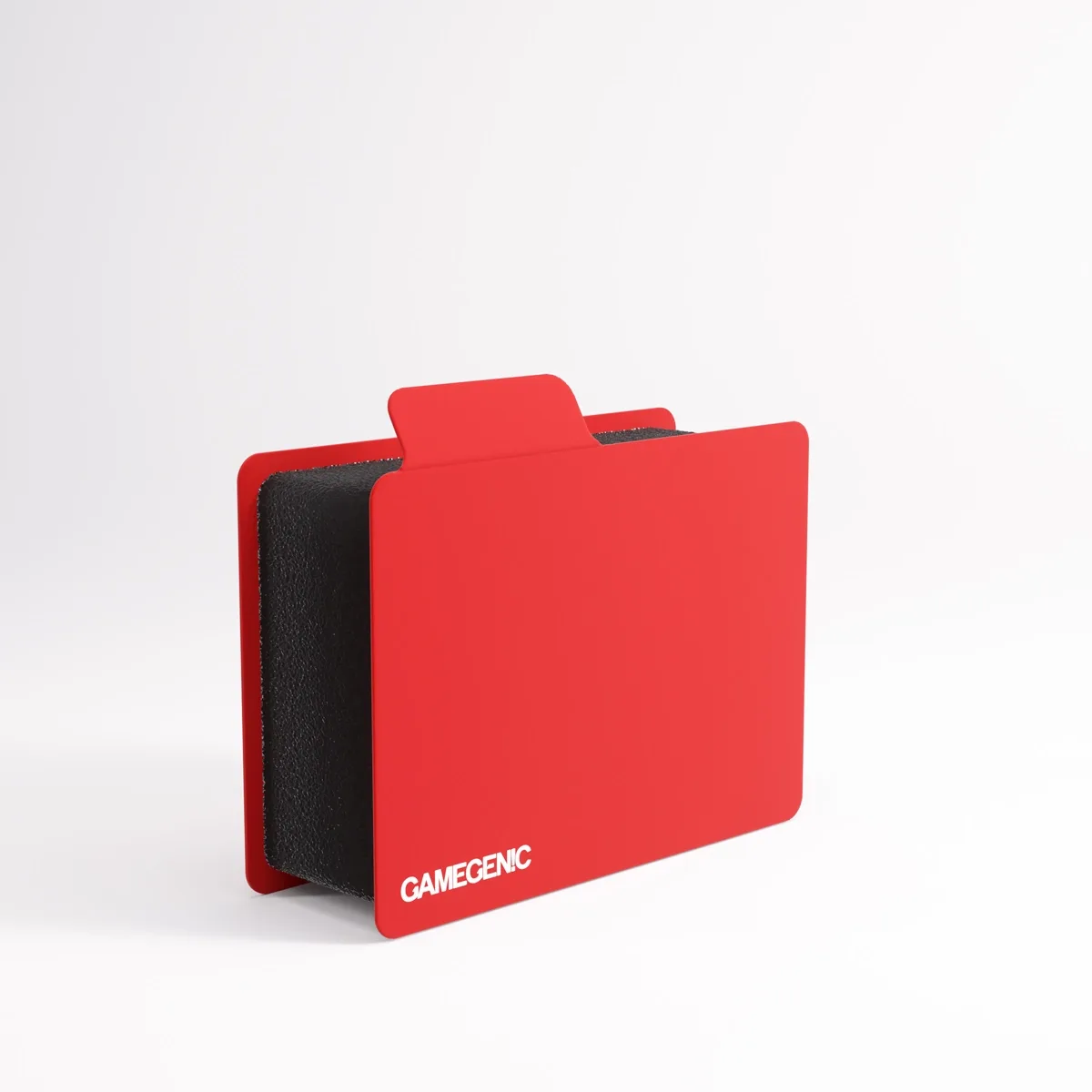
- SIZEMORPH® DIVIDER: The Sizemorph® Divider is the first divider on the market that can change its width to fit into almost any unused box space. Its width can vary between 5 and 30 mm. This adjustability means you can use the same divider to separate a 60-card deck from a 100-card deck, or to fill the gap between two decks so nothing rattles during transport.