Why a MagSafe Flip Wallet Changes Your Carry
A wallet that attaches magnetically to your phone case does more than hold cards. The MagSafe Compatible Leather Flip Wallet from Mous keeps your essentials secure and accessible while adding a kickstand for hands-free viewing. Organizing your daily carry with this wallet means thinking about what you bring, how you access it, and when the kickstand helps.
This guide walks through practical steps to set up your flip wallet so you carry only what you need and use the wallet's features without fumbling.
Step-by-Step: Organize Your Daily Carry
Follow these steps to load and use your MagSafe Leather Flip Wallet efficiently.
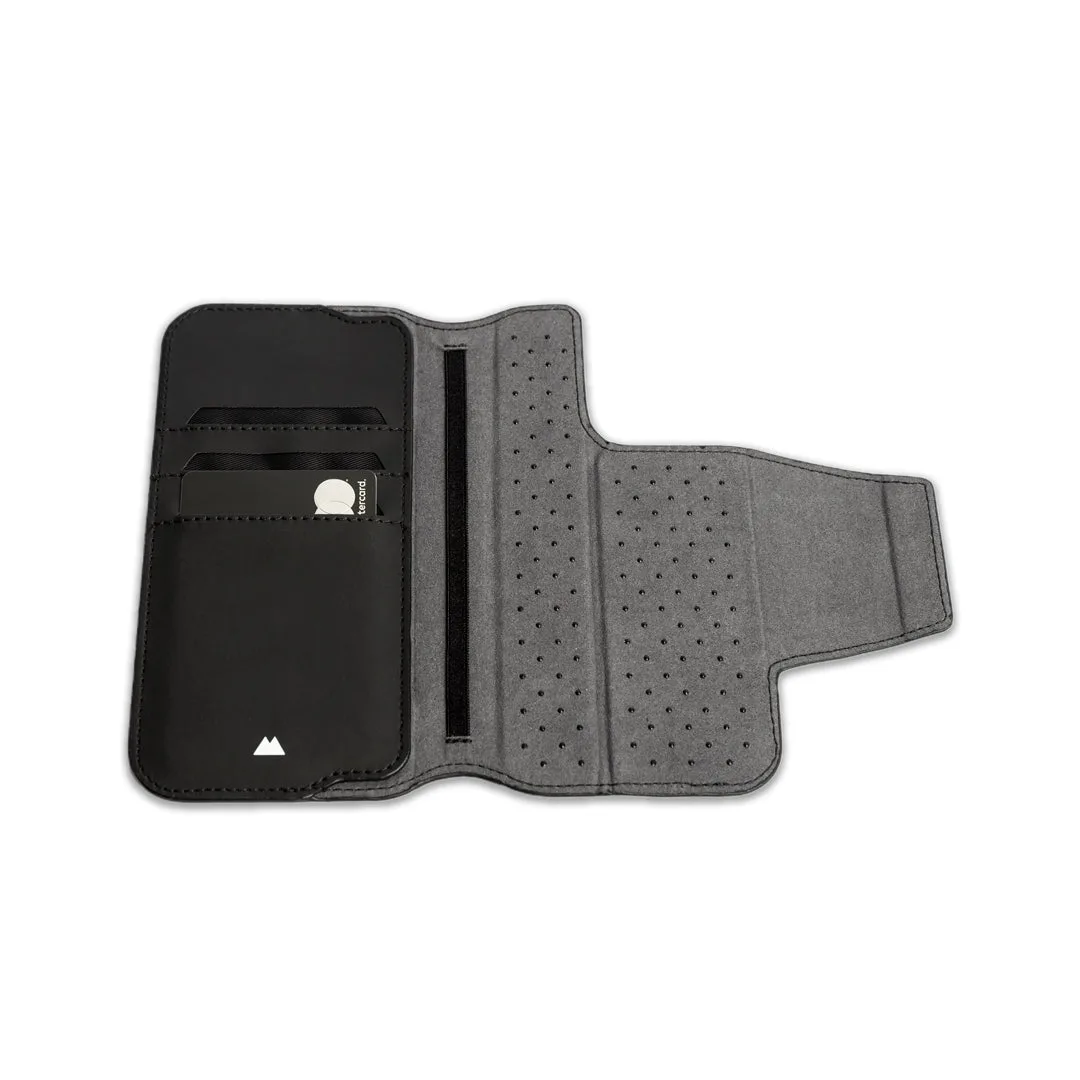
- 1. Choose your card load: The flip wallet holds several cards. Start with your most-used cards: a debit or credit card, transit pass, and ID. Avoid overstuffing to keep the magnetic attachment secure.
- 2. Arrange cards by frequency: Place the card you reach for most often on top or in the outer slot. This reduces the time you spend flipping through cards when paying or tapping.
- 3. Add cash or receipts: If you carry bills, fold them once and tuck them behind the cards or in an inner pocket. Keep receipts separate to avoid clutter.
- 4. Attach to your phone case: The wallet uses MagSafe technology to snap onto the back of a compatible Mous phone case. Align the wallet with the case's magnetic ring for a secure hold.
- 5. Use the kickstand for hands-free viewing: Flip the wallet open to reveal the built-in kickstand. This props your phone up for video calls, watching content, or following a recipe—no separate stand needed.
Key Features of the Mous Leather Flip Wallet
-
MagSafe® Compatible Leather Flip Wallet: A secure and magnetically detachable MagSafe compatible flip wallet with a kickstand, for easily accessible essentials and hands-free viewing options. The magnetic attachment lets you detach the wallet quickly when you want to go case-only, while the kickstand adds utility without extra accessories.
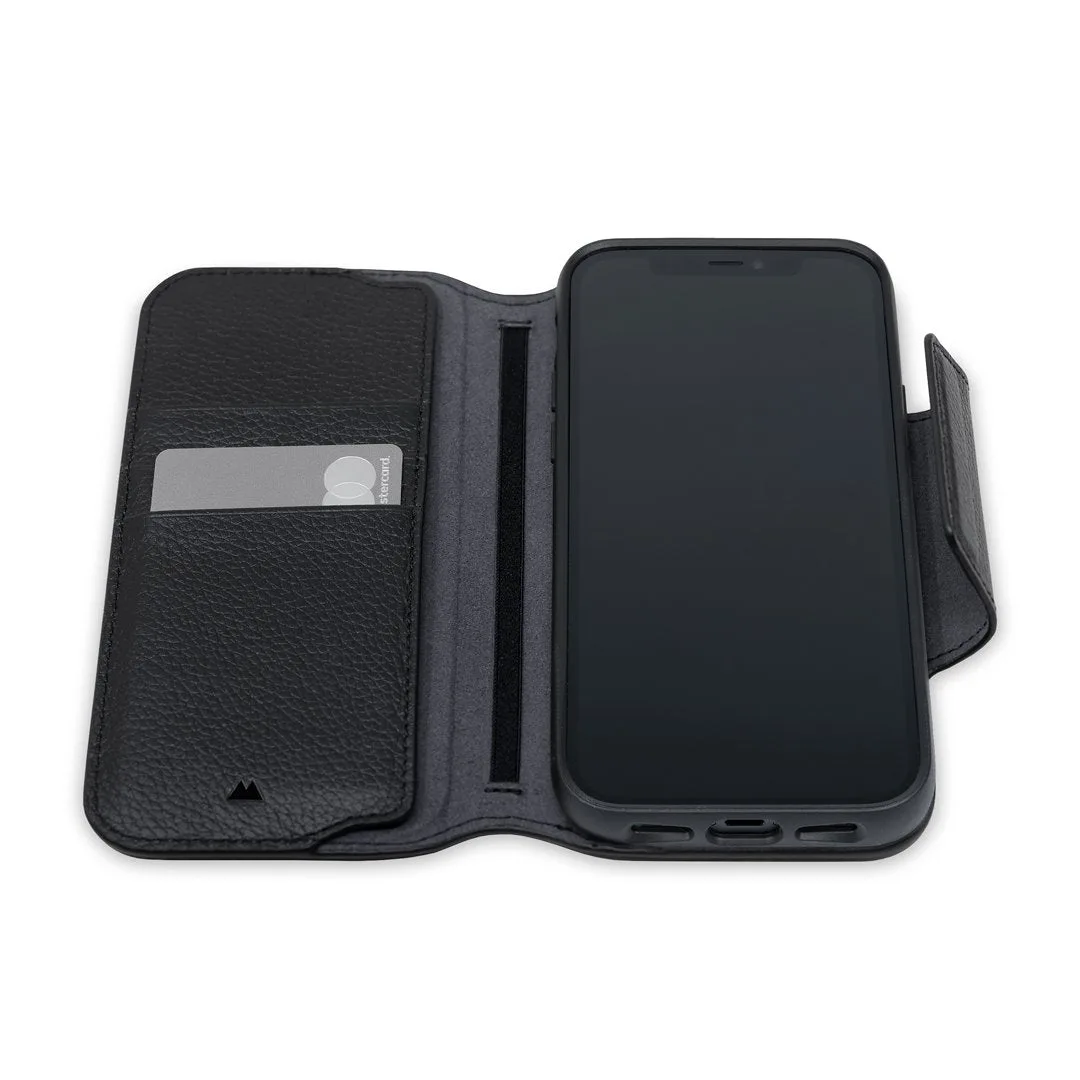
MagSafe® Compatible Leather Flip Wallet
When to Detach and When to Keep It On
The MagSafe attachment is strong enough for daily use, but you might want to remove the wallet for wireless charging or when pocket space is tight. Detaching is as simple as pulling the wallet away from the case. Reattach when you need cards or the kickstand again.
For most days, keeping the wallet on your phone means one less item to carry. Just be mindful of the added thickness in a slim pocket.
Keeping Your Wallet Organized Long-Term
Every few weeks, clear out old receipts and unused cards. This keeps the wallet slim and the magnetic hold reliable. The leather material will develop a patina over time, which many users appreciate, but avoid exposure to excessive moisture to preserve the finish.