Start with the VERSA's dual role
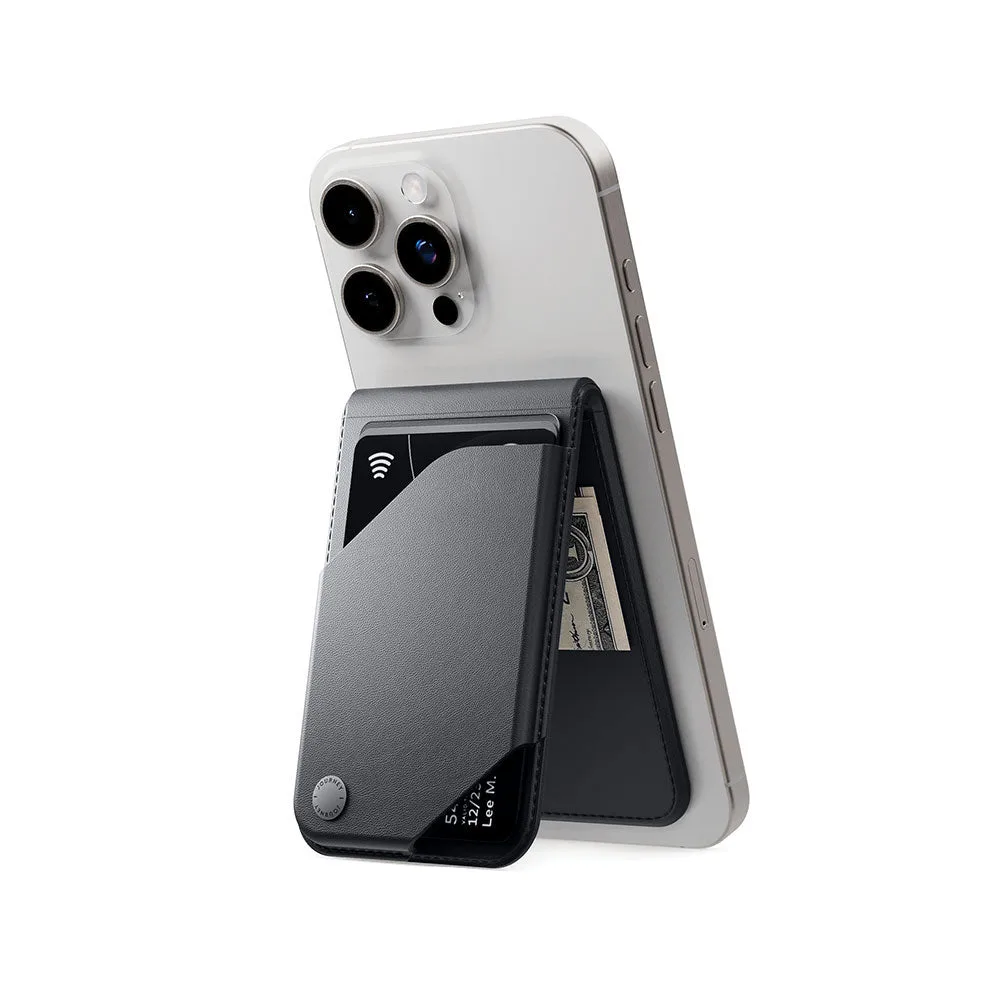
The VERSA MagSafe Money Clip Wallet & Stand is designed to do two jobs: hold your everyday cards and cash, and prop up your phone when you need a hands-free view. Before you load it up, decide which cards you actually reach for daily and how much cash you typically carry. That keeps the wallet slim and the stand stable.
The catalog describes the VERSA as sharing all the same features as the earlier LOC8 Wallet, with the addition of a money clip. One reviewer notes this is their second Journey wallet and that the VERSA replaces an older LOC8 Wallet passed down to a son. That continuity matters: if you liked the LOC8 layout, the VERSA keeps the familiar card organization while adding a dedicated spot for bills.
What the catalog confirms
-
VERSA MagSafe Money Clip Wallet & Stand: The VERSA is described as having all the same features as the LOC8 Wallet, but now with a money clip. This tells you the card-holding layout should feel familiar if you have used a LOC8, while the clip is the new element for cash.
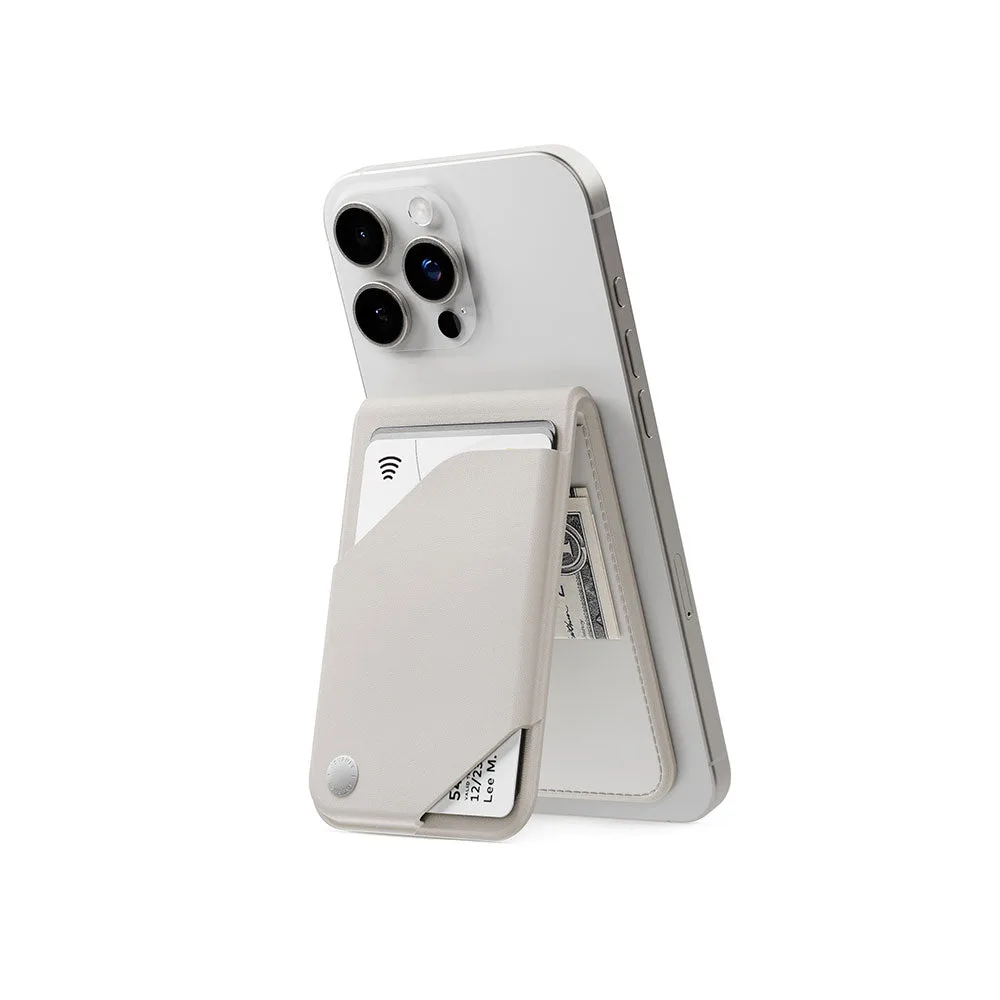
VERSA MagSafe Money Clip Wallet & Stand
-
VERSA MagSafe Money Clip Wallet & Stand: A reviewer purchased the VERSA as their second Journey wallet, replacing an older LOC8 Wallet. It suggests the VERSA is a direct upgrade path for existing LOC8 users rather than a completely different wallet.
How to load cards and cash without bulk
The goal is to keep the VERSA flat against your phone. Overstuffing any wallet makes it harder to slide cards out and can make the stand top-heavy. Use this order as a starting point, then adjust to your own daily carry.
- Pick your daily cards first: Choose the two or three cards you use most—typically a primary payment card, a transit or ID card, and one backup. Leave store loyalty cards and rarely used memberships elsewhere.
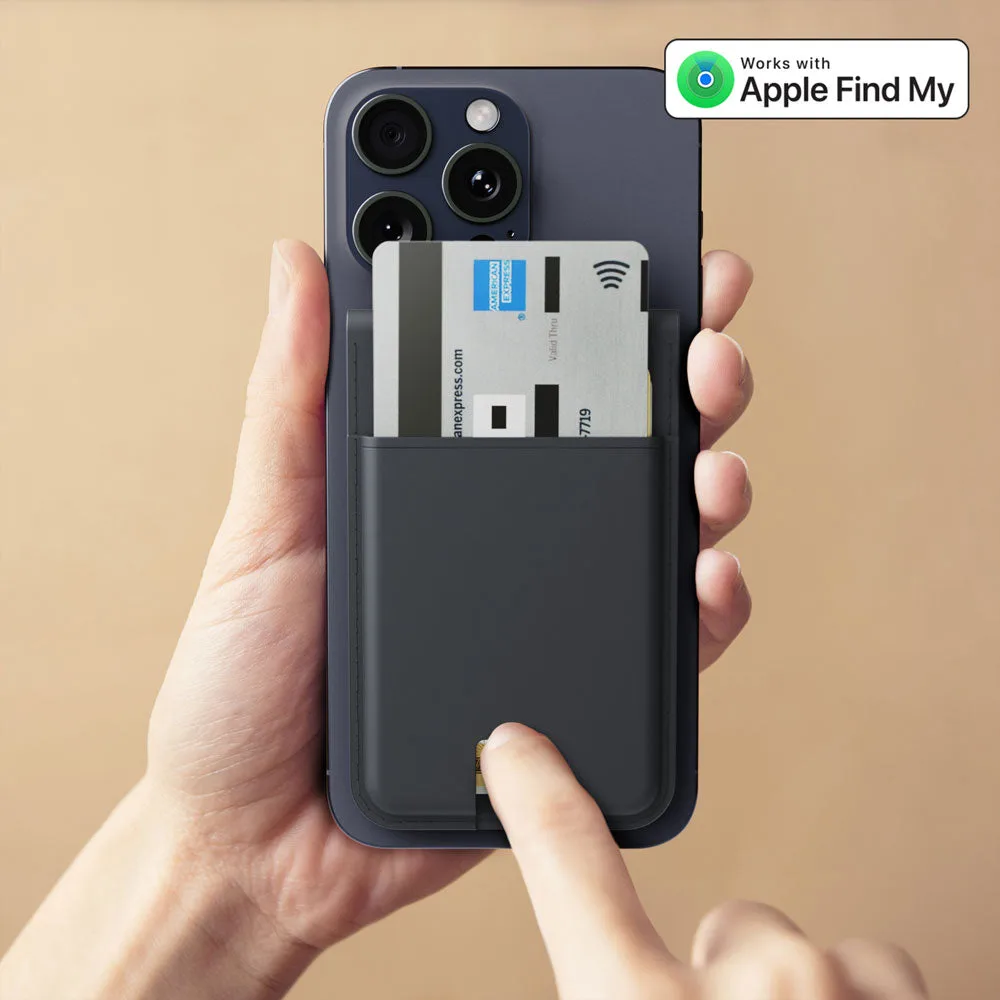
- Slide cards into the card section: The VERSA is described as sharing the LOC8's features, so use the card slots as you would on a LOC8. Insert cards one at a time and check that the stack stays flat.
- Fold bills before clipping: The money clip is the VERSA's addition. Fold cash to a size that fits under the clip and avoid forcing a thick stack. A few folded bills sit more securely than a wad.
- Test the grip on your phone: Attach the wallet to a MagSafe-compatible phone or case and give it a gentle tug. If it shifts, remove a card or bill and try again. The catalog does not specify a maximum capacity, so let the magnet's hold guide you.
Using the stand without surprises
The VERSA doubles as a stand, but the catalog does not list specific viewing angles or stability ratings. In practice, that means you should test the stand on a flat, stable surface before relying on it for video calls or watching something in bed. A top-heavy wallet—too many cards or a thick cash stack—can make any stand easier to tip.
Set the phone down gently, adjust the wallet's position until the phone feels balanced, and keep the stand away from the edge of a table. If you often use the stand while charging, check that your charging cable or pad does not interfere with the wallet's position; the catalog does not confirm charging pass-through details for the VERSA.
Money clip wallet card tips that actually help
- Keep the clip for bills, not cards: The clip is the VERSA's cash feature. Using it for receipts or extra cards can add uneven bulk and make the wallet sit awkwardly on the phone.
- Carry fewer bills than you think: A money clip works best with a modest fold. If you need a large amount of cash for a specific day, consider carrying the rest separately rather than overloading the clip.
- Empty receipts weekly: Receipts and notes add up. A quick weekly clear-out keeps the card section easy to use and the stand more stable.
- Check the clip's tension over time: The catalog does not include care instructions for the clip. If bills start sliding out, reduce the stack or inspect whether the clip has been bent out of shape.
What the catalog does not confirm
The supplied product record does not list exact dimensions, materials, weight, card capacity, or a maximum cash thickness for the VERSA. It also does not include care or cleaning instructions. If any of those details are essential to your decision—for example, if you need to know whether the wallet fits a specific phone case—check the full product page or contact support before buying.
The record also does not confirm whether the VERSA works with non-MagSafe phones or cases. The name and description reference MagSafe, so plan to use it with a MagSafe-compatible setup unless the product page says otherwise.