Quick Answer
To pair the eufy Whole-Home Sensor Bundle with the HomeBase Professional S1, power on the HomeBase, open the eufy Security app, add the sensor bundle, and follow the in-app pairing prompts. Ensure the sensors are within range and the HomeBase has a stable network connection.
Why Pairing Matters for Reliable Security
The HomeBase Professional S1 acts as the central hub for your eufy sensors, managing communication and alerts. Correct pairing ensures each sensor reports its status without delays, which is critical for timely notifications. A common oversight is placing sensors too far from the HomeBase, leading to intermittent connections.
Step-by-Step Pairing Process
- Prepare the HomeBase Professional S1: Plug in the HomeBase and connect it to your router via Ethernet or Wi-Fi. Wait for the LED to turn solid blue, indicating a stable network connection. A common mistake is skipping the network setup, which prevents sensor pairing. Ensure the HomeBase is connected to the internet before proceeding.
- Open the eufy Security App: Download or update the eufy Security app on your smartphone. Log in or create an account. Tap the '+' icon to add a new device. Selecting the wrong device type can cause pairing failures. Use the latest app version for compatibility.
- Add the Sensor Bundle: In the app, choose 'Sensor Bundle' from the device list. Follow the on-screen instructions to scan for sensors. Keep the sensors near the HomeBase (within 30 feet) during this step. A checkpoint: if sensors aren't detected, move them closer and try again. Range is crucial; obstacles like walls can reduce signal strength.
- Name and Place Each Sensor: Once paired, the app will list each sensor. Assign a name (e.g., 'Front Door') and location. This helps identify alerts later. A common mistake is using generic names that become confusing over time. Take a moment to plan sensor placement for optimal coverage.
- Test the Connection: Trigger each sensor manually (e.g., open a door or window) and verify the app receives the alert. If a sensor doesn't respond, check its battery or reposition it. Don't assume all sensors work without testing. Testing ensures the system functions as expected before relying on it.
Product Facts
-
eufy Whole-Home Sensor Bundle with HomeBase Professional S1: Uninterrupted Security: Stay secure during power or Internet outages with 4G connectivity and a 24-hour built-in battery for continuous video protection. This means your sensor system remains operational even if the Wi-Fi goes down, providing peace of mind during outages.
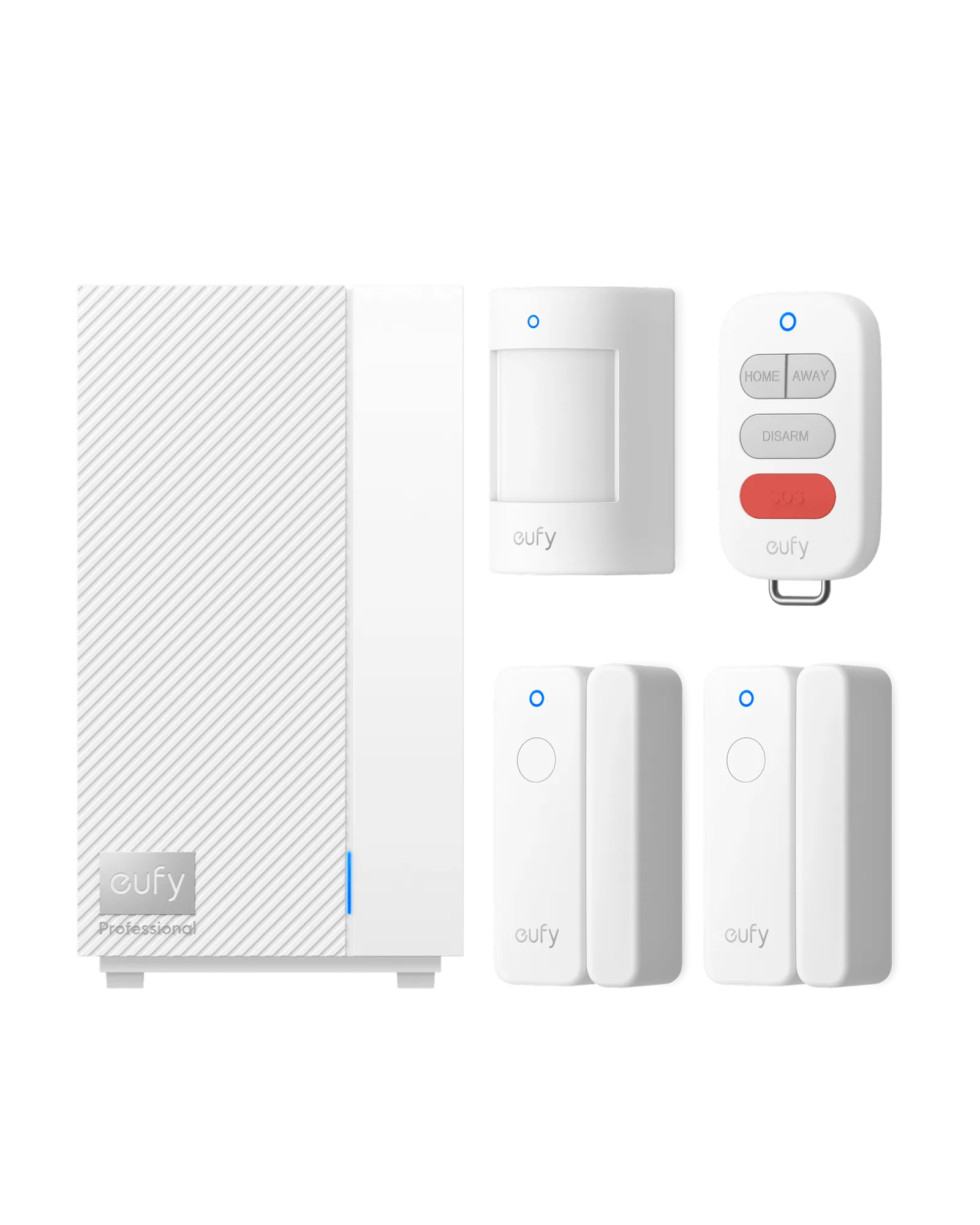
eufy Whole-Home Sensor Bundle with HomeBase Professional S1