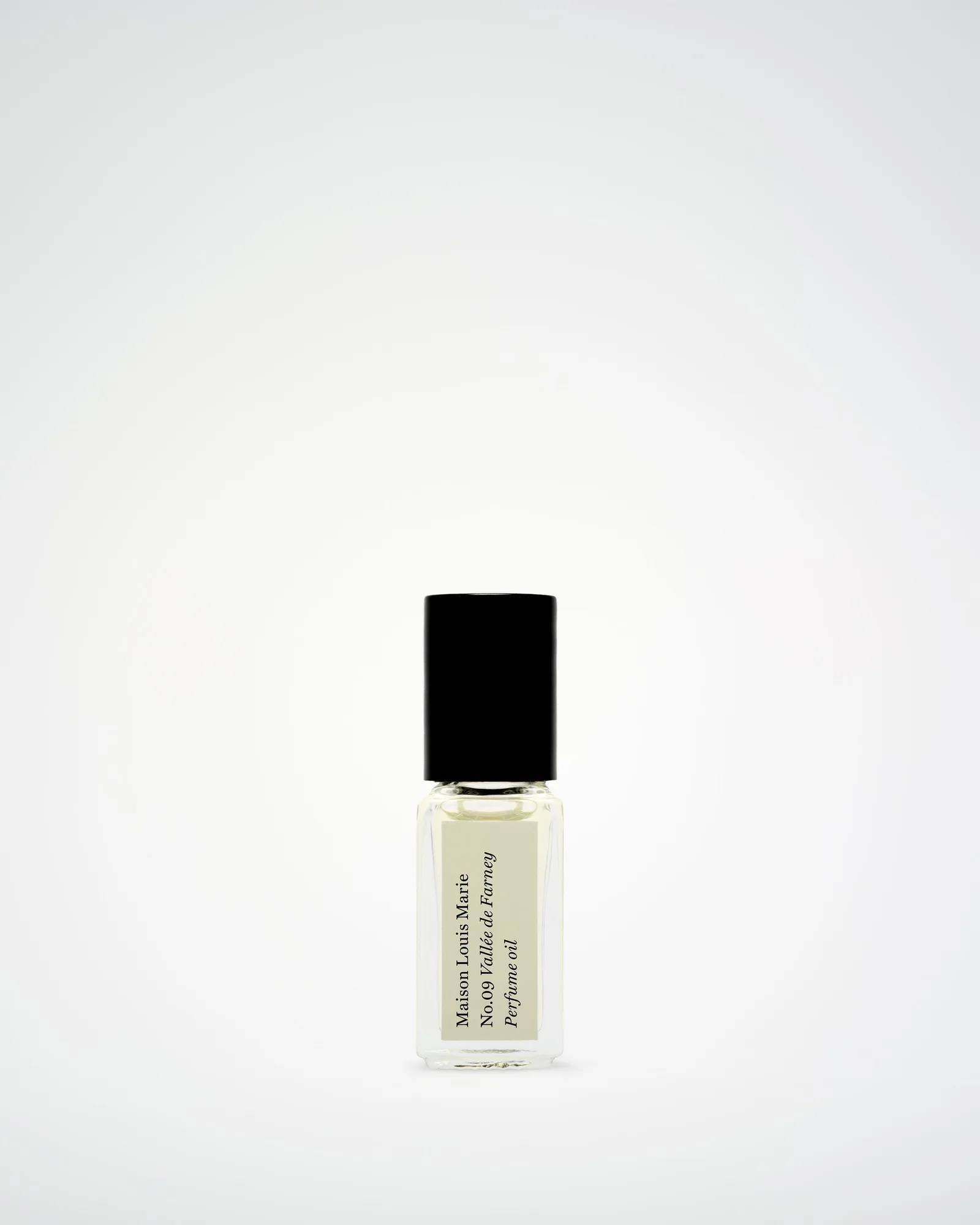
Quick answer
A phone grip (like a strap or ring) offers a more secure hold and doubles as a kickstand, while a PopSocket provides a pop-out handle that works as a vertical stand. Choose a grip if you need one-handed stability or media viewing; pick a PopSocket for quick selfie grip and easy attachment to magnetic mounts. Both work with most cases, but the right case thickness and surface matter.
What to look for in a phone grip or PopSocket
Both phone grips and PopSockets attach to the back of your phone or case and give you a better hold, but they differ in shape and function. A phone grip is usually a strap or ring that you slide your fingers through, offering a secure hold and often folding into a kickstand. A PopSocket is a collapsible plastic nub that expands for a finger grip or stands your phone vertically. The key trade-off: grips tend to be more stable for one-handed use and landscape viewing, while PopSockets are lighter and easier to attach/detach but can interfere with wireless charging if not positioned carefully.
When choosing, consider your phone size and case thickness. Thinner cases (like clear or slim silicone) work well with both, but a rugged case with a textured back may make adhesive less reliable. Also, check if you plan to use wireless charging — some PopSockets require a special adapter, while most ring grips can be folded flat to avoid interference.
How Case-Mate cases pair with grips and PopSockets
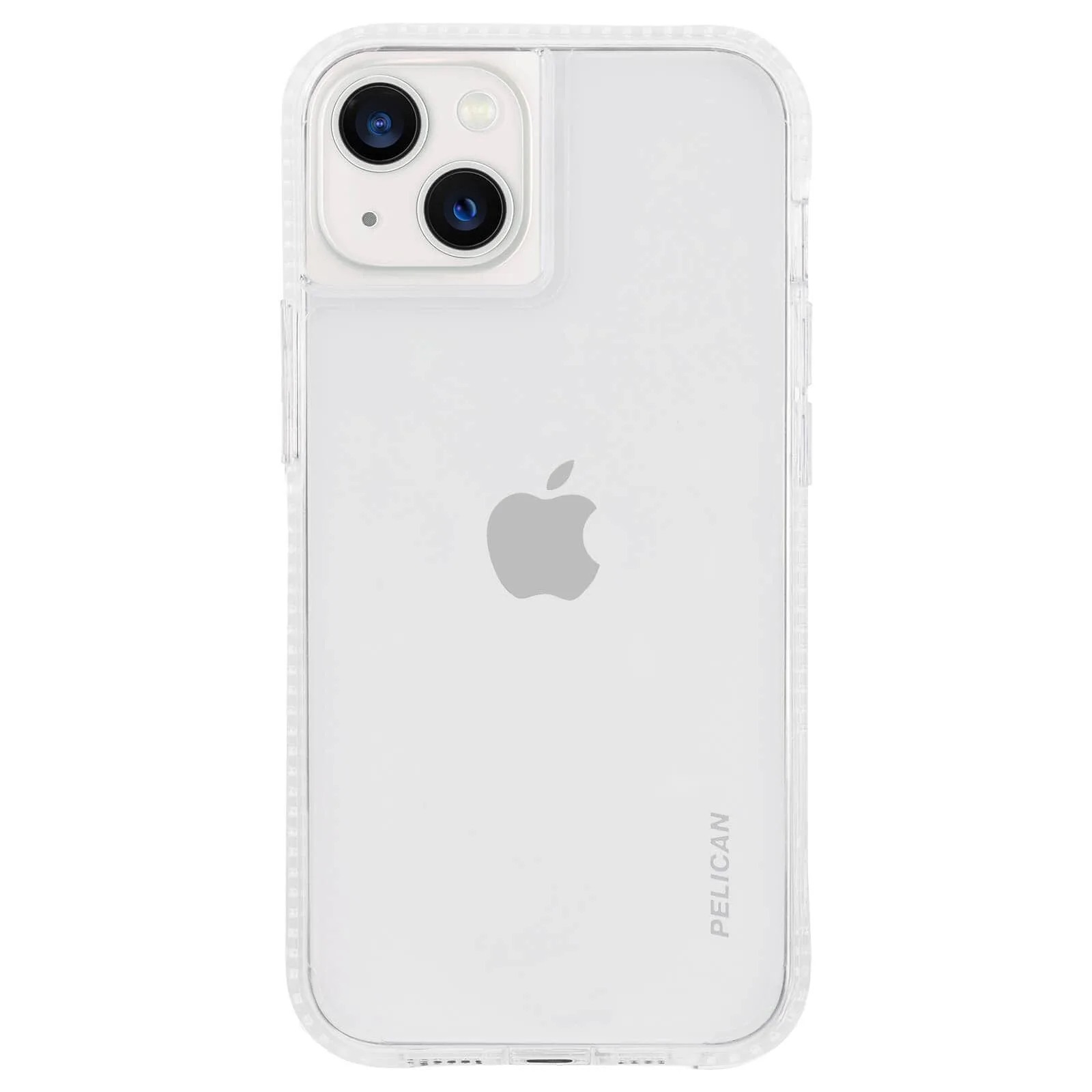
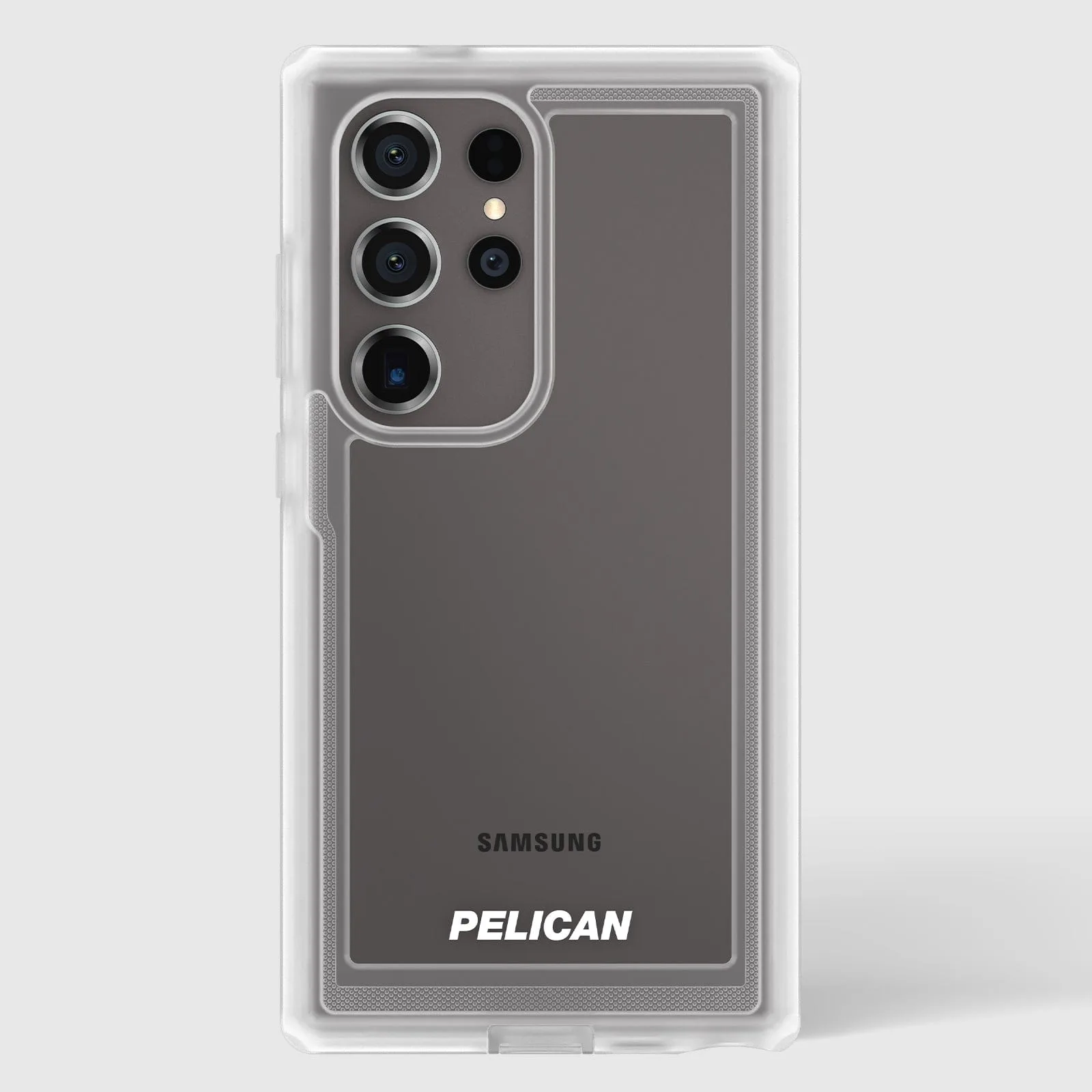
The Pelican Voyager Clear case for the Galaxy S24 Ultra has textured sides and non-slip edges, which complement a phone grip by adding extra friction. Its 18-foot drop protection and dual-layer build mean the case is thicker, so a grip with strong adhesive is recommended. The Pelican Ranger Clear for iPhone 13 mini, with its minimalist design and reinforced back panel, provides a smooth surface that works well with both a PopSocket or a ring grip. For a folio-style case like the Wallet Folio for Galaxy S23+, a PopSocket may not adhere well to the leather exterior, so a grip that attaches to the side or a case-friendly adhesive is better.
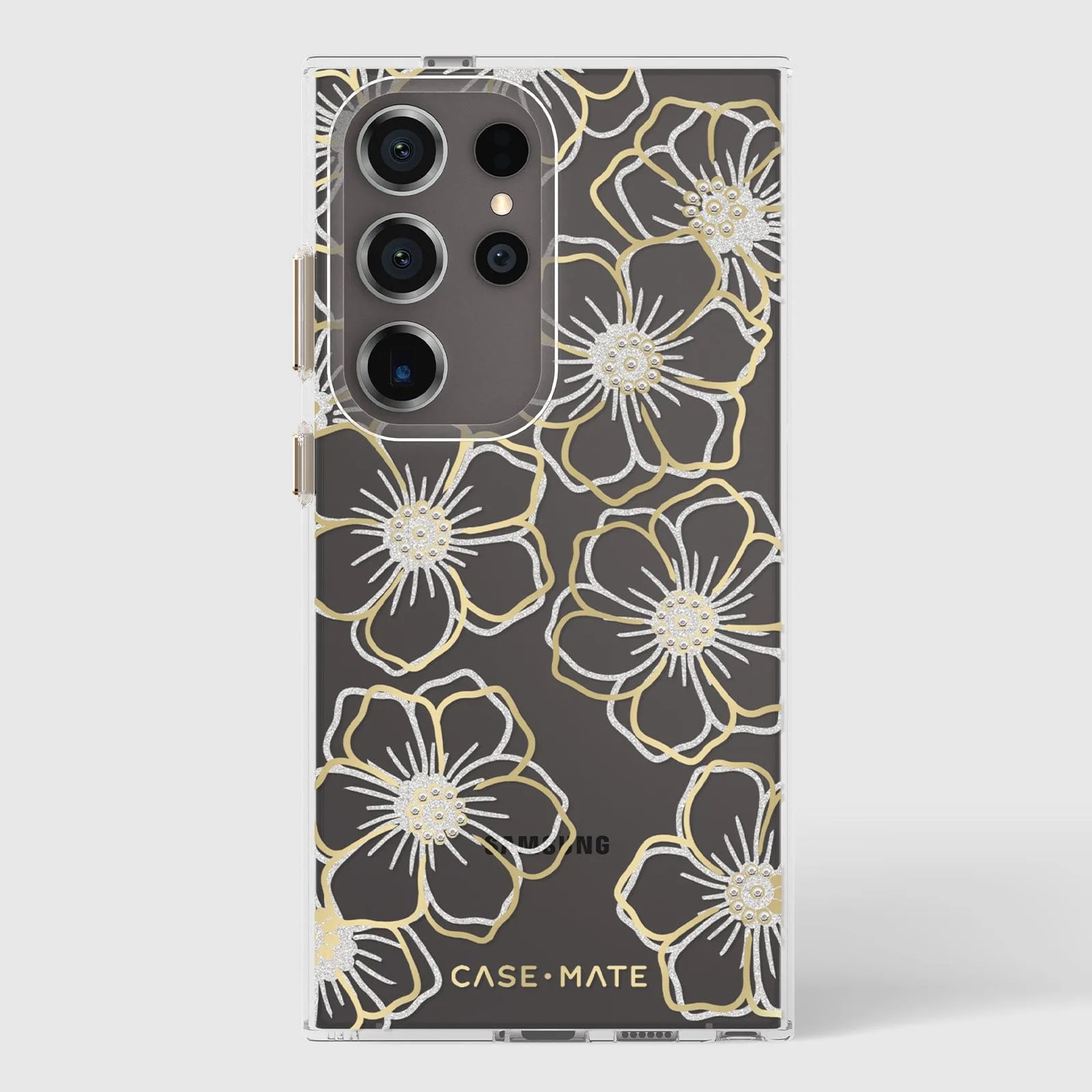
Galaxy S24 Ultra
The iPhone 18 Pro Max Phone Case comes in a wide range of finishes — from clear to gem-inspired — and its smooth back is ideal for either accessory. Just ensure the adhesive is compatible with the case material (polycarbonate or TPU) to avoid residue or lifting.
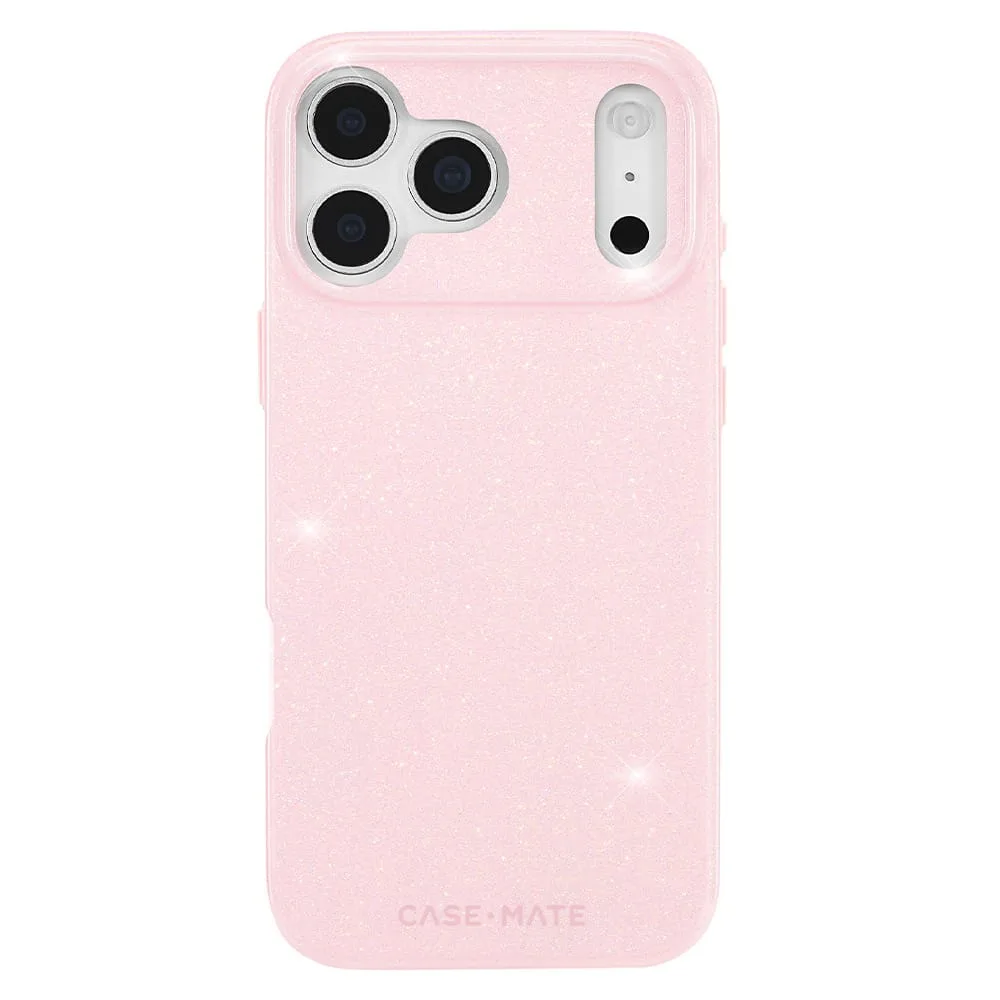
iPhone 18 Pro Max Phone Case
Phone grip vs PopSocket: trade-offs at a glance
- Grip stability: Phone grips (rings or straps) offer a more secure hold for one-handed use and are less likely to pop off accidentally. They also fold into a kickstand for landscape viewing. Best if you frequently watch videos or use your phone with one hand.
- PopSocket portability: PopSockets collapse flat, making them easier to slide into a pocket or bag. They also work as a vertical stand for video calls or selfies, but they can wobble on uneven surfaces. Best if you want a compact grip for quick selfies or calls.
- Wireless charging compatibility: Most ring grips can be folded flat to allow wireless charging without removal. PopSockets typically block the charging coil unless you use a special PopSocket wireless charger or remove the accessory. Choose a ring grip if you rely on wireless charging daily.
- Adhesion and case compatibility: Both use strong adhesive, but textured or leather cases (like the Wallet Folio) may reduce adhesion. Smooth polycarbonate or TPU cases (like the Pelican Ranger or iPhone 18 Pro Max case) provide the best surface. Test adhesion on a small area first, or choose a case with a smooth back.
Case-Mate cases for your grip or PopSocket
- Pelican Voyager Clear - Galaxy S24 Ultra: The Pelican Voyager Phone Case for the Galaxy S24 Ultra is equipped with 18-foot drop and dual-layer impact protection to safeguard your phone from everyday adventures. Built with textured sides, non-slip edges, and a phone holster with an integrated phone stand, the Voyager secures your phone at all times to minimize drops. The textured sides and non-slip edges make this case a great match for a phone grip — the extra friction helps keep the grip in place, and the integrated stand means you don't need a PopSocket for media viewing.
- Pelican Ranger (Clear) - iPhone 13 mini: The minimalist design of this Pelican Ranger case for the iPhone 13 mini gives you ultimate protection in a sleek profile. The reinforced back panel, cushioned corners and impact absorbing ridges provide maximum protection for your device. The smooth, reinforced back panel provides a clean surface for either a PopSocket or ring grip to adhere firmly, while the slim profile keeps the phone pocketable even with an accessory attached.
Which one should you choose?
Best for
- Users who want a secure one-handed grip and a kickstand for media viewing
- People who use wireless charging and don't want to remove an accessory
Not for
- Those who prefer a compact, collapsible grip for quick selfies and calls
- Users who want a vertical stand for video calls and don't mind removing it for charging