Quick answer
Phone overheating during wireless charging is usually caused by misalignment, thick cases, or poor airflow. Switch to a vented stand charger and check your case thickness.
Why heat happens during wireless charging
Wireless charging generates heat as a natural byproduct of inductive power transfer. While modern chargers include thermal management, excessive heat signals a problem that can reduce battery lifespan or trigger charging pauses.
Common culprits include a phone case thicker than 3mm, off-center coil alignment, or charging on soft surfaces that trap heat. Qi2 chargers improve alignment with magnetic guides, but older pads still rely on manual placement.
When to replace your charger instead of your phone
If your charger consistently runs hot with multiple phones, the issue is likely the charger itself. Look for a model with passive ventilation—like a stand design that lifts the phone off the table and allows airflow around the device.
A stand charger also keeps your phone screen visible, so you can check for charging status without picking it up. This is especially useful on a desk or nightstand.
Diagnose and fix overheating
- Symptom: Your phone feels hot to the touch after 15–30 minutes of wireless charging, or charging stops and restarts repeatedly.
- Likely cause: Phone case thicker than 3mm, misaligned coils, or charging on a soft surface (bed, couch, pillow) that blocks heat dissipation.
- Corrective action: Remove the phone case and place the phone again, centering it on the charger. If the phone still overheats, move the charger to a hard, flat surface with open space around it.
- Stop or choose another option: If overheating persists after removing the case and improving airflow, the charger may lack adequate ventilation. Consider switching to a vented stand charger like the Belkin Wireless Charging Stand 15W, which keeps the phone upright for better cooling. If you still see overheating after these steps, your charger likely needs replacement.
Product facts
-
Wireless Charging Stand 15W: The Belkin Wireless Charging Stand 15W uses a stand-style design that keeps your device upright and visible while charging. The upright position improves airflow around the phone, reducing heat buildup compared to charging on a flat pad.
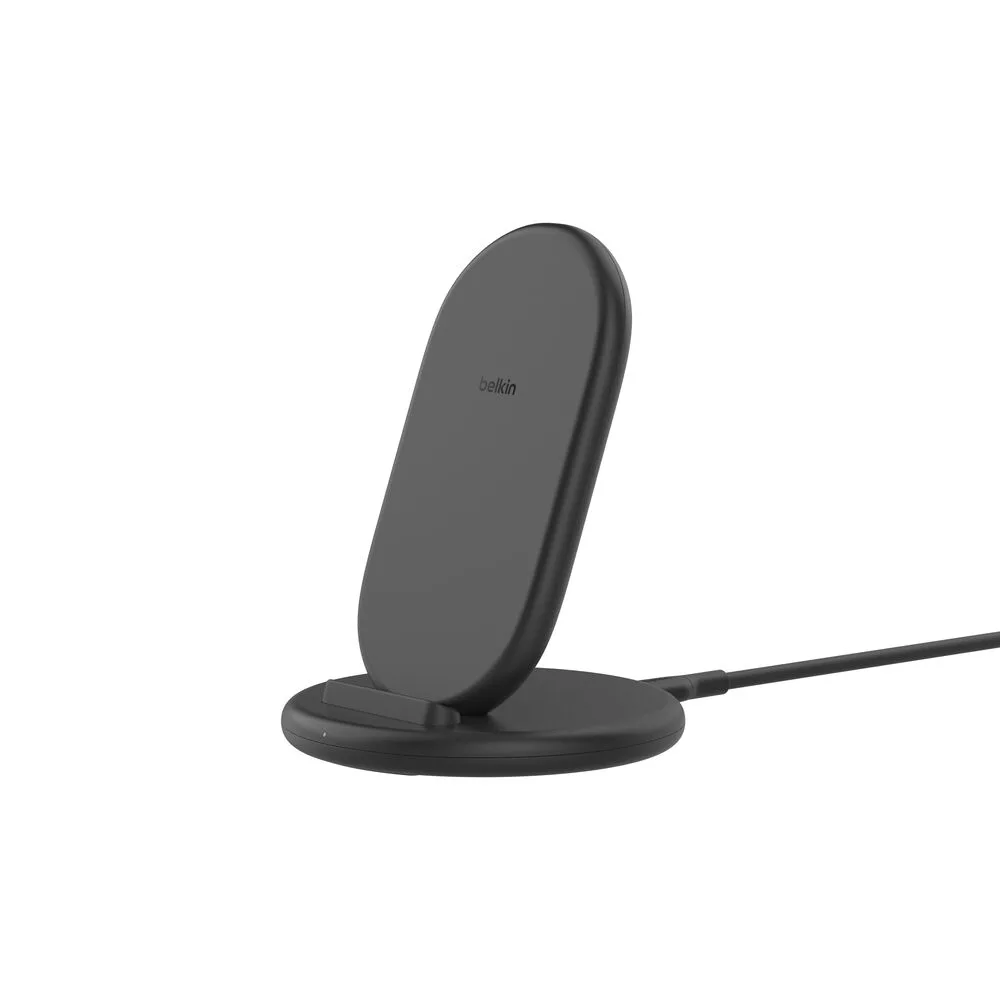
Wireless Charging Stand 15W