Quick answer
Choose the Photoshop Contrast Tutorial when your landscape needs more depth, haze separation between mountain layers, and controlled color saturation. Choose the Photoshop Semi Black and White Tutorial when you want a black and white image with a soft color tone that keeps some of the original mood. If you shoot both color-driven and mood-driven scenes, the Contrast Tutorial is the more versatile starting point.
What each tutorial actually teaches
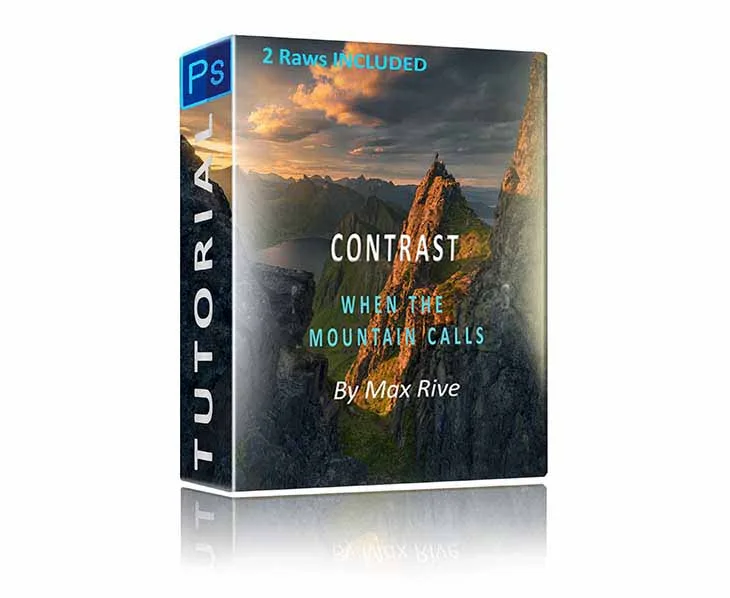
The Photoshop Contrast Tutorial focuses on contrast as a set of separate decisions: haze between mountain layers, sunlight on the side, special vignetting, shadow detail, bright but well exposed highlights, and color saturation. That means you are learning to build depth and separation rather than applying one global contrast slider.
The Photoshop Semi Black and White Tutorial teaches a conversion that combines a black and white image with a soft color tone. The goal is not a pure monochrome look; it is a hybrid that keeps some of the mood a colored image can transfer while gaining the graphic strength of black and white.
How the two edits differ in practice
A contrast edit is additive. You keep the color file and layer in haze control, side light, vignetting, shadow and highlight recovery, and saturation. The result is a richer color image that still reads as a photograph of a place.
A semi black and white conversion is subtractive. You remove most color information, then reintroduce a soft tone. That changes how the viewer reads the scene: shape, texture, and light direction matter more, and color no longer carries the mood. The trade-off is that scenes depending on color contrast, such as green foliage against warm rock, lose their main separator.
Matching the edit to the light you shot
Contrast work rewards images with layered depth and directional light, because haze separation and side light need those elements to act on. If your raw file already has distinct mountain layers and a lit edge, the Contrast Tutorial gives you the tools to push that structure.
Semi black and white work rewards images with strong shape and texture but distracting or flat color. If the color in your file is not carrying the mood, removing it and adding a soft tone can make the composition clearer. If the color is the mood, this conversion will fight your intent.
A practical way to decide before you buy
Open three of your recent landscape raws. For each one, ask whether the color is doing work or just sitting there. If color carries the scene, you want the contrast path. If shape and light carry the scene, you want the semi black and white path.
If you cannot answer that yet, start with contrast because it teaches decisions you reuse in almost every edit, including the ones that later become black and white conversions.
Trade-offs at a glance
- Contrast Tutorial: depth versus simplicity: You gain haze separation, side light, vignetting, shadow and highlight control, and saturation, but you take on more layered decisions per image. Best when the scene has layers and directional light to work with.
- Semi Black and White: mood versus color information: You gain a black and white image with a soft color tone, but you give up the color separations that distinguish some landscapes. Best when shape and texture matter more than color.
- Learning curve versus reuse: Contrast techniques reappear in most edits, including later conversions. The semi black and white conversion is a more specific look. Pick contrast first if you want the widest reuse.
Product facts
- Photoshop Contrast Tutorial: Covers contrast as haze between mountain layers, sunlight on the side, special vignetting, shadow details, bright but well exposed highlights, and color saturation. You get a repeatable checklist for depth and separation instead of one global contrast adjustment.
- Photoshop Semi Black and White Tutorial: Converts landscape images into black and white with a soft color tone, combining the strengths of black and white and color. Useful when color is distracting but you still want mood rather than a pure monochrome result.
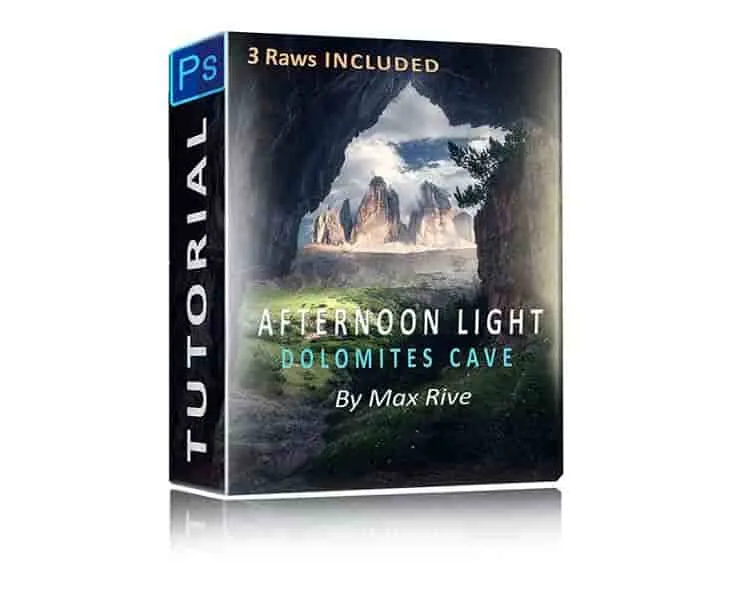
- Photoshop Afternoon Light Editing Tutorial: Turns mediocre afternoon light into soft light and includes provided RAW files to follow step by step. A third option if your main problem is the light itself, not contrast or color.
Which edit fits you
Best for
- Photographers whose landscapes have layered depth and directional light
- Editors who want to keep color and build haze, side light, and saturation
- Anyone who wants contrast skills that carry into other edits
Not for
- Scenes where color is the main subject and should stay untouched
- Photographers who want a pure monochrome result with no color tone
- Anyone looking for a single-slider fix rather than layered decisions