Quick answer
The Photoshop Editing Tutorials BUNDLE OFFER suits landscape photographers who want three specific techniques — panorama distortion cleanup, sun star creation, and side light editing — in one discounted package. If you only need focus stacking, buy the standalone focus stacking tutorial instead; if you want the broadest landscape editing foundation, the full Photoshop Landscape Editing Tutorial is the better single purchase.
What the bundle actually contains
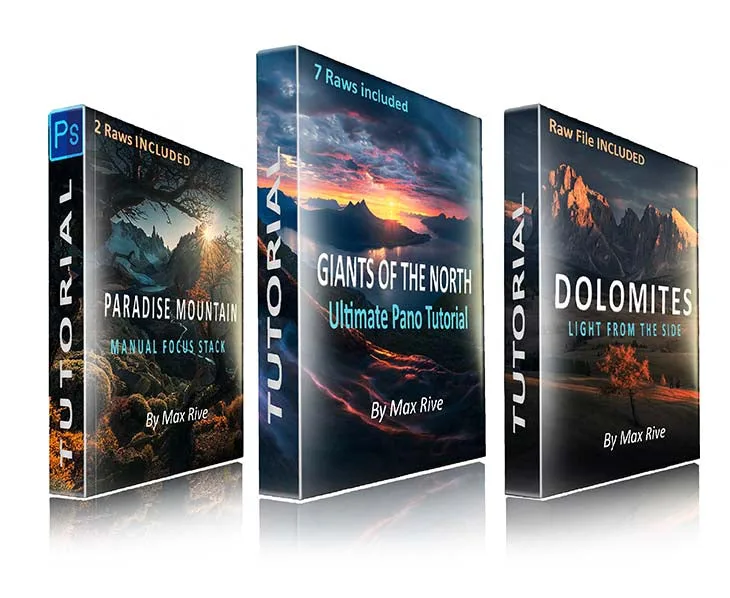
The bundle groups three of Max Rive's most popular tutorials: Panorama, Sunstar, and Side light, sold together for the price of one. Each addresses a different problem. The panorama portion teaches how to remove the giant distortion that comes from merging multiple wide angle photos together. The sun star portion shows how to create an incredible looking sun star from overexposed raws. The side light portion covers editing in directional light, which is often the hardest condition to balance because highlights and shadows pull in opposite directions.
How to judge the bundle price
The bundle is listed at USD 110.88 against a catalog comparison price of USD 168.00. That is the offer value in plain numbers: roughly a third off the comparison price for three tutorials. The real question is whether those three techniques match the edits you already struggle with. If you shoot wide and merge frames, if you chase sun stars, or if you shoot in low side light, the bundle pays for itself quickly. If none of those describe your work, the discount is irrelevant no matter how large it looks.
Where the bundle fits against the other tutorials
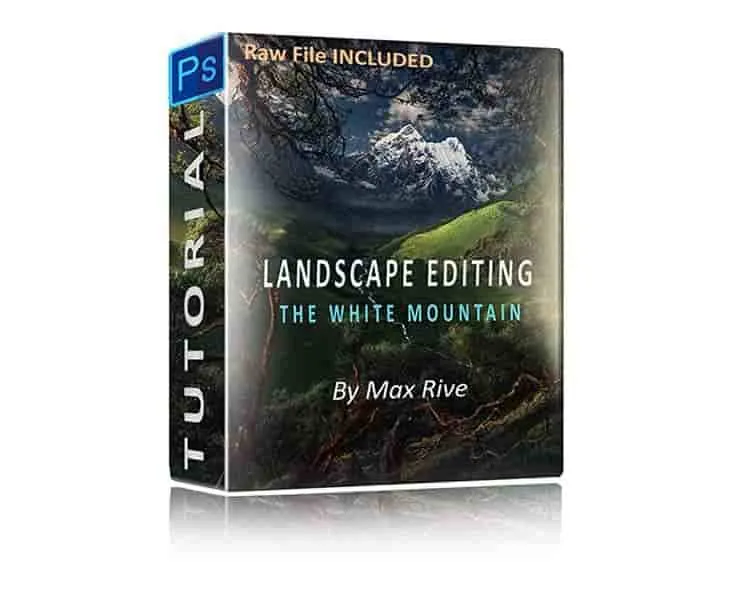
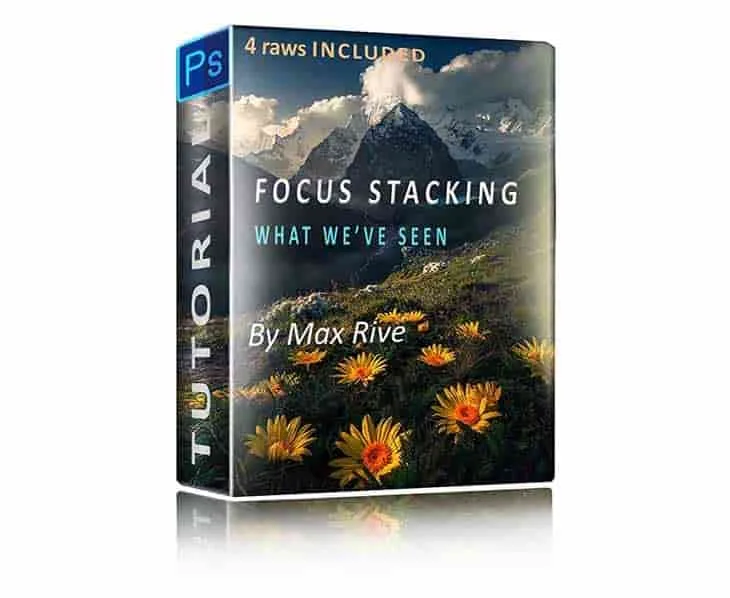
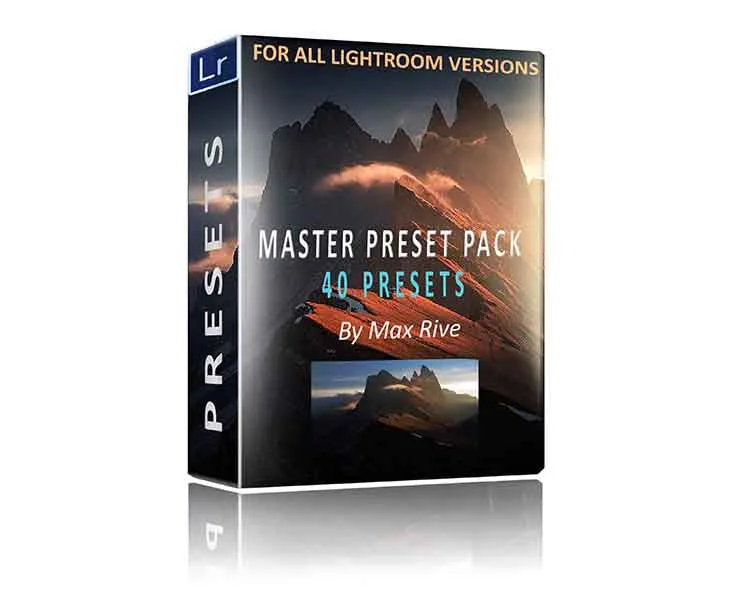
The catalog gives you three other reference points. The Photoshop Landscape & Focus Stacking Tutorial (USD 80.64, comparison USD 128.00) solves one narrow problem: combining photos with different focus points into one sharp landscape image, with or without a tripod. The Photoshop Landscape Editing Tutorial (USD 247.16, comparison USD 334.00) is the broad course, covering color, contrast, light, and sharpness, plus techniques like color and light painting on trees, adding mist, increasing separation, and shifting the light. The Lightroom Landscape Presets (USD 238.56, comparison USD 336.00) are the fastest route, using one-click or layered presets built from over 12 years of editing experience.
A practical way to choose today
Write down the last three landscape edits that frustrated you. If two or more involve merged wide angle frames, sun stars, or side light, the bundle is the direct fix. If your frustration is soft foregrounds, start with the focus stacking tutorial. If you cannot name a specific technique but want to improve overall, save for the full landscape editing tutorial or try the presets to see the target look before investing in a course.
Decision rules
- Buy the bundle if you shoot wide and merge frames: The panorama portion directly addresses removing the giant distortion that comes from merging multiple wide angle photos together. One recurring problem solved is enough to justify the bundle.
- Buy the bundle if sun stars or side light dominate your shooting: The sun star portion shows how to create an incredible looking sun star from overexposed raws, and the side light portion covers directional-light editing. Two matching topics make the USD 110.88 price an easy call.
- Skip the bundle if soft foregrounds are your only issue: The Photoshop Landscape & Focus Stacking Tutorial is the focused fix and costs less at USD 80.64. Buy the single tutorial and put the difference toward shooting time.
- Skip the bundle if you want a full foundation: The Photoshop Landscape Editing Tutorial covers color, contrast, light, sharpness, mist, and light shifting across a wider scope. Pay more once for breadth rather than buying the bundle and still feeling incomplete.
- Try presets first if you are unsure about editing style: The Lightroom Landscape Presets deliver one-click and layered results built from over 12 years of editing experience. Use presets to identify the look you want, then decide which tutorial teaches it.
Product facts
- Photoshop Editing Tutorials BUNDLE OFFER: Bundles three of Max Rive's most popular tutorials — Panorama, Sunstar and Side light — for the price of one, at USD 110.88 against a catalog comparison price of USD 168.00. You get three targeted techniques at a discount, so the value depends on whether those three subjects match the edits you actually struggle with.
- Photoshop Landscape & Focus Stacking Tutorial: Teaches combining photos with different focus points into one sharp landscape image in Photoshop, and works whether the focus stack images were taken with or without a tripod. This is the right standalone choice if soft foregrounds are your main problem, rather than the three topics in the bundle.
- Photoshop Landscape Editing Tutorial: A broader Photoshop landscape editing and post processing tutorial covering color, contrast, light and sharpness, plus color and light painting on trees, adding mist, increasing color and contrast separation, and shifting the light. Choose this over the bundle when you want a full editing foundation instead of three specific techniques.
- Lightroom Landscape Presets: A Lightroom landscape preset pack with one-click and layered presets, developed from over 12 years of photo editing experience, aimed at fast results. Best when you want speed and a consistent look rather than learning manual Photoshop techniques.
Who the bundle suits
Best for
- Landscape photographers who already merge wide angle frames and fight distortion
- Photographers who regularly shoot into the sun and want cleaner sun stars from overexposed raws
- Shooters who work in side light and want more control over directional highlights and shadows
- Buyers who want three specific techniques at a discount rather than a full course
Not for
- Photographers whose main problem is soft foregrounds — choose the focus stacking tutorial
- Beginners who want a complete landscape editing foundation — choose the full landscape editing tutorial
- Anyone who prefers preset-based speed — choose the Lightroom Landscape Presets