Quick answer
Choose the PIXMA TS4070 if you mostly print school worksheets, recipes and return labels and want a small, low-cost wireless all-in-one. Choose the PIXMA TS8870 if you print photos or need a touchscreen and cloud scanning, and you are willing to pay more and give it more desk space. Both print, scan and copy, so the real decision is ink system, screen and footprint.
What actually separates these two PIXMA printers
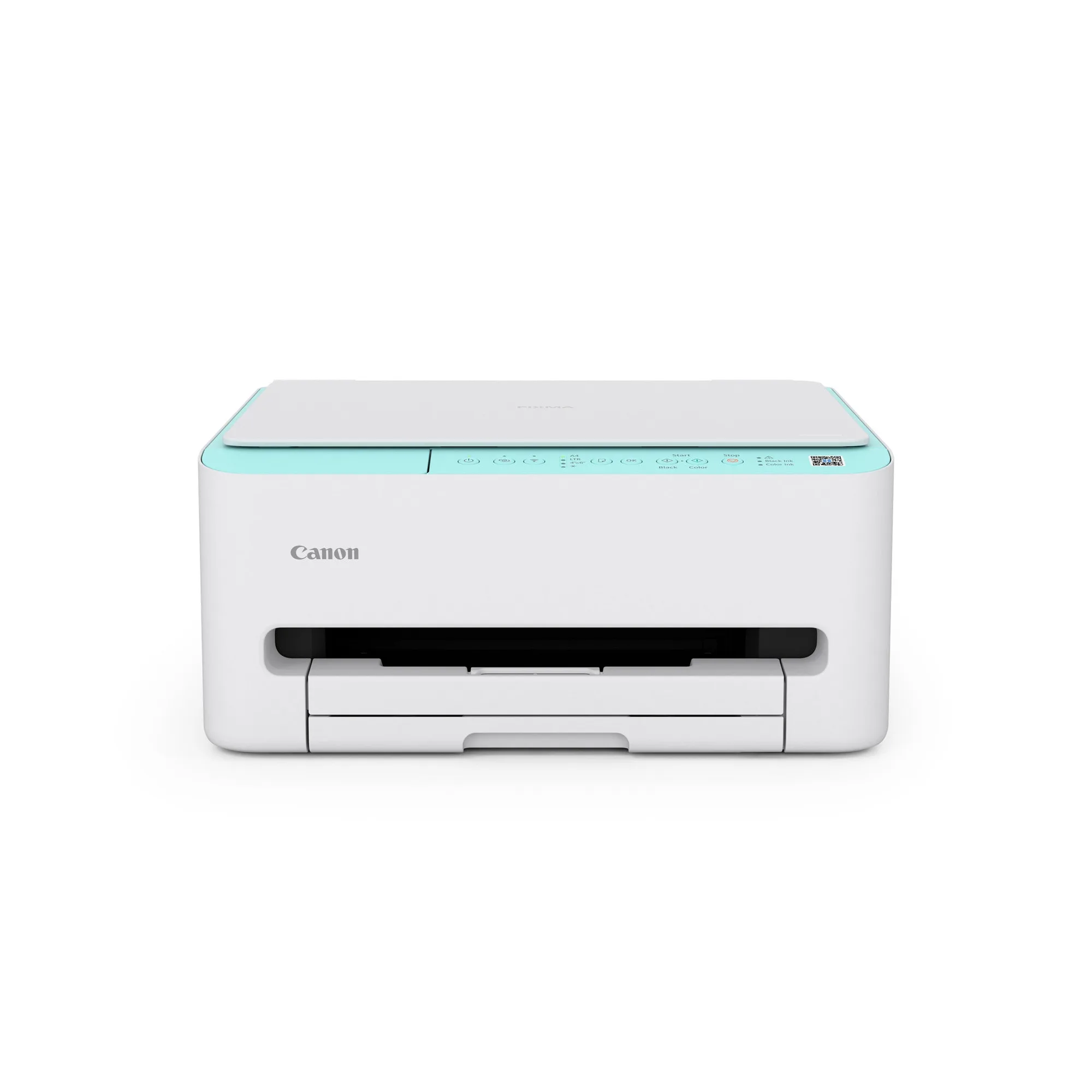
The TS4070 is built around compactness and everyday documents. Canon rates it at up to 14 ipm mono and 9 ipm colour on A4 ISO, and it supports dual-band Wi-Fi, AirPrint, Mopria Print Service and Wireless Direct so phones and tablets can print without a router. Auto 2-sided printing is included, which cuts paper use on multi-page documents.
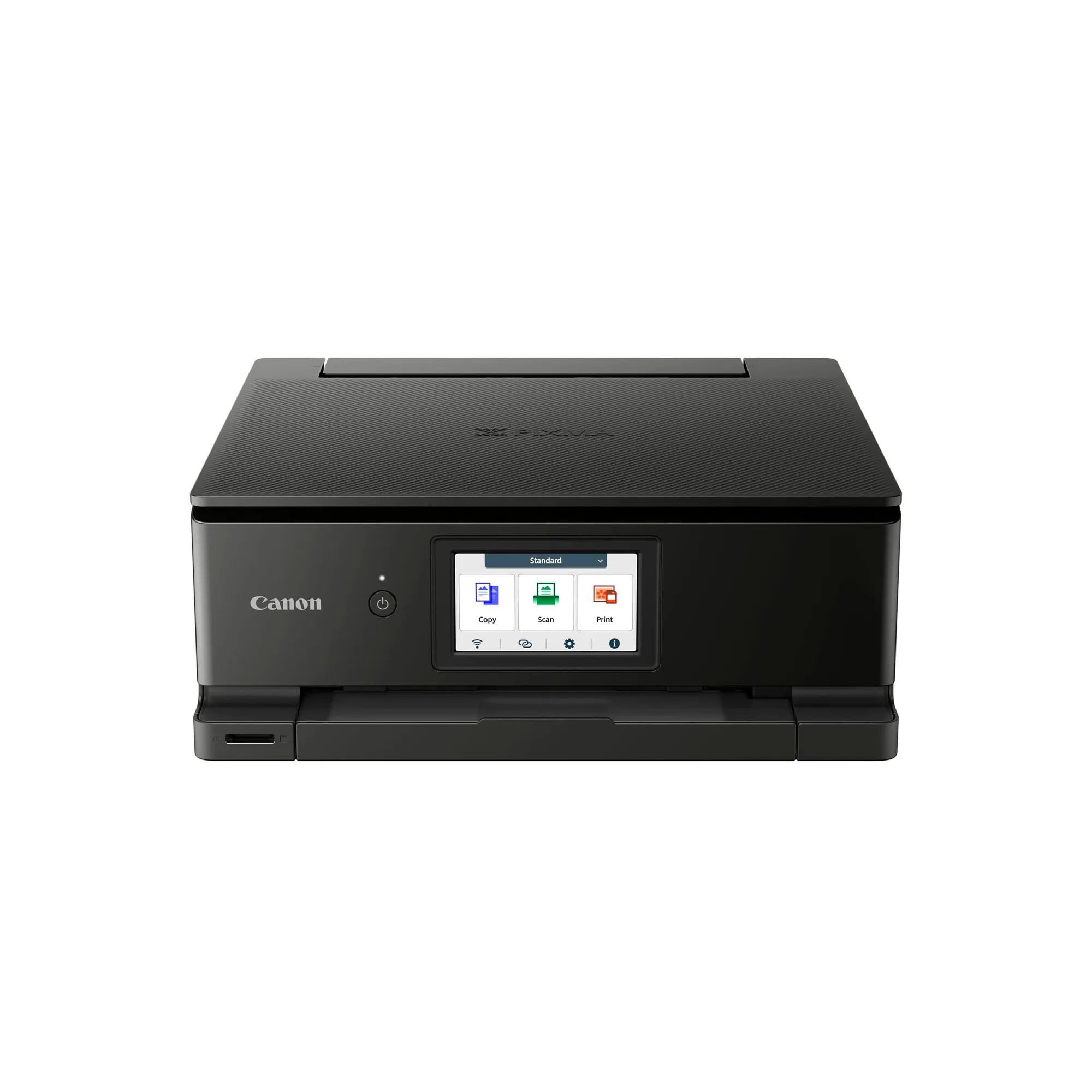
The TS8870 moves up to a six-ink system for photos, a 4.3-inch touchscreen and cloud printing with scan-to-cloud from the printer itself. Canon rates it at up to 15 ipm mono on A4 ISO, so document speed is close to the TS4070; the bigger difference is photo quality, on-device controls and colour choice, since it comes in Black, Red and White.
Ink and running costs: cartridges versus the MegaTank option
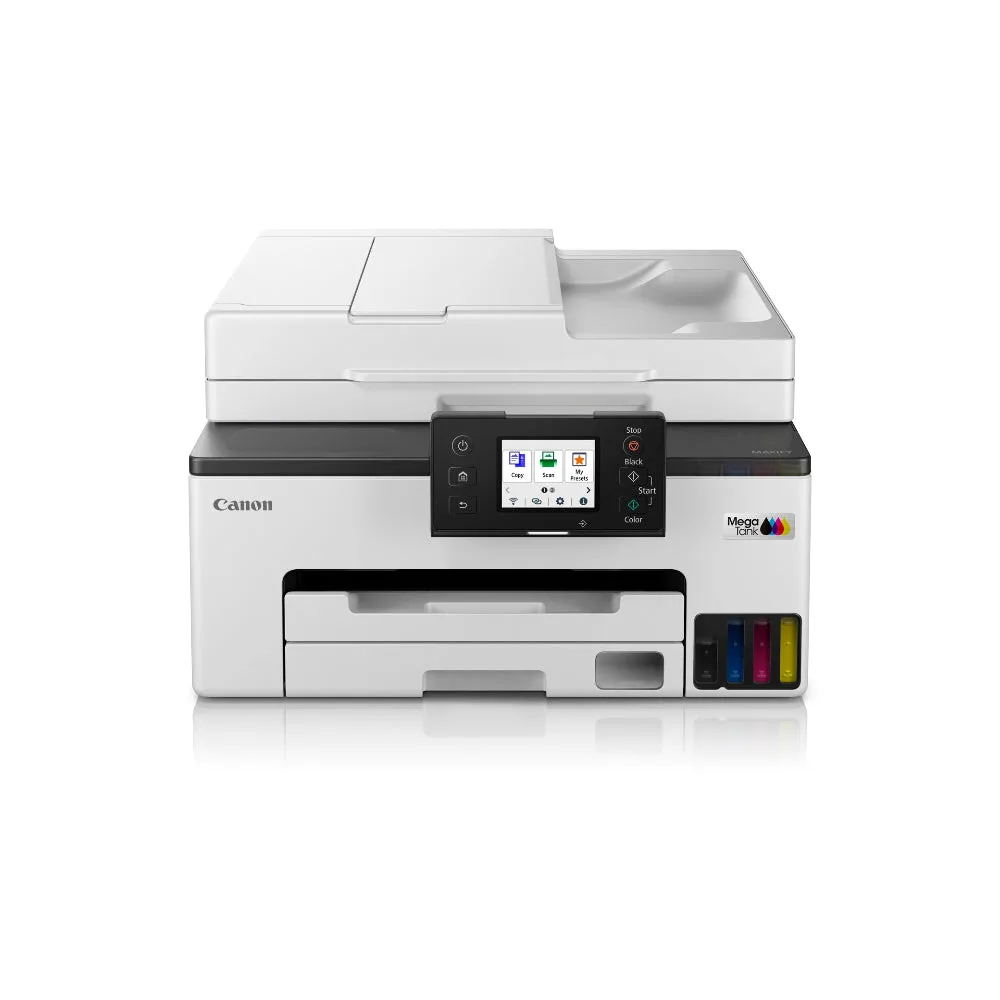
Both PIXMA models use cartridge-based ink, so you replace cartridges rather than refilling tanks. If your monthly volume is high, a refillable MegaTank model such as the MegaTank GX2070 is the more sensible comparison: it is a 4-in-1 wireless printer with fax and a 35-sheet Auto Document Feeder for batch scanning, aimed at home offices and small businesses. It costs more up front, so it only pays off if you print often enough to feel the difference in ink spending.
If you also own a laser printer, the Cartridge 054 is a toner cartridge for the LBP621Cw, LBP623Cdw, MF641Cw, MF643Cdw and MF645Cx, available in STD and HIGH sizes and in Yellow and Cyan. It is not compatible with either PIXMA model, but it is worth knowing if you are deciding between adding an inkjet or a colour laser to your home setup.
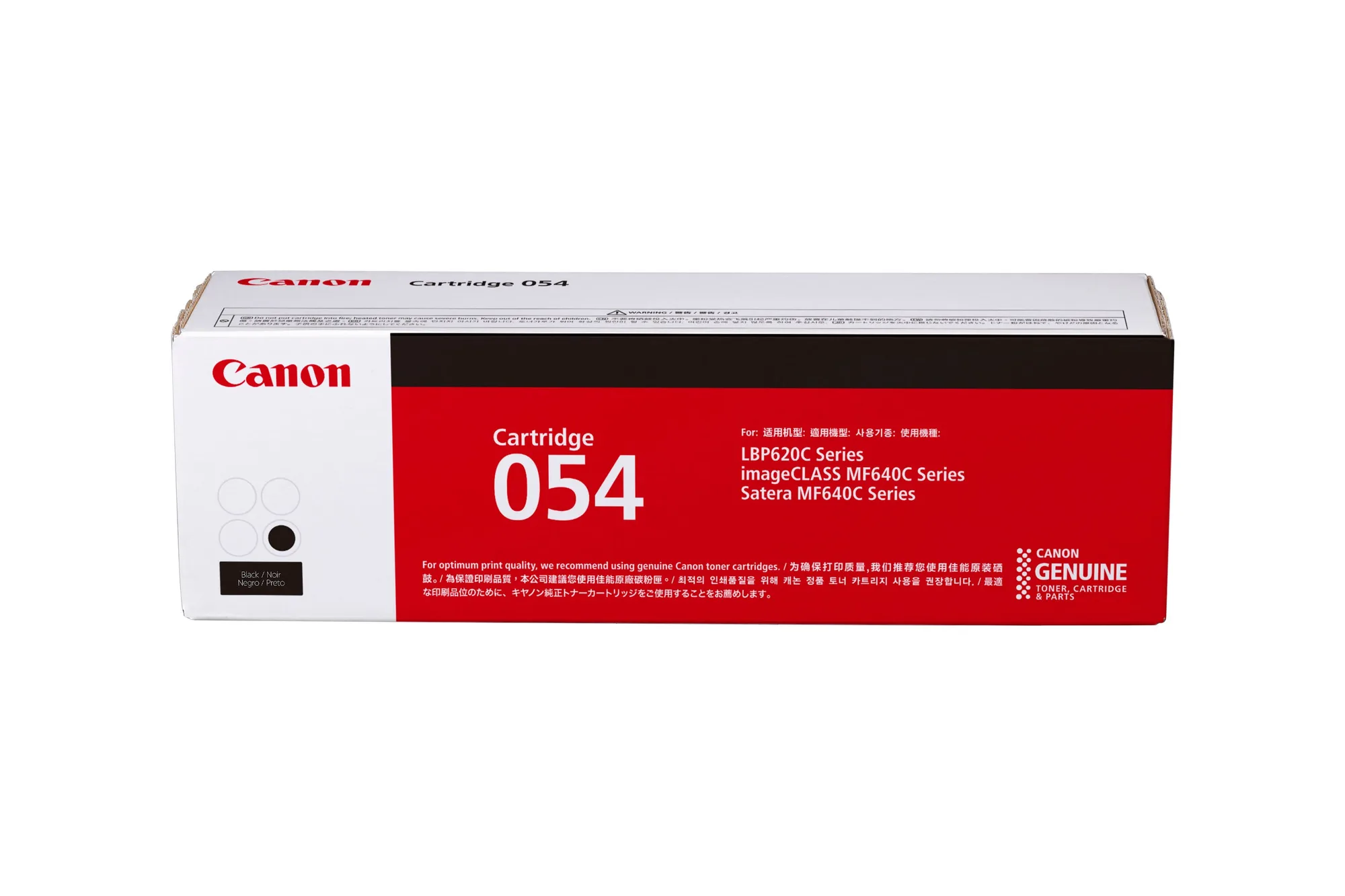
Cartridge 054
Setup and daily use
The TS4070 is the easier one to tuck into a shelf or study corner, and its wireless options mean you can print from a phone without installing a driver on a computer. The TS8870 adds a touchscreen, which makes tasks like changing settings, copying without a phone or starting a cloud scan faster because you are not relying on an app.
Neither listing states a print volume rating or cost-per-page figure, so do not assume one is cheaper to run based on price alone. Estimate your monthly page count and photo output first, then match the printer to that number.
Trade-offs to weigh before you buy
- Price versus photo quality: The TS4070 keeps the upfront cost lower and covers documents well; the TS8870 costs more because of its six-ink photo system and touchscreen. Pay for the TS8870 only if you actually print photos.
- Footprint versus features: The TS4070 is designed for a compact body; the TS8870 adds a 4.3-inch touchscreen and cloud scan controls that take up more desk space. Measure your shelf or desk before choosing the larger model.
- Cartridge ink versus MegaTank refills: Both PIXMA models use cartridges. The MegaTank GX2070 uses refillable tanks and adds fax plus a 35-sheet ADF, but costs more up front. High monthly volume favours MegaTank; occasional printing favours PIXMA.
Key product facts
- PIXMA TS4070: Compact wireless all-in-one with auto 2-sided printing, print speeds up to 14 ipm mono and 9 ipm colour (A4, ISO), plus dual-band Wi-Fi, AirPrint, Mopria Print Service and Wireless Direct. It handles everyday documents and phone printing in a small footprint, but it has no touchscreen or photo-focused ink set.
- PIXMA TS8870: Advanced wireless all-in-one with a six-ink system, 4.3-inch touchscreen, cloud printing and scan-from-printer, print speeds up to 15 ipm mono (A4, ISO), available in Black, Red and White. It suits photo printing and on-device control, and the colour options let it fit a visible home desk.
- MegaTank GX2070: MegaTank 4-in-1 wireless printer with fax and a 35-sheet Auto Document Feeder, built for home office and small business use. If your priority is low-cost refillable printing and batch scanning rather than photos, this is the alternative to compare against both PIXMA models.
Which one fits your home
Best for
- Households printing worksheets, recipes, tickets and return labels from phones
- Buyers who want a small wireless all-in-one with auto 2-sided printing at a lower price
- Photo printing and on-device control with a touchscreen and cloud scan
- Colour-conscious buyers who want the printer to match a visible desk setup
Not for
- Anyone printing hundreds of pages a month who should compare a MegaTank model instead
- Users who need a fax or a document feeder for batch scanning
- Photo-focused buyers who should skip the TS4070's cartridge setup and smaller feature set