Quick Answer
The POV Upgrade Kit is a single replacement adapter plate that lets your pre-September 2018 P.O.V. Kit work with the Capture v3 camera clip.
Why You Might Need This Upgrade
If you own an older Peak Design P.O.V. Kit (purchased before September 2018) and recently upgraded to a Capture v3, the original adapter plate won't fit. Instead of buying a whole new kit, the POV Upgrade Kit gives you just the updated plate at a fraction of the cost.
This is a targeted fix for one compatibility gap—it does not add any new features or change how the hands-free phone mount functions once installed.
How to Install the POV Upgrade Kit
- Remove the Old Adapter Plate: Detach your existing P.O.V. Kit from the Capture clip. Unscrew the small screws holding the old adapter plate to the mounting base. Keep the screws—you'll reuse them. Common mistake: losing the tiny screws. Set them aside in a safe spot before handling the new plate.
- Attach the New Adapter Plate: Align the new plate from the POV Upgrade Kit with the mounting base. The screw holes should line up exactly. Insert and tighten the screws snugly—do not overtighten. Check that the plate sits flush against the base; a gap means the alignment is off.
- Test the Fit with Capture v3: Slide the assembled P.O.V. Kit onto your Capture v3 clip. It should lock in place securely and release smoothly when you press the button. If it doesn't lock or feels loose, remove the plate and verify the screw holes are fully aligned before retightening.
What You Get
-
POV Upgrade Kit: The kit contains one new adapter plate designed to replace the plate from a pre-September 2018 P.O.V. Kit. You only need this single part to regain full compatibility with Capture v3, saving you from buying an entirely new P.O.V. Kit.
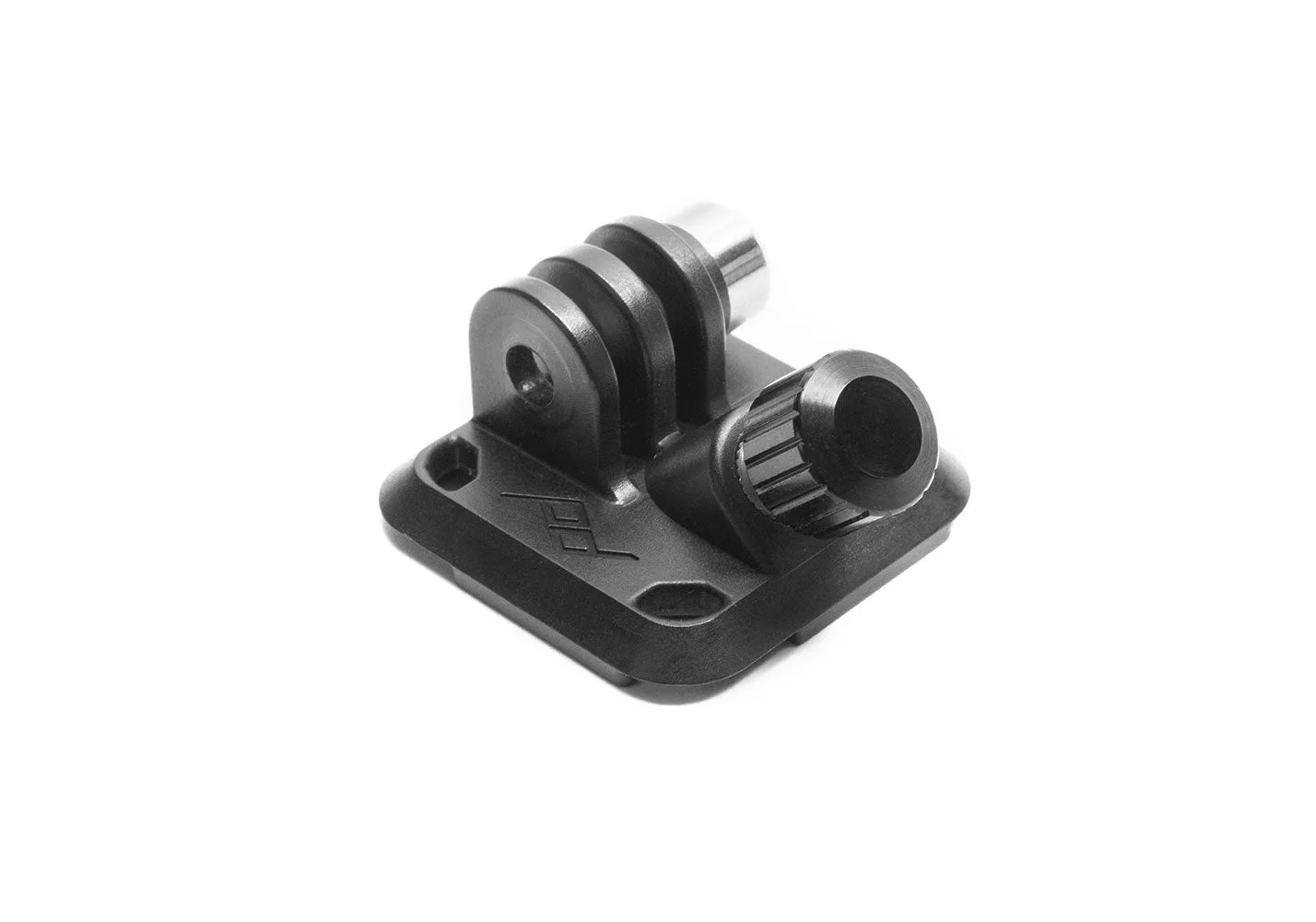
POV Upgrade Kit