Quick Answer
The Nyko Power Kit for Nintendo Switch gives you a compact, portable way to charge your console outside the dock. Follow the steps below to set it up and get the most out of your battery.
Why Use a Portable Charging Kit?
The official dock works great at home, but it's bulky for travel. A dedicated power kit like this one keeps your Switch charged during long commutes, flights, or gaming sessions at a friend's place without needing the full dock setup.
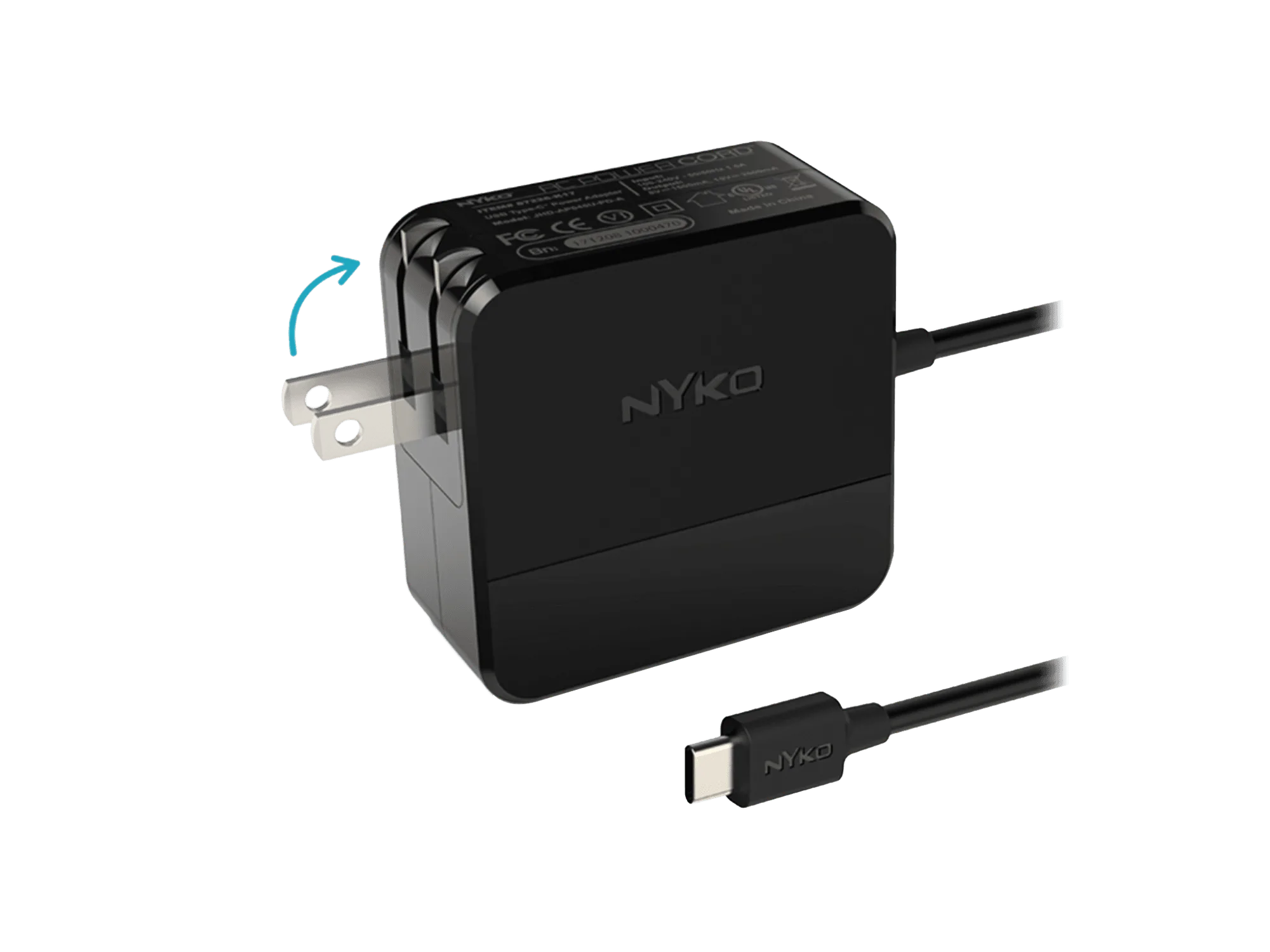
The Nyko Power Kit includes a high-efficiency wall adapter designed for portability. It's a straightforward alternative that fits in your bag and plugs into any standard outlet.
How to Set Up and Use the Power Kit
- Unbox and Inspect the Kit: Open the package and confirm you have the wall adapter and the USB-C cable (or the connector specific to your Switch model). Check for any visible damage before first use. Using a damaged cable can slow charging or harm the battery. Replace it if you see fraying or bent pins.
- Connect the Adapter to Power: Plug the wall adapter into a standard AC outlet. Make sure the outlet is easily accessible and not overloaded with other devices. Avoid using extension cords or power strips rated below the adapter's output — they can cause voltage drops.
- Attach the Cable to Your Switch: Insert the USB-C end (or appropriate connector) into the charging port on the bottom of your Nintendo Switch. Ensure it clicks in fully without forcing it. A loose connection may not charge properly. If the cable feels too loose, try a different port or cable to rule out damage.
- Begin Charging and Verify: Once connected, look for the charging indicator on your Switch screen (battery icon with a lightning bolt). The console should start charging immediately. If the icon doesn't appear, unplug and reconnect. If it still fails, test the adapter with another USB-C device to isolate the issue.
- Play While Charging (Optional): You can continue gaming while the Power Kit charges. The high-efficiency adapter maintains a steady power flow, so your battery won't drain faster than it charges. Intensive games may charge more slowly. For fastest top-up, put the Switch in sleep mode while charging.
Product Fact
-
Power Kit for Nintendo Switch™: The Nyko Power Kit for Nintendo Switch provides a reliable, compact charging solution designed to replenish your system outside of the official dock with maximum portability and convenience. You can keep playing while charging anywhere, without being tied to the dock or carrying a heavy power brick.
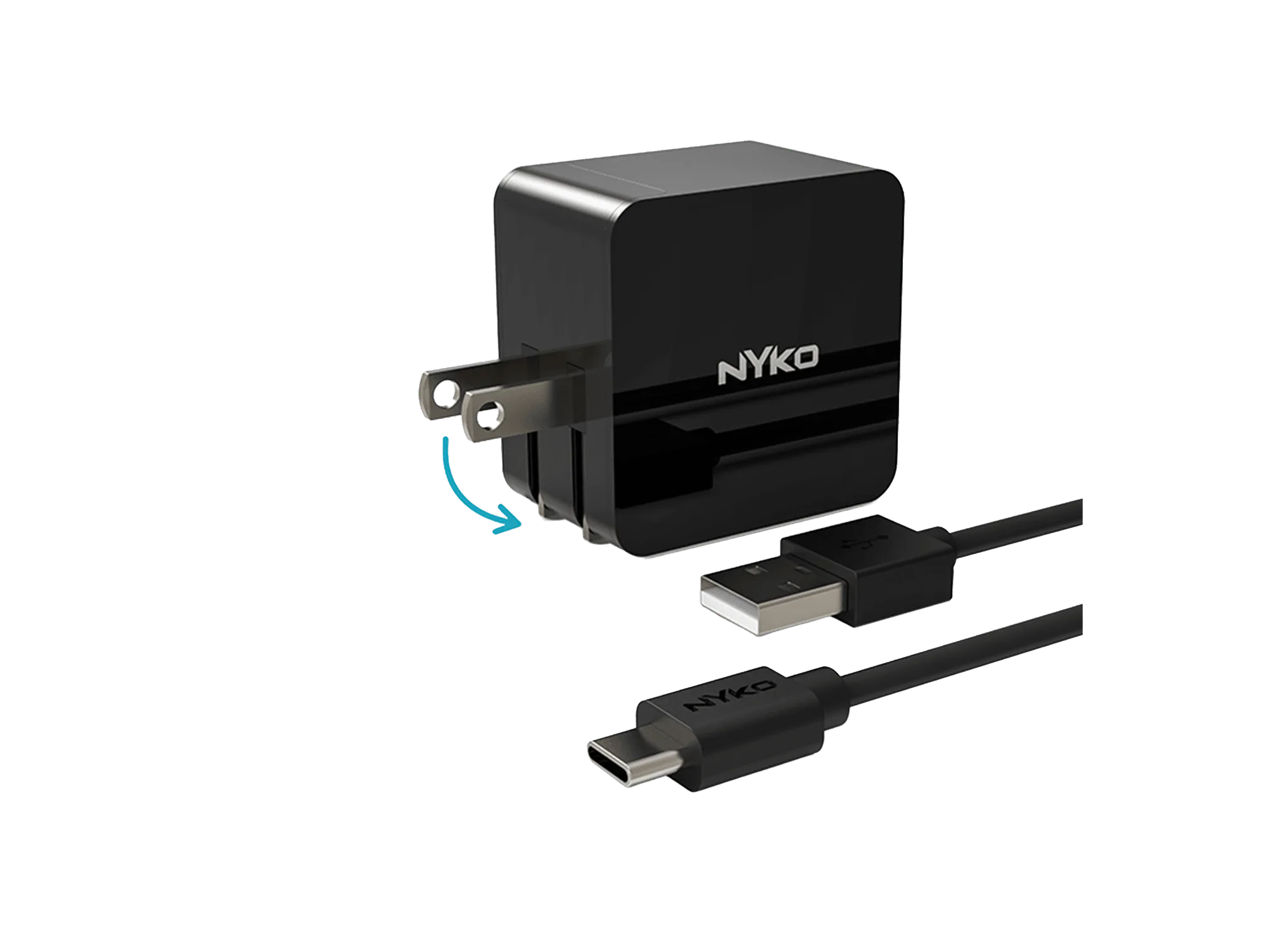
Power Kit for Nintendo Switch™