Quick answer
To pair a Nyko Wireless Core Controller with your Nintendo Switch, put the controller into pairing mode by holding the sync button, then navigate to Controllers in the Switch Home menu and select Change Grip/Order.
What you need before starting
Make sure your Nintendo Switch is powered on and not in Sleep Mode. The controller requires a fresh set of batteries or a full charge if it uses a rechargeable pack. A low battery can cause pairing failures or intermittent disconnects.
The Wireless Core Controller uses Bluetooth, so keep the controller within about 30 feet of the console. Metal objects or thick walls between them can weaken the signal.
Common pairing issues and fixes
If the controller does not appear in the Change Grip/Order screen, press and hold the sync button for a full 5 seconds until the LED starts flashing rapidly. A slow blink means it is not in pairing mode.
If the Switch has been paired with multiple controllers before, it may remember old connections. Go to System Settings > Controllers and Sensors > Disconnect Controllers to clear the list, then try again.
Step-by-step pairing process
- Step 1: Enter pairing mode: Press and hold the sync button on the top of the Wireless Core Controller for about 5 seconds. The LED will start flashing rapidly, indicating it is discoverable. If the LED does not flash, replace the batteries or charge the controller before trying again.
- Step 2: Open controller settings on Switch: From the Home menu, select Controllers (the icon that looks like a Joy-Con). Then choose Change Grip/Order. The Switch will begin scanning for nearby controllers. If the screen shows a message to press a button on the controller, do not press anything yet — the controller is already in pairing mode.
- Step 3: Complete the pairing: After a few seconds, the Wireless Core Controller should appear on screen. Once it does, the LED on the controller will stop flashing and stay solid. The controller is now synced and ready to use. If the controller does not appear, repeat Step 1 and make sure no other Bluetooth devices are actively trying to connect.
Product facts
-
Wireless Core Controller (Red) for Nintendo Switch™: The Nyko Wireless Core Controller uses low-latency Bluetooth for lag-free inputs in docked or tabletop mode. This means you can play wirelessly without noticeable delay, whether the console is in the dock or on a table.
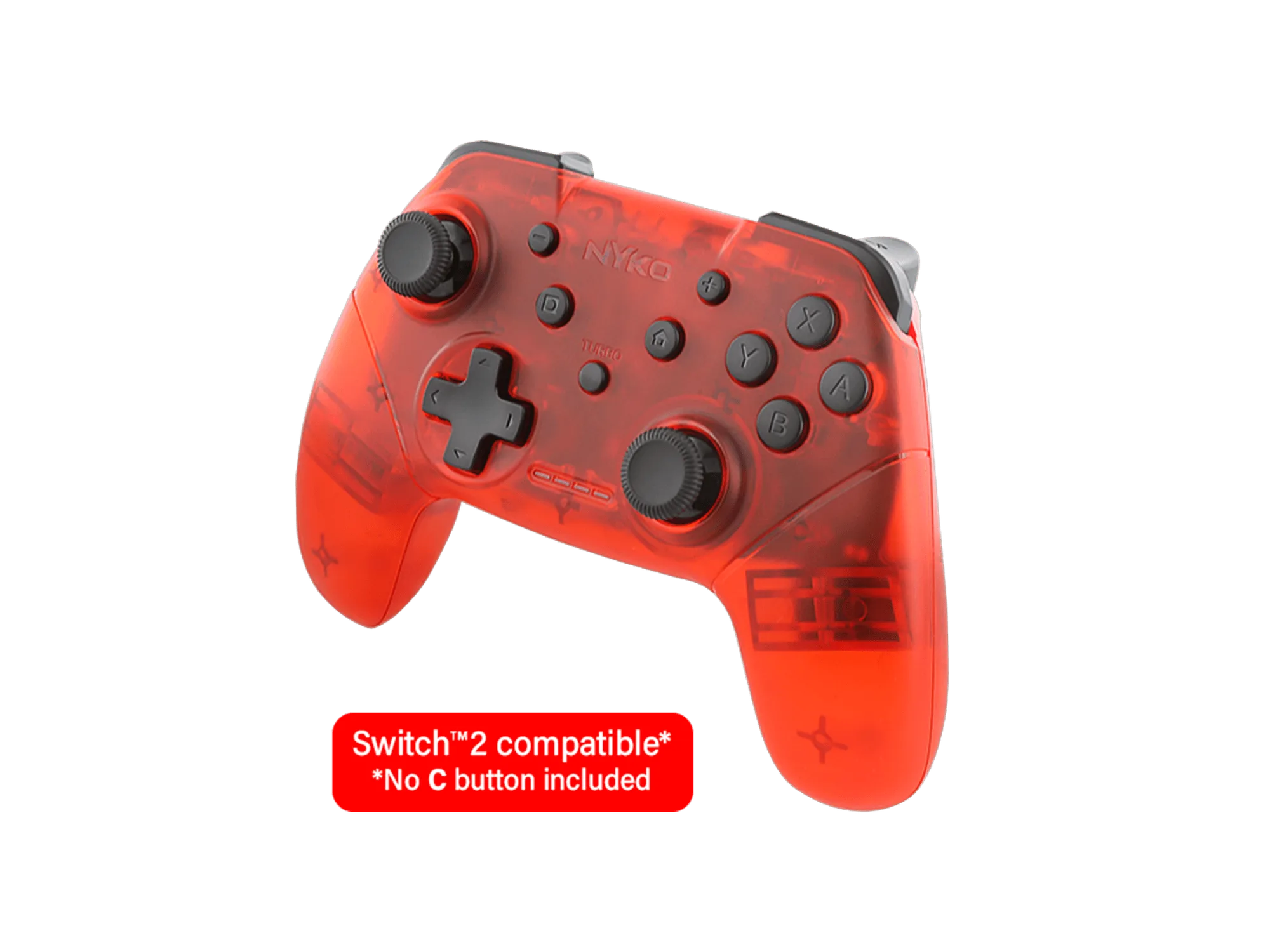
Wireless Core Controller (Red) for Nintendo Switch™