Quick answer
Set up your Profoto Connect Pro Universal by inserting three AAA batteries, pairing it with your light via the 100 digital channels, and verifying sync at up to 100 meters using TTL or HSS mode.
Before you start: what the Connect Pro Universal offers
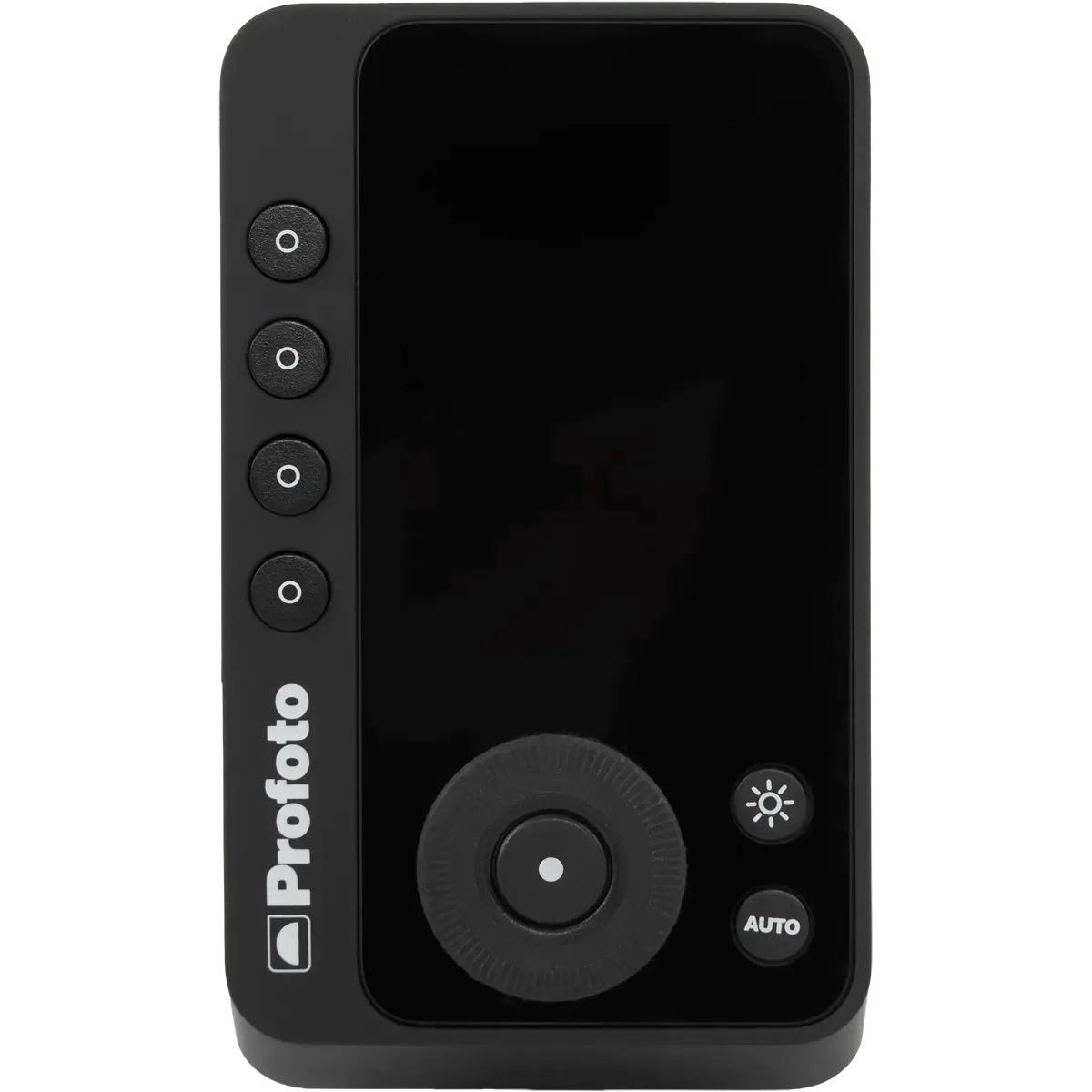
The Profoto Connect Pro Universal is a compact 2.4 GHz wireless trigger that works with most Profoto lights and many camera systems. It provides 100 digital channels and 6 lighting groups (A-F) per channel, giving you flexible control without cable clutter.
Its 100-meter reception range makes it suitable for both studio and location work. The trigger weighs only 125g and measures 5.1 x 9 x 4 cm, so it won't weigh down your camera setup.
Step-by-step setup and sync guide
- Insert batteries and power on: Open the battery compartment and insert three AAA batteries (LR03). Press the power button to turn on the trigger. The LED indicator should light up. Common mistake: using weak or mismatched batteries can cause intermittent connection. Use fresh alkaline or rechargeable AAA cells.
- Select a channel and group: Press the channel button to cycle through the 100 available channels. Choose a channel that is not already in use nearby. Then press the group button to assign your light to one of the six groups (A-F). Checkpoint: if your light does not fire, verify that both the trigger and the light are set to the same channel and group.
- Pair with your Profoto light: On your Profoto light, set it to the same channel and group as the trigger. Some lights require a sync button press to confirm pairing. Refer to your light's manual for the exact procedure. Common mistake: forgetting to set the light to remote or slave mode. Ensure the light is in wireless mode before testing.
- Test TTL and HSS sync: Mount the trigger on your camera hot shoe. Set your camera to TTL or a manual mode that supports high-speed sync. Take a test shot. The light should fire at full sync speed. If not, adjust the sync mode on the trigger. Checkpoint: if you see a dark band in the frame, your shutter speed may exceed the camera's sync speed. Switch to HSS mode on the trigger to enable faster shutter speeds.
- Confirm range and reliability: Walk away from your light while taking test shots. The Connect Pro Universal should maintain sync up to 100 meters in open air. If the signal drops, try changing the channel to avoid interference. Common mistake: metal objects or thick walls can reduce effective range. Keep the trigger and light in line of sight when possible.
Product facts
-
PROFOTO CONNECT PRO UNIVERSEL: TTL/HSS reception distance: 100m; 100 digital channels; 6 groups (A-F) per channel; 2.4 GHz frequency; powered by 3 AAA batteries. The long range and multiple channels let you control several light groups from across a large studio or outdoor set without signal dropouts.
PROFOTO CONNECT PRO UNIVERSEL