Quick answer
Use a hard case like the Lumia PC01 for transport and a tempered-glass screen protector like the TELESIN kit for daily wear. This two-layer approach prevents the most common damage: scratches, dust, and light impacts.
Why you need both a case and a screen protector
A hard case protects the whole camera when it's in a bag or backpack, but you won't keep the camera in the case while shooting. That's when the lens and touchscreen are most vulnerable to scratches from pockets, table surfaces, or accidental drops. A screen protector adds a sacrificial layer that can be replaced cheaply.
What the Lumia PC01 case covers—and what it doesn't
The Lumia PC01 is a compact hard-shell case designed for the Osmo Pocket 3 and 4. It has cutouts for the camera, filters, and memory cards, which keeps everything organized. However, it does not have a padded insert for the camera body, so the camera sits snugly but with less shock absorption than a foam-lined case. For everyday carry and light bumps, it's sufficient; for heavy drops, a foam-lined case would offer more protection.
TELESIN screen protector: coverage and installation notes
The TELESIN kit includes a tempered-glass protector for both the lens and the touchscreen. Tempered glass is harder than plastic film and resists scratches better, but it is slightly thicker and can add a small gap. The kit is designed specifically for the Pocket 3 and 4, so alignment is straightforward. A common mistake is trapping dust under the glass; work in a steamy bathroom to settle airborne particles.
How to protect your Osmo Pocket 3 or 4 in 4 steps
- 1. Install the screen protector before first use: Clean the lens and touchscreen with the included microfiber cloth and alcohol wipe. Peel the backing from the TELESIN tempered-glass protector, align it with the lens or screen, and press from the center outward. Work in a steamy bathroom or low-dust room to minimize trapped particles. If dust gets trapped, lift the protector with a piece of tape and reapply after cleaning.
- 2. Store the camera in the hard case when not in use: Place the Osmo Pocket 3 or 4 into the Lumia PC01 case with the lens facing upward. Store filters and memory cards in the dedicated slots. Close the lid firmly until it clicks. This prevents scratches from loose items in a bag and keeps dust off the screen protector. Do not leave the camera loose in a bag; even with a screen protector, the lens can be scratched by keys or coins.
- 3. Clean the screen protector regularly: Use a microfiber cloth to wipe the tempered glass. If fingerprints or smudges persist, use a lens cleaning solution (not alcohol-based on the glass). Avoid pressing hard, as the protector is thin and can crack under strong point pressure. Replace the protector if it cracks or becomes scratched—it's cheaper than replacing the camera lens.
- 4. Check the case fit after any drop or bump: If the case takes a hard fall, open it and inspect the camera for damage. The Lumia PC01 is rigid and may transfer shock to the camera if the impact is severe. For heavy drops, consider a foam-lined hard case instead. The Lumia PC01 is ideal for everyday bumps, not for extreme drops. Upgrade to a padded case if you frequently travel rough terrain.
Products that help protect your Osmo Pocket
-
Lumia Protective Case for DJI Osmo Pocket 3/4 - PC01: Lumia PC01 Protective Case for DJI Osmo Pocket 4 / Pocket 3 is a compact hard-shell case with organized storage for the camera, filters, and memory cards. It keeps the camera and small accessories together in one bag-friendly package, reducing the chance of losing filters or cards while protecting against scratches and light knocks.
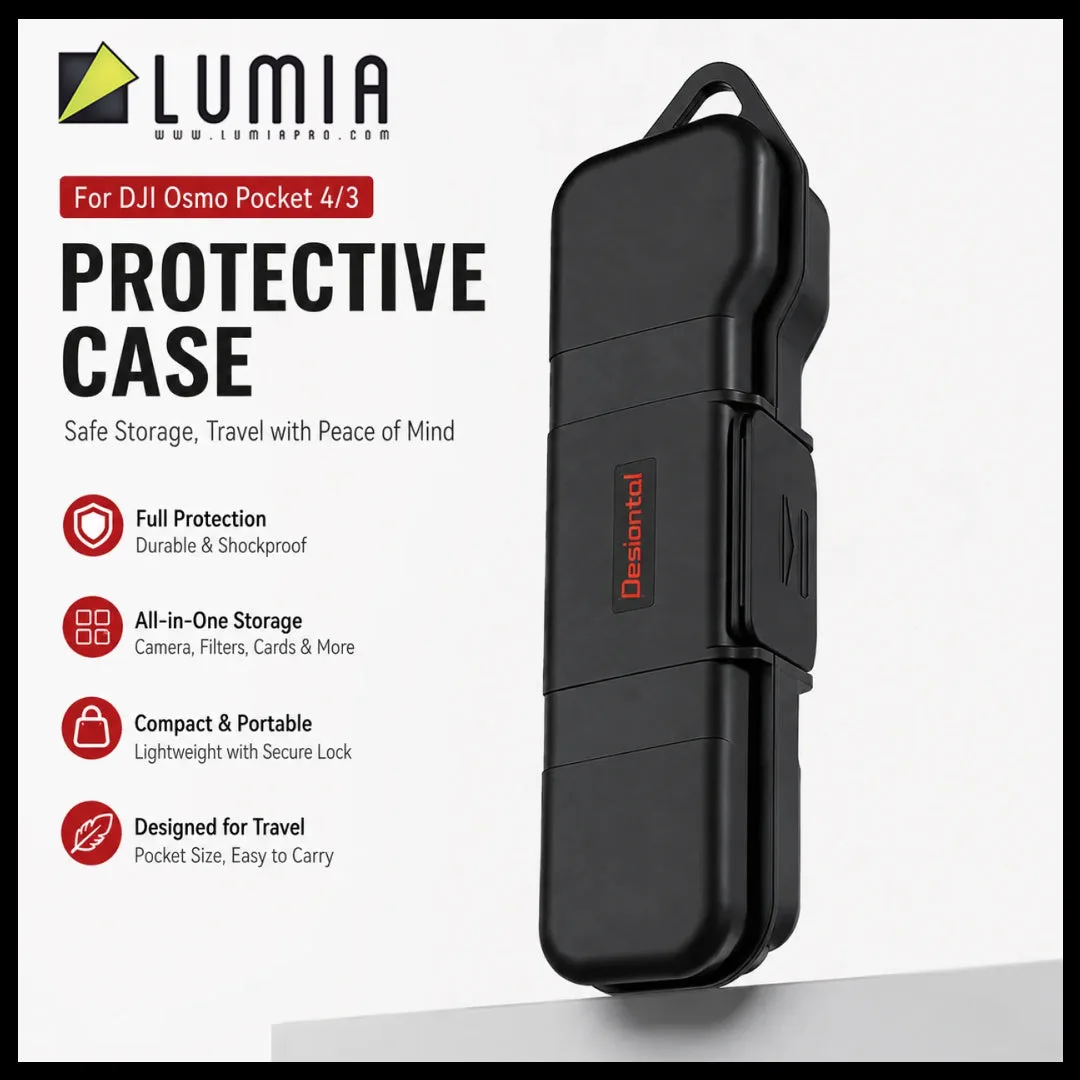
Lumia Protective Case for DJI Osmo Pocket 3/4 - PC01
-
TELESIN Tempered Glass Lens Screen Protector Film for DJI Pocket 3 & 4: TELESIN Tempered Film Kit for DJI Osmo Pocket 3 covers both the touchscreen and camera lens with clear tempered glass to reduce scratches, dust, fingerprints, and everyday wear. Tempered glass is more scratch-resistant than plastic film, so the camera's original glass stays pristine even after months of pocket carry.
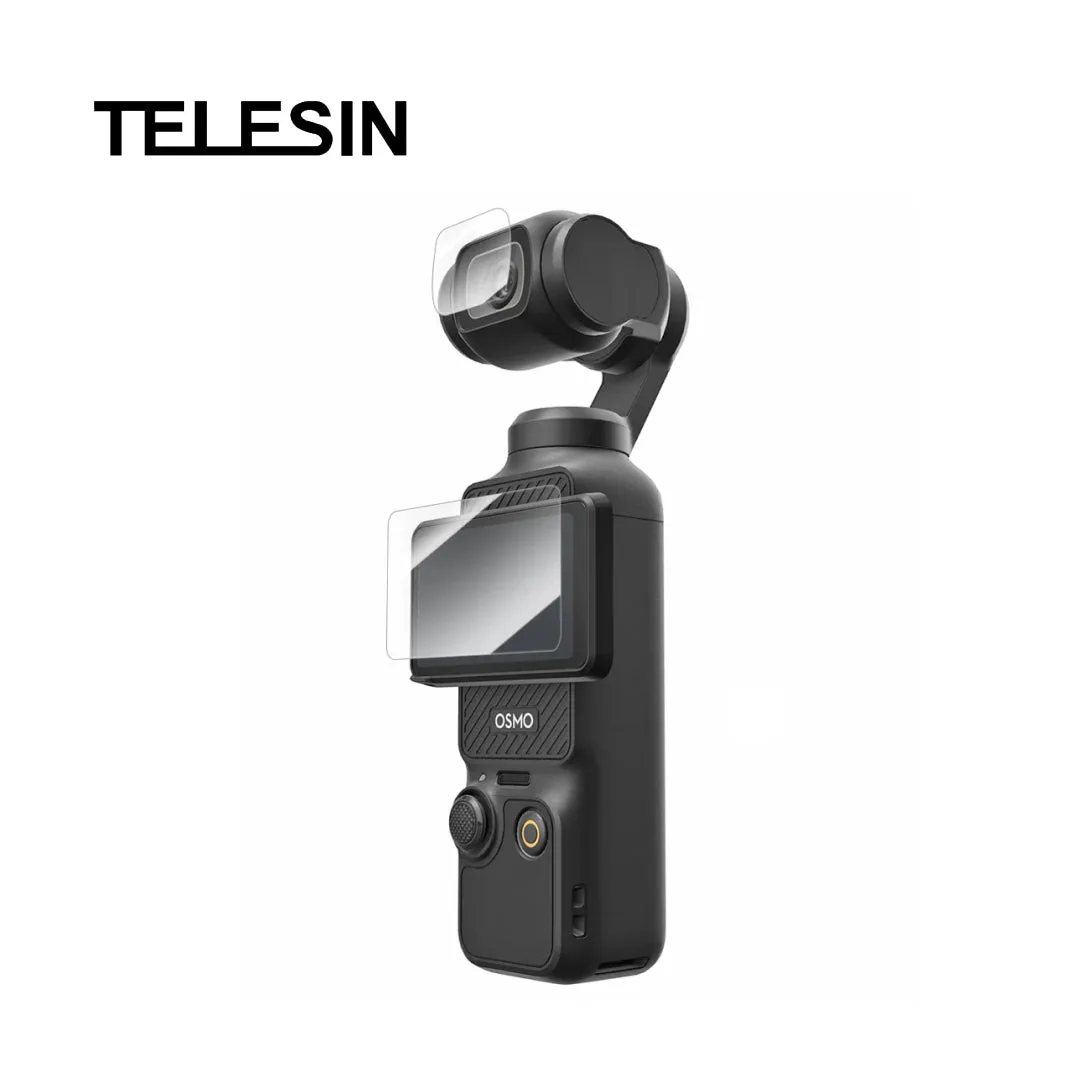
TELESIN Tempered Glass Lens Screen Protector Film for DJI Pocket 3 & 4


