Quick answer
If your laptop gets wet in your backpack, the usual culprits are an unprotected zipper, a soaked shoulder strap, or a bag that simply isn't water resistant. Start by moving your laptop into a padded laptop sleeve and adding a laptop backpack rain cover. If water still gets through, it's time to switch to a water resistant laptop backpack with sealed seams or a dedicated rain flap.
You feel the first drops on your face, zip your backpack tight, and keep walking. By the time you reach the office, the outside of your bag is soaked. The real question is whether your laptop stayed dry inside. Most commuters only find out when they open the bag and see a damp corner or a fogged screen.
The good news: you can fix most rain-related laptop problems without buying a new bag. The better news: if you commute daily in a wet climate, a few design details make a bigger difference than any single accessory.
Symptom: Your laptop feels damp after a rainy walk
This is the classic sign that water entered through a zipper, a seam, or a fabric panel that isn't treated. Rain rarely floods a backpack all at once. Instead, it wicks through the top zipper, runs down the inside of the back panel, or seeps through a shoulder strap that acts like a sponge. If the dampness is only on the outside of your laptop sleeve, your bag is doing part of its job. If the laptop itself feels wet, the protection has failed at a specific point.
Check the zipper first. A zipper without a storm flap lets water sit directly on the teeth. Then check the bottom of the bag. A wet bottom panel means water pooled inside and soaked upward. Finally, look at your shoulder straps. If they are soaked, water can travel down the strap and into the main compartment through the attachment points.
- Dry the laptop immediately with a microfiber cloth and keep it powered off until you are sure no moisture reached the ports.
- Empty the backpack completely and turn it upside down to drain any standing water.
- Do not use a hair dryer on the laptop; let it air dry at room temperature.
Cause: Most backpacks are water resistant, not waterproof
The term water resistant laptop backpack means the fabric slows water absorption, but it does not stop water under pressure or during a long downpour. Waterproof backpacks use sealed seams, coated zippers, and roll-top closures, and they usually cost more and feel stiffer. For most commutes, water resistant is enough if you add a rain cover and keep the laptop in a padded sleeve. The mistake is assuming that a tight zipper alone keeps rain out.
Another common cause is overpacking. When a bag is stuffed, the fabric stretches, zippers pull apart slightly, and water finds gaps that would otherwise stay closed. A backpack that is packed to the limit also presses the laptop against the back panel, where condensation from your body can add moisture.
- Look for a bag with a raised, padded laptop compartment that keeps the device off the bottom of the bag.
- A laptop backpack rain cover is the cheapest upgrade; it adds a waterproof layer over the whole bag.
- If you carry a 17-inch laptop, check that the compartment is actually sized for it; forcing it in distorts the zipper line.
Corrective action: Layer your protection
The most reliable commute laptop protection is a three-layer system: a padded laptop sleeve, a water resistant backpack, and a rain cover for heavy weather. The padded laptop sleeve absorbs minor impacts and gives you a dry layer to grab if you need to move the laptop quickly. The backpack provides the main barrier. The rain cover handles the worst rain and can be stored in a side pocket when skies clear.
If you already own a backpack you like, start with the sleeve and cover. If you are buying new, look for a bag with a dedicated laptop compartment, a water-resistant bottom panel, and zippers that are covered by fabric flaps. These details matter more than a brand name or a high denier count alone.
- Keep the rain cover in the bag even on cloudy days; weather changes fast on commutes.
- Never store a wet rain cover inside the main compartment with your laptop; shake it off and stow it in an outer pocket.
- If your commute includes a bike, add a rear fender or choose a bag with a water-resistant back panel to reduce spray.
When to stop fixing and choose a different bag
If you have added a sleeve and a rain cover and your laptop still gets wet, the problem is the bag design. Look for a water resistant laptop backpack with taped seams, a roll-top or flap closure, and a laptop compartment that does not share a wall with the main compartment. At that point, repairing or accessorizing your current bag costs more than it is worth.
Also consider your route. If you walk 20 minutes in heavy rain, a cover may not be enough because water pools on top of the bag. A roll-top backpack or a bag with a dedicated rain flap sheds water better. If you commute mostly by car or train with short walks, a water resistant bag and a sleeve are usually sufficient.
- Stop adding accessories when the bag itself has a wet interior after a moderate rain.
- Choose a bag with a light-colored interior so you can see moisture before it reaches your laptop.
- If you carry a tablet and a laptop, look for separate padded compartments to avoid one device scratching the other.
Rain damage diagnosis: symptom, cause, fix, and stop point
- Damp laptop after a short walk: Water entered through an uncovered zipper or a seam that is not taped. The bag is water resistant but not waterproof. Add a padded laptop sleeve and a laptop backpack rain cover. This solves most light-rain commutes.
- Wet bottom of the backpack: Water pooled inside because the bag was set down on a wet surface or the bottom panel absorbed water. Check if the bag has a water-resistant bottom. If not, keep the laptop in a sleeve and avoid setting the bag on wet ground.
- Soaked shoulder straps: Straps act as wicks, pulling water into the main compartment through attachment points. Use a rain cover that extends over the straps, or switch to a bag with a water-resistant back panel.
- Laptop still wet after sleeve and cover: The bag design allows water to reach the laptop compartment even with added protection. Stop accessorizing. Choose a water resistant laptop backpack with sealed seams or a roll-top closure.
Backpacks built with commute protection in mind
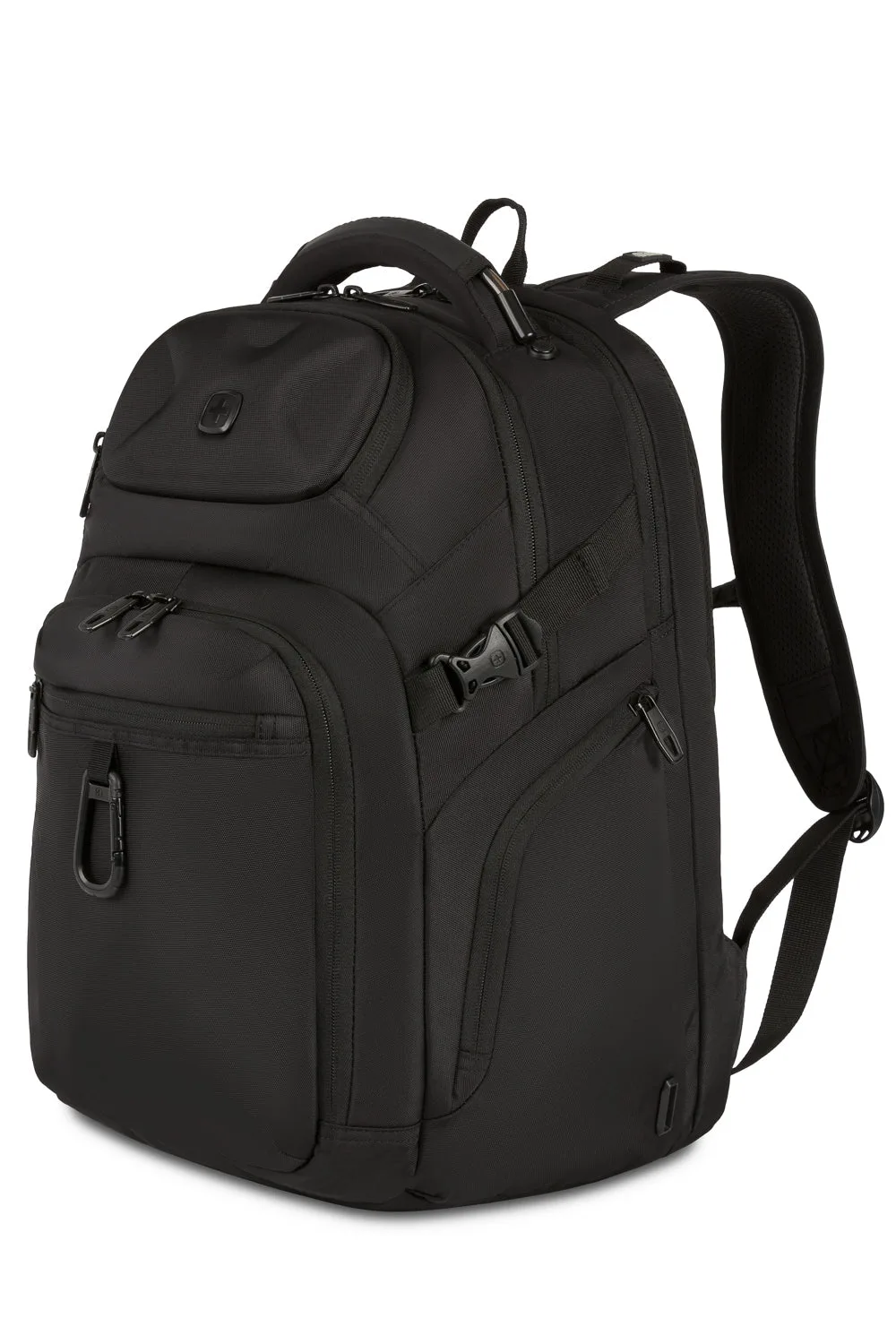
- SWISSGEAR Endure Laptop Backpack: Features dedicated laptop and tablet pockets, a gusseted organizer, and a protective compartment for sunglasses. Separate padded pockets keep your laptop away from keys, cables, and other items that can scratch or press against it. The organizer helps you avoid opening the main compartment in the rain just to find a charger.
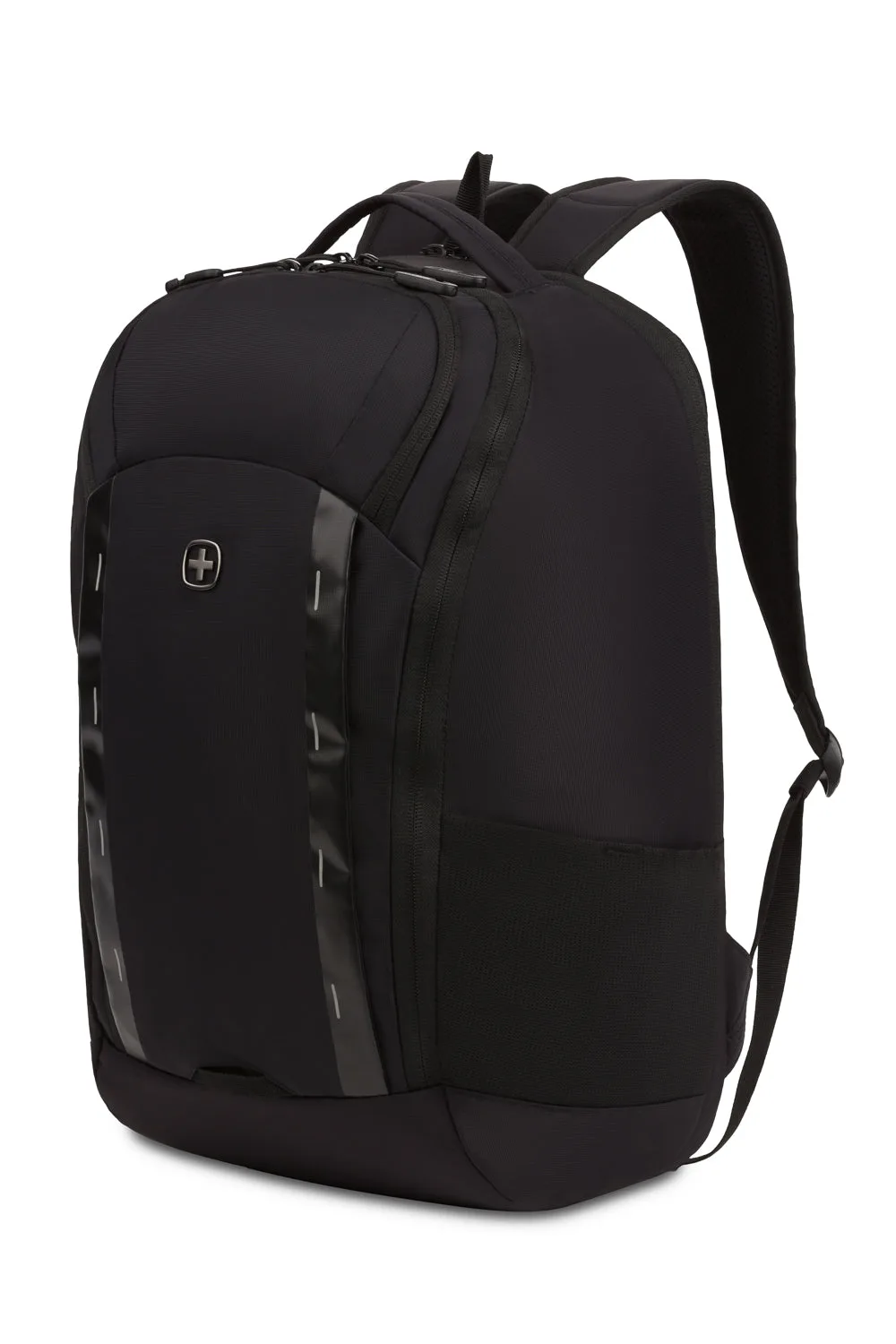
- SWISSGEAR Viibe Pro Laptop Backpack: Designed for urban commuters and students, with Anti-Grab zipper pulls and robust nylon loops. Anti-Grab zipper pulls and nylon loops make it harder for someone to open your bag on a crowded train, which also means the zippers stay closed and aligned in rain. That reduces the chance of water entering through an open zipper.
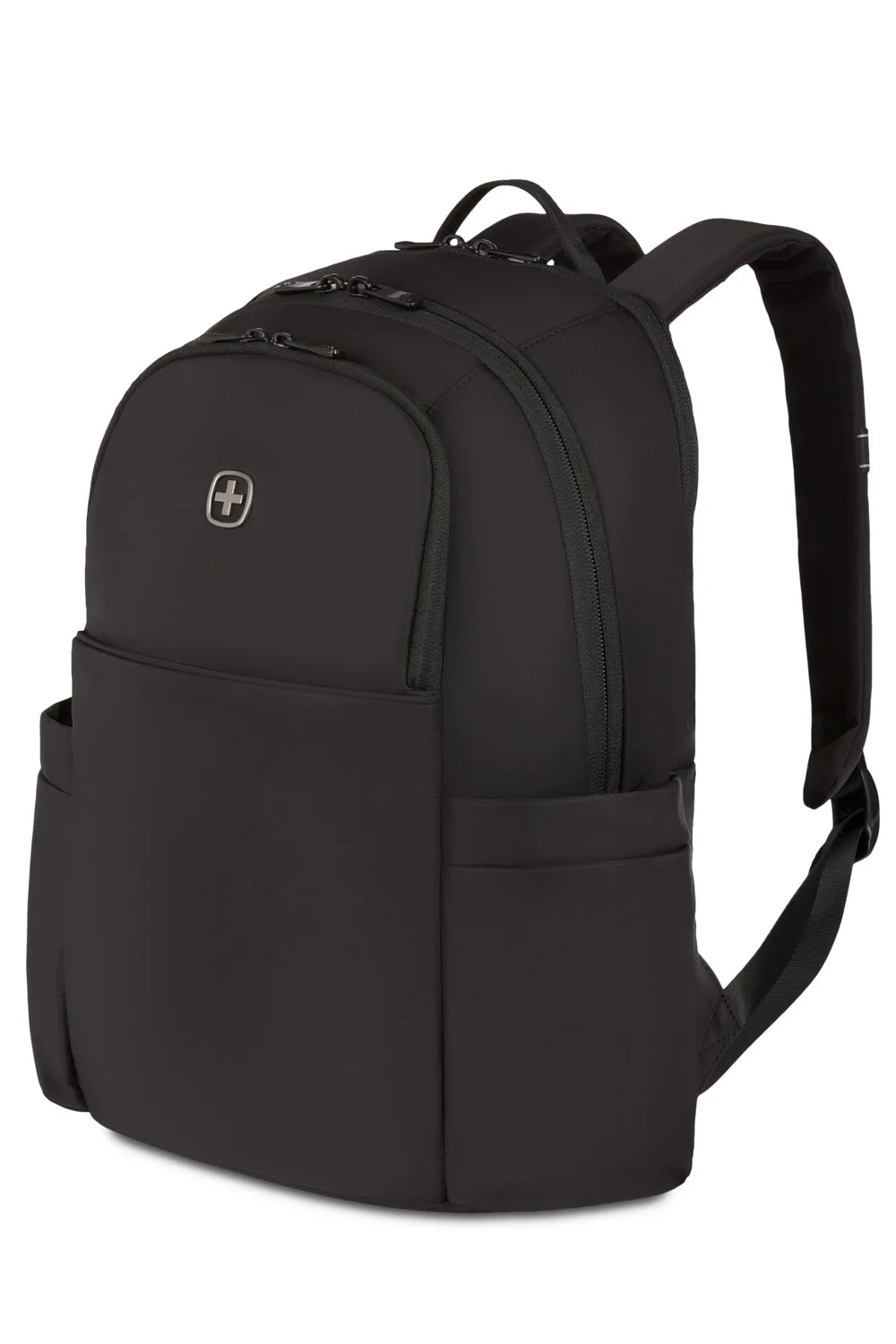
- SWISSGEAR Bloom Laptop Backpack: Compact and lightweight, with a padded laptop compartment lined in soft velvet and a main compartment with dual slip pockets and a zippered accessory pocket. The velvet-lined laptop compartment adds a soft, dry layer around your device. Dual slip pockets keep small items from sliding against the laptop, and the compact shape is easier to cover with a rain cover.
Rain does not have to ruin your commute. Start with a padded sleeve and a rain cover, then upgrade to a water resistant laptop backpack only if water still gets through. The right layers keep your laptop dry without weighing you down.