Quick Answer
Most PS1 controller issues come from dirt, worn carbon pads, or cracked solder joints. Start with a thorough cleaning and simple disassembly before attempting any soldering or replacement.
Why Cleaning Often Fixes Sticky Buttons
Over years of use, dust and grime build up on the contact pads and conductive surfaces inside the controller. This can cause buttons to feel sticky, unresponsive, or require extra pressure. A simple cleaning with isopropyl alcohol and a soft cloth often restores normal function.
If cleaning doesn't help, the carbon pads on the button contacts may be worn. In that case, you'll need to replace the rubber pads or the circuit board. These parts are inexpensive and widely available for the PS1 OEM controller.
Analog Stick Drift: When to Repair vs. Replace
Analog stick drift—where the character moves without input—is usually caused by worn potentiometers or dirt inside the stick mechanism. Cleaning the potentiometers with contact cleaner can sometimes fix it, but if the drift persists, the potentiometers likely need replacement.
Replacing potentiometers requires soldering and is delicate work. If you're not comfortable with soldering, consider sending the controller to a professional repair service or replacing the controller altogether. The cost of replacement parts and tools may exceed the value of a used PS1 OEM controller.
Disassembly Safety and Precautions
Before opening your controller, unplug it from the console. Use a small Phillips screwdriver to remove the screws on the back. Keep track of the screws and parts, as they are small and easy to lose.
When reassembling, make sure the ribbon cables are seated properly and the shoulder button springs are in place. Forcing the shell back together can damage the clips or the board. If you're unsure, stop and consult a teardown guide specific to the PS1 OEM controller.
Diagnosis and Repair Steps
- Symptom: Buttons unresponsive or require hard press: Likely cause: dirt on contact pads or worn carbon pads. Corrective action: open the controller, clean the circuit board contacts and rubber pads with 90%+ isopropyl alcohol. If the pads look shiny or worn, replace the rubber pad set. Stop if you don't feel comfortable disassembling further; seek a professional or consider a refurbished controller. Clean first, replace pads if needed.
- Symptom: Analog stick drifts or doesn't recenter: Likely cause: dirty or worn potentiometers. Corrective action: spray contact cleaner into the potentiometer openings while moving the stick. If drift persists, desolder the old potentiometers and solder in new ones. Stop if you lack soldering experience—incorrect soldering can damage the board. Professional repair or replacement is safer. Contact cleaner may help; otherwise, solder or replace.
- Symptom: D-pad or shoulder buttons feel loose or unresponsive: Likely cause: broken clips or worn springs, or the rubber pads have lost elasticity. Corrective action: inspect the shell clips and springs during disassembly. Replace broken parts or the rubber pad set. Stop if you notice cracked solder joints on the board—these require soldering skills. If you're not confident, stop and choose professional service or a refurbished controller. Inspect mechanical parts before assuming electronic failure.
A Note on Refurbished Controllers
-
Sony PlayStation 1 PS1 OEM Controller: This Sony PlayStation 1 OEM Controller has been professionally refurbished, fully disassembled, cleaned, and disinfected using an ultrasonic cleaner. If your original controller is beyond repair, a professionally refurbished unit can save you time and guarantee a clean, working controller without the hassle of DIY fixes.
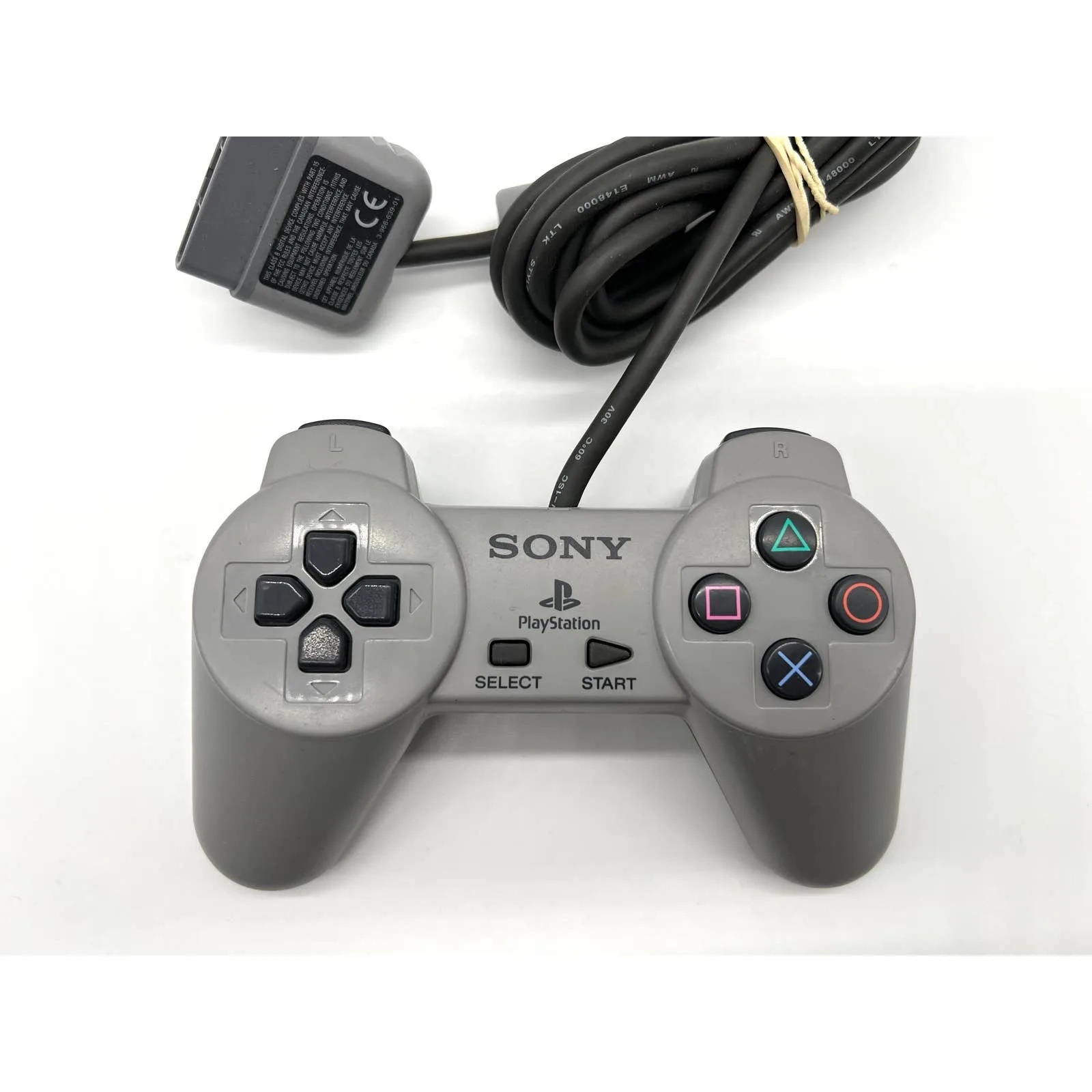
Sony PlayStation 1 PS1 OEM Controller