Quick answer
To set up a PS5 controller and headphone hanger, choose a dedicated hook-on bracket for the console itself and a wall mount for headphones. This keeps your gaming accessories off the desk, prevents cable tangles, and frees up surface space for better gameplay.
Why separate the controller and headphone storage
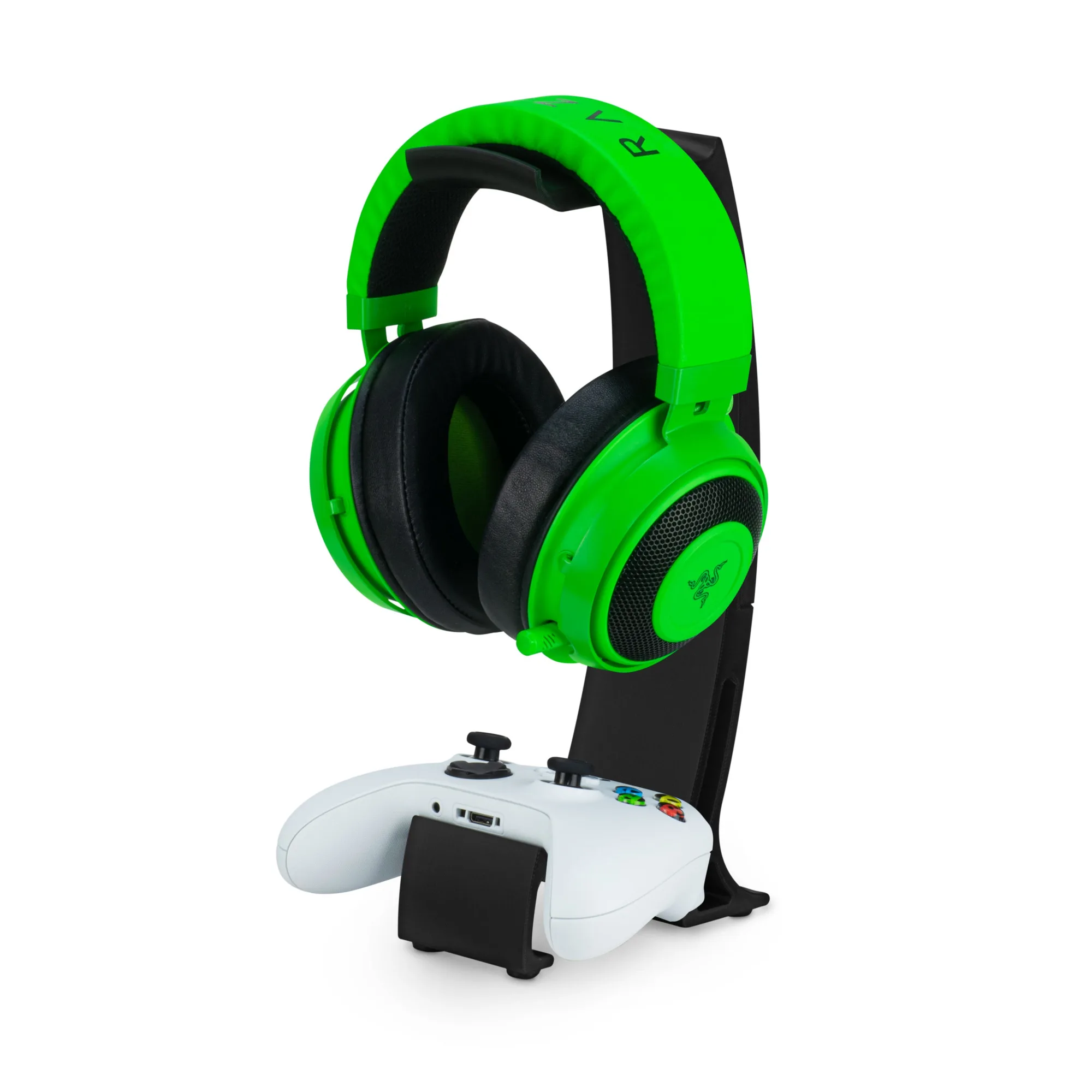
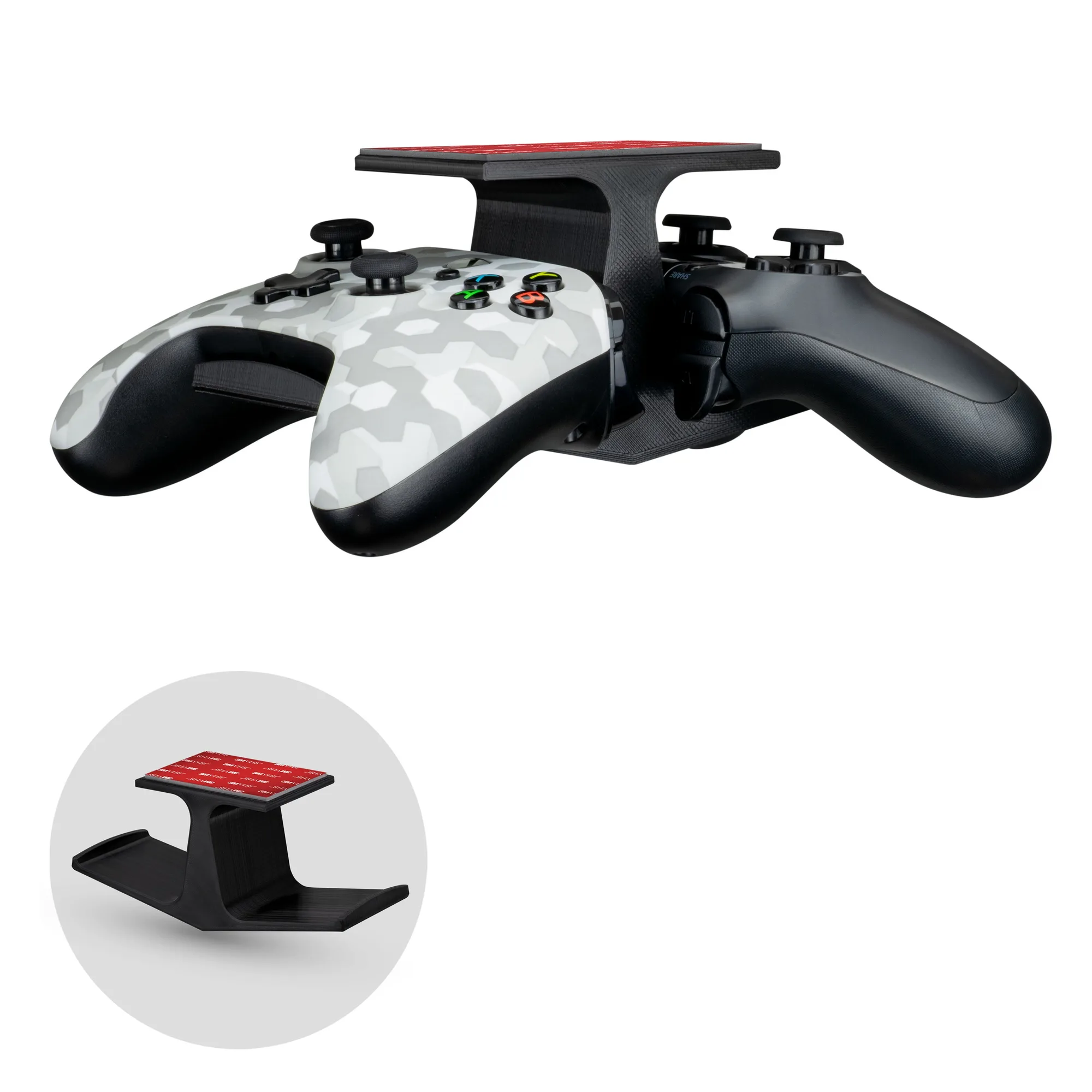
A PS5 controller holder that attaches directly to the console keeps the gamepad within arm's reach without taking up desk space. Meanwhile, a wall-mounted headphone hanger keeps your headset safely off the surface and away from accidental drops. Combining both solutions creates a dedicated gaming station that stays organized even during long sessions.
Step-by-step setup
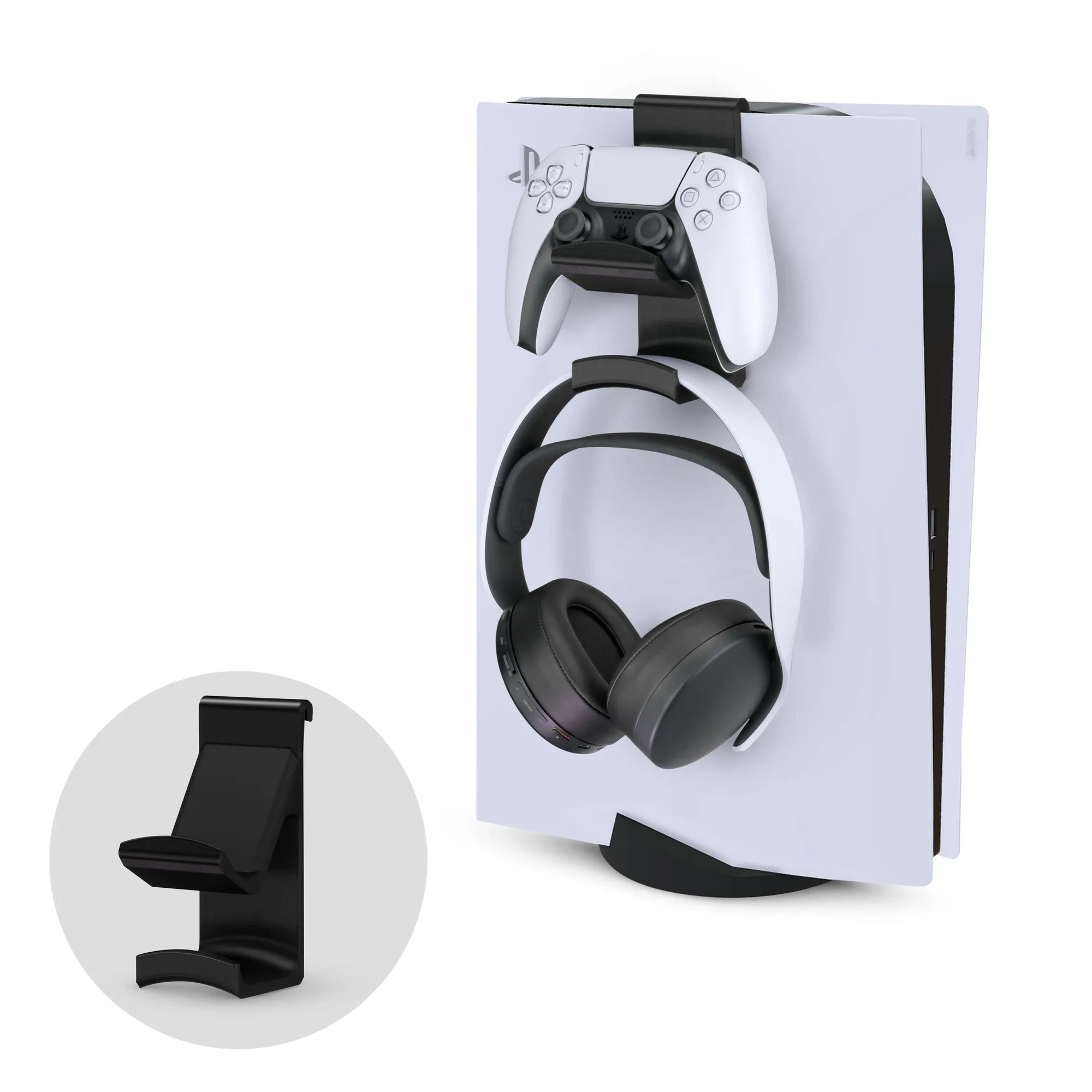
- Step 1: Choose your controller holder location: For a hook-on PS5 controller holder, slide it onto the side panel of your console. Make sure the bracket is fully seated and doesn't wobble. Common mistake: placing it too close to ventilation grilles — check that airflow isn't blocked. Leave at least 2 inches of clearance around console vents.
- Step 2: Mount the headphone hanger on the wall: If using an adhesive wall mount, clean the wall surface with rubbing alcohol first and let it dry completely. Press firmly for 30 seconds. For screw mounts, use a stud finder and drill pilot holes. Common mistake: mounting too low — your headphones may bump into the desk or chair. Mount the hanger at least 6 inches above your desk surface.
- Step 3: Arrange cables for a clean look: Use cable clips or ties to route headphone and controller charging cables along the edge of your desk or behind the console. Avoid draping cables over the front of the mount — they can snag when you grab the controller. Common mistake: leaving cables loose creates tripping hazards and tangles. Bundle cables with a Velcro strap every 12 inches for a tidy finish.
Products that help
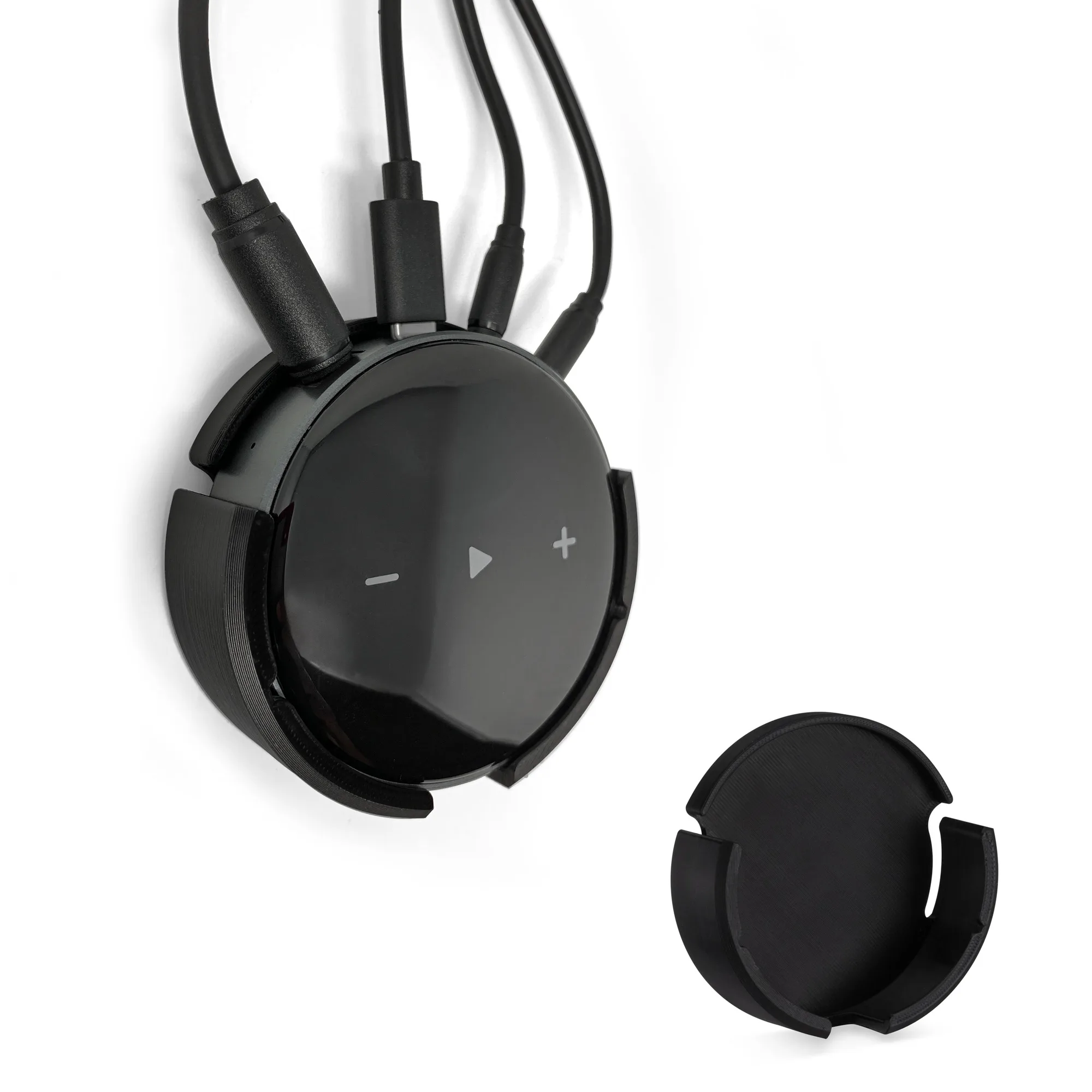
- PS5 Game Controller & Headphone Hanger Console Mount for PlayStation PS5 DualSense Gamepad, Hook-On Hanger Bracket: Hook-on design that slips onto the side panel of the PS5 console without screws. No drilling or permanent modification needed — you can move it anytime without leaving marks on the console.
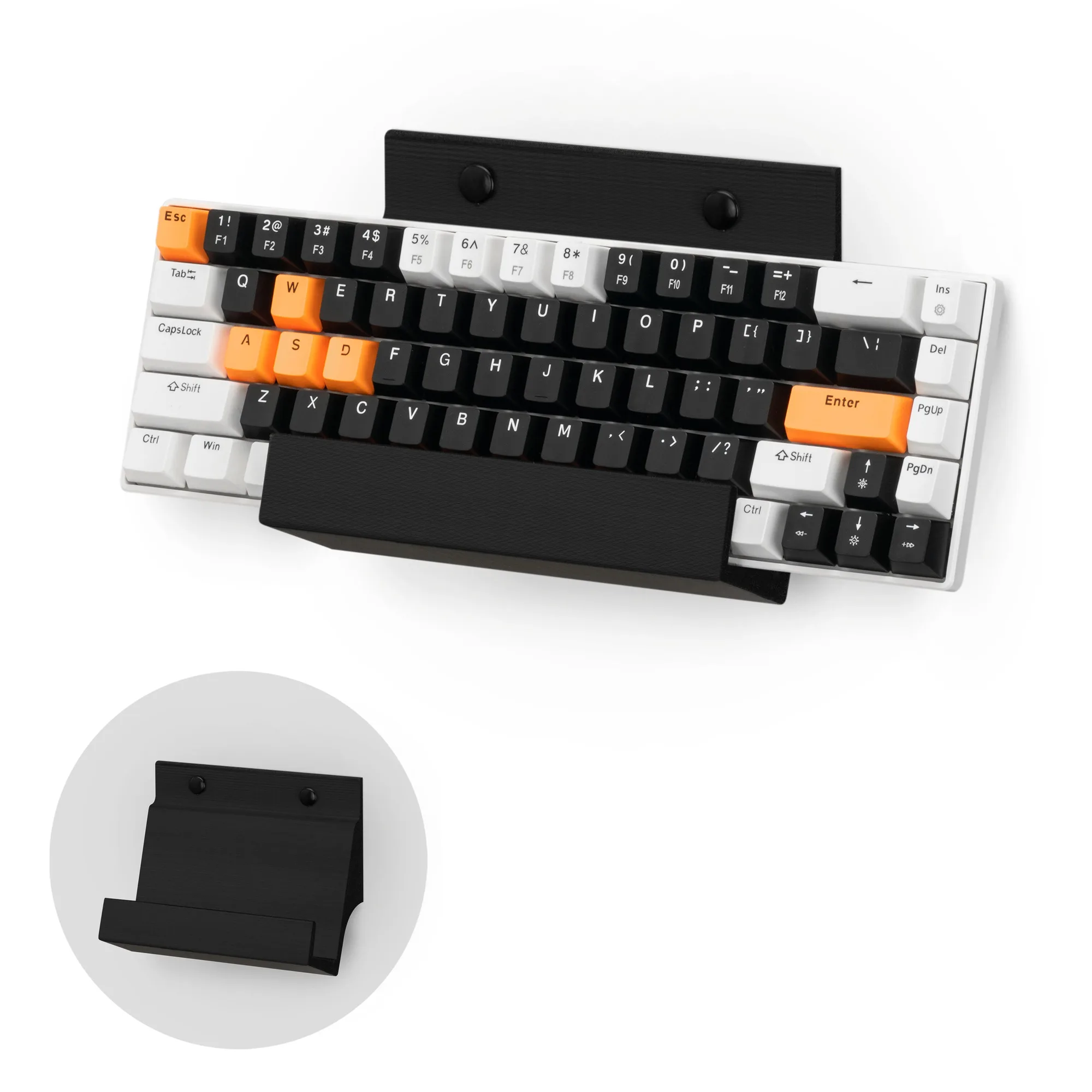
- Gaming Keyboard Stand for Wall Mounting - Adhesive or Screw Mount Installation - Stylish and Space Saving Solution for Gamers, Home & Office (KBW01): Wall-mounted keyboard holder that also fits headphones, laptops, and tablets up to 1.5 inches thick. If you prefer a single wall mount for both keyboard and headphones, this versatile option keeps everything off your desk in one spot.