Quick answer
Mount the PTZ camera at or slightly above seated eye level on the wall facing the table, then aim it so the near edge of the table is just inside the bottom of the frame. Keep it away from windows and ceiling lights, and use the pan-tilt-zoom range to fine-tune coverage rather than repositioning the mount.
Why small rooms are less forgiving than large ones
In a small meeting room, the camera sits close to the people on screen, so every inch of height and angle matters more than it does in a large boardroom. A camera that is too low looks up at noses and chins; one that is too high looks down at scalps and empty table. The goal is a natural, slightly level view of faces. Because PTZ cameras can pan, tilt, and zoom, you can correct a lot of small errors remotely, but you cannot correct a mount that is in the wrong place to begin with.
Measure the room before you drill
Walk the room and note the table shape, where people usually sit, and which wall faces the majority of seats. The camera should look along the longest sightline toward the table, not across it. Check for obstructions such as pendant lights, air vents, or a TV that will block the view. If the room is used for both seated and standing presentations, plan a position that can cover both with a slight tilt.
Choose a mounting height that flatters faces
Aim for the lens to sit at roughly seated eye level, or up to about 10–15 cm above it. In most small rooms that means a wall mount around 1.1–1.3 m from the floor, but measure your own chairs and table rather than trusting a generic number. If you must mount higher, tilt the camera down only enough to keep heads in frame; excessive down-tilt exaggerates foreheads and shrinks the table. Avoid placing the camera below table height, which produces the classic upward nose-and-ceiling shot.
Set the angle so the table anchors the frame
A useful checkpoint is to frame the shot so the near edge of the table runs just inside the bottom of the image. That gives viewers a sense of the room without wasting half the frame on empty tabletop. Keep the horizon level, and leave a little headroom above the tallest seated person. If the camera has a wide default view, zoom in slightly rather than moving the mount; a tighter frame makes remote participants feel closer to the conversation.
Manage light and background
Point the camera away from windows and bright ceiling fixtures whenever possible. Backlight makes faces dark and forces the camera to expose for the window instead of the people. If a window is unavoidable, close blinds or add a soft light in front of the participants. Keep the background simple and uncluttered, and avoid placing the camera so it looks straight down a corridor or into a busy open office, which distracts remote viewers.
Use PTZ presets for repeatable coverage
Once the camera is mounted and aimed, save presets for common setups: one for a full-table wide shot, one for a close-up of the presenter, and one for a whiteboard or side wall. Presets let you switch views in seconds without re-aiming by hand. Test each preset from the far end of the room and from the seats closest to the camera, because a view that looks fine up close can cut people off at the edges.
Step-by-step PTZ camera placement
- Measure the room and pick the facing wall: Identify where most people sit and choose the wall that looks along the longest sightline toward the table. Check for obstructions such as lights, vents, or a wall-mounted TV. Checkpoint: stand where the camera will go and confirm you can see every usual seat without leaning.
- Set the mount at seated eye level: Mark a height around 1.1–1.3 m from the floor, adjusted to your own chairs and table. Mount the camera so the lens is level with or slightly above seated eyes. Common mistake: mounting too high and tilting down steeply, which makes faces look distorted.
- Aim and frame the shot: Point the camera at the table and adjust tilt until the near table edge sits just inside the bottom of the frame. Keep the horizon level and leave modest headroom. Checkpoint: join a test call and confirm the frame shows faces clearly, not mostly ceiling or empty table.
- Fix lighting and background: Rotate or reposition the camera so it does not face windows or bright ceiling lights. Simplify what is behind the participants and avoid looking into busy corridors. Common mistake: leaving a bright window behind the table, which turns faces into silhouettes.
- Save and test PTZ presets: Create presets for a wide table shot, a presenter close-up, and any whiteboard or side view. Test each from the seats nearest and farthest from the camera. Next step: label the presets by use case so anyone in the room can switch views confidently.
Cameras that suit small-room placement
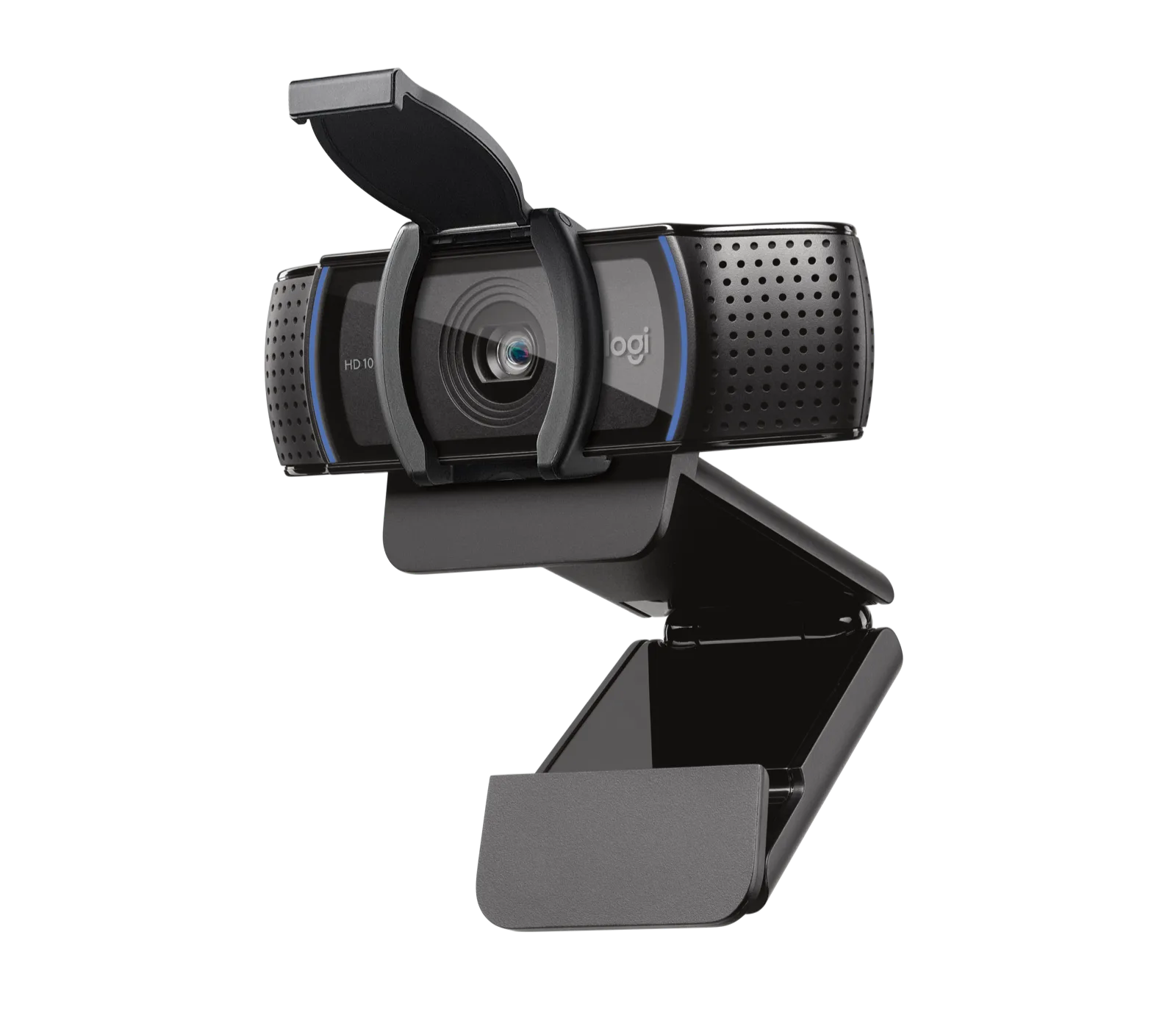
- PTZ PRO 2 - Dark Grey: PTZ (Pan-Tilt-Zoom) functionality for flexible camera positioning, suitable for conference rooms and professional settings. The pan-tilt-zoom range lets you fine-tune the view after mounting, so you can correct small height or angle errors without moving the bracket.
- CONNECT - Grey: Optimized for conference room use with easy connectivity, with multiple image angles shown in product photos indicating versatile placement options. A simpler fixed-position camera can work well in a huddle room where the seating layout rarely changes and you do not need remote pan or zoom.