Quick answer
Most Quad Lock car mount problems trace back to one of three wear points: the adhesive pad, the dual pivot arm balls, or the mount-to-accessory interface. Replace the adhesive pad when the base lifts or slides, replace the pivot balls when the arm no longer holds its angle, and add or check the adaptor when your action camera or light feels loose. If the mount itself is cracked or the locking head is damaged, a replacement part will not fix it.
Symptom: the car mount base lifts or slides on the dash
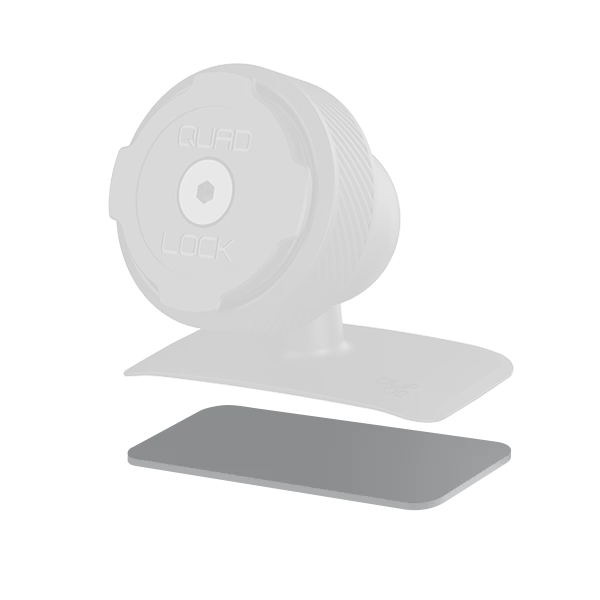
A car mount that peels up at one corner or creeps across the dash is almost always an adhesive problem, not a locking-head problem. Heat cycling, dust, and repeated removal stress the pad over time. Clean the dash or console surface with an alcohol wipe, let it dry fully, and press the new pad into place for the recommended dwell time before mounting your phone. The replacement adhesive pad is intended for one-time usage, so do not try to reposition it after it contacts the surface.
Symptom: the dual pivot arm droops or will not hold its angle
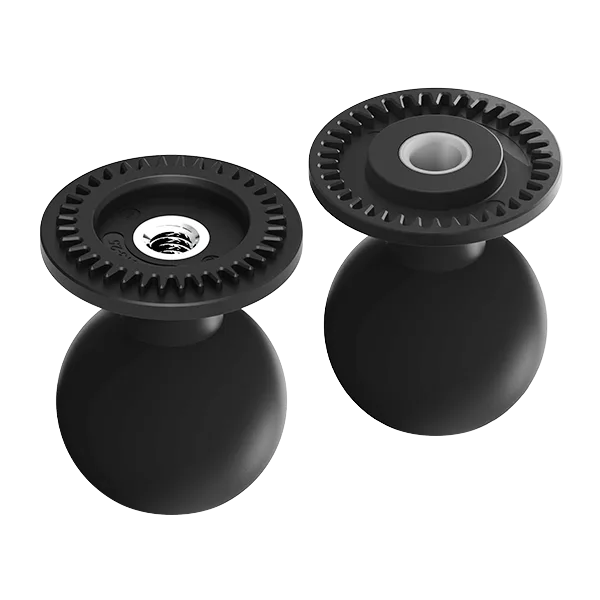
If your phone slowly sags while you drive, the pivot balls have likely worn or picked up grit. Remove the arm from the mount, wipe the balls and sockets, and inspect for flat spots or visible play. The replacement dual pivot arm balls are a direct fit for the Quad Lock 360 Dual Pivot Arms and restore the friction that keeps your screen where you set it. If the arm housing itself is cracked or the lever no longer snaps, balls alone will not solve it.
Symptom: an action camera or light wobbles on the mount
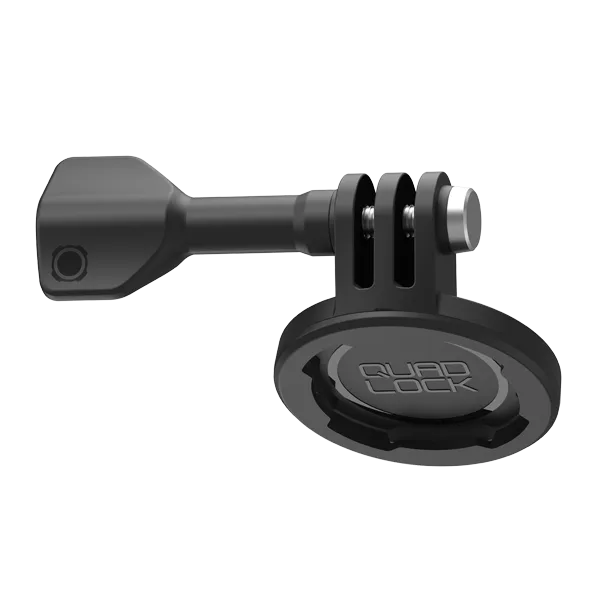
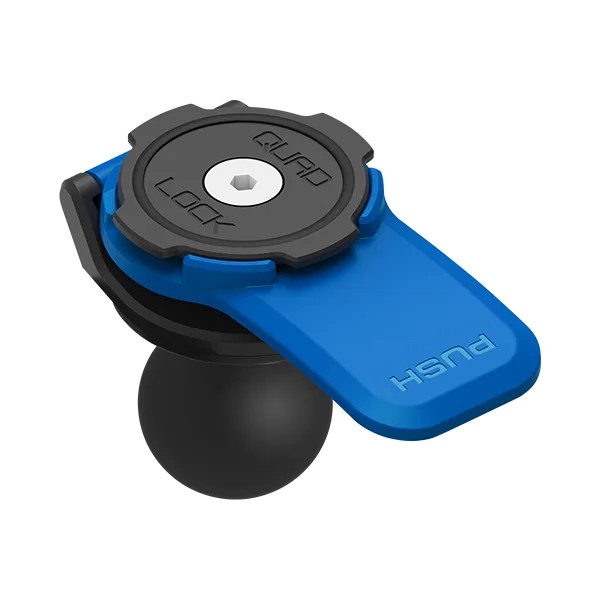
Wobble at the accessory end usually means the connection between the mount and the device is the weak link. The Quad Lock to Action Camera Adaptor lets you use twist, lock mounting with a GoPro, action camera, or light. Quad Lock recommends using it only with Lever Heads for secure mounting, and it is not recommended with a Vibration Dampener because that can increase camera shake. If your setup uses a dampener, remove it before adding the adaptor.
Diagnosis: match the symptom to the part
- Base lifts or slides: The adhesive pad has lost its bond to the dash or console. Replace the pad; if the mount body is cracked, stop and replace the mount instead.
- Arm droops or drifts: The dual pivot balls have worn or become contaminated. Replace the balls; if the arm housing is damaged, the balls alone will not fix it.
- Accessory wobbles: The connection between the mount and the camera or light is loose. Add the action camera adaptor with a Lever Head; skip it if you use a Vibration Dampener.
Parts that solve these symptoms
- Replacement - Adhesive Car Mount Pad: Replacement Quad Lock 3M adhesive dash/console car mount pad, compatible with Quad Lock car mounts and suitable for one-time installation. This is the correct fix when the base, not the arm, is the part that keeps letting go.
- Replacement - Dual Pivot Arm Balls: Set of 2 replacement balls for Quad Lock 360 Dual Pivot Arms, compatible with the Quad Lock 360 mounting system. Buy this when the arm still locks but the angle drifts; it restores adjustable positioning without replacing the whole arm.
- Accessory - Quad Lock to Action Camera Adaptor: Adaptor for Quad Lock twist, lock mounting with GoPro, action cameras, or lights; recommended only with Lever Heads and not recommended with a Vibration Dampener. Use this when the accessory interface is the loose point, and skip it if you rely on a dampener.