Quick answer
Clean your red dot lens with a microfiber cloth and lens-safe solution, never dry-wipe grit across the glass. Store the optic with a fresh battery removed or a battery cap loose, keep it in a padded case away from heat and moisture, and check the lens and mount screws before every session. That routine prevents the three most common failures: scratched coatings, fogged or dusty glass, and dead batteries.
What you need before you start
Gather a bulb blower or soft lens brush, a microfiber cloth, lens-safe cleaning solution, a small torque driver, and a padded case. Avoid paper towels, shirt tails, and household glass cleaner; they can leave lint, scratch coatings, or strip sealing compounds. If your optic uses a solar panel like the Apollo Polaris Solar, add a soft brush for the panel and a dry cloth so you do not smear residue across the solar cells.
How to clean the lens without damage
First blow or brush away loose dust and grit. Then breathe lightly on the glass and wipe with a clean microfiber cloth in one direction, turning the cloth to a clean side for each pass. For stubborn smudges, apply one drop of lens-safe solution to the cloth, not the lens, and wipe gently. Never spray directly into the housing; liquid can reach the emitter or internal seals. If your dot looks dim or irregular after cleaning, the emitter window may need a dry swab, but check the manual first because some emitters are not user-serviceable.
Battery and emitter care
Replace the battery at least once a year, or sooner if you carry daily, and note the date on the battery cap with a paint pen. Remove the battery for long-term storage to prevent corrosion, or leave the cap loose if your model has a tray. Wipe the emitter window with a dry microfiber swab only when the dot appears distorted; moisture and solvent can damage the LED. If your red dot has a solar panel, keep it clean with a dry cloth because dust blocks charging and can cause the dot to dim in bright light.
Storage that prevents fog and scratches
Store the optic in a padded case or safe with a desiccant pack to control humidity. Avoid foam that traps moisture, and do not leave the sight in a hot car or direct sun for long periods; heat can degrade seals and battery life. If you use a quick-detach mount, remove the optic only when necessary and store it with the mount attached to avoid losing zero. For rifles and shotguns with a rail-mounted optic, a hard case with cut foam keeps the lens away from other gear.
Pre-range and post-range checks
Before you shoot, confirm the lens is clear, the battery is tight, and the mount screws are at the manufacturer's torque. After shooting, wipe the lens and exterior with a dry microfiber cloth, then check for loosened screws or debris in the emitter area. If you notice a wandering zero or a flickering dot, stop and inspect the mount and battery contacts before your next session. A five-minute check prevents most field failures.
Your 7-step red dot care routine
- Blow off loose debris: Use a bulb blower or soft lens brush to remove dust and sand from the lens and housing before any wiping. Common mistake: wiping a dry lens with a cloth, which grinds grit into the coating. Checkpoint: no visible particles remain on the glass.
- Wipe the lens with a microfiber cloth: Breathe lightly on the glass and wipe in one direction with a clean microfiber cloth, turning to a fresh side for each pass. Common mistake: using paper towels or shirttails that leave lint and micro-scratches. Checkpoint: the lens is streak-free and clear.
- Use lens-safe solution only when needed: Apply one drop of lens-safe solution to the cloth, not the lens, and wipe gently. Never spray liquid directly into the housing. Common mistake: using household glass cleaner with ammonia or alcohol that can damage coatings and seals. Checkpoint: no liquid enters the emitter area or battery compartment.
- Clean the emitter window carefully: If the dot looks distorted, swab the emitter window with a dry microfiber swab. Do not use solvent or moisture. Common mistake: touching the emitter with a wet cloth, which can damage the LED. Checkpoint: the dot is round and crisp, not fuzzy or dim.
- Check and replace the battery: Replace the battery annually or sooner if you carry daily. Remove it for long-term storage or leave the cap loose. Common mistake: leaving a dead battery in place, which can leak and corrode contacts. Checkpoint: the dot powers on at a usable brightness.
- Store in a padded case with desiccant: Keep the optic in a padded case or safe with a desiccant pack, away from heat and direct sun. Avoid foam that traps moisture. Common mistake: storing in a hot car or damp case, which causes fog and seal damage. Checkpoint: the case is dry and the optic is secure.
- Verify mount and zero before your next session: Confirm mount screws are at the manufacturer's torque and re-check zero at the range. Common mistake: assuming the optic held zero after cleaning or storage. Checkpoint: the dot is clear, bright, and zeroed.
Product facts
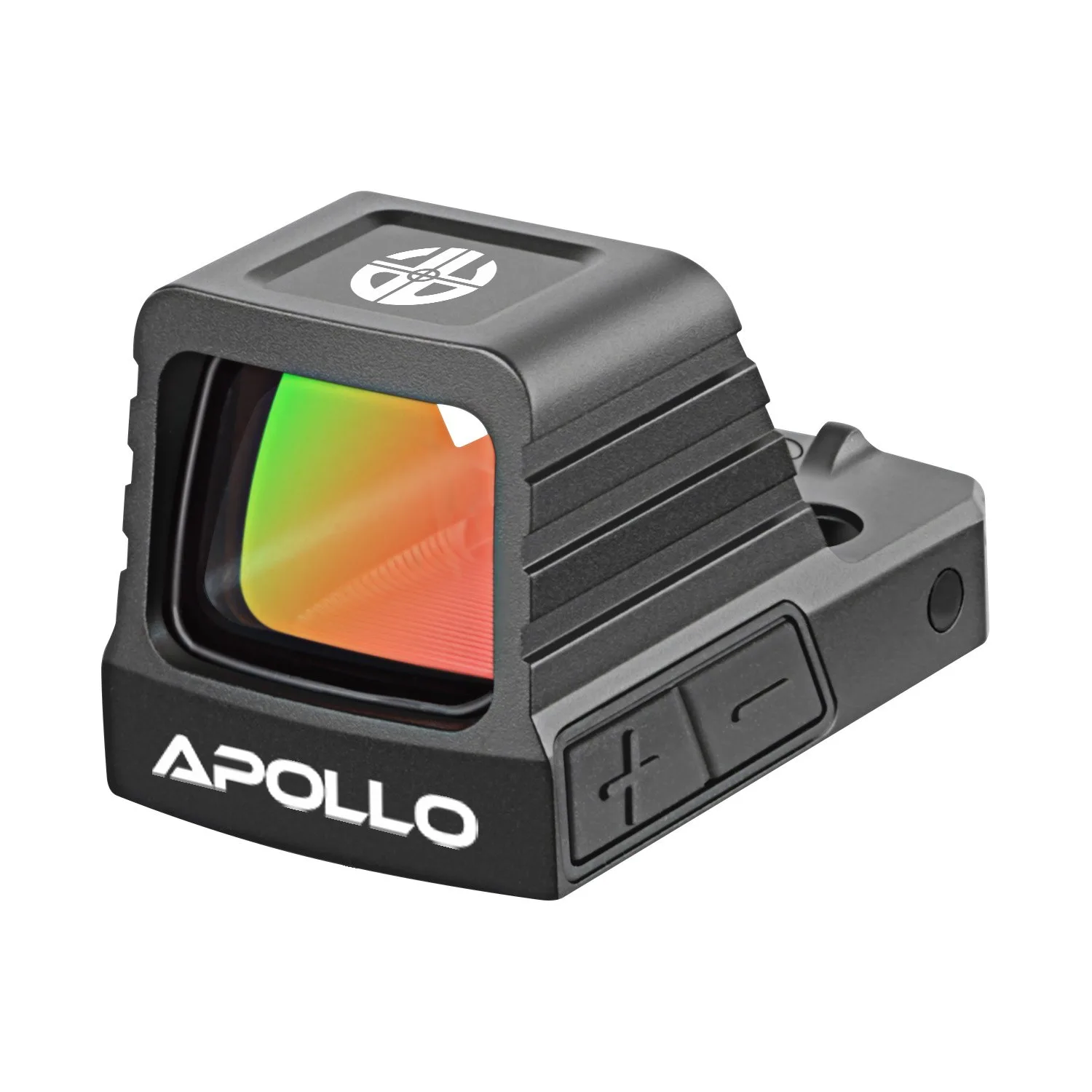
- Apollo Eclipse: The Apollo Eclipse is engineered for conceal carry and subcompact pistols, offering a slim RMSc footprint and a crisp 3 MOA red dot. Its compact 18 × 14.3 mm window keeps a low profile while maintaining a clear sight picture, and the rugged construction ensures dependable performance in all conditions. Backed by Apollo’s 5-Year Warranty. The small window and carry-focused design mean lens care matters more: a single fingerprint or dust speck can obscure a larger portion of the sight picture, so keep a microfiber cloth in your range bag and check the lens before holstering.
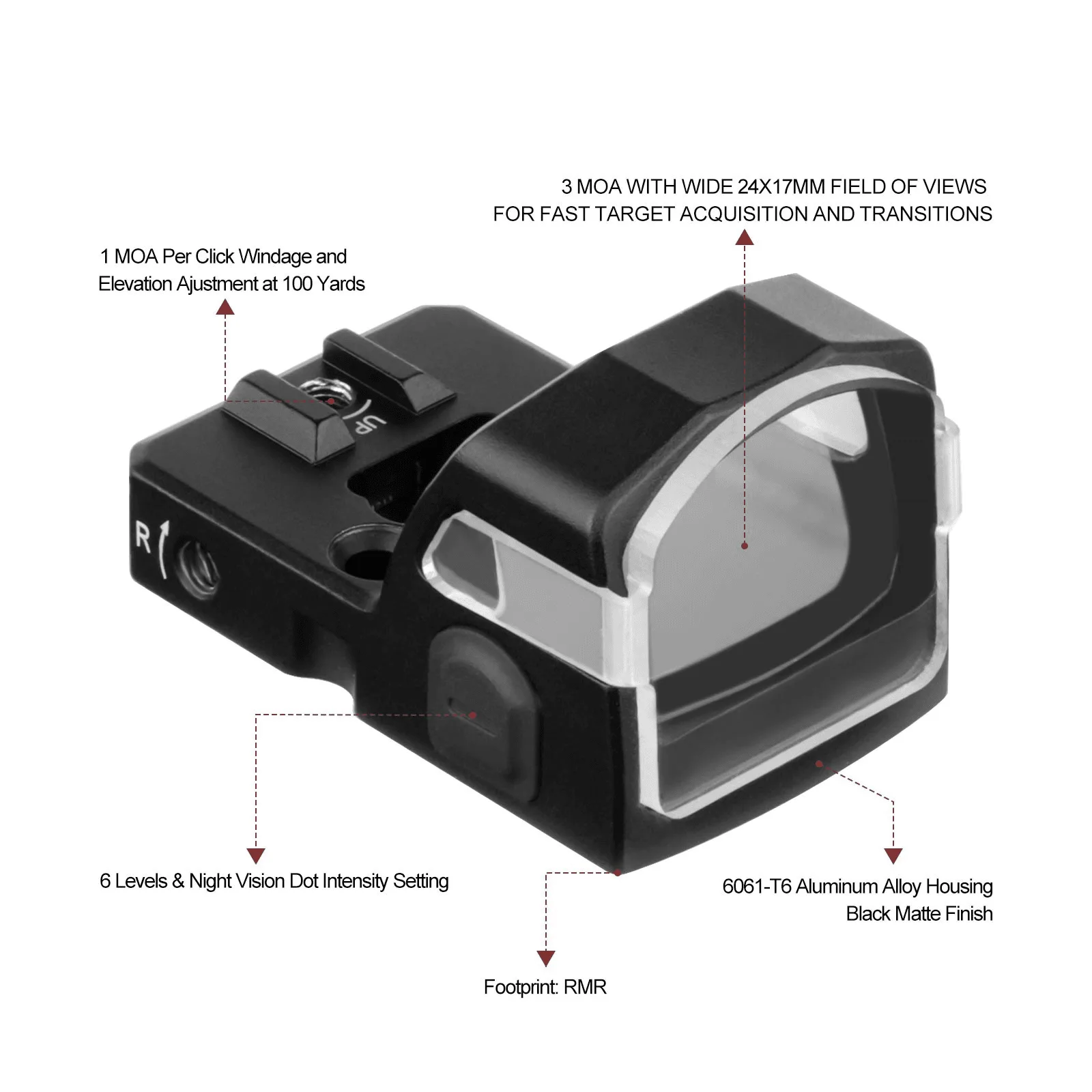
- Nova Green: The Apollo Nova Green is a pistol green dot built to be simple, fast, and dependable. Optimized for carry and duty pistols with an RMR footprint, the Nova Green delivers a crisp 3 MOA green dot, easy brightness control, and lightweight construction so it won’t weigh down your slide or holster setup. Green dots can appear brighter to some shooters, but they still need the same lens care. Use a dry microfiber cloth on the lens and avoid solvent on the housing; the lightweight build is easy to remove for cleaning, but re-mounting requires a torque check to keep zero.
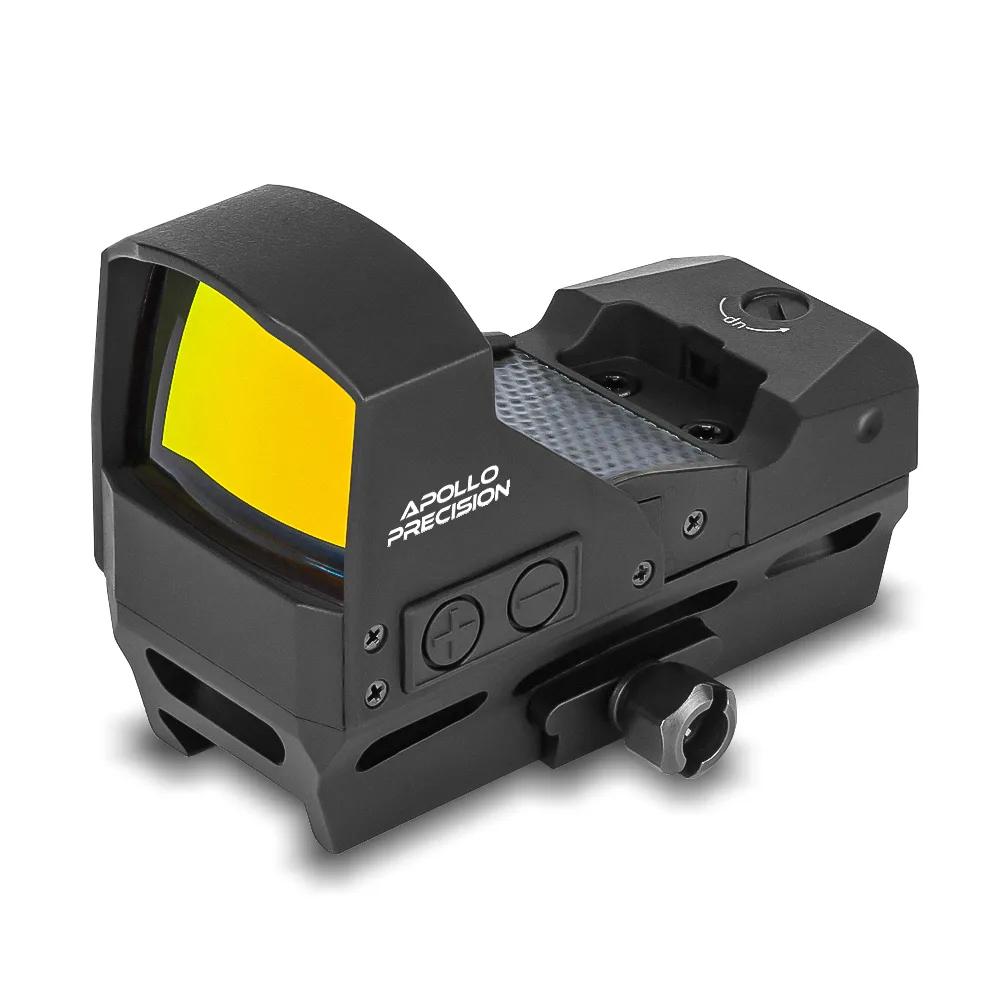
- Polaris Solar: Built for speed and adaptability, the Apollo Polaris Solar combines solar power efficiency with a massive 38mm lens for an unmatched field of view. Designed to mount directly to Picatinny rails, this optic is ideal for rifles and shotguns, delivering fast target acquisition, multiple reticle options, and all-weather durability. The large 38mm lens and solar panel need different care: use a bulb blower first to avoid scratching the broad glass, and wipe the solar panel with a dry cloth so dust does not block charging. For rail-mounted use, check the mount screws after heavy recoil.