Quick answer
To reduce background noise with a gaming microphone, first identify the noise type and source, then apply the correct fix — from simple gain adjustments to upgrading your mic.
Why background noise happens with gaming microphones
Gaming microphones are often sensitive and omnidirectional, meaning they pick up sound from all directions — including keyboard clicks, fan hums, and room echoes. This is especially noticeable if your mic gain is set too high or your setup is in a noisy environment.
The good news is that many common noise issues can be resolved without buying new gear. Understanding the cause helps you choose the right fix, whether it's a software adjustment, a physical change, or a microphone upgrade.
Diagnose and fix background noise step by step
- Symptom: Hissing or static noise: Likely cause: Gain is set too high on your microphone or audio interface. Corrective action: Lower the gain knob or slider until the hiss disappears. If the hiss persists, check your USB cable for damage or try a different port. If lowering gain makes your voice too quiet, you may need a microphone with better sensitivity or a noise gate filter.
- Symptom: Keyboard clicks or mouse sounds in stream: Likely cause: Microphone is picking up direct mechanical sounds from your desk. Corrective action: Move the microphone closer to your mouth and further from the keyboard. Use a boom arm or shock mount to decouple the mic from desk vibrations. If repositioning doesn't help, consider a microphone with a cardioid polar pattern (like the YETI Blackout) that rejects sound from the sides and rear.
- Symptom: Room echo or hollow sound: Likely cause: Hard surfaces (walls, desk, monitor) reflect your voice back into the mic. Corrective action: Add soft furnishings like a rug, curtain, or acoustic foam panels near your setup. You can also enable noise suppression in your streaming software (OBS, Discord). If echo persists after treatment, the room itself may be too live. In that case, a dynamic microphone (less sensitive to room reflections) is a better choice than a condenser mic.
Microphones that help reduce background noise
-
YETI - Game Streaming Kit - Black: The YETI Game Streaming Kit in Black includes a microphone and essential accessories for game capture and communication. This kit provides a complete streaming setup, reducing the need for additional purchases and ensuring all components work together for clearer audio.
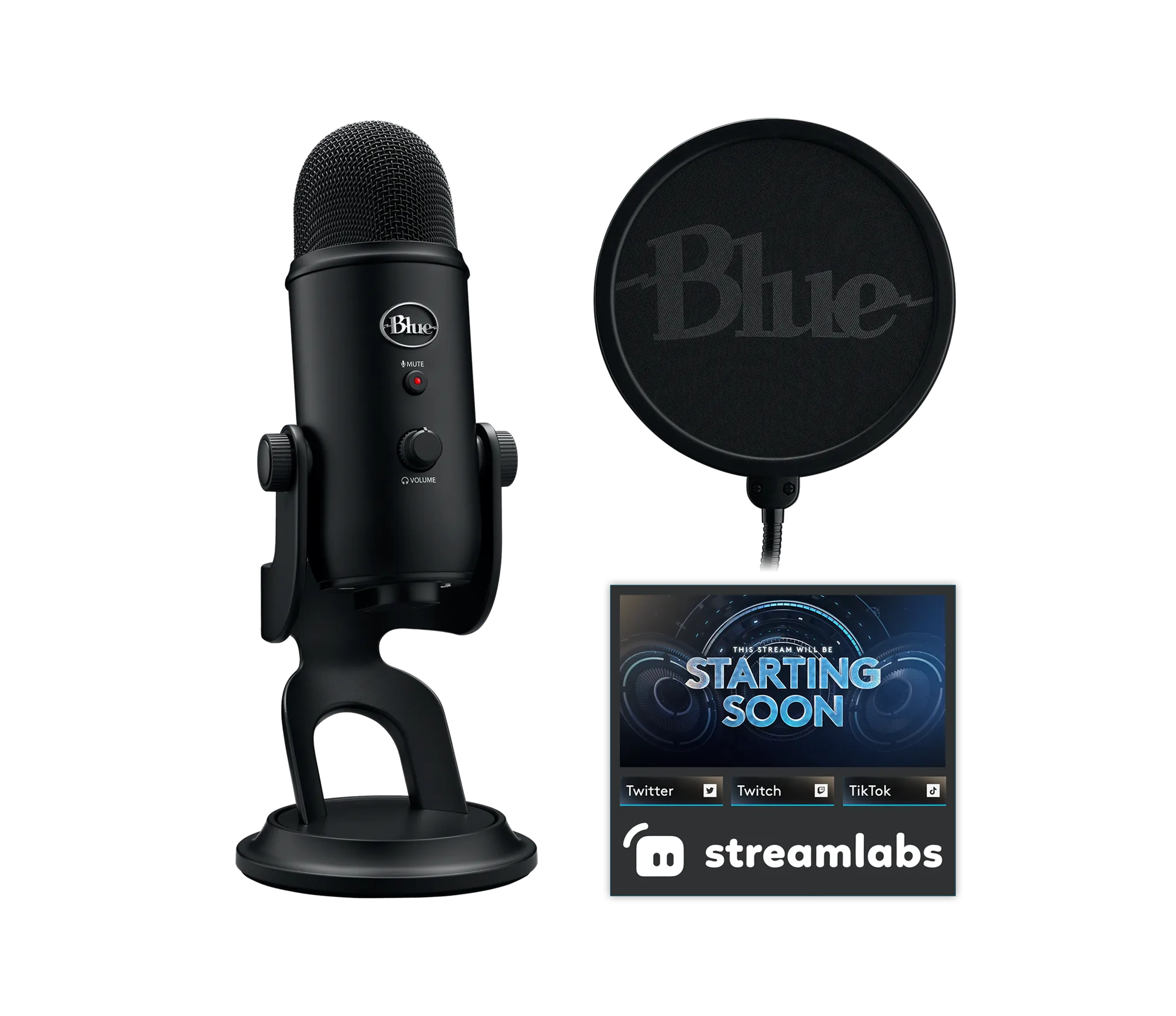
YETI - Game Streaming Kit - Black
-
YETI - Blackout: The YETI - Blackout microphone is designed for clear and consistent sound capture, suitable for streaming, podcasting, and recording. Its durable construction and multiple color options let you match your gaming rig while getting professional-grade performance that minimizes unwanted noise pickup.
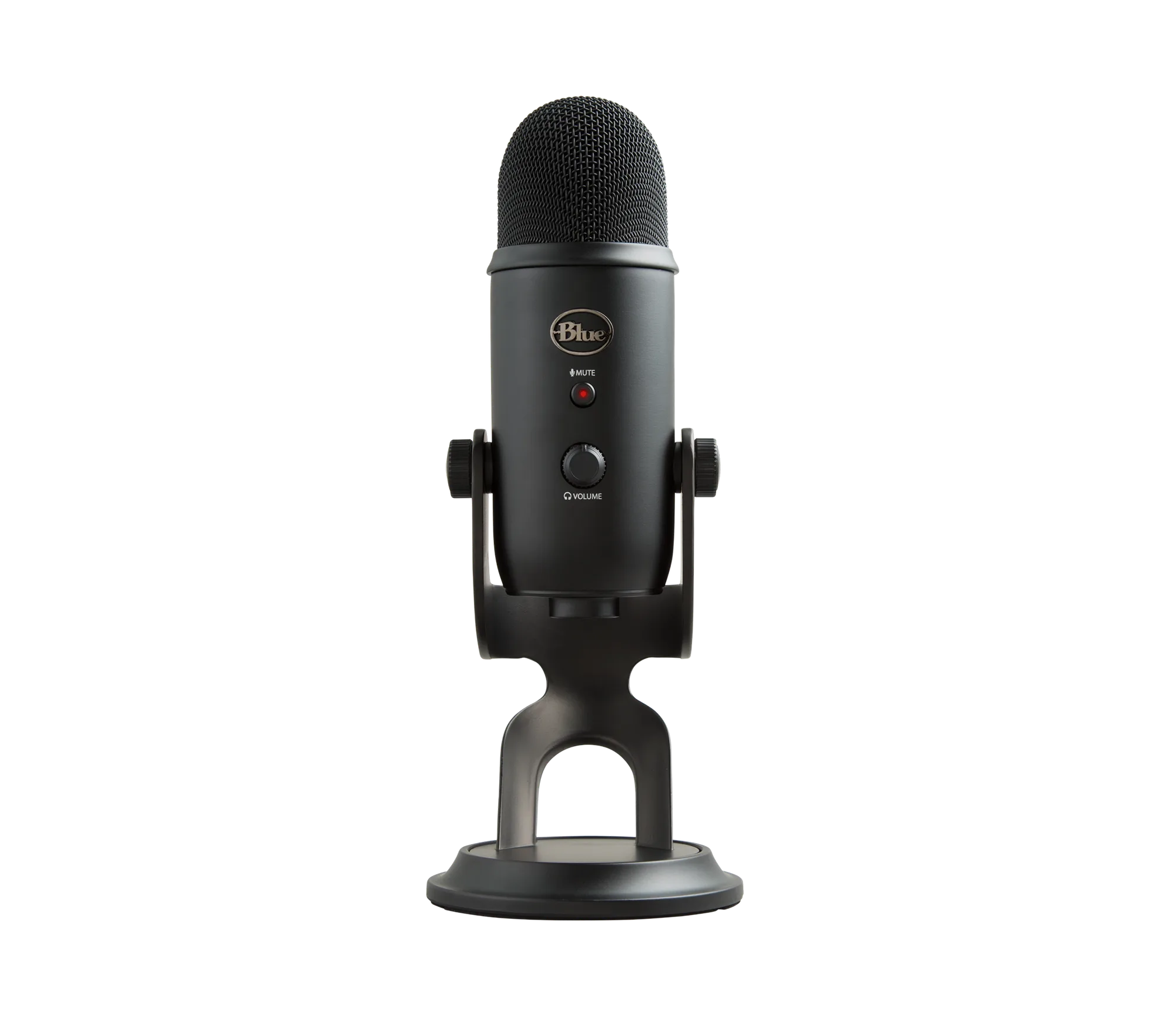
YETI - Blackout