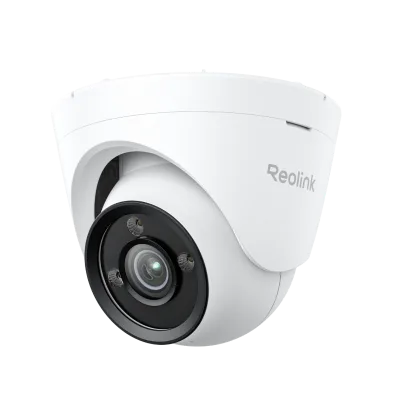
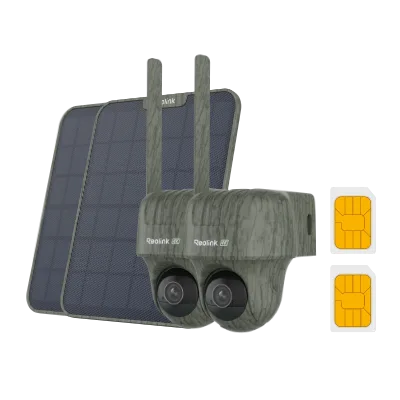
Quick answer
Choose the Reolink E1 if you want a low-cost indoor pan-tilt camera for a single room and you mostly check live view or short clips. Choose the E1 Pro if you need sharper 2K detail for reading faces or labels and a dual-band Wi-Fi connection that holds up in a crowded network. Both are indoor-only, Wi-Fi cameras with pan, tilt, and two-way talk, so the decision comes down to resolution, wireless stability, and budget.
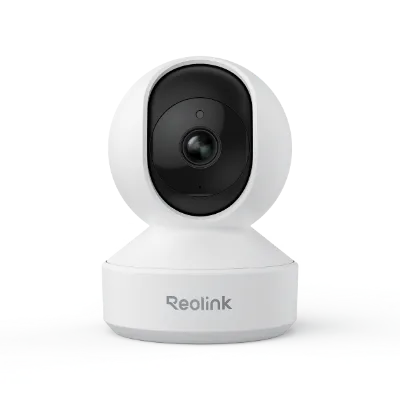
E1 Pro
What actually changes between the E1 and E1 Pro
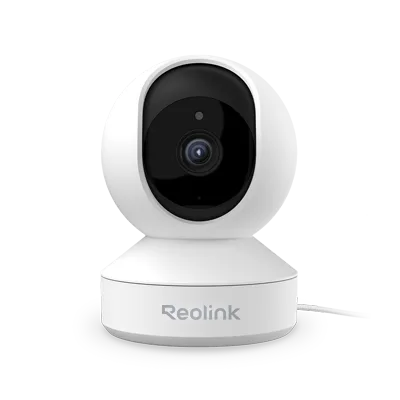
The Reolink E1 is a 4MP Super HD smart home WiFi IP camera with pan, tilt, and two-way talk. The E1 Pro moves up to 2K resolution and adds dual-band Wi-Fi, which means it can use the less crowded 5 GHz band instead of only 2.4 GHz. That single change often matters more than the spec sheet suggests: in apartments or offices with many nearby networks, a 5 GHz link is frequently more stable and less prone to dropouts during live viewing or playback.
Both cameras share the same core idea: a compact indoor unit that rotates to cover a wide area and lets you speak through the camera. Neither is built for rain, dust, or direct sun, and neither is a substitute for an outdoor camera. If you need outdoor coverage, look at the Argus Track or RLC-823S1W instead of trying to place an E1 outside.
How to match the camera to the room
Start with what you need to identify, not with the camera. In a nursery or pet area, you mainly need to see movement and hear sound, so 4MP is usually enough. In a home office or entryway where you want to read a face, a package label, or a screen, the extra resolution of the E1 Pro pays off when you zoom into a recorded clip.
Then check your Wi-Fi. If your router broadcasts a separate 5 GHz network and the camera's location is within reasonable range, the E1 Pro can use that band. If your router is 2.4 GHz only, or the camera sits far from the router, the E1's simpler single-band connection is not a disadvantage. Finally, count how many cameras you plan to run. Each additional stream competes for bandwidth, so a busier setup benefits from the E1 Pro's dual-band flexibility.
Where the E1 fits in a Reolink home system
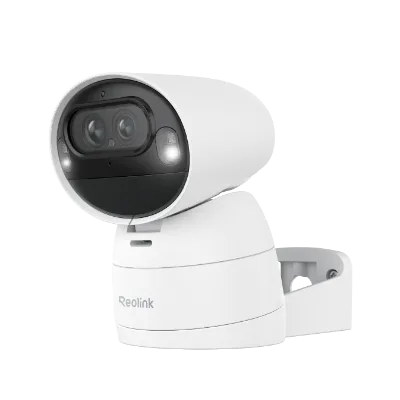
The E1 works well as a low-cost add-on camera in a mixed Reolink setup. You can use it alongside a hub-based system such as the Home Hub with Argus PT Ultra, which pairs a battery-powered PT camera with a central hub for convenient management. In that arrangement, the E1 covers an indoor room while the hub system handles the outdoor or wire-free positions. The E1 is also a sensible first camera if you want to test pan-tilt control and two-way talk before investing in a larger system.
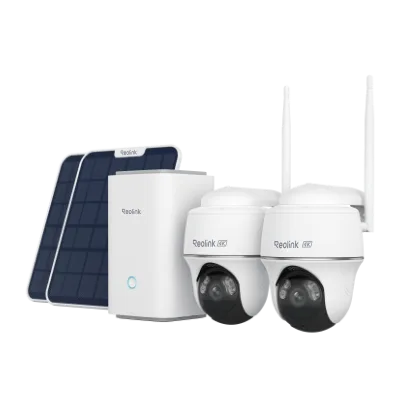
Home Hub with Argus PT Ultra
Keep in mind that the E1's catalog listing does not specify onboard storage or a subscription requirement, so confirm your recording plan in the Reolink app before buying. If local storage is a hard requirement, check the current product page rather than assuming a microSD slot.
Decision rules for buying an indoor pan-tilt camera
- If your router is 2.4 GHz only: The E1 Pro's dual-band Wi-Fi cannot be used to its full advantage, so the standard E1 is the more sensible spend. Buy the E1 and put the savings toward a second camera or storage.
- If you need to identify faces or read labels in clips: Resolution is the limiting factor, and the E1 Pro's 2K sensor preserves more detail when you zoom into recorded footage. Choose the E1 Pro for entryways, home offices, and anywhere identification matters.
- If you are building a multi-camera Reolink system: More streams mean more contention on your Wi-Fi. A dual-band camera can move to 5 GHz and leave the 2.4 GHz band for other devices. Mix E1 Pro cameras into busy networks and use the E1 for simple, single-room coverage.
- If the camera will be outdoors: Neither the E1 nor the E1 Pro is listed as weather-resistant, so outdoor placement is a mismatch regardless of price. Step up to a weather-resistant model such as the RLC-823S1W or a wire-free option like the Argus Track.
Product facts at a glance
- E1: The Reolink E1 is a 4MP Super HD WiFi IP camera with pan, tilt, and two-way talk. It covers a wide indoor area and lets you speak through the camera, which is enough for nurseries, pet rooms, and casual check-ins at the lowest cost.
- Argus Track: The Reolink Argus Track is a 4K dual-lens Wi-Fi solar/battery camera with auto-zoom tracking. If your real need is outdoor coverage with no wiring, this is the better direction than an indoor-only E1 or E1 Pro.
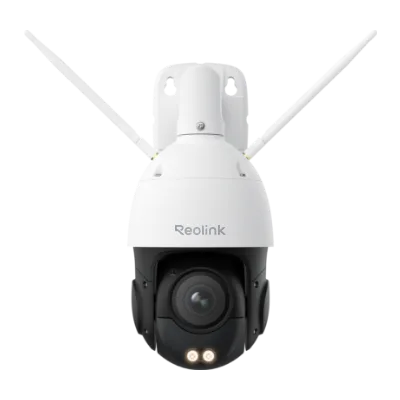
- RLC-823S1W: The Reolink RLC-823S1W is a 4K 360° PTZ camera with dual-band Wi-Fi 6 and weather-resistant construction. For a single camera that must cover a large indoor or outdoor area with full pan-tilt-zoom, this is the step up from an indoor pan-tilt model.
Who should buy which camera
Best for
- Shoppers who want the lowest-cost Reolink indoor security camera for a single room
- Nursery, pet, or casual check-in monitoring where 4MP detail is sufficient
- Homes with a 2.4 GHz-only router or a camera placed far from the access point
Not for
- Buyers who need to read faces or labels in recorded clips, who should choose the E1 Pro
- Anyone who needs outdoor, weather-resistant coverage
- Large multi-camera installs where dual-band Wi-Fi headroom is worth the extra cost