Quick Answer
To replace the battery on a Panasonic NV-GS250, power off the camcorder, slide the battery latch, remove the old pack, and insert the new CELLONIC CGA-DU12 compatible battery until it clicks.
Why Battery Replacement Matters
Over time, camcorder batteries lose capacity and may not hold a charge. A fresh battery like the CELLONIC CGA-DU12 (1440mAh, 7.4V) restores recording time and reliability. This guide covers the NV-GS250 and compatible models such as the NV-GS320, NV-GS500, and others using CGA-DU12 or CGA-DU14 packs.
Step-by-Step Battery Swap
- Power Off and Prepare: Turn off the camcorder and close the LCD screen. Place it on a flat, stable surface. Ensure the old battery is completely discharged or at least not hot from recent use. Never attempt to remove a hot battery; let it cool first to avoid damage.
- Locate and Slide the Battery Latch: Find the battery release latch on the back of the camcorder (usually marked with an arrow). Slide it in the direction indicated to unlock the battery pack. If the latch feels stuck, do not force it. Check for debris or press gently while sliding.
- Remove the Old Battery: Gently pull the old battery away from the camcorder body. Avoid twisting or prying with tools. Set it aside for proper recycling. Dispose of old batteries at a designated recycling point — never in household trash.
- Insert the New Battery: Align the new CELLONIC CGA-DU12 battery with the contacts facing the camcorder. Press it firmly into the compartment until you hear a click and the latch snaps back into place. If the battery does not click, remove and realign it. A loose connection can cause intermittent power loss.
- Test and Charge: Turn on the camcorder to verify the battery is recognized. Charge the new battery fully before first use to maximize its lifespan. First charge may take 2–3 hours; avoid overcharging by using the camcorder's charger only.
Product Info
-
2x Batterij voor Panasonic NV-GS250 VDR-D250 NVGS320 NVGS500 GS400 GS180 GS60 CGA-DU12, CGA-DU14, CGA-DU21 Accu (1440mAh, 7.4V) van CELLONIC: Batterijen voor je camera, fototoestel en outdoorcam bestel je natuurlijk bij subtel.nl - Vandaag besteld, snel geleverd. Drie jaar garantie. This CELLONIC battery offers a 1440mAh capacity and 7.4V voltage, matching original specs, and comes with a three-year warranty for peace of mind.
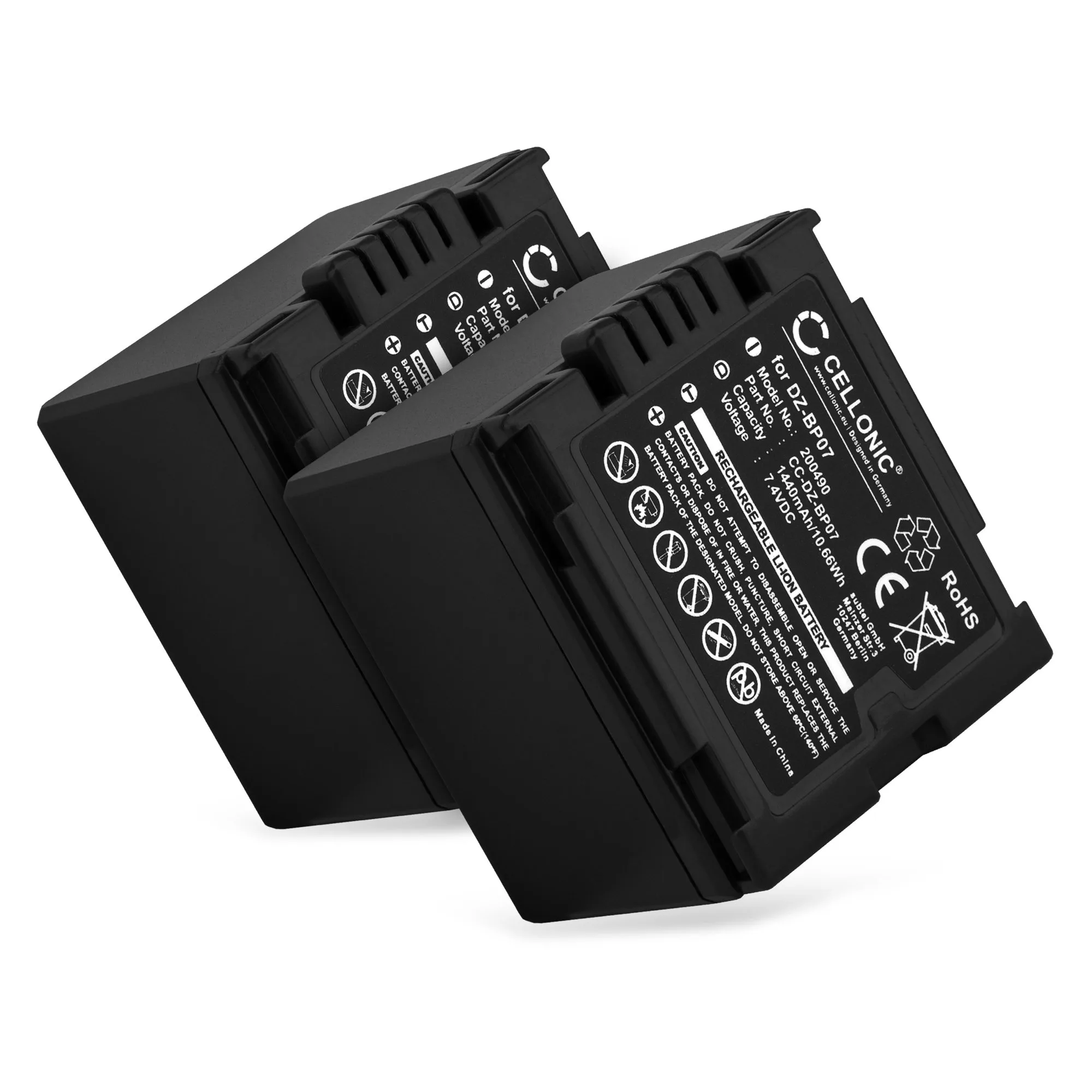
2x Batterij voor Panasonic NV-GS250 VDR-D250 NVGS320 NVGS500 GS400 GS180 GS60 CGA-DU12, CGA-DU14, CGA-DU21 Accu (1440mAh, 7.4V) van CELLONIC


