Quick answer
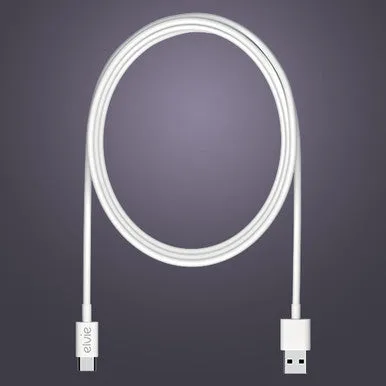
A retro handheld that won't turn on almost always has a discharged battery, a bad charging cable, or a stuck power button. Try a known-good USB-C cable and a 5V charger first—most units need a full charge cycle before they respond.
Why a dead battery is the most common cause
These consoles ship with a partial charge. If yours sat in a box for months, the battery may have drained to a voltage too low to power the screen. The 600mAh rechargeable battery in the 1.3-Inch Mini Handheld Game Console takes about 2 hours to charge from empty. A red charging light that turns off after a few minutes usually means the battery is full, not broken.
When the power button is the problem
A stuck or unresponsive power button is less common but happens if debris gets under the membrane. Try pressing firmly for 3 seconds instead of a quick tap. If the console still shows no life, the button may need cleaning with isopropyl alcohol on a cotton swab.
Diagnosis steps
- Symptom: Console shows no lights and no screen response when you press the power button.
- Likely cause: Battery is deeply discharged. The 600mAh battery needs a full charge cycle (2 hours).
- Corrective action: Use a 5V USB-A to USB-C cable (not a fast charger). Charge for 2 hours, then press and hold the power button for 3 seconds. If the console turns on, the fix is complete.
- Stop or choose another option: If the console still won't turn on after a full charge, try a different cable and charger. If it still fails, the battery or main board may be defective—consider a replacement unit. Do not open the case unless you are comfortable with small electronics repair.
Product that can help
-
1.3-Inch 600mAh Mini Handheld Game Console Compatible with Arduboy: Features a rechargeable 600mAh battery for extended playtime without frequent charging. If your console has this battery, a full charge cycle (not just a quick plug-in) is the first step before suspecting a hardware fault.
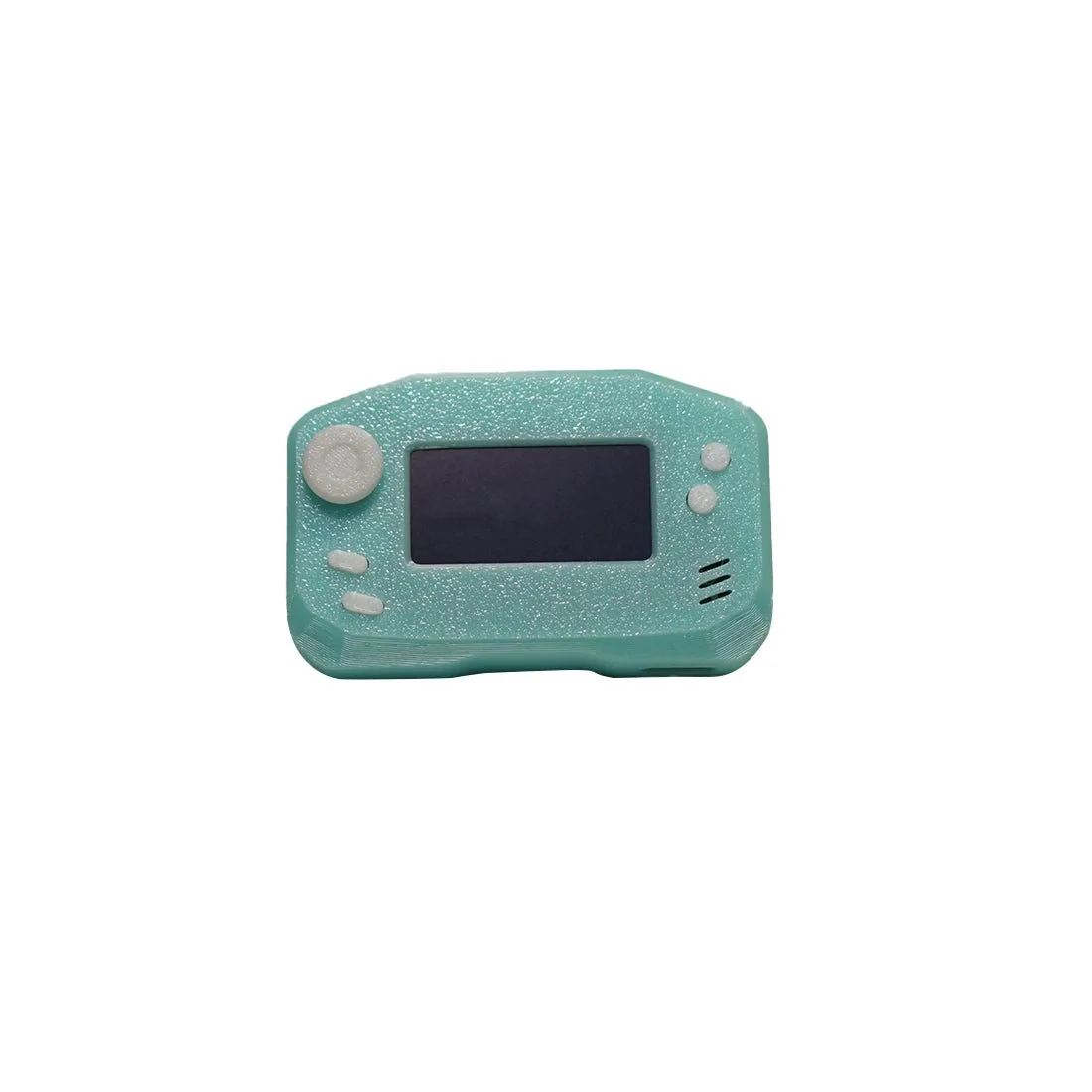
1.3-Inch 600mAh Mini Handheld Game Console Compatible with Arduboy